
Introduction
Thank you for choosing the Newmowa Extendable Selfie Stick Tripod. This manual provides detailed instructions for the setup, operation, and maintenance of your device. Please read this manual carefully before use to ensure optimal performance and safety.
What's in the Box
- 1 x Newmowa Extendable Selfie Stick Tripod
- 1 x Detachable Remote Shutter
- 1 x Type-C Charging Cable
- 1 x User Manual
Product Features
- Unique Remote Shutter & Compatibility: Control your iPhone (11 and above, iOS 15+) remotely for photos, videos, zoom, and lens switching. The remote is integrated and detachable for easy storage and to prevent loss.
- Stable Bluetooth Connection: Features Bluetooth 5.0 for a stable connection up to 15 meters (49 feet). Quick pairing. The built-in battery charges via the included Type-C cable and provides approximately 12 hours of use.
- All-in-One Tripod & Multi-Angle Shooting: Functions as a phone tripod, selfie stick, and portable grip. The anti-slip silicone design ensures stability. Offers 115° vertical adjustment and 360° horizontal rotation for flexible shooting angles.
- Adjustable & Lightweight Design: Extendable in six sections from 23.6 cm (9.3 inches) to 130 cm (51.2 inches). Weighs only 0.3 kg, making it highly portable. The soft silicone phone clip protects your device from scratches.
- Hands-Free Operation: Constructed from high-quality aluminum alloy and plastic for durability. Reduces phone shake for clearer images and videos. Ideal for various activities including travel, vlogging, live streaming, and video calls.
Setup Guide
- Unfold the Tripod: Gently pull the legs of the tripod base outwards until they are fully extended and stable. Ensure the anti-slip silicone feet are firmly on the surface.
- Extend the Selfie Stick: Pull the top section of the stick upwards to extend it to your desired length. The stick has six adjustable sections.
- Mount Your Phone: Open the phone clip and carefully insert your iPhone. Ensure the phone is securely held by the soft silicone grips to prevent scratches and accidental drops.
- Adjust Phone Angle: Use the 115° vertical adjustment and 360° horizontal rotation features to position your phone for the perfect shot.
- Charge the Remote: Before first use, charge the detachable Bluetooth remote using the provided Type-C cable. The LED indicator will show charging status.

Figure 1: Stable tripod base with anti-slip silicone feet. Click the button at the bottom to expand the tripod.
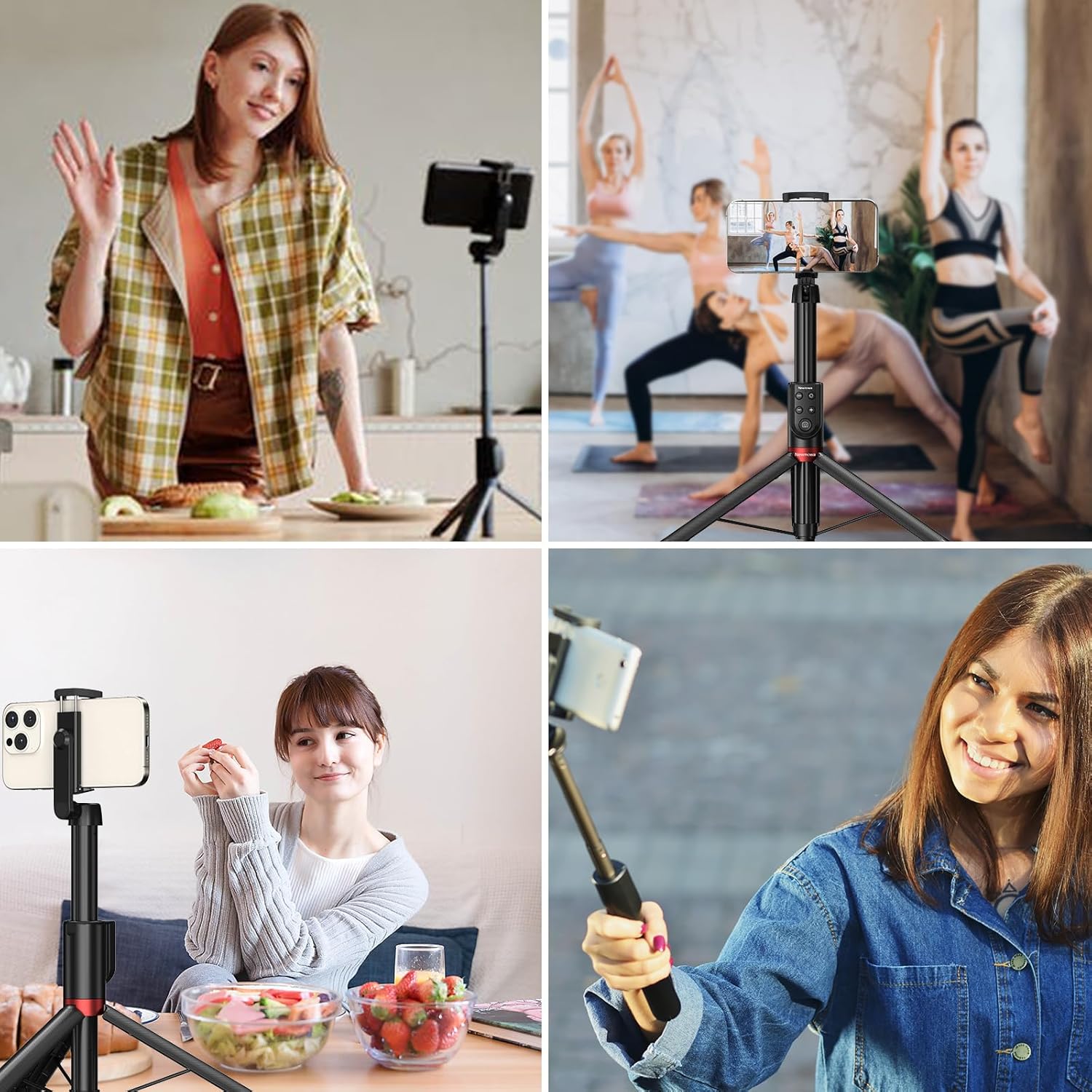
Figure 2: The selfie stick can be extended from 9.3 inches (folded) to 51.2 inches (max height).
Operating Instructions
Compatibility and Remote Features
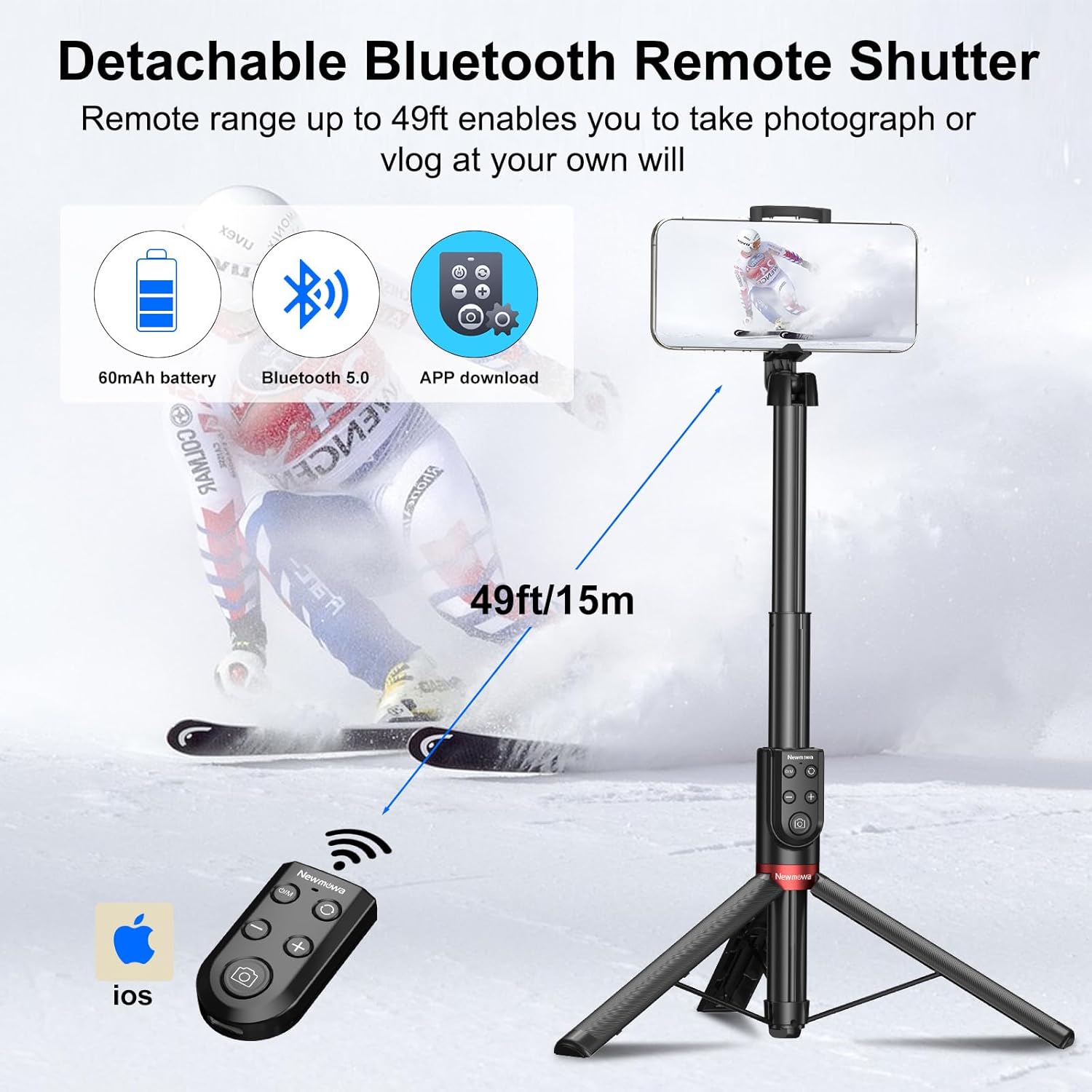
Figure 3: Designed for iPhone, compatible with iPhone 11 and above (iOS 15+). The unique remote shutter allows for photo, video, zoom, and lens switching.
Pairing the Bluetooth Remote
- Ensure the remote is charged.
- Press and hold the Power ON/OFF / M Button on the remote until the LED indicator light flashes, indicating it's in pairing mode.
- On your iPhone, go to Settings > Bluetooth.
- Select "Newmowa" or a similar device name from the list of available devices to pair. The LED indicator will stop flashing once paired.
Using the Remote Control
- Power ON/OFF / M Button: Press and hold to turn the remote on/off. Short press to switch between photo/video modes (if applicable to your iPhone camera app).
- Shutter / Record Button: Press to take a photo or start/stop video recording.
- Lens Switch Button: Press to switch between different camera lenses (e.g., wide, ultra-wide, telephoto) on your iPhone.
- Lens Zoom Button (+/-): Press the "+" button to zoom in and the "-" button to zoom out.

Figure 4: Detachable Bluetooth Remote Control layout.

Figure 5: The remote can be detached for use up to 15 meters away.
Video 1: Demonstrates the Newmowa VL031 Phone Bluetooth Selfie Stick in use, highlighting its extendable shaft, wide field of view, remote control for selfies, integrated tripod design, and multi-angle adjustment. It also shows the zoom in/out functionality of the remote.
Maintenance
- Cleaning: Wipe the selfie stick and remote with a soft, dry cloth. Do not use harsh chemicals or abrasive cleaners.
- Storage: When not in use, fold the selfie stick to its compact size and store it in a cool, dry place away from direct sunlight and extreme temperatures.
- Battery Care: Charge the remote's battery regularly, even if not in frequent use, to maintain battery health. Avoid fully discharging the battery for extended periods.
- Water Resistance: This product is not waterproof. Avoid exposure to water or high humidity.
Troubleshooting
| Problem | Solution |
|---|---|
| Remote not pairing with iPhone. |
|
| Remote buttons not responding. |
|
| Selfie stick feels unstable. |
|
Specifications
| Feature | Detail |
|---|---|
| Brand | Newmowa |
| Model Number | VL031-NMW-UK |
| Compatible Devices | iPhone 11 and above (iOS 15+) |
| Material | Aluminum, Plastic, Silicone |
| Color | Black/White |
| Folded Size | 23.6 cm (9.3 inches) |
| Maximum Height | 130 cm (51.2 inches) |
| Number of Leg Sections | 6 |
| Tripod Head Type | Ball head |
| Product Weight | 300 grams |
| Remote Control Connectivity | Bluetooth 5.0 |
| Remote Control Range | Up to 15 meters (49 feet) |
| Remote Battery Type | Lithium-ion |
| Average Battery Life (Remote) | 12 hours |
| Charging Port | Type-C |
| Water Resistance | Not waterproof |
Warranty and Support
Newmowa products are designed for reliability and performance. For warranty information or technical support, please refer to the contact details provided with your purchase or visit the official Newmowa website. Keep your proof of purchase for warranty claims.


