
1. Introduction
Thank you for choosing the AOFAR HX1000 Hunting Laser Rangefinder. This device is designed to provide accurate distance, angle, and speed measurements for hunting and outdoor activities. Featuring a high-transparency multi-coated lens with 6x magnification, a measurement range of up to 1000 yards, and a durable IPX4 waterproof design, the HX1000 offers reliable performance in various conditions. This manual provides essential information for the proper setup, operation, maintenance, and troubleshooting of your device.
2. Safety Information
The AOFAR HX1000 is a Class 1 laser product. Please read and adhere to the following safety guidelines:
- Do not stare directly into the laser beam. Direct exposure to the laser beam may cause eye damage.
- Do not aim the device at anyone's eyes.
- Avoid disassembling or modifying the device. Unauthorized modifications can lead to laser radiation exposure and void the warranty.
- Keep the device away from extreme temperatures, direct sunlight, and high humidity.
- Handle the device with care to prevent drops or impacts that could damage internal components.
- Keep out of reach of children.
3. Package Contents
Verify that all items are present in your package:
- AOFAR HX1000 Laser Rangefinder (x1)
- Handbag (x1)
- Carabiner (x1)
- Lanyard (x1)
- Cleaning Cloth (x1)
- USB Type-C Charging Cable (x1)
- User Manual (x1)

Figure 3.1: Included accessories with the AOFAR HX1000 Laser Rangefinder.
4. Product Overview
Familiarize yourself with the components of your AOFAR HX1000 Laser Rangefinder.
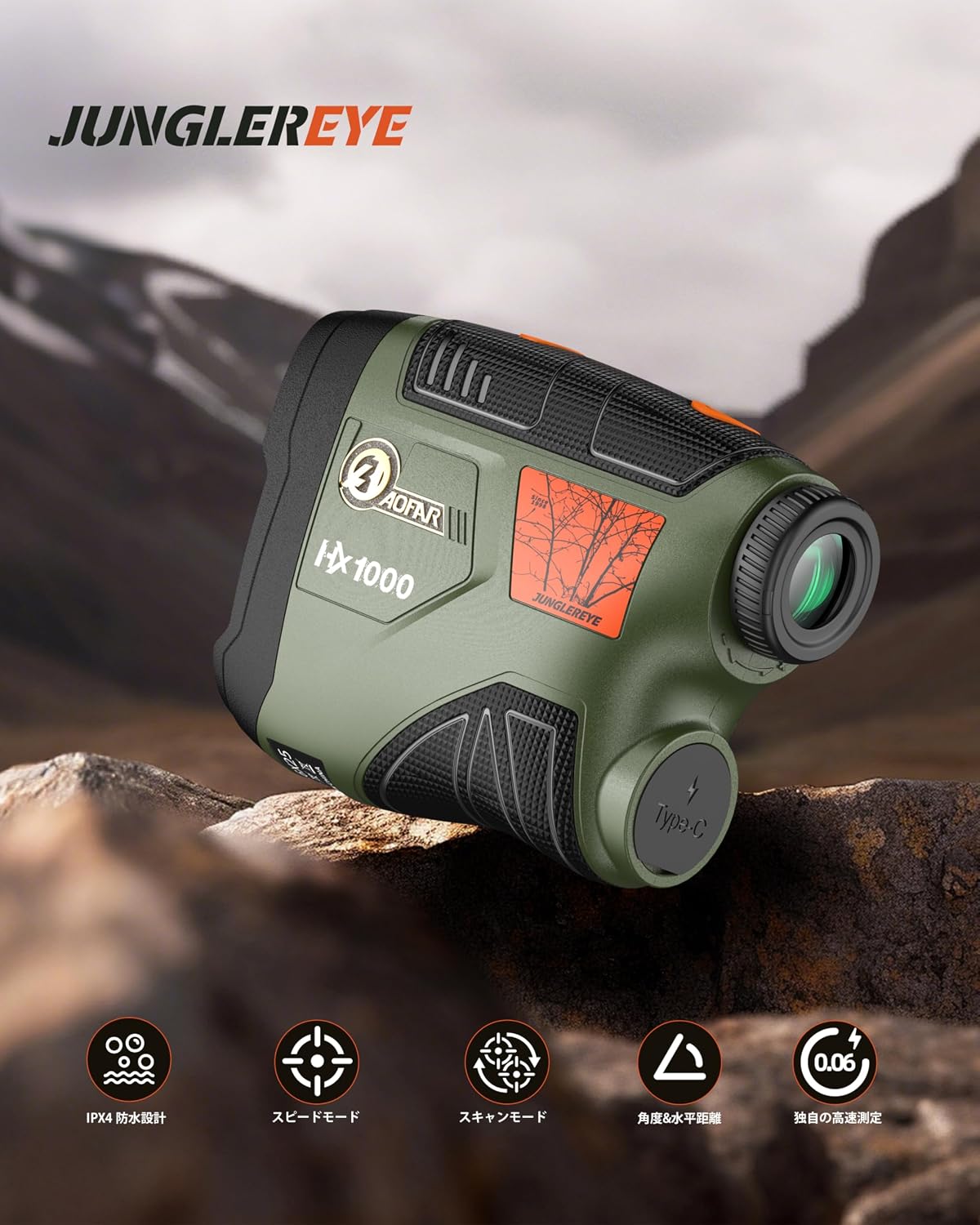
Figure 4.1: Front view of the AOFAR HX1000 Laser Rangefinder.
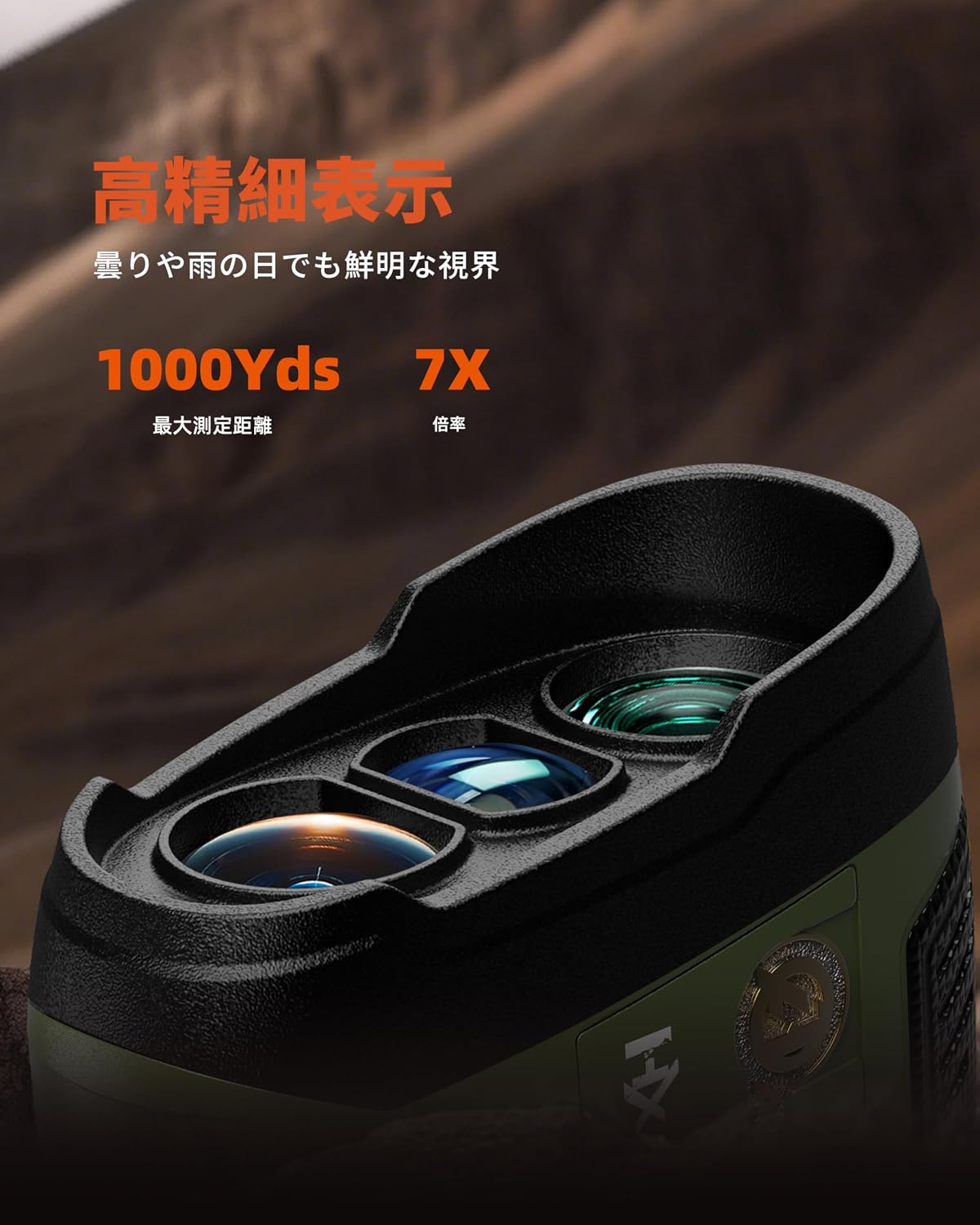
Figure 4.2: Close-up of the objective and eyepiece lenses.
Key Components:
- Objective Lens: The front lens through which the laser is emitted and received.
- Eyepiece: The lens you look through to view the target and display.
- Power/Measurement Button: Used to power on the device and initiate measurements.
- Mode Button: Used to switch between different measurement modes.
- USB Type-C Charging Port: For recharging the internal battery.
- Diopter Adjustment Ring: Located on the eyepiece, used to adjust focus for clear viewing.
5. Setup
5.1 Charging the Device
The AOFAR HX1000 features a built-in rechargeable lithium-ion battery. Before first use, fully charge the device.
- Locate the USB Type-C charging port on the side of the rangefinder.
- Connect the provided USB Type-C cable to the rangefinder and the other end to a compatible USB power source (e.g., computer, wall adapter).
- The charging indicator will show the charging status. A full charge provides approximately 12,000 measurements.
- Avoid charging in high-temperature environments. Do not use the device while charging.

Figure 5.1: Charging the AOFAR HX1000 via USB Type-C.
5.2 Adjusting the Eyepiece
For clear viewing, adjust the diopter:
- Look through the eyepiece.
- Rotate the diopter adjustment ring until the display and target appear sharp and clear.
5.3 Powering On/Off
- Power On: Press the Power/Measurement button once. The display will activate.
- Power Off: The device will automatically power off after 20 seconds of inactivity to conserve battery. You can also press and hold the Power/Measurement button to manually turn it off.
6. Operating Instructions
The AOFAR HX1000 offers multiple measurement modes to suit various needs.

Figure 6.1: Overview of measurement modes.
6.1 Basic Measurement (Distance Mode)
This is the default mode for measuring linear distance to a stationary target.
- Power on the device by pressing the Power/Measurement button.
- Aim the crosshairs at your desired target.
- Press the Power/Measurement button again. The measured distance will be displayed instantly.
6.2 Mode Selection
To switch between measurement modes, press the Mode button while the device is powered on.
6.3 Speed Measurement Mode
This mode allows you to measure the speed of a moving target.
- Press the Mode button until 'Speed Mode' is indicated on the display.
- Aim at the moving target.
- Press the Power/Measurement button. The speed of the target will be displayed.
Video 6.1: Demonstration of AOFAR rangefinder operation, including speed measurement. Note: The model shown in this video is HX2000, but the general operational principles apply to the HX1000.
6.4 Scanning Mode
For continuous measurement of multiple targets or a moving target, use the scanning mode.
- Press the Mode button until 'Scanning Mode' is indicated.
- Press and hold the Power/Measurement button while sweeping the rangefinder across different targets.
- The display will continuously update with real-time distances to objects in the field of view.
6.5 Multi-functional Measurement
The HX1000 can automatically calculate horizontal distance and angle. These values are displayed alongside the linear distance in certain modes.
6.6 Unit Switching (Meter/Yard)
To switch between meters (m) and yards (yd):
- While the device is powered on, press and hold the Mode button for a few seconds until the unit changes.
7. Maintenance
Proper care ensures the longevity and accuracy of your rangefinder.
- Cleaning Lenses: Use the provided cleaning cloth or a soft, lint-free cloth to gently wipe the lenses. Avoid using abrasive materials or harsh chemicals.
- Cleaning Body: Wipe the body with a soft, damp cloth. Do not use solvents or immerse the device in water.
- Storage: Store the rangefinder in its protective handbag in a cool, dry place when not in use. Avoid prolonged exposure to direct sunlight or extreme temperatures.
- Battery Care: Recharge the battery regularly, even if the device is not used frequently, to maintain battery health.
8. Troubleshooting
If you encounter issues with your AOFAR HX1000, refer to the following common problems and solutions:
| Problem | Possible Cause | Solution |
|---|---|---|
| Device does not power on. | Low battery or device is off. | Charge the battery using the USB Type-C cable. Press the Power/Measurement button to turn on. |
| Inaccurate measurements. | Unstable grip, dirty lenses, or target is too small/reflective. | Ensure a steady grip. Clean the lenses. Aim at a larger or less reflective part of the target. |
| Display is blurry. | Diopter not adjusted correctly. | Rotate the diopter adjustment ring on the eyepiece until the display is clear. |
| Cannot switch modes. | Mode button not pressed correctly or device is frozen. | Ensure a firm press on the Mode button. If unresponsive, power off and on the device. |
If the problem persists after attempting these solutions, please contact AOFAR customer support.
9. Specifications
Detailed technical specifications for the AOFAR HX1000 Laser Rangefinder:
| Feature | Specification |
|---|---|
| Model | HX1000 |
| Measurement Range | 5 - 1000 yards |
| Measurement Accuracy | ±1 yard |
| Magnification | 6X |
| Lens Coating | Multi-coated LCD lens |
| Battery Type | Rechargeable Lithium-ion (650mAh) |
| Charging Port | USB Type-C |
| Waterproof Level | IPX4 (Splash-proof) |
| Dimensions (L x W x H) | 10.5 x 2.5 x 7.5 cm |
| Weight | 140g |
| Material | ABS, Rubber |
| Color | Military Green |
10. Warranty and Support
The AOFAR HX1000 Laser Rangefinder comes with a 2-year warranty from the date of purchase. This warranty covers manufacturing defects and ensures reliable operation under normal use.
For any questions, technical assistance, or warranty claims, please contact AOFAR customer support. When contacting support, please have your order number ready for faster service.
Contact Information: Please refer to the contact details provided on the AOFAR official website or your purchase platform for the most up-to-date support information.