1. Introduction
Thank you for choosing the Rosekm 4.5L Automatic Cool Mist Humidifier. This device is designed to enhance your indoor environment by maintaining optimal humidity levels, contributing to improved comfort and well-being. This manual provides essential information for the safe and efficient operation, maintenance, and troubleshooting of your humidifier. Please read it thoroughly before use and retain it for future reference.

Image 1.1: Rosekm 4.5L Automatic Cool Mist Humidifier
2. Important Safety Instructions
To reduce the risk of fire, electric shock, or injury, always follow these basic safety precautions:
- Read all instructions before using the appliance.
- Place the humidifier on a firm, flat, water-resistant surface at least 12 inches (30 cm) away from walls and appliances.
- Do not place the humidifier directly on carpet, towels, or other absorbent surfaces.
- Always unplug the humidifier before filling, cleaning, or moving it.
- Do not operate the humidifier with a damaged cord or plug.
- Keep the humidifier out of reach of children and pets.
- Use only clean, cool tap water. Do not add essential oils directly into the water tank as this may damage the unit.
- The humidifier features an automatic shut-off function when the water level is too low, ensuring safe operation.
3. Package Contents
Verify that all items are present in the package:
- Rosekm 4.5L Automatic Cool Mist Humidifier
- Cleaning Brush
- User Manual (this document)
4. Product Overview
The Rosekm 4.5L Humidifier consists of a water tank, a base unit containing the ultrasonic plate and fan, and a control panel for operation.
4.1 Components
- Water Tank: Transparent tank with 4.5L capacity.
- Mist Nozzle: 360° rotatable nozzle for directing mist.
- Base Unit: Houses the power components and ultrasonic plate.
- Control Panel: Digital display and touch buttons for settings.
- Humidity Sensor: Integrated for automatic humidity detection.
4.2 Control Panel Functions
- Power Button: Tap to turn on/off.
- Mist Level Button: Tap to cycle through Low, Mid, High mist settings.
- Auto Mode Button: Activates automatic humidity control.
- Timer Button: Sets the automatic shut-off timer (1-12 hours).
- Digital Display: Shows current humidity level and selected settings.

Image 4.1: Humidifier dimensions (6.81"D x 6.81"W x 11.65"H)
5. Setup
Follow these steps to set up your Rosekm humidifier:
- Remove Packaging: Carefully remove all packaging materials from the humidifier.
- Separate Components: Lift the water tank from the base unit.
- Fill Water Tank: Invert the water tank, unscrew the cap, and fill it with clean, cool tap water. Do not exceed the maximum fill line. Securely screw the cap back on.
- Place Tank on Base: Place the filled water tank back onto the base unit, ensuring it is seated correctly.
- Connect Power: Plug the power cord into a suitable electrical outlet.
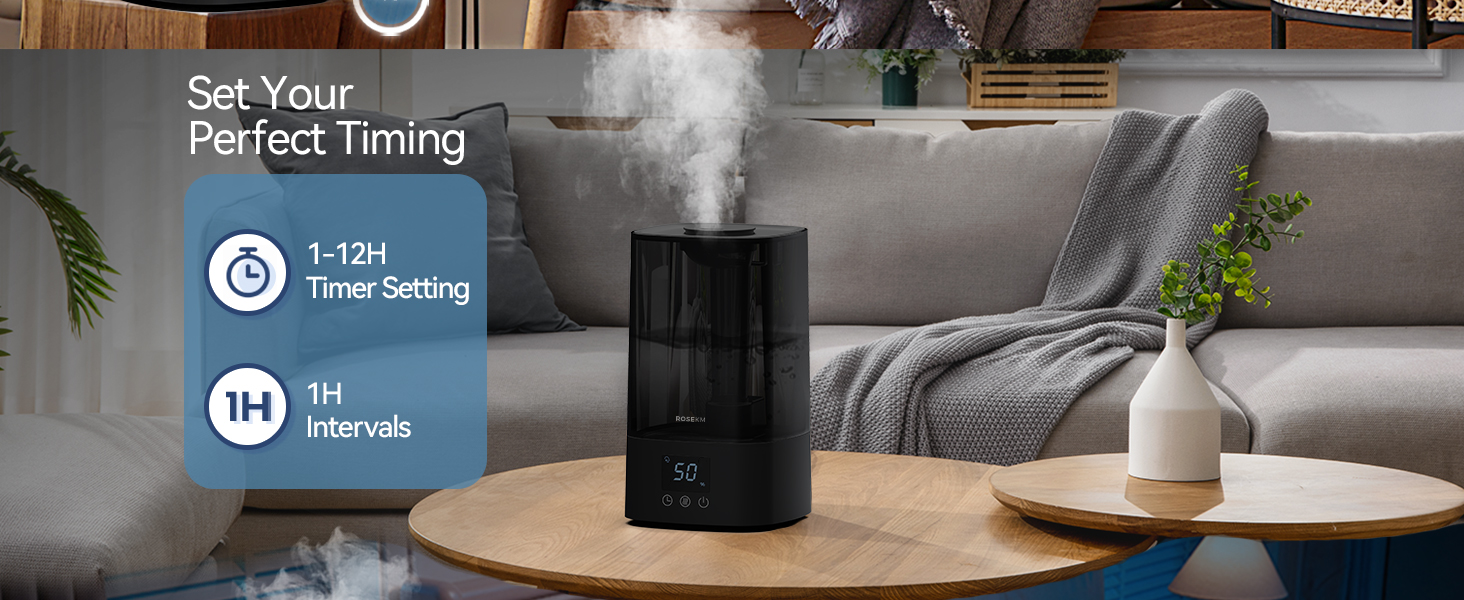
Image 5.1: Visual guide for the 4-step setup process.
6. Operating Instructions
6.1 Power On/Off
Gently tap the power button on the control panel to turn the humidifier on or off. A beep will confirm your selection.
6.2 Adjusting Mist Levels
After powering on, tap the mist level button to cycle through Low, Mid, and High mist output settings. The digital display will indicate the current setting.

Image 6.1: Demonstrates tapping the control panel to adjust mist levels (Low, Mid, High).
6.3 Auto Mode
Press the Auto Mode button to activate the built-in humidity sensor. The humidifier will automatically adjust mist levels to maintain a comfortable humidity range, and the display will show the current humidity percentage.
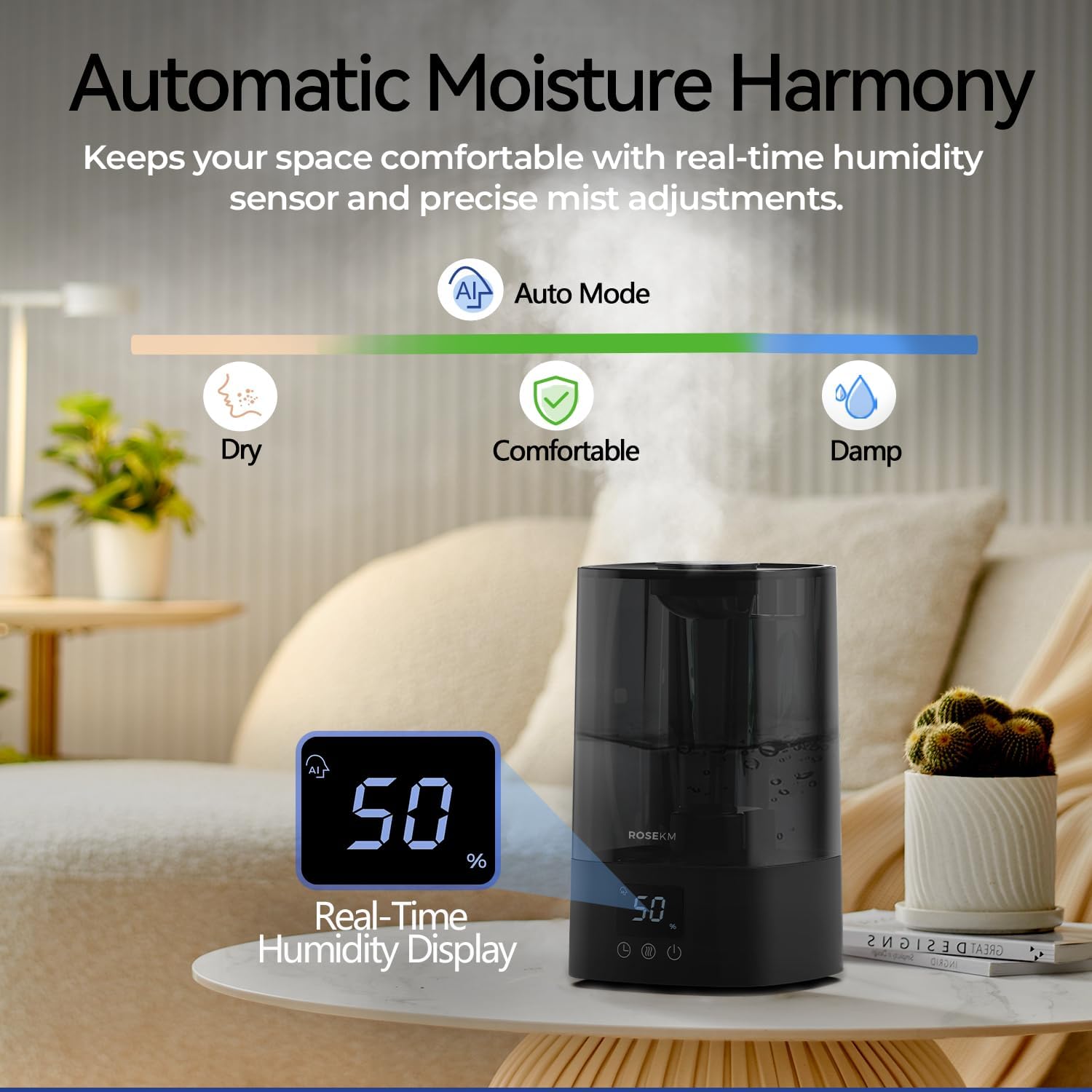
Image 6.2: Illustrates the automatic moisture harmony feature with real-time humidity display.
6.4 Timer Setting
Tap the timer button to set an automatic shut-off time from 1 to 12 hours. The humidifier will turn off automatically after the selected duration.

Image 6.3: Shows the humidifier with a visual representation of the 1 to 12-hour timer setting.
6.5 Quiet Operation and Auto Shut-Off
The humidifier operates at less than 26 decibels for quiet use. The indicator lights turn off automatically after 10 seconds of inactivity. The unit will also automatically shut off when the water level is too low.
7. Maintenance
Regular cleaning is essential for optimal performance and hygiene.
7.1 Daily Maintenance
- Empty and rinse the water tank and base daily.
- Allow all parts to air dry before refilling.
7.2 Weekly Cleaning
- Unplug the humidifier.
- Remove the water tank.
- Pour 1 cup (240ml) of white vinegar into the water tank and base. Let it soak for 30 minutes.
- Use the included cleaning brush to gently scrub the ultrasonic plate and other internal surfaces to remove mineral buildup.
- Rinse all components thoroughly with clean water until the vinegar smell is gone.
- Wipe the exterior with a soft, damp cloth.
- Ensure all parts are completely dry before reassembling or storing.
Note: Do not immerse the base unit in water.
8. Troubleshooting
If you encounter issues with your humidifier, refer to the following common problems and solutions:
| Problem | Possible Cause | Solution |
|---|---|---|
| No mist or low mist output | Low water level Mineral buildup on ultrasonic plate Unit not properly assembled | Refill water tank Clean ultrasonic plate with vinegar and brush Ensure water tank is correctly seated on the base |
| Humidifier does not turn on | No power Water tank empty Power button not pressed correctly | Check power connection and outlet Refill water tank Gently tap the power button with your fingertip; a beep confirms activation |
| Blinking lights on control panel | Water level too low Unit malfunction | Refill water tank. If problem persists after refilling, unplug and re-plug the unit. If still blinking, contact customer support. |
| Unresponsive touch controls | Improper touch Moisture on panel | Ensure your fingertip aligns with the button for successful operation. Wipe the control panel dry. |
| Unusual noise | Unit not on a flat surface Foreign object in water tank | Place humidifier on a stable, flat surface Check water tank for any foreign objects and remove them |
If the problem persists after attempting these solutions, please contact Rosekm customer support.
9. Specifications
- Brand: Rosekm
- Model Name: KC-KM13S-4L
- Capacity: 4.5 Liters (1.2 Gallons)
- Mist Output: Up to 250 ml/h
- Runtime: Up to 18 hours (High setting), Up to 40 hours (Low setting)
- Noise Level: < 26 dB
- Coverage Area: Up to 430 Square Feet
- Product Dimensions: 6.81"D x 6.81"W x 11.65"H
- Item Weight: 2.65 Pounds
- Voltage: 110 Volts (AC)
- Wattage: 18 Watts
- Special Features: Adjustable Humidity Control, Auto Mode, Digital Display, Low Water Indicator, Timer
- Included Components: Humidifier, Cleaning Brush, User Manual
10. Warranty and Support
10.1 Warranty Information
The Rosekm 4.5L Automatic Cool Mist Humidifier is covered by a five-year warranty from the date of purchase. This warranty covers defects in materials and workmanship under normal use. It does not cover damage resulting from misuse, accidents, unauthorized modifications, or failure to follow the instructions in this manual.
10.2 Customer Support
For warranty claims, technical assistance, or any questions regarding your product, please contact Rosekm customer service. Have your model number (KC-KM13S-4L) and proof of purchase ready when contacting support.
You can visit the official Rosekm store for more information: Rosekm Store on Amazon


