Introduction
This manual provides detailed instructions for setting up, operating, and maintaining your Samsung Galaxy S24 Ultra smartphone. It covers key features such as AI translation capabilities, the S Pen, and wireless power sharing, ensuring you can fully utilize your device's advanced functionalities.
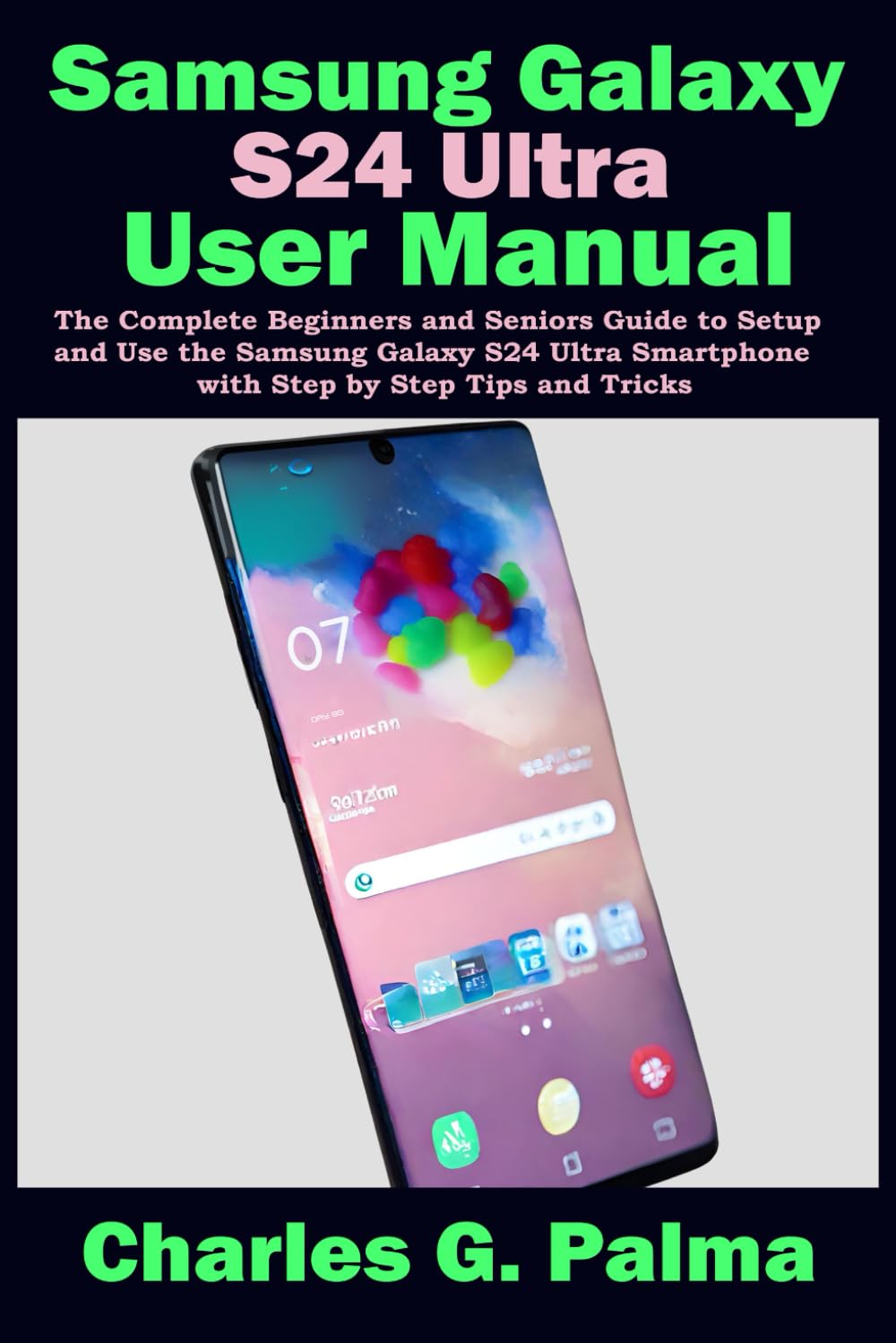
Image: Front cover of the Samsung Galaxy S24 Ultra User Manual, featuring the title and a smartphone graphic.

Image: Back cover of the Samsung Galaxy S24 Ultra User Manual, displaying the ISBN-13 barcode: 979-8882820212.
Setup
Before using your device, ensure it is fully charged. Follow these steps for initial setup:
- Insert SIM Card: Carefully insert your Nano-SIM card into the designated tray.
- Power On: Press and hold the Power button until the Samsung logo appears.
- Initial Configuration: Follow the on-screen prompts to select your language, connect to a Wi-Fi network, sign in with your Google account, and transfer data from a previous device if desired.
- Set Up Security: Configure your preferred security method, such as fingerprint recognition, face recognition, PIN, pattern, or password.
Operating
Explore the advanced features of your Galaxy S24 Ultra to enhance your daily mobile experience.
AI Translation Capabilities
The device includes built-in AI features designed to assist with communication and organization:
- Live Translate: This feature provides real-time language translation during phone calls or face-to-face conversations.
- Note Assist: Utilize Note Assist to organize, summarize, and format your notes efficiently.
- Chat Assist: Enhance your messaging with Chat Assist, which offers contextual suggestions and tone adjustments for your texts.
S Pen Usage
The integrated S Pen offers precision and versatility for various tasks:
- Air Actions: Control your phone remotely with customizable gestures using the S Pen.
- Screen Off Memo: Quickly jot down notes on the screen without unlocking your device.
- Smart Select: Capture specific parts of the screen, extract text, or create GIFs from videos.
Wireless Power Sharing
Your Galaxy S24 Ultra can wirelessly charge other compatible devices, such as earbuds or another smartphone:
- Enable Feature: Swipe down from the top of the screen to open the Quick Settings panel and tap the Wireless Power Sharing icon.
- Position Device: Place the compatible device on the back of your Galaxy S24 Ultra to begin charging.
Maintenance
To ensure optimal performance and longevity of your Samsung Galaxy S24 Ultra, follow these maintenance guidelines:
- Keep Clean and Dry: Regularly wipe your device with a soft, dry cloth. Avoid exposure to excessive moisture or dust.
- Avoid Extreme Temperatures: Do not expose your phone to very high or very low temperatures, as this can affect battery life and internal components.
- Use Approved Accessories: Only use chargers, cables, and accessories approved by Samsung to prevent damage and ensure safety.
- Regularly Back Up Data: Periodically back up your important data to Samsung Cloud, Google Drive, or a computer.
- Keep Software Updated: Install system updates as they become available to benefit from new features, security patches, and performance improvements.
Troubleshooting
This section addresses common issues you might encounter with your Samsung Galaxy S24 Ultra and provides potential solutions.
Device Not Turning On
If your device does not power on, ensure the battery is sufficiently charged. Connect the charger and wait a few minutes before attempting to power on again by pressing and holding the Power button for several seconds.
Apps Crashing or Freezing
If an application is not responding or frequently crashing, try clearing its cache and data through the device settings (Settings > Apps > [App Name] > Storage). If the issue persists, consider reinstalling the application or checking for system software updates.
Connectivity Problems (Wi-Fi/Bluetooth)
For Wi-Fi or Bluetooth connectivity issues, try toggling the respective feature off and on from the Quick Settings panel. Restarting your device can also resolve temporary network glitches. Ensure your router or Bluetooth accessory is functioning correctly.
Specifications
Key specifications for the Samsung Galaxy S24 Ultra User Manual (Paperback edition):
| ASIN | B0CWG27NJN |
| Publisher | Independently published |
| Publication date | February 25, 2024 |
| Language | English |
| Print length | 189 pages |
| ISBN-13 | 979-8882820212 |
| Item Weight | 12.2 ounces |
| Dimensions | 6 x 0.43 x 9 inches |
Warranty and Support
For detailed warranty information regarding your Samsung Galaxy S24 Ultra smartphone, please refer to the official Samsung website or the warranty card included with your device. This manual itself does not carry a separate warranty.
For technical assistance, troubleshooting, or further inquiries about your Samsung Galaxy S24 Ultra, please utilize the following resources:
- Online Support: Visit the official Samsung Support website for FAQs, downloads, and service requests.
- Customer Service: Contact Samsung customer service directly for personalized assistance. Refer to your device packaging or the Samsung support website for contact numbers specific to your region.


