
Introduction
Thank you for choosing the Portronics Harmonics Z10 In-Ear Bluetooth Headphone. This manual provides essential information for setting up, operating, maintaining, and troubleshooting your device. Please read it thoroughly to ensure optimal performance and longevity of your headphones.

The Portronics Harmonics Z10 In-Ear Bluetooth Headphone, featuring a neckband design and magnetic earbuds for secure wear and storage.
Setup
1. Unboxing and Package Contents
Before you begin, ensure all items are present in the package:
- 1N Headset (Portronics Harmonics Z10)
- 1N Charging Cable (Type-C)
- 1N Documentation (User Manual)
2. Charging Your Headphones
The Harmonics Z10 features a Type-C fast charging port. For initial use, fully charge the headphones. A 10-minute charge provides up to 2 hours of playback, and a full charge offers an impressive 35 hours of playtime.
- Locate the Type-C charging port on the neckband.
- Connect the included Type-C charging cable to the headphone's charging port.
- Connect the other end of the cable to a compatible USB power source (e.g., wall adapter, computer USB port).
- The LED indicator will show charging status (refer to the LED indicator section for details).

Close-up view of the Type-C fast charging port on the Portronics Harmonics Z10 neckband, illustrating the charging connection.
3. Pairing with Your Device
The Harmonics Z10 uses Bluetooth 5.3 for seamless and stable connectivity up to a range of 10 meters.
- Ensure your headphones are charged and powered on.
- Activate Bluetooth on your smartphone, tablet, or other audio device.
- Search for available Bluetooth devices. The Harmonics Z10 will appear as "Harmonics Z10" or similar.
- Select "Harmonics Z10" from the list to pair.
- Once paired, the headphones will automatically connect to your device in the future when in range and Bluetooth is active.
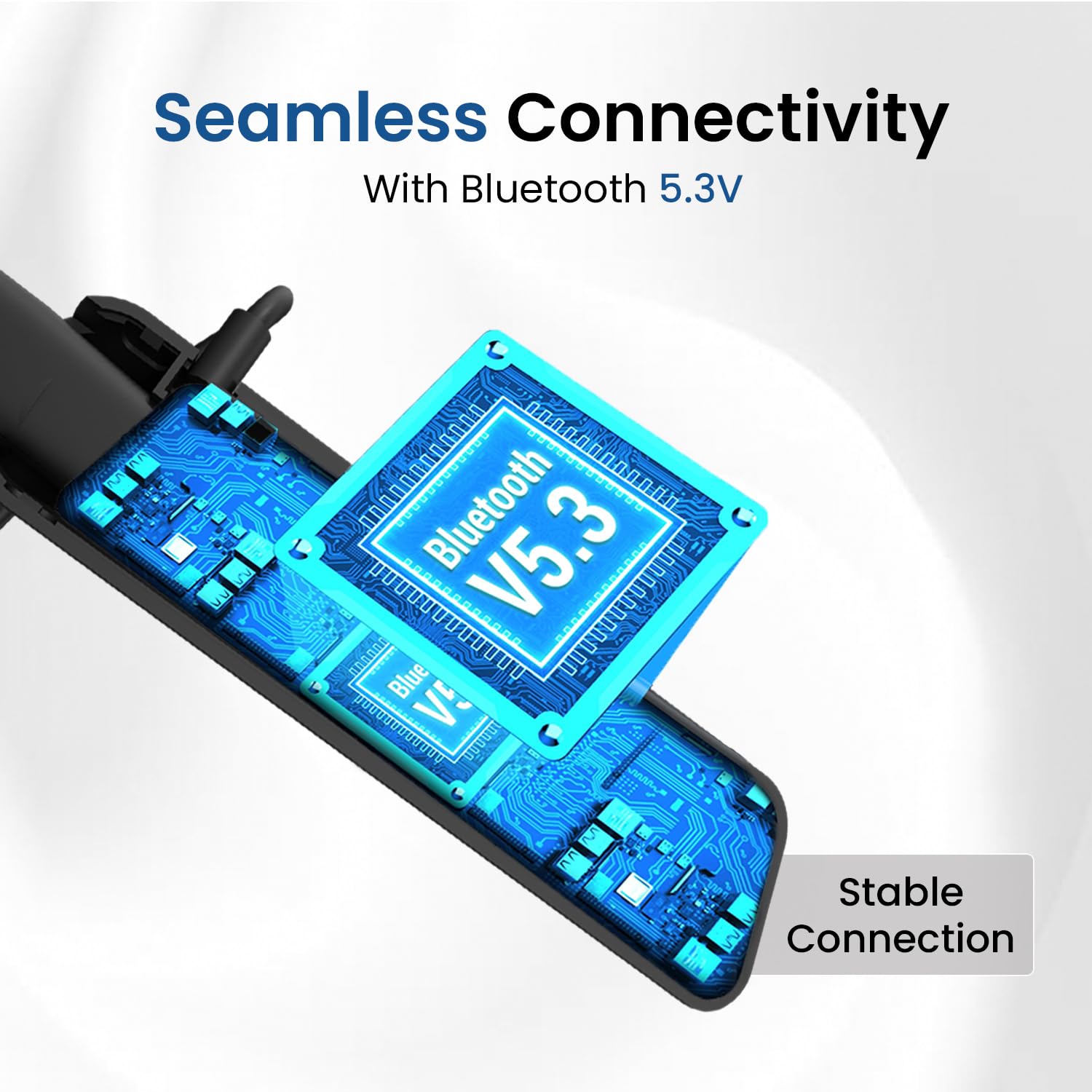
An illustration depicting the seamless Bluetooth 5.3 connectivity of the Harmonics Z10, highlighting the stable connection.
Operating Your Headphones
1. In-Line Controls
The Harmonics Z10 features integrated in-line controls for easy management of audio playback and calls.
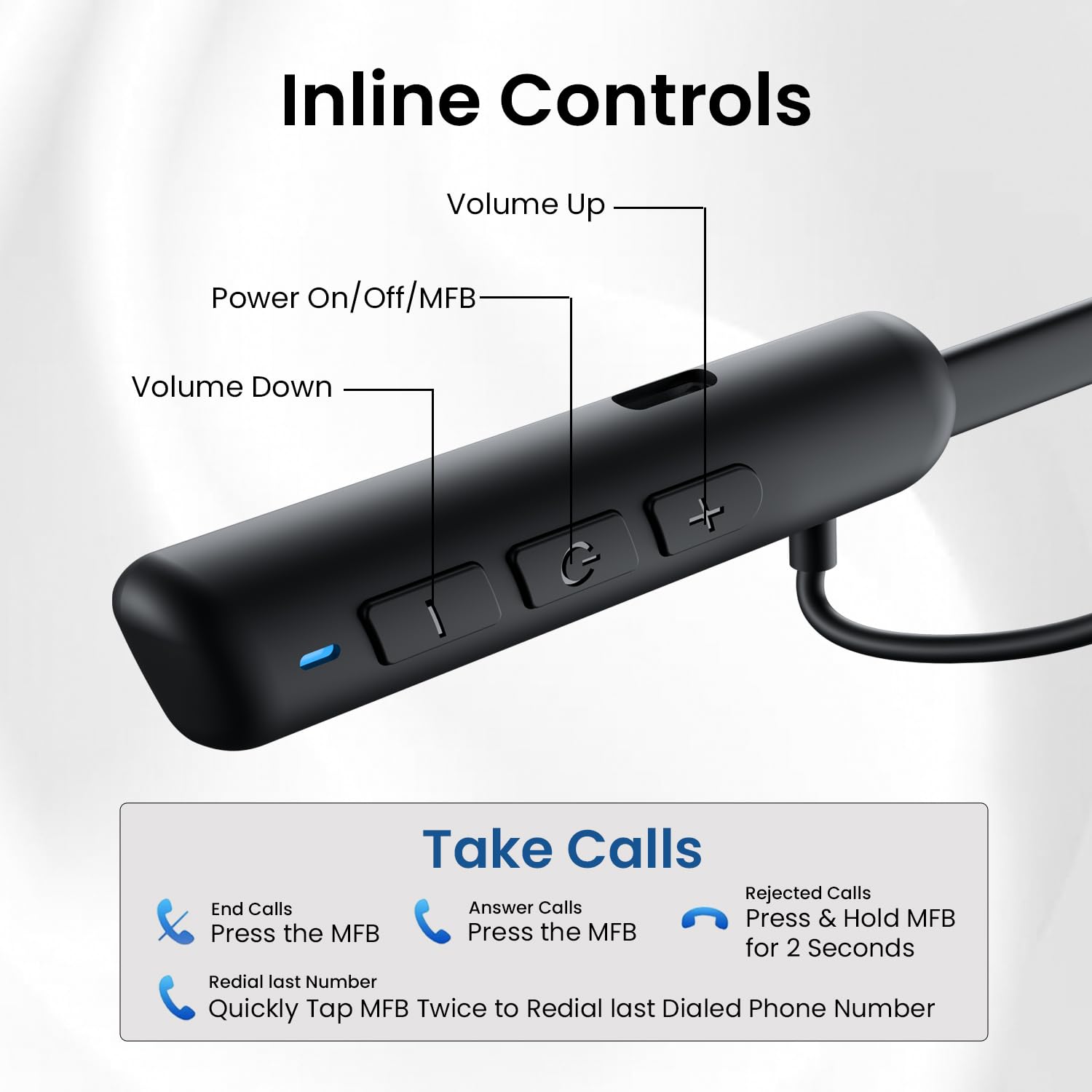
Detailed diagram of the in-line controls on the Harmonics Z10 neckband, showing buttons for volume, power/MFB, and call management functions.
- Power On/Off/MFB (Multi-Function Button): Press and hold to power on/off. Single press for play/pause, answer/end calls.
- Volume Up (+): Short press to increase volume.
- Volume Down (-): Short press to decrease volume.
- Next Track: Long press Volume Up (+) button.
- Previous Track: Long press Volume Down (-) button.
2. Call Management
- Answer Call: Press the MFB once.
- End Call: Press the MFB once during a call.
- Reject Call: Press and hold the MFB for 2 seconds.
- Redial Last Number: Quickly tap the MFB twice.
3. Voice Assistant
The Harmonics Z10 supports voice assistants like Google Assistant and Siri.
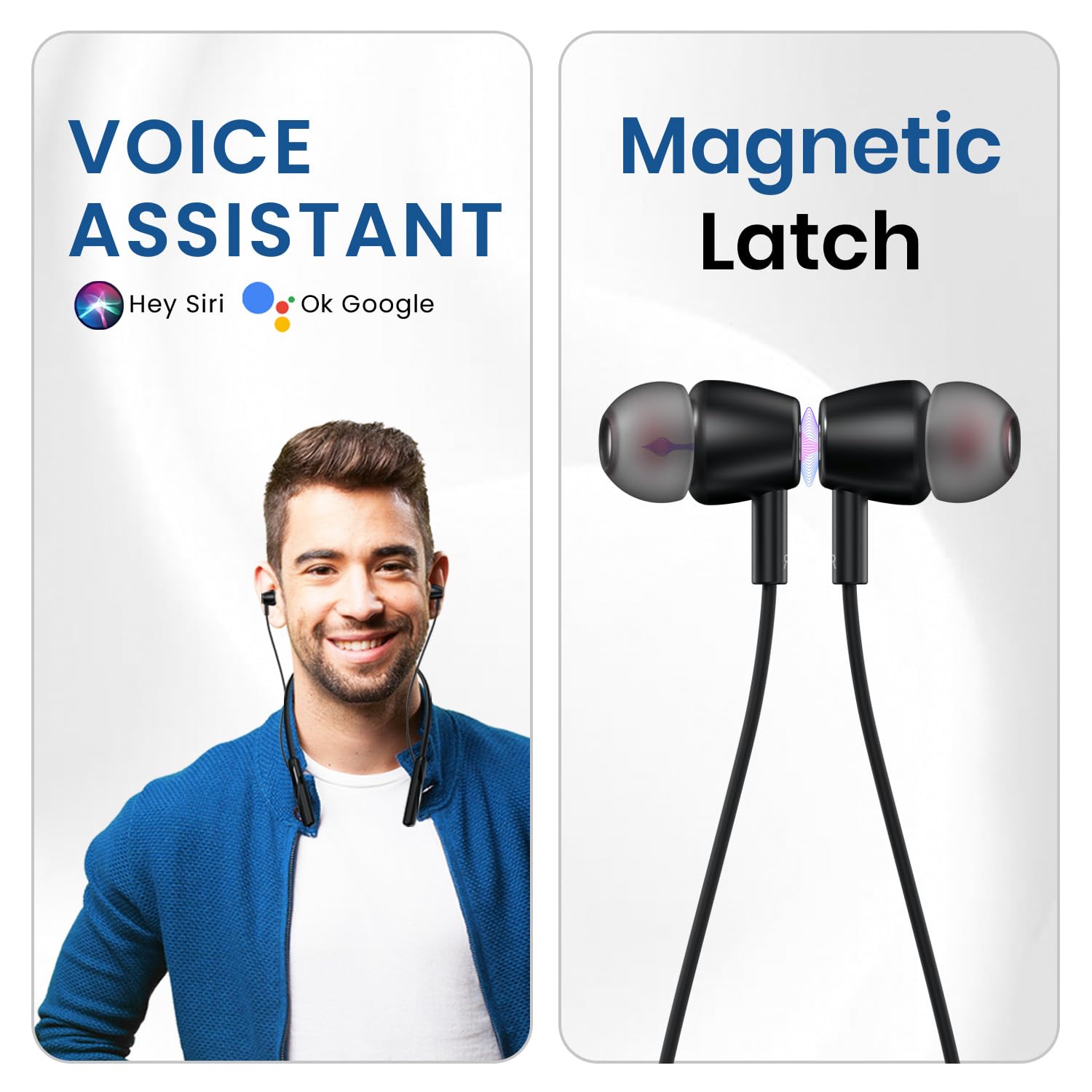
An image illustrating the voice assistant compatibility (Hey Siri, Ok Google) and the magnetic latch feature of the earbuds.
- Activate Voice Assistant: Press and hold the MFB for approximately 2 seconds (or as per specific model instruction) until you hear a prompt.
4. Audio Playback
Equipped with 10mm bass drivers, the Harmonics Z10 delivers crystal-clear sound with rich bass and crisp details for an immersive audio experience.
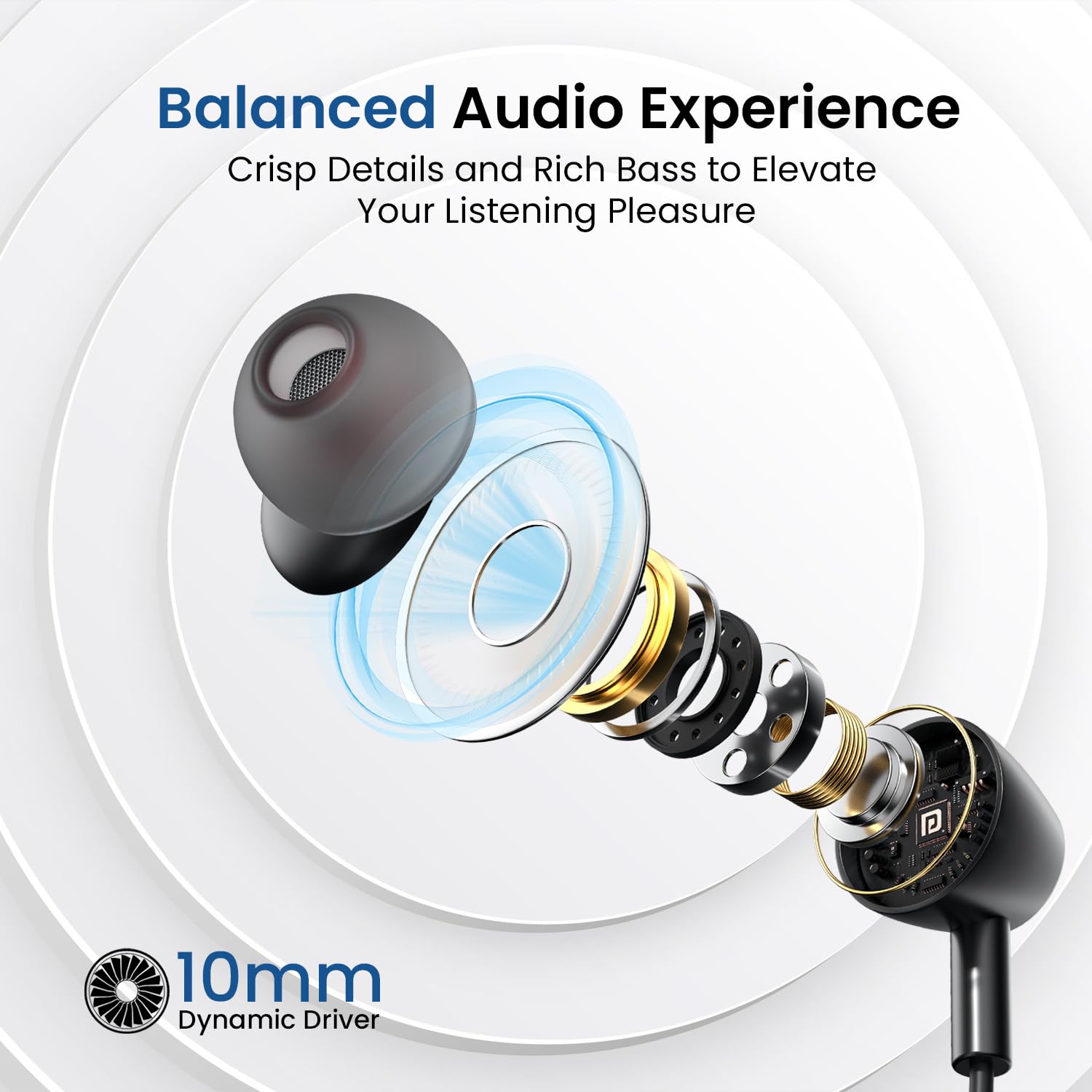
An exploded view of the 10mm dynamic driver, emphasizing the balanced audio experience with crisp details and rich bass.
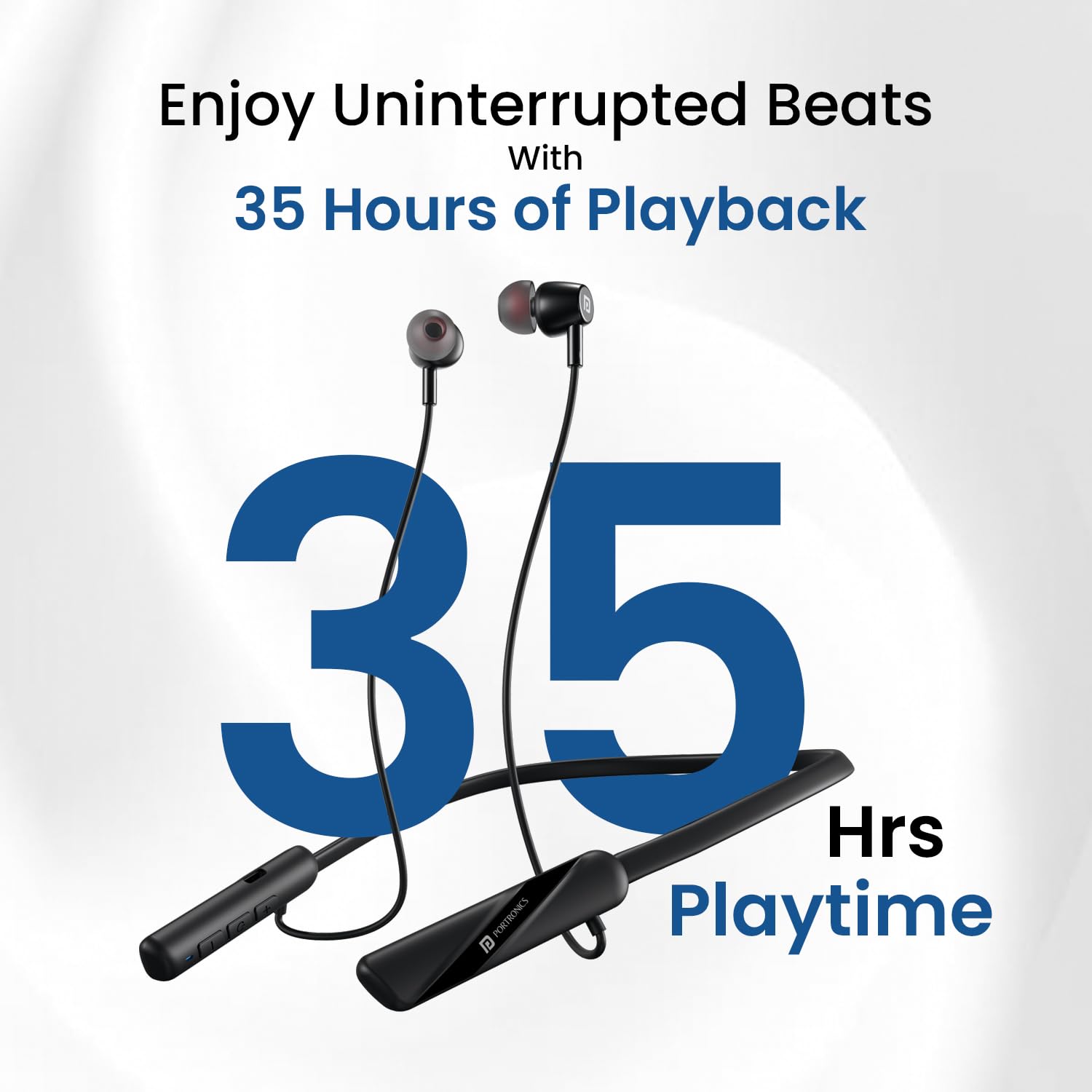
A visual representation highlighting the impressive 35 hours of playback time offered by the Harmonics Z10 headphones.
Maintenance
1. Cleaning
To maintain the performance and appearance of your headphones:
- Wipe the neckband and earbuds with a soft, dry, lint-free cloth.
- Do not use harsh chemicals, cleaning solvents, or strong detergents.
- Gently clean ear tips with a slightly damp cloth and allow them to dry completely before reattaching.
2. Storage
When not in use, store your headphones in a cool, dry place away from direct sunlight and extreme temperatures. The magnetic earbuds help prevent tangling during storage.
3. Water and Sweat Resistance
The Harmonics Z10 is rated IPX4, providing protection against water splashes and sweat. This makes them suitable for workouts and outdoor activities. However, they are not designed for submersion in water.
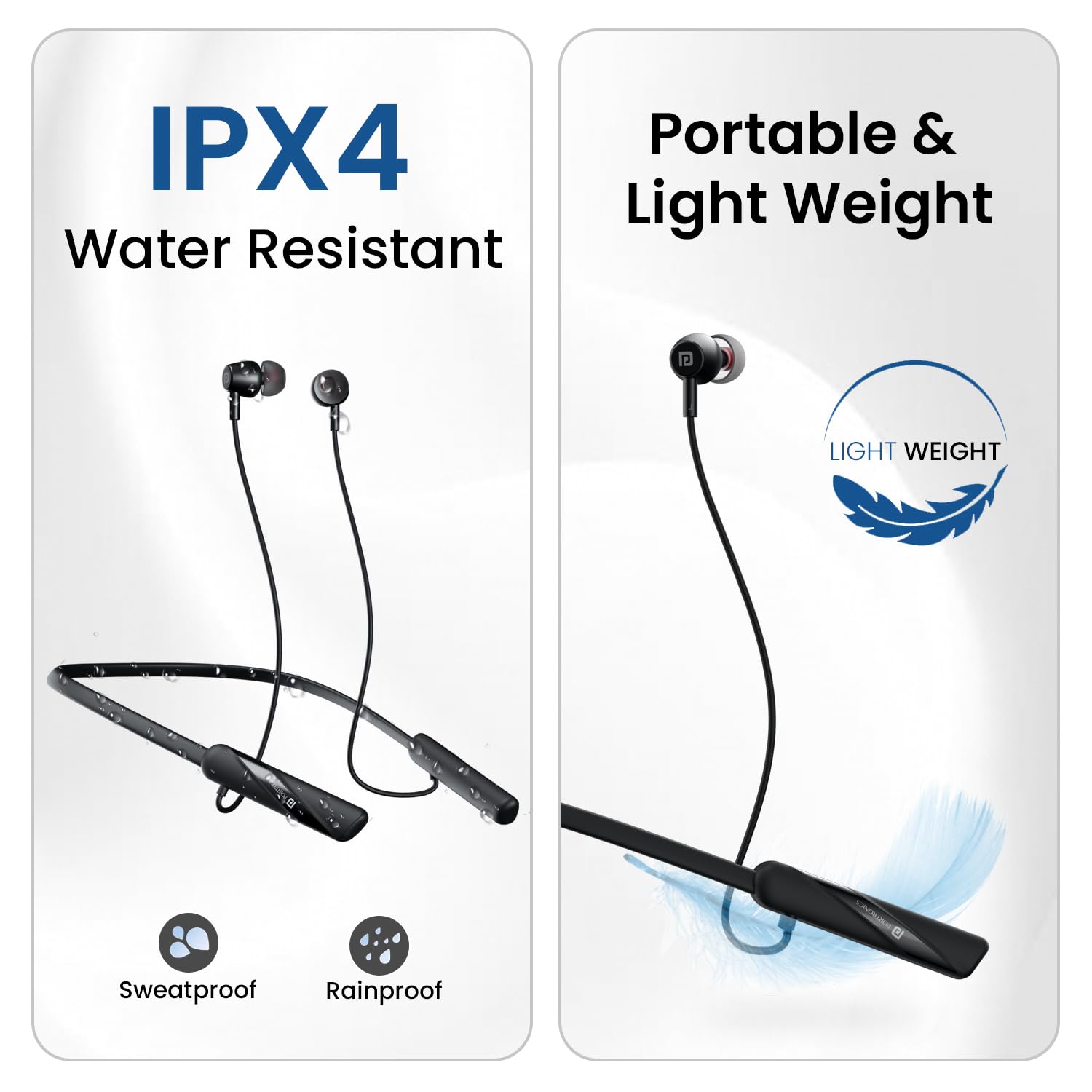
An image showcasing the IPX4 water resistance (sweatproof and rainproof) and the portable, lightweight design of the Harmonics Z10.
Troubleshooting
If you encounter issues with your Harmonics Z10 headphones, refer to the following common problems and solutions:
| Problem | Possible Cause | Solution |
|---|---|---|
| Headphones not turning on | Low battery; Power button not pressed correctly | Charge the headphones fully; Press and hold the Power/MFB button for 3-5 seconds. |
| Cannot pair with device | Bluetooth off; Headphones not in pairing mode; Device too far; Interference | Ensure Bluetooth is on for both devices; Make sure headphones are discoverable; Move devices closer; Turn off other Bluetooth devices. |
| No sound or low volume | Volume too low; Not connected; Incorrect audio output | Increase volume on both headphones and device; Re-pair the headphones; Check device's audio output settings. |
| Charging issues | Faulty cable/adapter; Dirty charging port | Try a different Type-C cable and power adapter; Gently clean the charging port. |
| Poor call quality | Environmental noise; Weak signal | Move to a quieter environment; Ensure strong Bluetooth connection. |
Specifications
| Feature | Detail |
|---|---|
| Model Name | Harmonics Z10 |
| Model Number | POR-2404 |
| Connectivity Technology | Wireless (Bluetooth) |
| Bluetooth Version | 5.3 |
| Bluetooth Range | 10 Metres |
| Battery Life | 35 Hours Playtime |
| Charging Time | Approx. 10 minutes for 2 hours playback |
| Audio Driver Type | 10mm Dynamic Driver |
| Water Resistance Level | IPX4 (Water Splash and Sweat Resistant) |
| Control Type | In-Line Controls, Voice Control |
| Microphone Format | In-Line |
| Item Weight | 100 Grams |
| Product Dimensions | 19 x 15 x 3.5 cm |
| Material | Plastic |
| Included Components | Headset 1N, Cable 1N, Documentation 1N |
| Manufacturer | Portronics |
| Country of Origin | China |
Warranty and Support
Warranty Information
For detailed warranty terms and conditions, please refer to the documentation included with your product or visit the official Portronics website. Extended warranty options may also be available.
Customer Support
Should you require assistance or have any questions regarding your Portronics Harmonics Z10 headphones, please contact Portronics customer support:
- Email: help@portronics.com
- Phone: +91 9555-245-245
- Address: First Floor Property No D 8 Upper Basement Sector 8 Noida Uttar Pradesh 201301

