
MADHUR ENTERPRISE Works 291
User Manual for Buds A520 TWS Earbuds
Model: A520_BLK KK
1. Introduction
Thank you for choosing the Buds A520 TWS Earbuds. These earphones are designed to provide a high-fidelity audio experience with wireless convenience. Featuring a sleek design, comfortable fit, and long battery life, they are your perfect companion for an elevated and wire-free audio journey.
Key features include:
- Seamless Bluetooth connectivity for tangle-free listening.
- High-quality audio with passive noise cancellation for an immersive experience.
- Extended playtime on a single charge, ideal for all-day use.
- Built-in microphone for clear, hands-free communication.
- Smart touch controls for easy operation.
2. Product Overview
The Buds A520 TWS Earbuds come with a protective charging case. Familiarize yourself with the components:
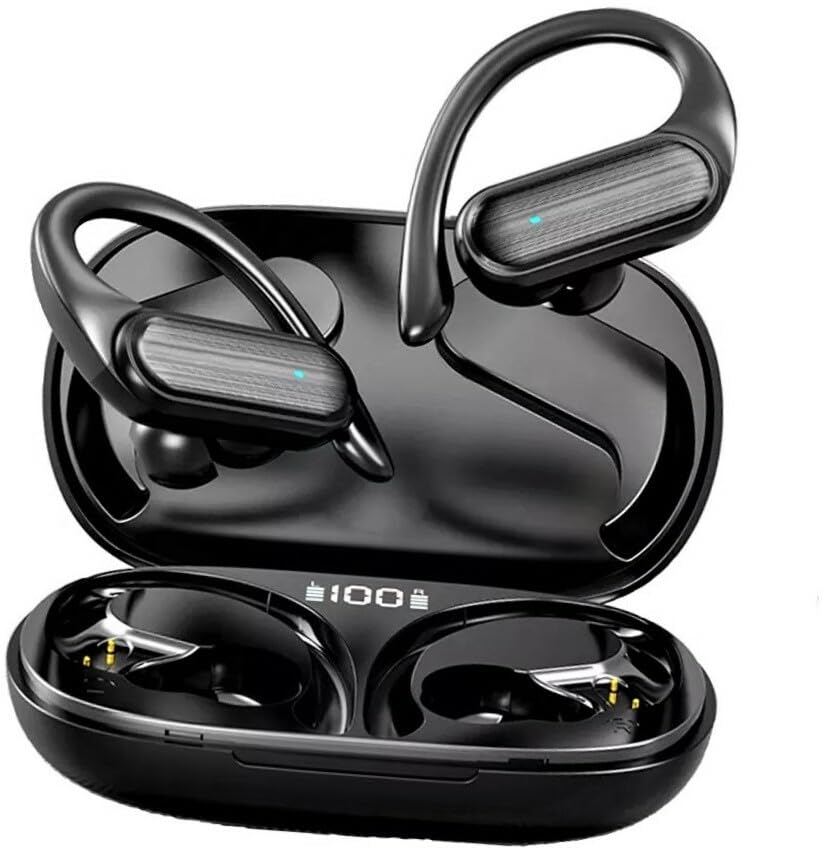
Figure 2.1: Buds A520 TWS Earbuds and Charging Case. The image shows the two earbuds resting in their open charging case, displaying their sleek black design and the digital battery indicator on the case.
What's in the Box:
- Buds A520 TWS Earbuds (Left and Right)
- Protective Charging Case
- User Manual (this document)
- USB Charging Cable
3. Setup
3.1 Charging the Earbuds and Case
Before first use, fully charge the earbuds and the charging case.
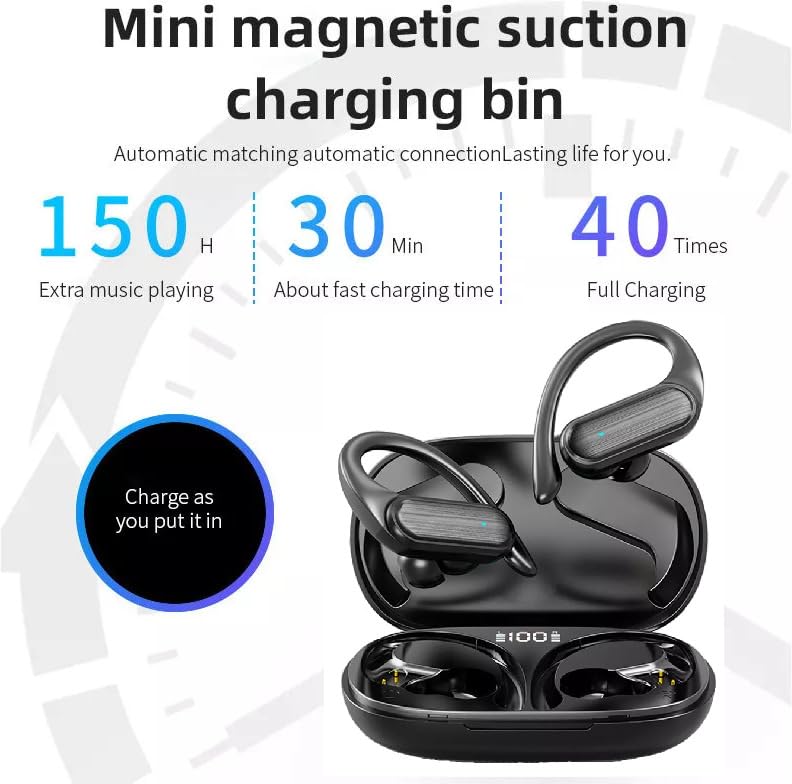
Figure 3.1: Mini Magnetic Suction Charging Bin. This image illustrates the charging capabilities, showing the earbuds in the case with a digital display indicating 100% charge, and text highlighting 150 hours extra music playing, 30 minutes fast charging time, and 40 full charges.
- Place the earbuds into the charging case. Ensure they are correctly seated; magnetic contacts will hold them in place.
- Connect the charging case to a USB power source using the provided USB cable.
- The digital display on the case will show the charging status. A full charge is indicated by 100%.
- The earbuds offer approximately 150 hours of extra music playing time with multiple charges from the case, and the case supports fast charging, reaching full charge in about 30 minutes.
3.2 Pairing with a Bluetooth Device
- Open the charging case. The earbuds will automatically power on and enter pairing mode.
- On your device (smartphone, tablet, etc.), enable Bluetooth.
- Search for "Buds A520" or a similar name in the list of available Bluetooth devices.
- Select "Buds A520" to connect. Once connected, you will hear a confirmation tone, and the indicator light on the earbuds may change.
- The earbuds support wide compatibility and can connect to multiple devices.
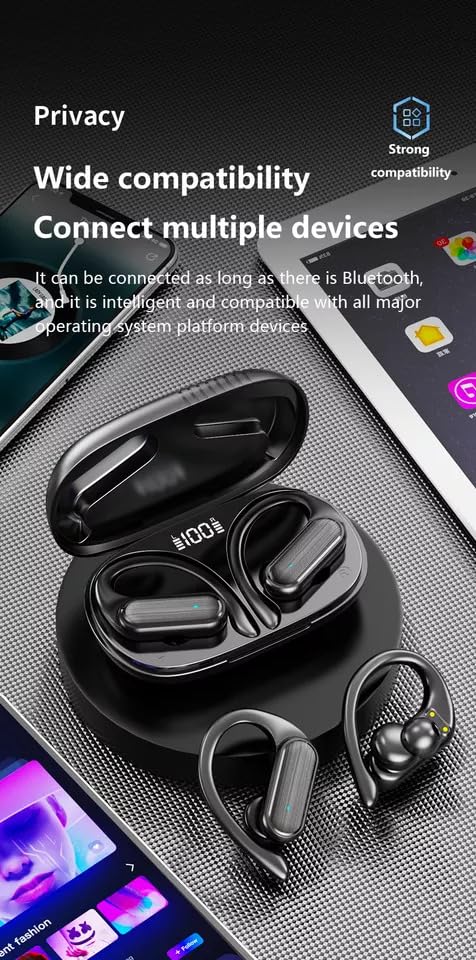
Figure 3.2: Wide Compatibility. This image shows the earbuds and case alongside various smart devices (phone, tablet), emphasizing their ability to connect with all major operating system platform devices via Bluetooth.
Note: Once paired, the earbuds will automatically connect to the last paired device when taken out of the case, provided Bluetooth is enabled on the device.
4. Operating the Earbuds
4.1 Smart Touch Controls
The Buds A520 feature intuitive touch controls on each earbud. Specific functions may vary slightly based on your device and application.
| Action | Function |
|---|---|
| Single Tap (Left/Right) | Play/Pause Music, Answer/End Call |
| Double Tap (Right) | Next Track |
| Double Tap (Left) | Previous Track |
| Long Press (Left/Right) | Activate Voice Assistant / Reject Call |
4.2 Call Management
- Answer Call: Single tap either earbud.
- End Call: Single tap either earbud during a call.
- Reject Call: Long press either earbud.
- The built-in microphone ensures clear communication.
4.3 Music Playback and Sound Quality
Enjoy high-definition music with the Buds A520. The earbuds are designed to effectively reduce sound leakage, ensuring your privacy and preventing disturbance to those around you.
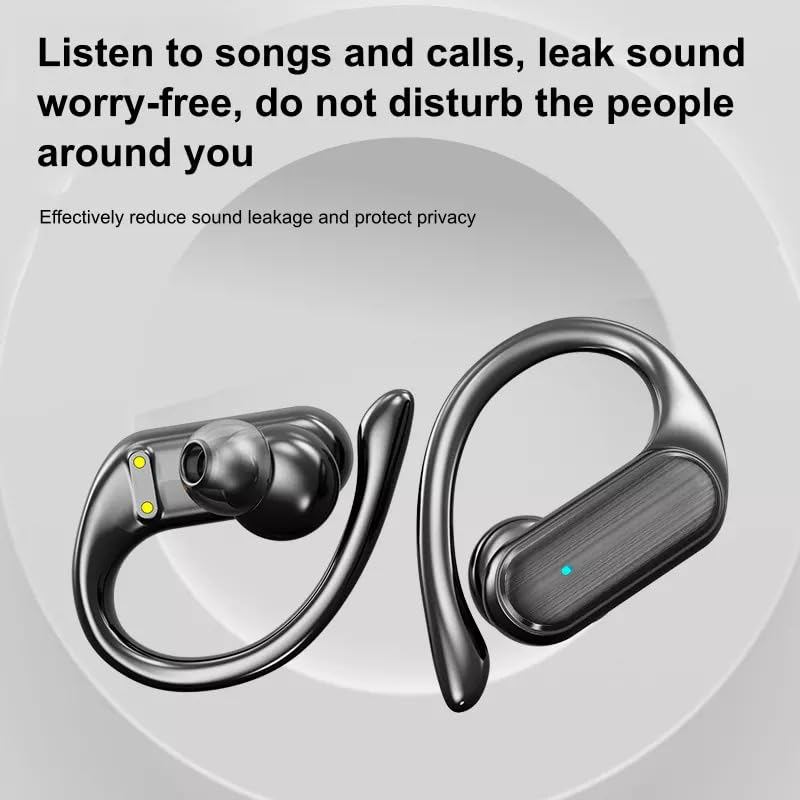
Figure 4.1: Leak Sound Worry-Free. This image highlights the design of the earbuds that effectively reduces sound leakage, ensuring privacy and preventing disturbance to others.
The earbuds feature 9D stereo high-fidelity sound quality, utilizing a 14mm customized unit and a metal composite diaphragm for rich, clear audio.

Figure 4.2: 9D Stereo High Fidelity Sound Quality. This diagram illustrates the internal components responsible for sound quality, including a 14mm customized unit, metal composite diaphragm, and high-quality voice coil, emphasizing transparent and natural hearing.
4.4 Gaming Mode (Low Latency)
For an enhanced gaming experience, the earbuds feature dual-channel low latency, powered by an intelligent new generation BT 5.3 chip. This ensures audio and video synchronization, providing a barrier-free voice dialogue.
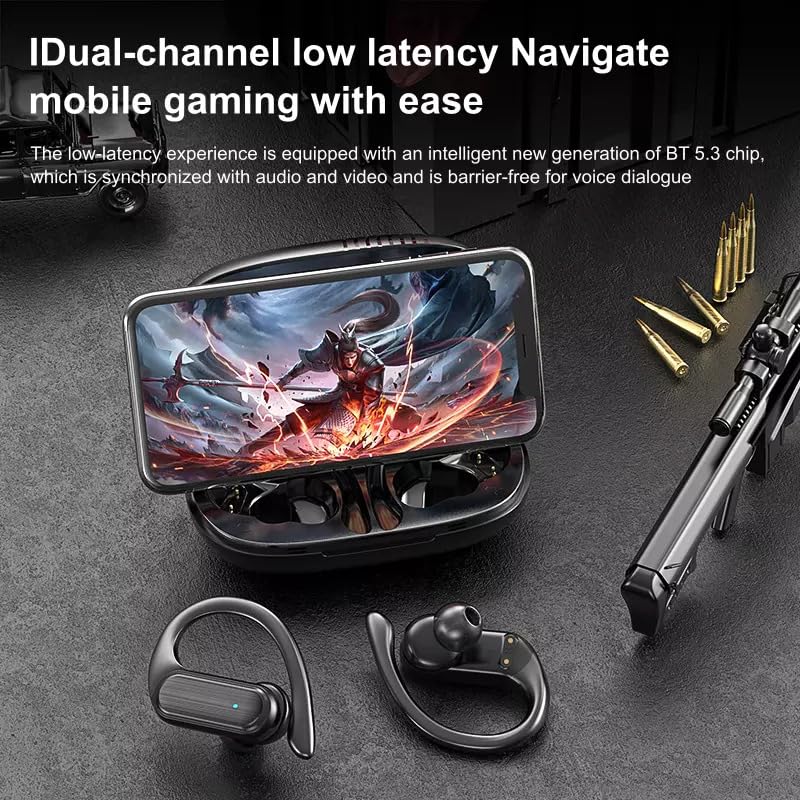
Figure 4.3: Dual-channel Low Latency for Mobile Gaming. This image shows the earbuds and case with a smartphone displaying a game, highlighting the low-latency experience for synchronized audio and video.
5. Comfort and Fit
The Buds A520 are designed for long-wearing comfort, featuring a "half into the ear" ergonomic design that prevents swelling or aching even after extended use. This design also helps prevent ear inflammation caused by blocked ear canals, allowing you to enjoy sports calmly.
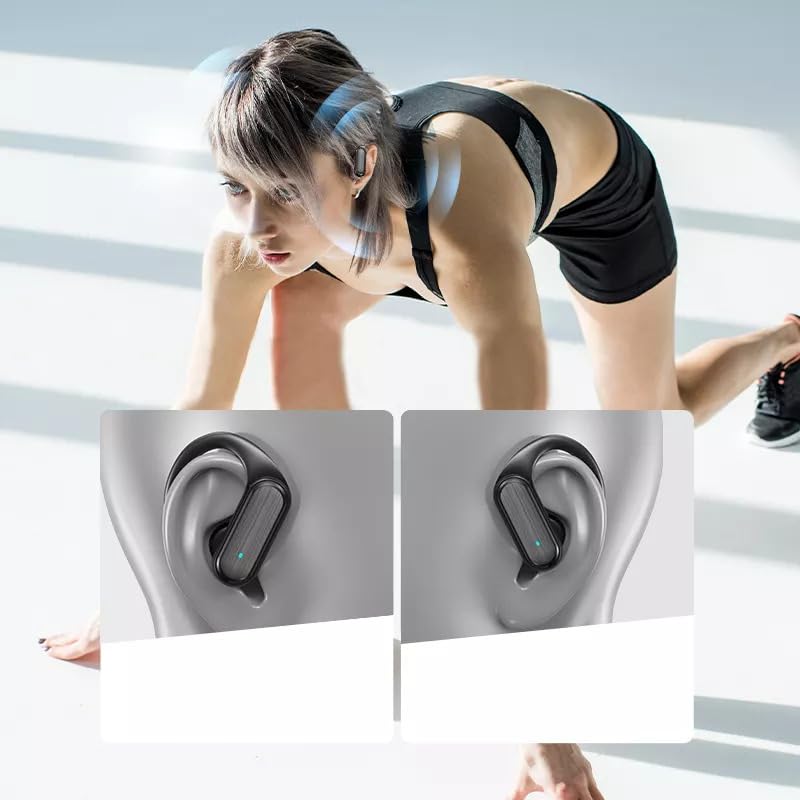
Figure 5.1: Secure and Comfortable Fit. This image shows the earbuds securely fitted on a person's ear during physical activity, demonstrating their stability and ergonomic design.
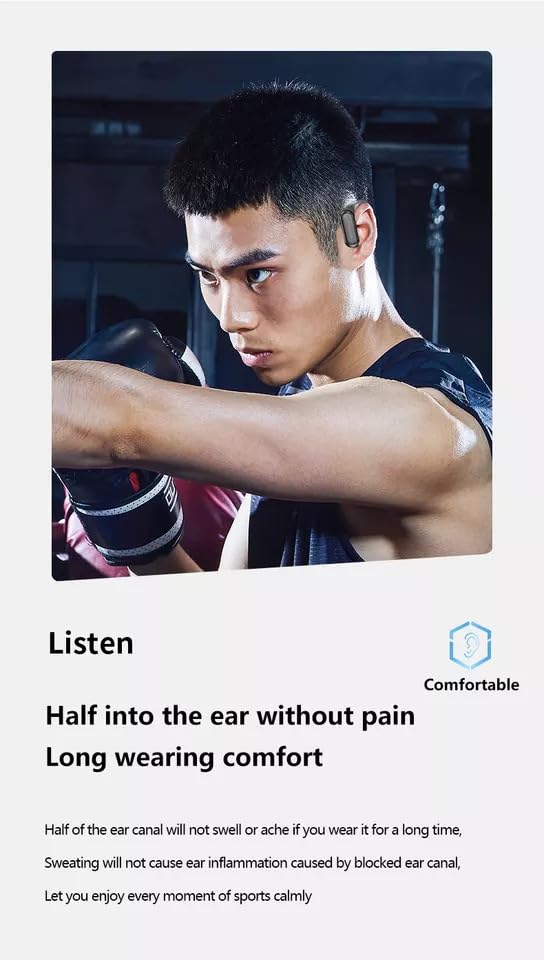
Figure 5.2: Half into the Ear Without Pain. This image emphasizes the comfortable design, stating that half of the ear canal will not swell or ache, and sweating will not cause ear inflammation, ensuring long wearing comfort.
The "hanging ear sports in-ear headphones" design provides additional security, making them suitable for active use.
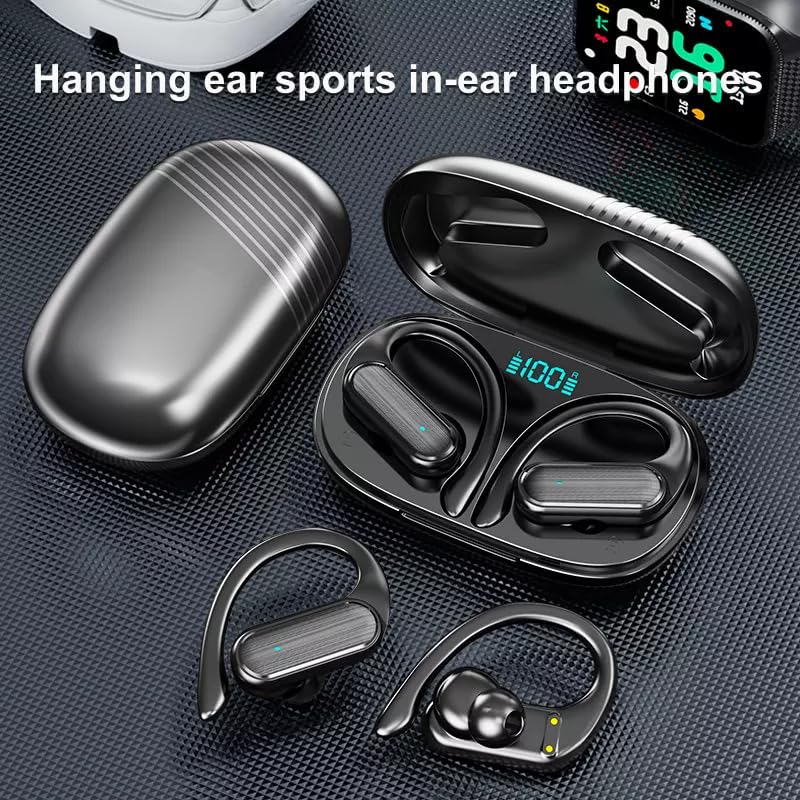
Figure 5.3: Hanging Ear Sports In-Ear Headphones. This image showcases the design of the earbuds with ear hooks, indicating their suitability for sports and active lifestyles.
6. Maintenance
- Cleaning: Regularly clean the earbuds and charging case with a soft, dry, lint-free cloth. Do not use harsh chemicals or abrasive materials.
- Water Resistance: The earbuds are waterproof. However, avoid prolonged submersion in water. Dry them thoroughly if they get wet before placing them back in the charging case.
- Storage: When not in use, store the earbuds in their charging case to protect them and keep them charged. Store in a cool, dry place away from extreme temperatures.
- Battery Care: To prolong battery life, avoid fully discharging the earbuds and case frequently. Charge them regularly, even if not in constant use.
7. Troubleshooting
If you encounter issues with your Buds A520 TWS Earbuds, please refer to the following common solutions:
| Problem | Solution |
|---|---|
| Earbuds not pairing/connecting |
|
| No sound from one earbud |
|
| Charging issues |
|
| Poor sound quality |
|
8. Specifications
| Feature | Detail |
|---|---|
| Model Name | ME |
| Connectivity Technology | Wireless (Bluetooth) |
| Wireless Communication Technology | Bluetooth |
| Noise Control | Passive Noise Cancellation |
| Control Method | Touch |
| Water Resistance Level | Waterproof |
| Material | Plastic |
| Form Factor | In ear, In Ear |
| Ear Placement | In Ear |
| Microphone Format | Built-In |
| Special Features | Fast Charging |
| Impedance | 100 Ohm |
| Manufacturer | MADHUR ENTERPRISE Works |
| Model Number | MADHUR ENTERPRISE Works 291 |
| Item Model Number | MADHUR ENTERPRISE Works 291 |
| Date First Available | 2 February 2024 |
9. Safety Information
- Do not disassemble or modify the earbuds or charging case.
- Keep away from extreme temperatures, direct sunlight, and open flames.
- Do not expose to corrosive liquids.
- Avoid dropping or subjecting the device to strong impacts.
- Dispose of the product responsibly according to local regulations.
- Do not use the earbuds at excessively high volumes for prolonged periods to prevent hearing damage.
10. Warranty and Support
For warranty information and customer support, please contact the manufacturer or retailer where you purchased the product.
Manufacturer: MADHUR ENTERPRISE Works
Importer: madhurent1@gmail.com
Please retain your proof of purchase for any warranty claims.
Ask a question about this manual
Ask about setup, troubleshooting, compatibility, parts, safety, or missing instructions. Manuals+ will review the question and use this page’s manual context to help answer it.