
Introduction
Thank you for choosing the Pro 60 TWS Earbuds. These wireless earphones are designed to provide a high-fidelity audio experience with seamless connectivity and convenience. This manual will guide you through the setup, operation, maintenance, and troubleshooting of your new earbuds, ensuring you get the most out of your device.
Product Overview
Components
- Pro 60 TWS Earbuds (Left and Right)
- Charging Case
- Protective Case
- USB Charging Cable (not explicitly listed but implied for charging)
Key Features
- Bluetooth Connectivity for tangle-free listening.
- High-quality audio with Active Noise Cancellation.
- Extended playtime on a single charge (up to 40 hours playback with charging case).
- Built-in microphone for clear hands-free calling.
- Fast Charging capability.
- Game Mode for optimized audio during gaming.
- Touch operation for easy and convenient control.
- Waterproof design.
Product Visuals
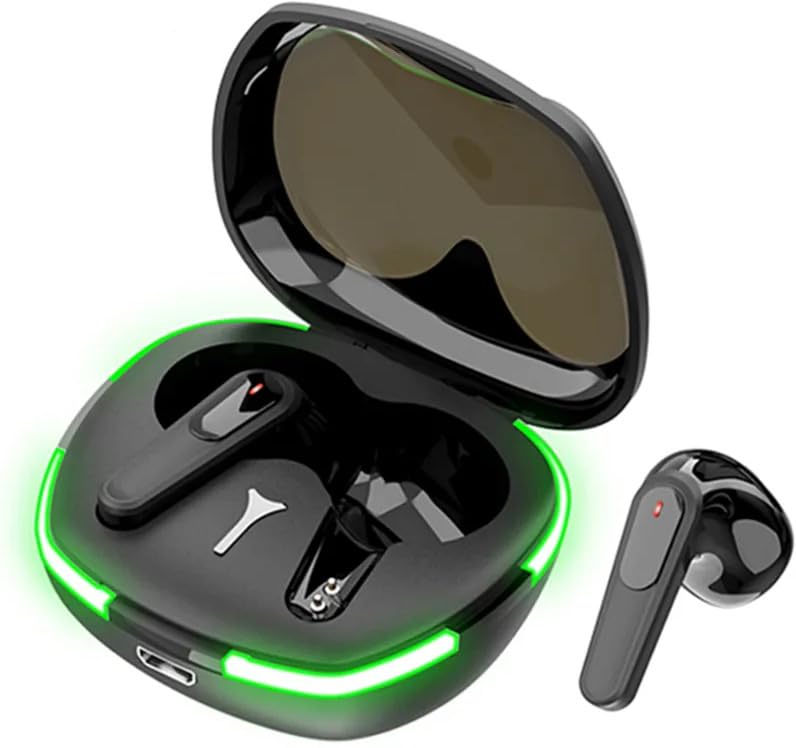
Image: The Pro 60 TWS Earbuds, showcasing their sleek design within the open charging case, illuminated by vibrant green LED lights. One earbud is shown outside the case.
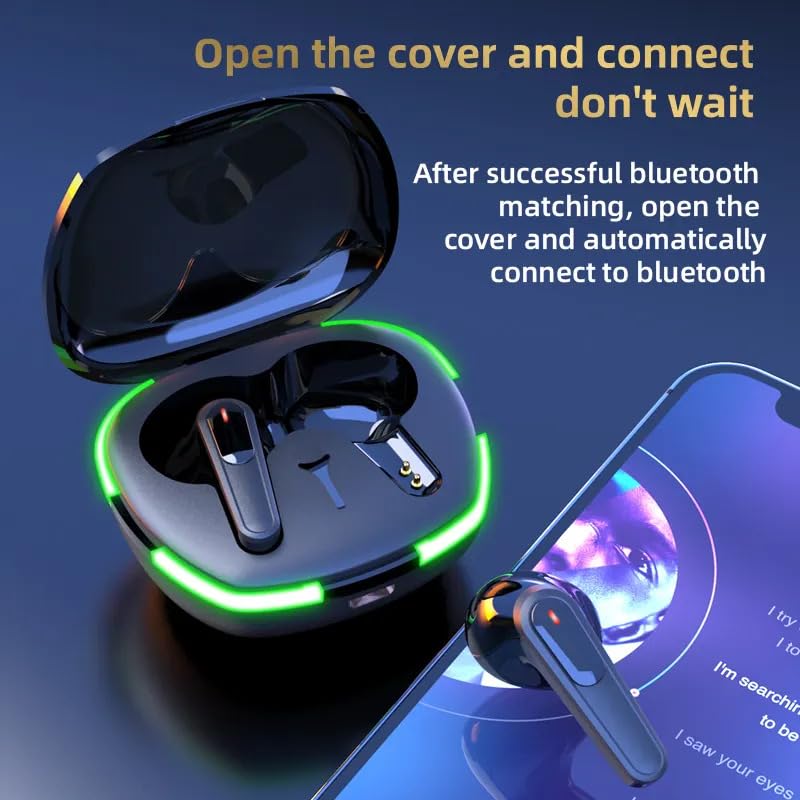
Image: The earbuds and charging case, illustrating the automatic connection feature when the case lid is opened. An earbud is shown near a smartphone displaying a music app.
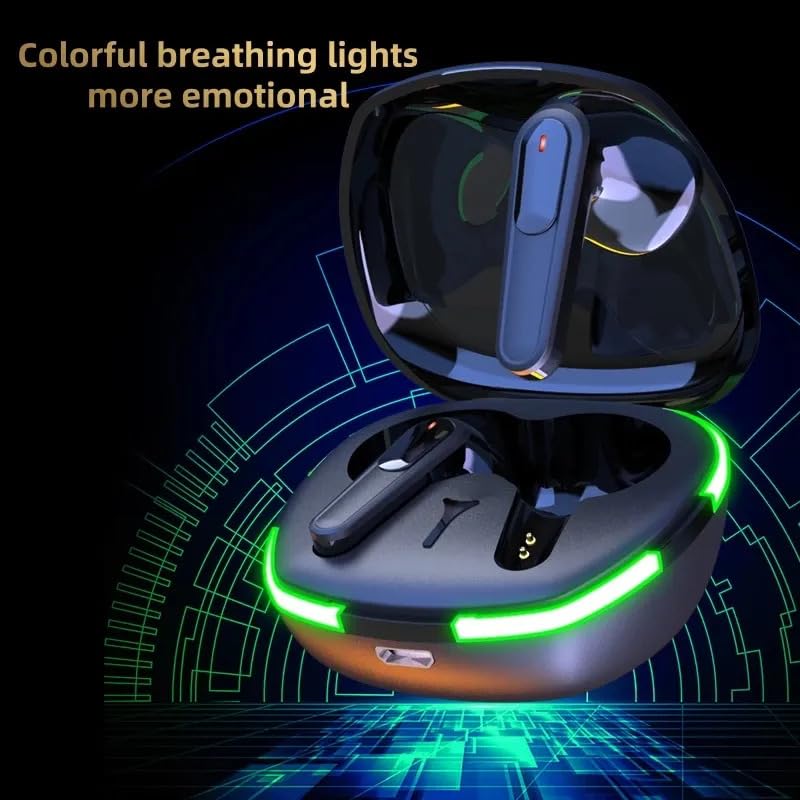
Image: The earbuds in their charging case, highlighting the colorful breathing LED lights that add to the aesthetic appeal and indicate status.
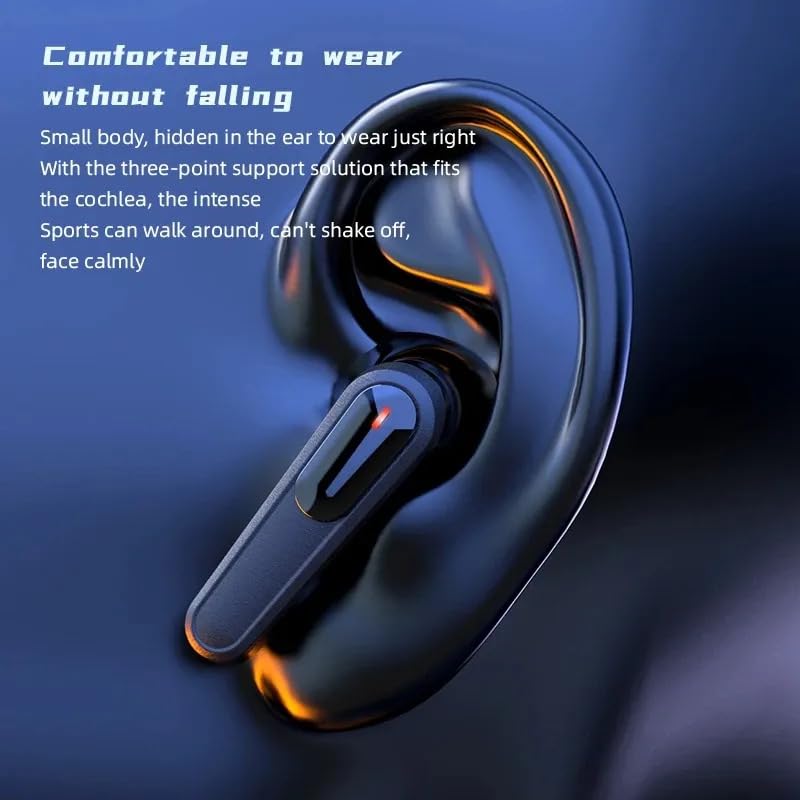
Image: A close-up of an earbud positioned in an ear, demonstrating its ergonomic design for a comfortable and secure fit, suitable for various activities.
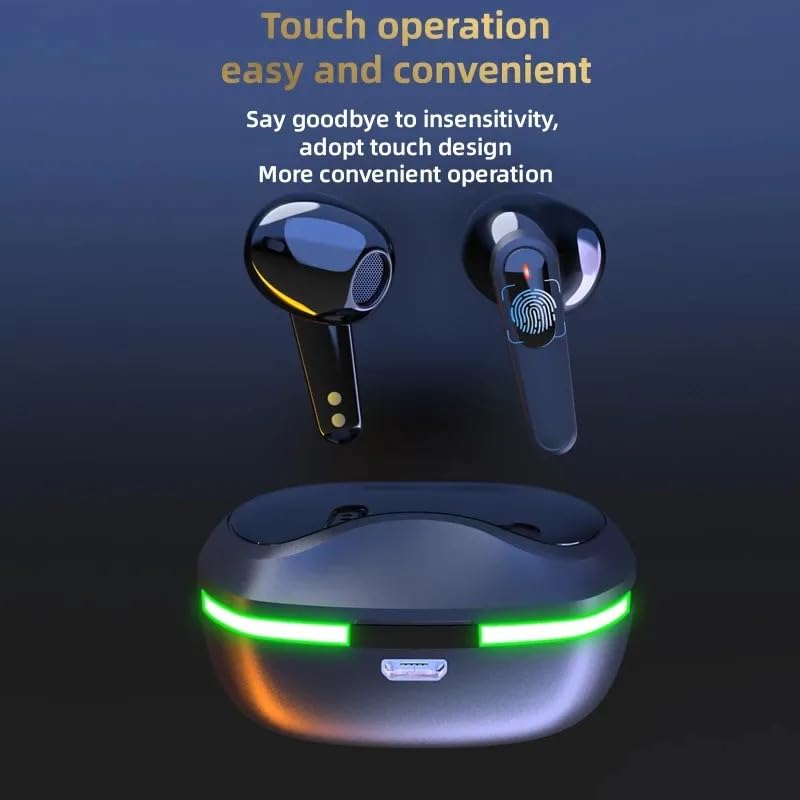
Image: The earbuds and charging case, illustrating the touch-sensitive control area on the earbuds for easy and intuitive operation without physical buttons.
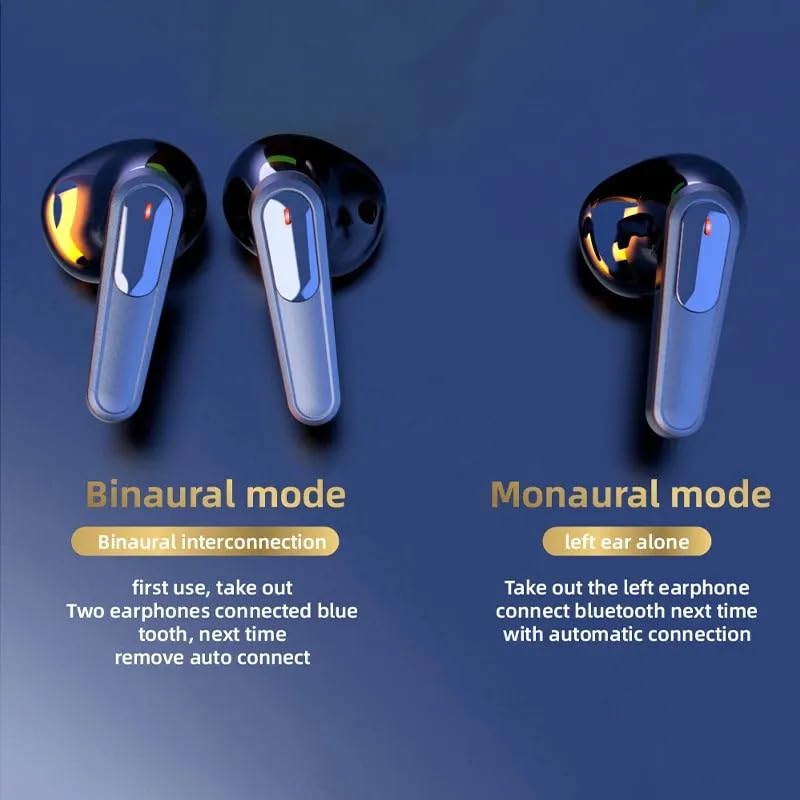
Image: A visual explanation of the Binaural and Monaural modes, showing how both earbuds can be used together or a single earbud can be used independently.
Setup
Initial Charging
Before first use, fully charge the earbuds and the charging case. Place both earbuds into the charging case and connect the charging case to a power source using a compatible USB cable. The LED indicators on the case will show the charging status.
First-Time Pairing
- Ensure the earbuds are charged.
- Open the lid of the charging case. The earbuds will automatically power on and enter pairing mode.
- On your device (smartphone, tablet, laptop), go to Bluetooth settings and turn Bluetooth on.
- Search for available devices and select "Pro 60" (or similar name) from the list.
- Once connected, you will hear a confirmation tone, and the LED indicators on the earbuds may change.
Operating Instructions
Power On/Off
- Power On: Open the charging case lid, or take the earbuds out of the case. They will power on automatically.
- Power Off: Place the earbuds back into the charging case and close the lid. They will power off automatically.
Bluetooth Pairing (Re-pairing)
If the earbuds do not connect automatically or you wish to pair with a new device:
- Ensure Bluetooth is off on other nearby devices.
- Open the charging case and take out the earbuds.
- On your new device, search for "Pro 60" in the Bluetooth settings and connect.
Touch Controls
The Pro 60 TWS Earbuds feature intuitive touch controls. The specific functions may vary slightly, but common controls include:
- Play/Pause: Single tap on either earbud.
- Next Track: Double tap on the right earbud.
- Previous Track: Double tap on the left earbud.
- Answer/End Call: Single tap on either earbud during an incoming call.
- Reject Call: Long press on either earbud during an incoming call.
- Activate Voice Assistant: Triple tap on either earbud.
- Game Mode: Long press for 2 seconds on the right earbud to toggle Game Mode (low latency).
Binaural and Monaural Modes
- Binaural Mode: Both earbuds are connected and used together for stereo sound. This is the default mode when both earbuds are taken out of the case.
- Monaural Mode: Use only one earbud (left or right) independently. Simply take out one earbud from the case, and it will connect automatically. The other earbud can remain in the case.
Maintenance
Cleaning
- Regularly clean the earbuds and charging case with a soft, dry, lint-free cloth.
- Do not use abrasive cleaners, alcohol, or chemical solvents.
- Ensure charging contacts on both earbuds and case are clean and free of debris.
Storage
- When not in use, always store the earbuds in their charging case to protect them and keep them charged.
- Store in a cool, dry place away from extreme temperatures and direct sunlight.
Battery Care
- Charge the earbuds regularly, even if not used for extended periods, to maintain battery health.
- Avoid fully draining the battery frequently.
Troubleshooting
| Problem | Possible Solution |
|---|---|
| Earbuds not pairing/connecting. |
|
| Only one earbud working. |
|
| No sound or low volume. |
|
| Charging case not charging. |
|
Specifications
| Feature | Detail |
|---|---|
| Model Name | ME |
| Connectivity Technology | Wireless (Bluetooth) |
| Wireless Communication Technology | Bluetooth |
| Noise Control | Active Noise Cancellation |
| Included Components | Protective Case |
| Material | Plastic |
| Specific Uses For Product | Travel, Gaming, Music |
| Compatible Devices | Smartphones, Tablets, Laptops, Desktops |
| Water Resistance Level | Waterproof |
| Control Method | Voice, Touch |
| Audio Driver Type | Dynamic Driver |
| Special Feature | Fast Charging |
| Microphone Format | Built-In |
| Form Factor | In Ear |
| Ear Placement | In Ear |
| Impedance | 32 Ohm |
| Manufacturer | MADHUR ENTERPRISE Works |
| Model Number | MADHUR ENTERPRISE Works 229 |
Warranty and Support
This product is manufactured by MADHUR ENTERPRISE Works. For specific warranty information, please refer to the packaging or contact the retailer where the product was purchased. For technical support or inquiries, please reach out to the manufacturer or your point of purchase.
Always ensure you purchase from authorized sellers to guarantee product authenticity and access to support.


