1. Product Overview
The LawnMaster MX24V Dual-Battery Charger (Model 24LFC15-ETL) is designed to efficiently charge two LawnMaster 24V and 48V rechargeable batteries simultaneously. This charger features LED indicators to provide real-time charging status, ensuring your batteries are ready when you need them. It is an essential accessory for maintaining the power of your LawnMaster cordless tools.

Figure 1: LawnMaster MX24V Dual-Battery Charger with power cord.
Key Features:
- Dual-Charging Capability: Charges two batteries concurrently or one battery at an accelerated rate.
- Broad Compatibility: Fully compatible with both LawnMaster 24V and 48V rechargeable battery systems.
- LED Charge Indicators: Provides clear, real-time status updates on battery charging progress.
- Compact Design: Weighing approximately 1.85 pounds, it is designed for convenient use and storage.
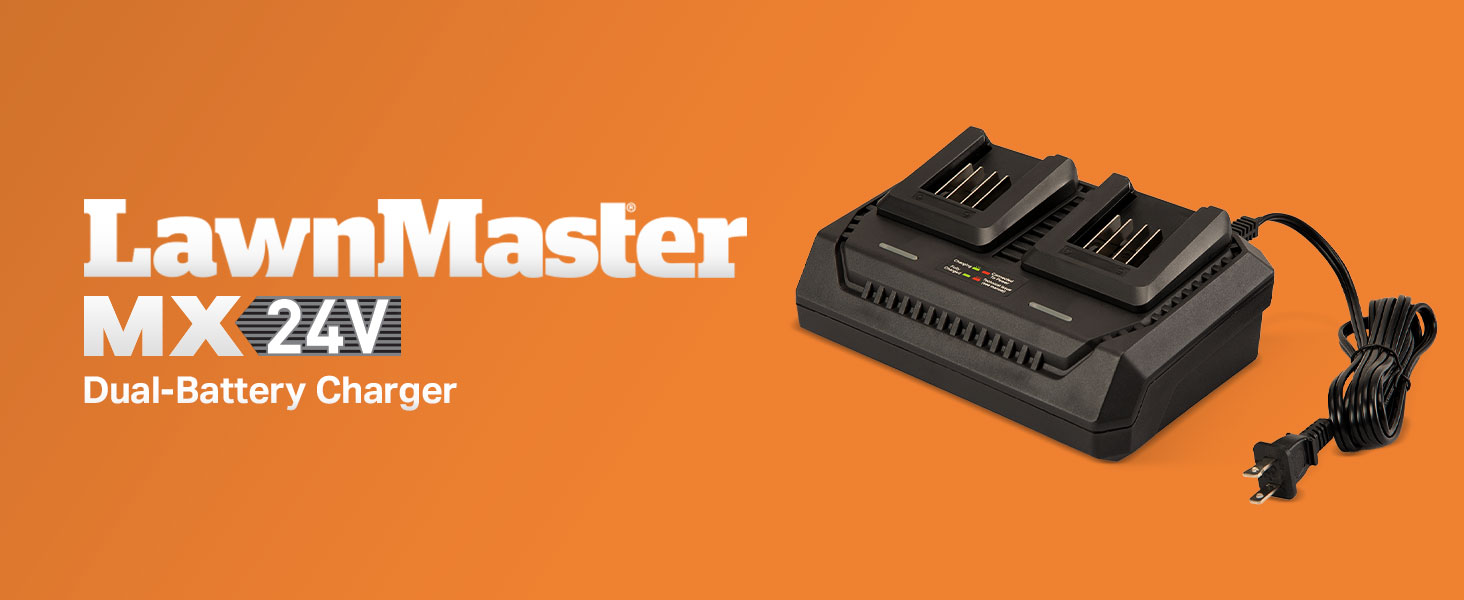
Figure 2: Overview of the LawnMaster MX24V Dual-Battery Charger.
2. Safety Information
Always read and understand all safety warnings and instructions before using this product. Failure to follow the warnings and instructions may result in electric shock, fire, and/or serious injury.
General Safety Rules:
- Do not expose the charger to rain or wet conditions. Water entering the charger will increase the risk of electric shock.
- Use only with LawnMaster 24V and 48V batteries. Using other batteries may create a risk of injury and fire.
- Do not charge non-rechargeable batteries.
- Keep the charger clean. Dirt and debris can cause electric shock or fire.
- Do not operate the charger if it has received a sharp blow, been dropped, or otherwise damaged. Take it to an authorized service center.
- Do not disassemble the charger. Take it to an authorized service center when service or repair is required. Incorrect reassembly may result in a risk of electric shock or fire.
- Unplug the charger from the power outlet when not in use or before cleaning.
3. Setup and Connection
- Unpack the Charger: Carefully remove the LawnMaster MX24V Dual-Battery Charger from its packaging. Inspect for any damage that may have occurred during shipping.
- Choose a Location: Place the charger on a stable, flat, non-flammable surface in a well-ventilated area. Ensure it is away from direct sunlight, heat sources, and moisture.
- Connect to Power: Plug the charger's power cord into a standard 120V AC household electrical outlet. The "Connected To Power" LED indicator on the charger should illuminate, typically green, indicating it is ready for use.
- Insert Batteries: Align the battery with the charging slot and slide it into place until it clicks securely. The charger has two charging slots, allowing for simultaneous charging of two batteries.
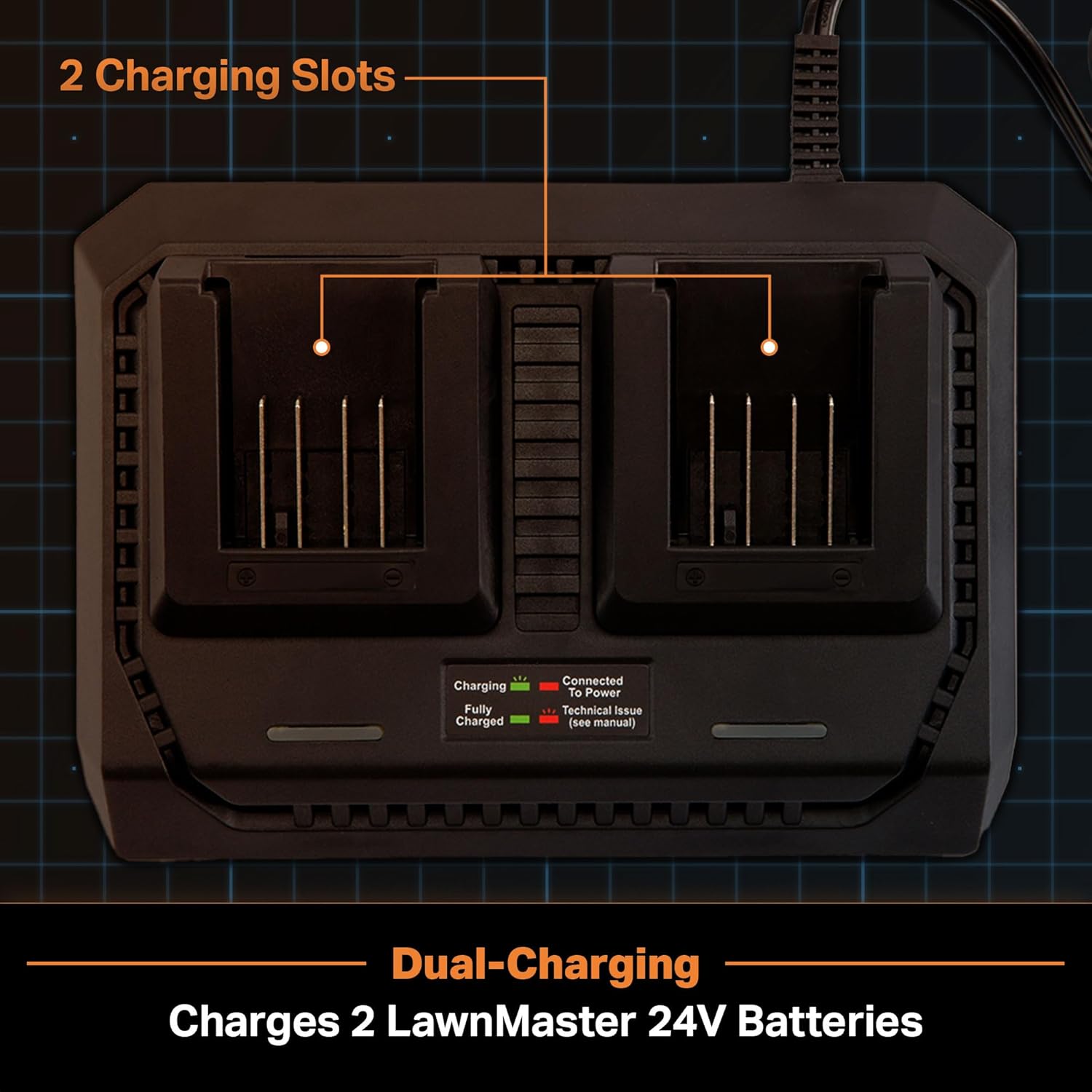
Figure 3: The dual charging slots of the MX24V charger.
4. Operating Instructions
Charging Process:
- Once a battery is inserted into a charging slot, the corresponding "Charging" LED indicator will illuminate. This LED typically blinks green during the charging process.
- When the battery is fully charged, the "Fully Charged" LED indicator will turn solid green.
- You can charge one battery at a time, or two batteries simultaneously. The charger is designed to optimize charging for both scenarios.

Figure 4: Close-up of the LED charge indicators on the charger.
LED Indicator Status:
| Indicator | Status | Meaning |
|---|---|---|
| "Connected To Power" LED | Solid Green | Charger is plugged in and ready. |
| "Charging" LED | Blinking Green | Battery is currently charging. |
| "Fully Charged" LED | Solid Green | Battery charging is complete. |
| "Technical Issue" LED | Blinking Red | Indicates a fault or issue (refer to troubleshooting). |
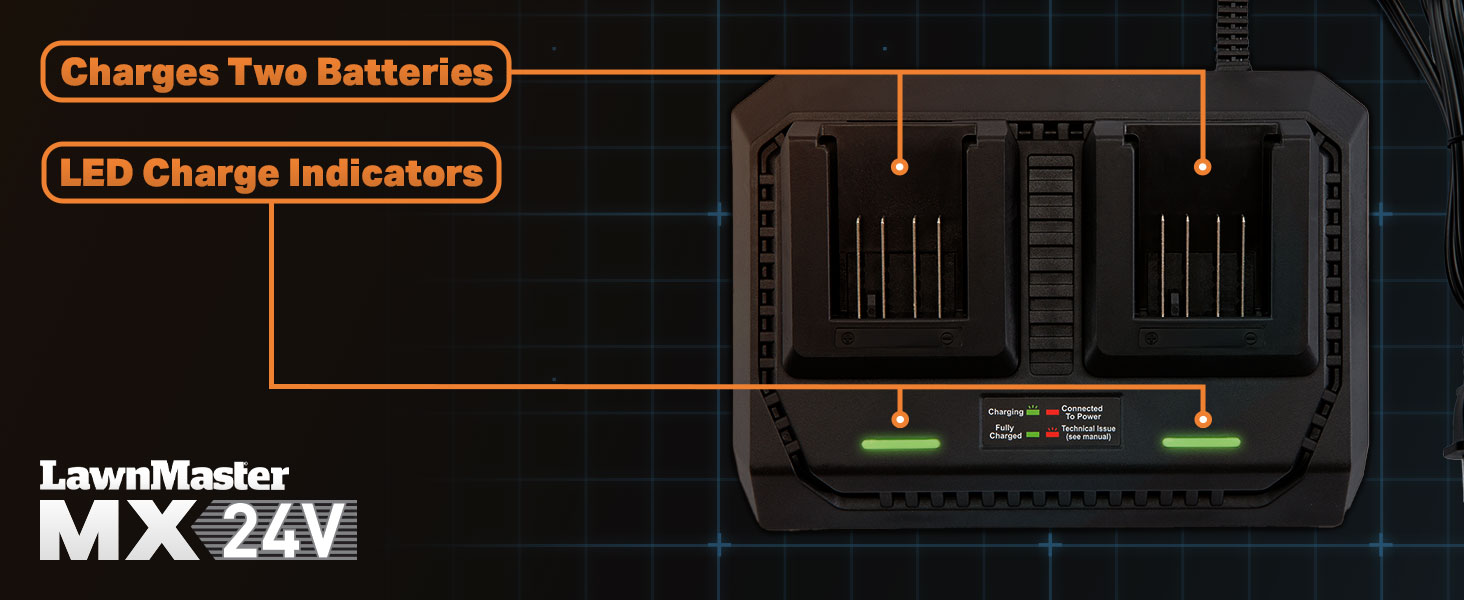
Figure 5: Visual representation of charging slots and LED indicators.
5. Maintenance and Storage
Cleaning:
- Always unplug the charger from the power outlet before cleaning.
- Use a soft, dry cloth to wipe down the exterior of the charger.
- Do not use abrasive cleaners or solvents, as these can damage the plastic components.
- Keep the charging terminals free of dust and debris.
Storage:
- Store the charger in a cool, dry place, away from direct sunlight and extreme temperatures.
- Ensure the charger is unplugged and any batteries are removed before storing.
- Avoid storing the charger in areas with high humidity or where it may be exposed to water.
6. Troubleshooting
If you encounter issues with your LawnMaster MX24V Dual-Battery Charger, refer to the following table for common problems and solutions.
| Problem | Possible Cause | Solution |
|---|---|---|
| Charger not powering on (no LEDs) | No power to the outlet; loose connection. | Check the power outlet with another device. Ensure the charger's power cord is securely plugged in. |
| Battery not charging ("Charging" LED not blinking) | Battery not properly inserted; battery fault; charger fault. | Ensure the battery is fully seated in the slot. Try a different battery if available. If the issue persists, the charger or battery may be faulty. |
| "Technical Issue" LED (Blinking Red) | Battery temperature too high/low; battery fault; charger fault. | Allow the battery to cool down or warm up to room temperature. Reinsert the battery. If the issue persists, the battery or charger may be faulty. |
| Slow charging | Environmental conditions; old battery. | Ensure the charger is in a well-ventilated area. Battery performance can degrade over time. |
If the problem persists after attempting these solutions, please contact LawnMaster customer support for further assistance.
7. Specifications
| Attribute | Detail |
|---|---|
| Model Number | 24LFC15-ETL |
| Brand | LawnMaster |
| Input Voltage | 24 Volts (AC) |
| Output Voltage | 48 Volts (DC) |
| Item Weight | 1.85 pounds |
| Color | Black |
| Manufacturer | Cleva |
| Certification | ETL |
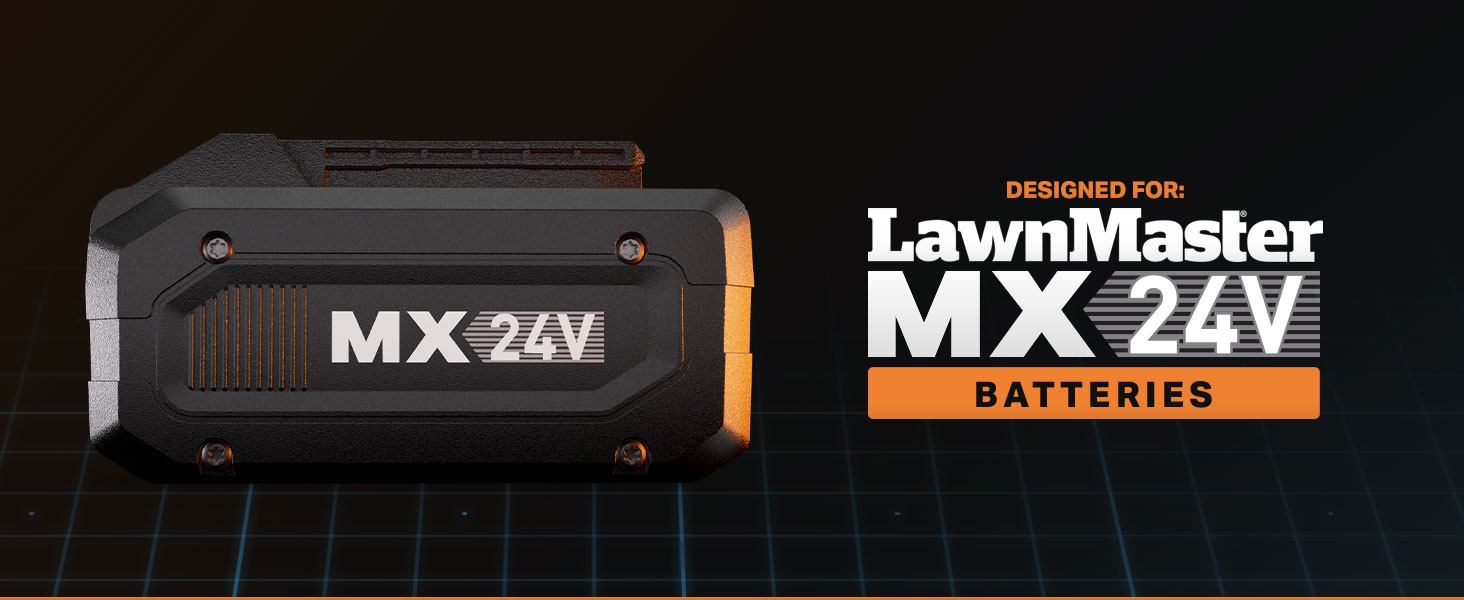
Figure 6: The LawnMaster MX24V battery, compatible with this charger.
8. Warranty and Support
For warranty information and customer support, please refer to the official LawnMaster website or contact their customer service department directly. Keep your purchase receipt as proof of purchase for any warranty claims.
LawnMaster Customer Service:
- Visit the LawnMaster Store on Amazon for product information and support resources.
- Refer to the product packaging or the official LawnMaster website for specific contact details (phone, email, or support portal).


