1. Introduction
Thank you for choosing the Honeywell Suono P300 Bluetooth Speaker. This manual provides essential information for setting up, operating, and maintaining your speaker to ensure optimal performance and longevity. Please read this manual thoroughly before using the product.

Figure 1: Honeywell Suono P300 Bluetooth Speaker in black.
2. What's in the Box
Upon unpacking, please ensure all the following items are present:
- Honeywell Suono P300 Bluetooth Speaker
- USB A to Type C Cable
- AUX Cable
- User Manual (this document)
3. Product Overview
The Honeywell Suono P300 features intuitive controls and multiple connectivity options for a versatile audio experience.

Figure 2: Multi-connectivity ports and controls on the Honeywell Suono P300 speaker.
Controls and Ports:
- Power Button: Press and hold to power on/off.
- Volume Up (+): Increase volume.
- Volume Down (-): Decrease volume.
- Play/Pause Button: Play or pause audio. Answer/end calls.
- Mode Button: Switch between Bluetooth, AUX, USB, and SD Card modes.
- Type-C Charging Port: For charging the speaker.
- Micro-SD Card Slot: Insert Micro-SD card for direct audio playback.
- USB Port: Insert USB drive for direct audio playback.
- AUX Input: Connect external devices via 3.5mm AUX cable.
4. Setup and Operation
4.1 Charging the Speaker
Before first use, fully charge the speaker. Connect the provided USB A to Type C cable to the speaker's Type-C charging port and a compatible USB power adapter (not included). The charging indicator will show charging status. A full charge takes approximately 4 hours and provides up to 9 hours of playtime.
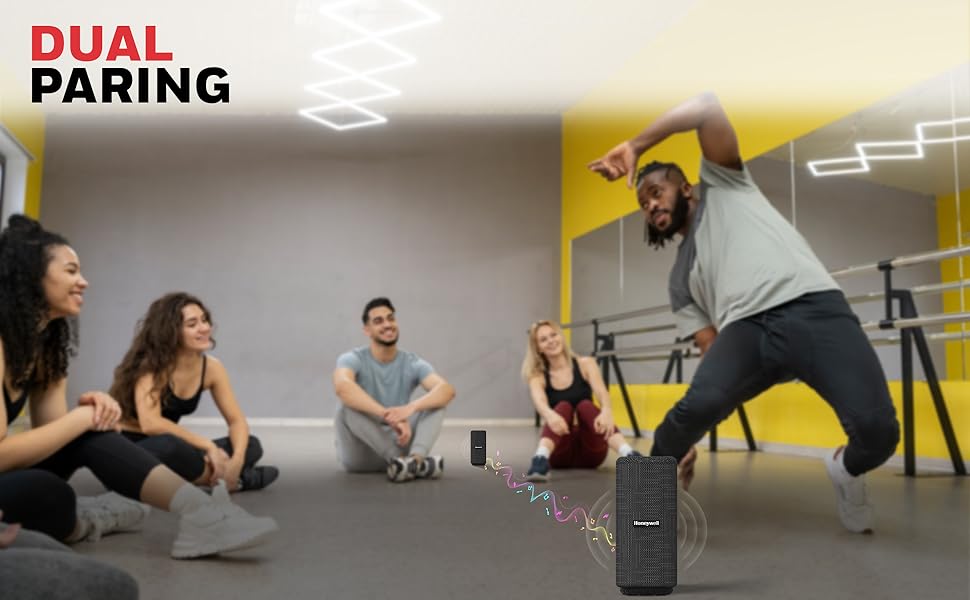
Figure 3: The speaker offers up to 9 hours of playtime on a single charge.
4.2 Power On/Off
- To Power On: Press and hold the Power button for 2-3 seconds until you hear an audible prompt.
- To Power Off: Press and hold the Power button for 2-3 seconds until you hear an audible prompt.
4.3 Bluetooth Pairing
The speaker will automatically enter Bluetooth pairing mode when powered on for the first time or if no device is connected.
- Ensure the speaker is powered on and in Bluetooth mode (indicated by a flashing LED).
- On your device (smartphone, tablet, laptop), enable Bluetooth and search for available devices.
- Select "Honeywell Suono P300" from the list.
- Once connected, the LED indicator will become solid, and you will hear a confirmation tone.

Figure 4: Seamless Bluetooth v5.3 connectivity with a 15-meter range.
4.4 TWS (True Wireless Stereo) Pairing
To achieve a wider stereo sound, you can pair two Honeywell Suono P300 speakers together.
- Ensure both speakers are powered on and not connected to any Bluetooth device.
- On one speaker (this will be the primary speaker), double-press the Power button. It will emit a pairing tone.
- The two speakers will automatically search and pair with each other. Once paired, you will hear a confirmation tone, and the LED indicators on both speakers will change.
- Now, connect your device to the primary speaker via Bluetooth as described in section 4.3. Audio will play through both speakers in stereo.
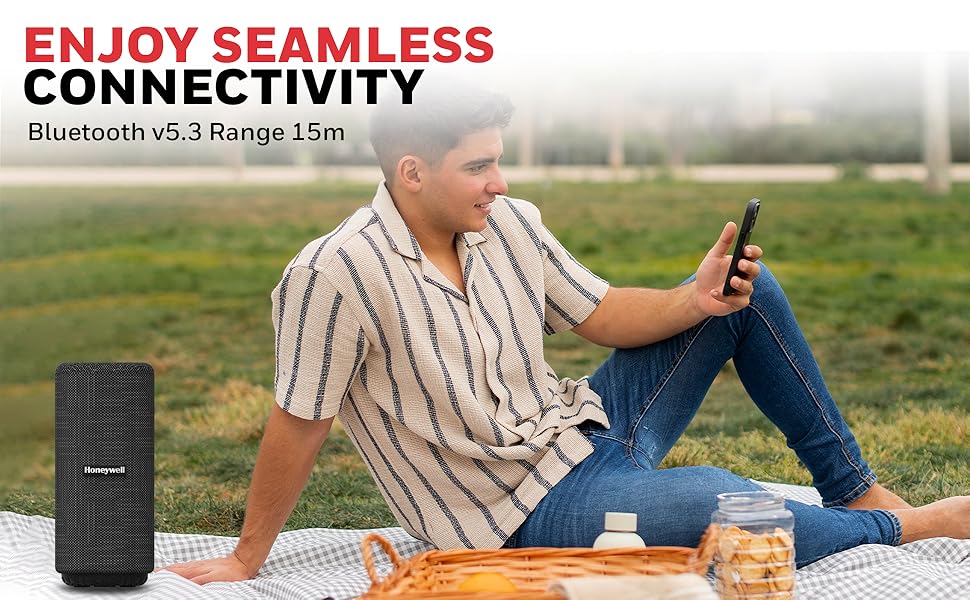
Figure 5: Two speakers paired for an immersive True Wireless Stereo experience.
4.5 Other Connectivity Options
- AUX Input: Connect an external audio device using the provided 3.5mm AUX cable. The speaker will automatically switch to AUX mode or can be manually switched using the Mode button.
- USB Playback: Insert a USB flash drive into the USB port. The speaker will automatically detect and play audio files. Use the Mode button to switch if necessary.
- Micro-SD Card Playback: Insert a Micro-SD card into the dedicated slot. The speaker will automatically detect and play audio files. Use the Mode button to switch if necessary.
4.6 Making Calls
The built-in microphone allows for hands-free calling when connected via Bluetooth.
- Answer Call: Press the Play/Pause button once.
- End Call: Press the Play/Pause button once during a call.
- Reject Call: Press and hold the Play/Pause button for 2 seconds.
5. Maintenance and Care
The Honeywell Suono P300 speaker features an IPX4 water-resistant design, making it suitable for outdoor use and protection against splashes. However, it is not fully waterproof and should not be submerged in water.
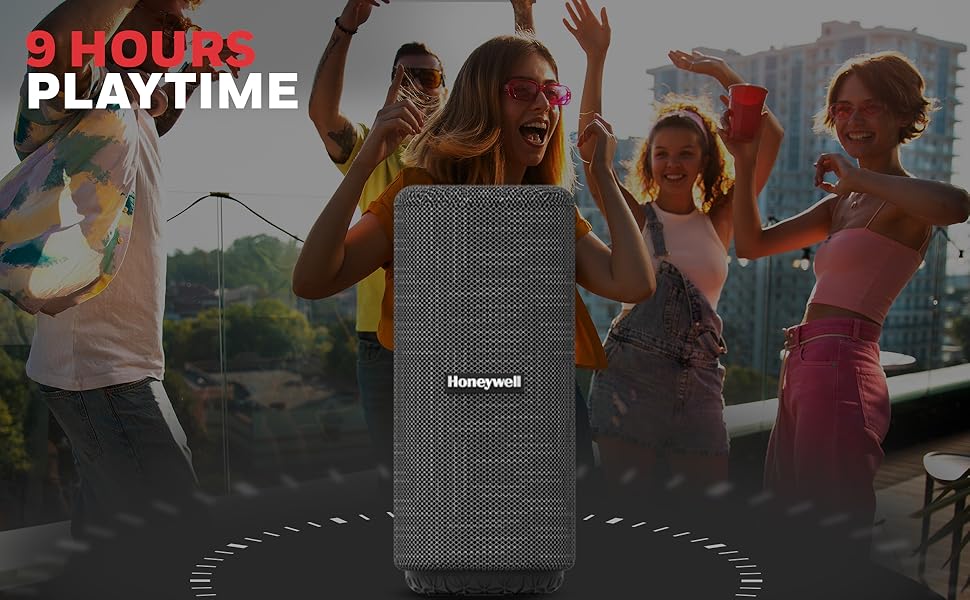
Figure 6: The speaker is IPX4 water and sweat resistant.
- Avoid prolonged exposure to direct sunlight or extreme temperatures.
- Clean the speaker with a soft, damp cloth. Do not use abrasive cleaners or solvents.
- Ensure the charging port cover is securely closed when not charging to maintain water resistance.
- Store the speaker in a cool, dry place when not in use.
6. Specifications
Detailed technical specifications for the Honeywell Suono P300 Bluetooth Speaker:
| Feature | Specification |
|---|---|
| Model Name | Suono P300 |
| Speaker Type | Soundbar |
| Mounting Type | Shelf Mount |
| Special Features | Bass Boost, Bluetooth, Built-In Microphone, Lightweight, Portable |
| Recommended Uses | For Smartphones or Tablets |
| Compatible Devices | Laptop, Smartphone, Tablet |
| Speaker Size | 52 Millimetres |
| Audio Driver Size | 52 Millimetres |
| Audio Driver Type | Dynamic Driver |
| Speakers Nominal Output Power | 10 Watts |
| Speaker Maximum Output Power | 10 Watts |
| Wattage | 10 |
| Speaker Amplification Type | Active |
| Surround Sound Channel Configuration | 2 |
| Audio Output Mode | Stereo |
| Wireless Communication Technology | Bluetooth |
| Bluetooth Range | 15 Metres |
| Maximum Range | 10 metres |
| Connectivity Technology | Auxiliary, Bluetooth, USB |
| Frequency Response | 2480 MHz |
| Control Method | Touch |
| Power Source | Battery Powered |
| Battery Type | 1 Lithium Ion battery (included) |
| Battery Capacity | 1200 mAh |
| Battery Average Life | 9 Hours |
| Charging Time | 4 Hours |
| Water Resistance Level | Water Resistant (IPX4) |
| Item Weight | 650 Grams |
| Product Dimensions | 8D x 18.2W Centimeters |
| Color | Black |
| Style | P300 |
| Item Model Number | HC000115/AUD/BTS/P300/BLK |
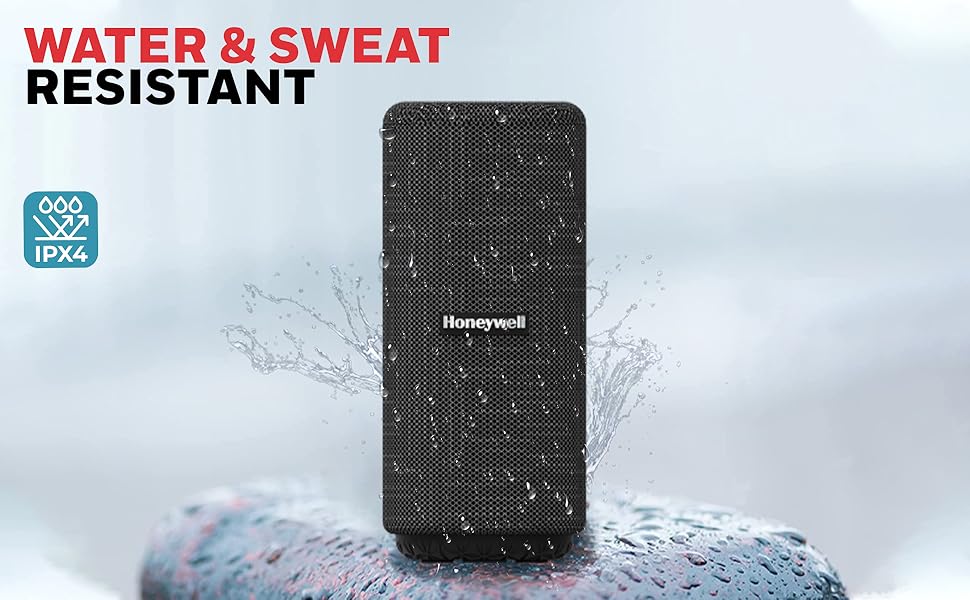
Figure 7: The lightweight design of the Suono P300 makes it highly portable.
7. Troubleshooting
If you encounter any issues with your Honeywell Suono P300 speaker, please refer to the following common solutions:
- No Power:
- Ensure the speaker is fully charged. Connect it to a power source using the Type-C cable.
- Press and hold the Power button for a few seconds to ensure it's not just a short press.
- Cannot Pair via Bluetooth:
- Ensure the speaker is in Bluetooth pairing mode (flashing LED).
- Make sure Bluetooth is enabled on your device and it's within the 15-meter range.
- Forget the speaker from your device's Bluetooth list and try pairing again.
- Restart both the speaker and your device.
- Ensure no other devices are currently connected to the speaker.
- No Sound or Low Volume:
- Increase the volume on both the speaker and your connected device.
- Ensure the speaker is correctly connected via Bluetooth, AUX, USB, or SD card.
- If using AUX, ensure the cable is fully inserted and not damaged.
- If using USB/SD card, ensure the audio files are in a compatible format.
- TWS Pairing Failure:
- Ensure both speakers are fully charged and not connected to any other Bluetooth device.
- Place the speakers close to each other during TWS pairing.
- Follow the TWS pairing steps carefully (double-press Power button on one speaker).
- Microphone Not Working:
- Ensure the speaker is connected via Bluetooth to your phone.
- Check your phone's settings to ensure the speaker is selected as the audio input/output device for calls.
8. Warranty and Support
The Honeywell Suono P300 Bluetooth Speaker comes with a 2-year manufacturer warranty from the date of purchase. This warranty covers manufacturing defects and ensures peace of mind.
For technical support, warranty claims, or any other inquiries, please contact our customer support team:
- Phone: 022-238 535 35 (Monday to Friday, 10 AM to 7 PM)
- Email: Support@honeywellconnection.com


