
1. Introduction
The THOMSON Google TV Streaming Box 240 transforms your television into a Smart TV, offering access to a wide range of streaming services and applications. This manual provides instructions for setting up, operating, and maintaining your device to ensure optimal performance and an enhanced viewing experience.
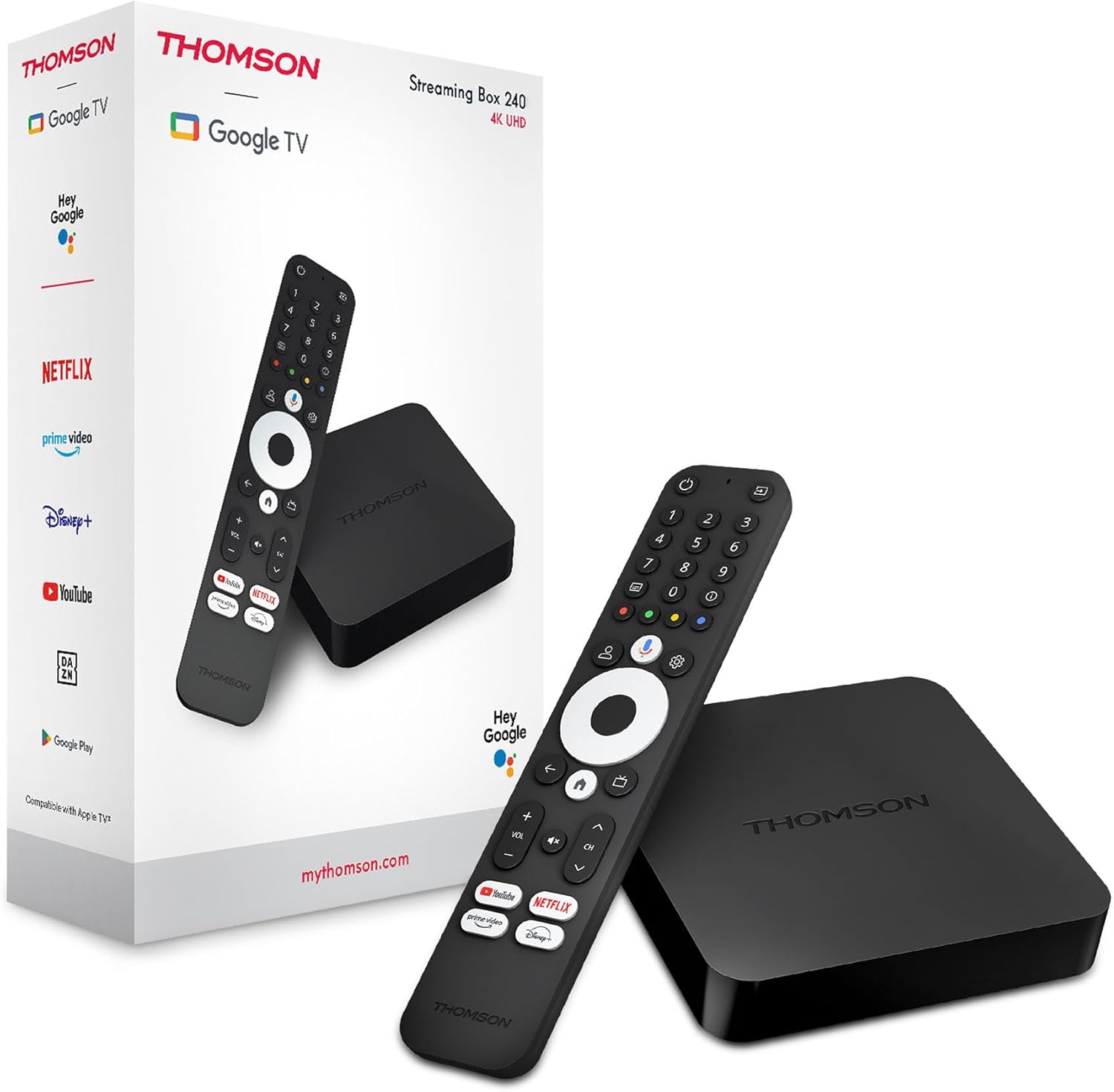
Image 1.1: THOMSON Google TV Streaming Box 240 and its remote control.
2. What's in the Box
Please check the package contents to ensure all items are present:
- THOMSON Streaming Box 240
- Remote Control with Google Assistant
- Power Adapter
- HDMI Cable
- User Manual (this document)
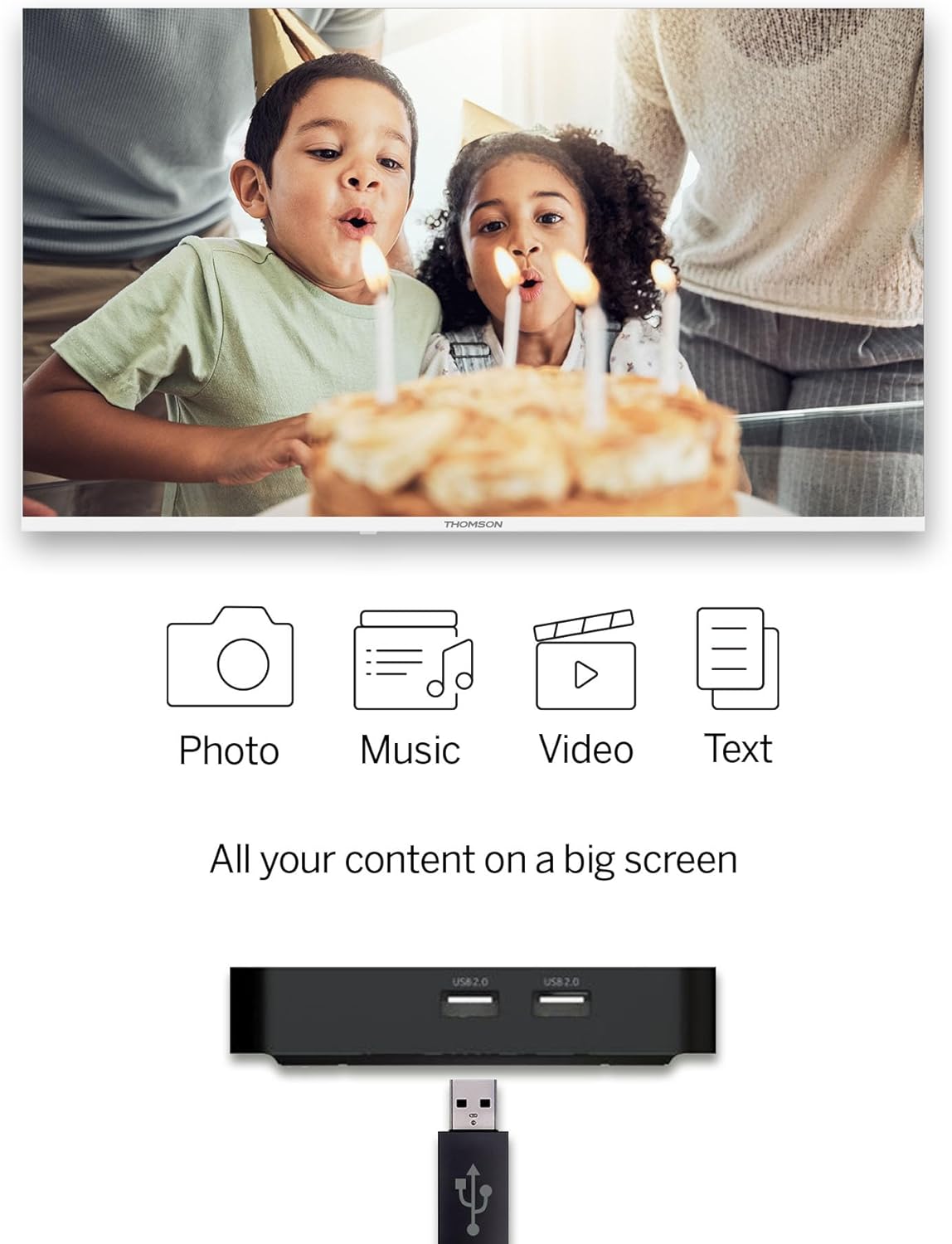
Image 2.1: The THOMSON Streaming Box 240 and its accompanying remote control.
3. Setup Guide
Follow these steps to set up your THOMSON Google TV Streaming Box 240:
- Connect to TV: Connect one end of the HDMI cable to the HDMI port on the Streaming Box and the other end to an available HDMI input on your television.
- Connect Power: Plug the power adapter into the DC IN port on the Streaming Box, then plug the adapter into a wall power outlet.
- Power On: Turn on your television and select the correct HDMI input source using your TV remote. The Streaming Box should power on automatically.
- Initial Setup: Follow the on-screen instructions to complete the initial setup. This includes selecting your language, connecting to your network (Wi-Fi or Ethernet), and logging in with your Google account.
- Pair Remote: If prompted, pair your remote control by following the on-screen instructions. Typically, this involves holding down specific buttons on the remote near the device.

Image 3.1: Rear view of the Streaming Box 240, highlighting its connectivity ports.
4. Operating Instructions
4.1 Remote Control Overview
The ergonomic Bluetooth remote control provides easy navigation and access to features.

Image 4.1: Key features of the THOMSON Streaming Box 240 remote control.
- Power Button: Turns the device on or off.
- Numeric Buttons (0-9): Easily switch between available channels within supported applications.
- Google Assistant Button: Activates voice control.
- Navigation Pad: For menu navigation (Up, Down, Left, Right, OK).
- Back Button: Returns to the previous screen.
- Home Button: Returns to the Google TV home screen.
- Volume Buttons: Adjusts the volume.
- Channel Buttons: Changes channels within supported applications.
- Direct Access Buttons: One-click access to Netflix, Prime Video, YouTube, and Disney+.
- Profile Switch Button: Allows switching between different user profiles.
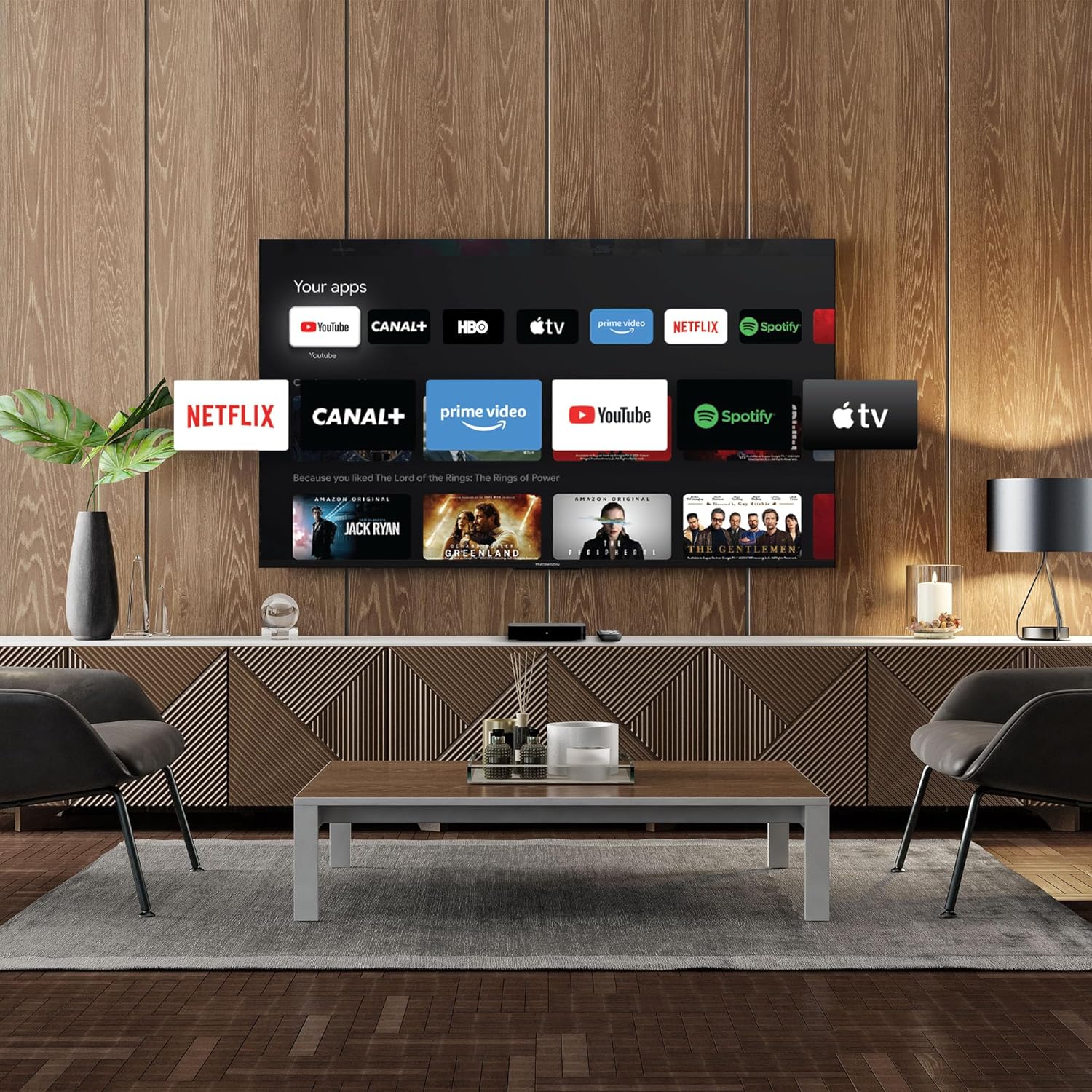
Image 4.2: Using numeric buttons on the remote for in-app channel switching.
4.2 Google TV Interface
Google TV combines content from various streaming services onto a single home screen, providing personalized recommendations. You can create multiple user profiles to tailor content suggestions for each family member.

Image 4.3: The Google TV interface with integrated streaming services.
4.3 Google Assistant
Use the built-in Google Assistant for voice control. Press the Google Assistant button on your remote and speak your commands. You can search for content, open apps, get information, and control smart home devices.

Image 4.4: Activating Google Assistant via the remote control.
4.4 Google Cast
With Google Cast built-in, you can wirelessly stream movies, music, and photos from your compatible smartphone, tablet, or computer directly to your TV screen.
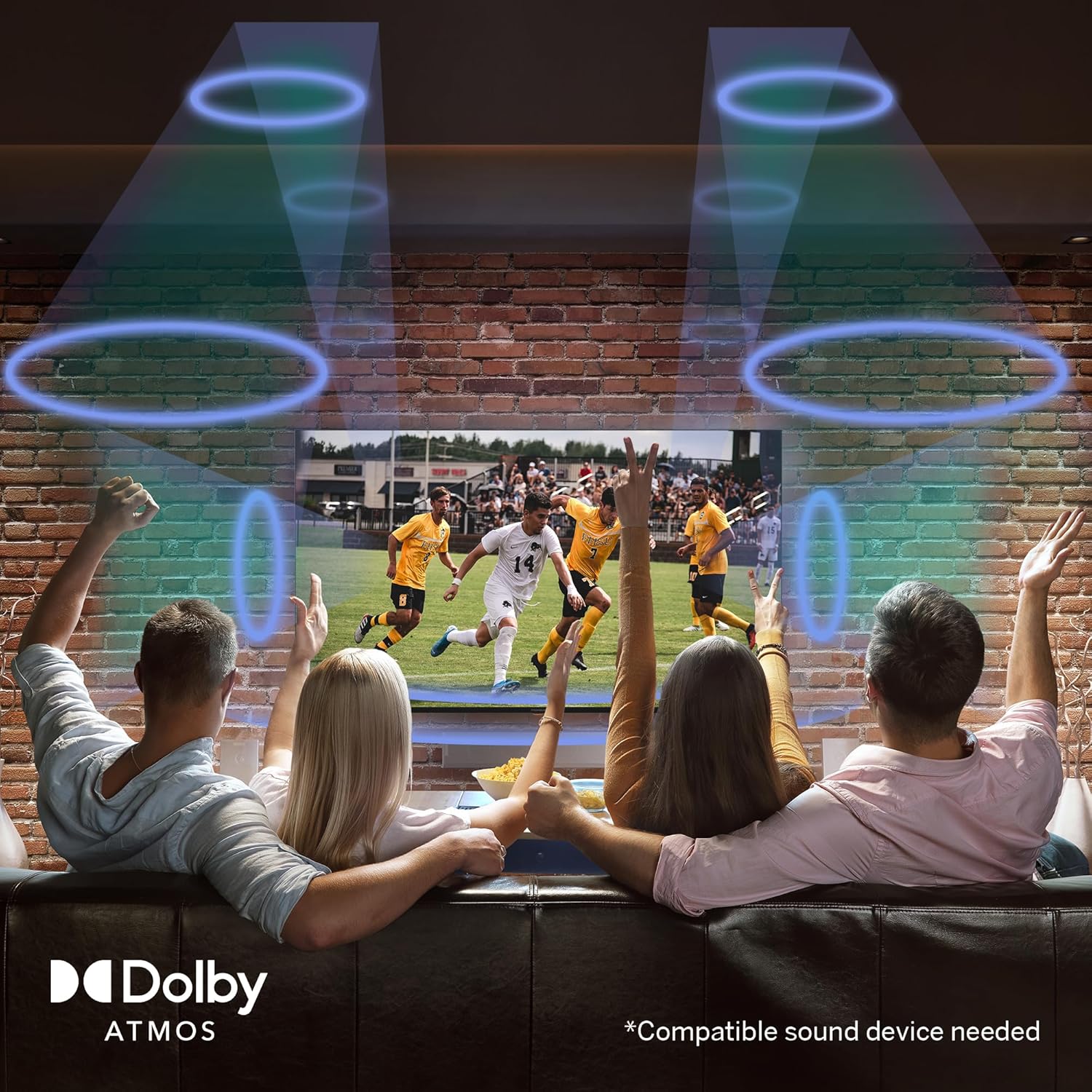
Image 4.5: Demonstrating the Google Cast functionality.
4.5 USB Media Playback
Connect a USB storage device to one of the USB 2.0 ports to view your personal photos and videos on your television.
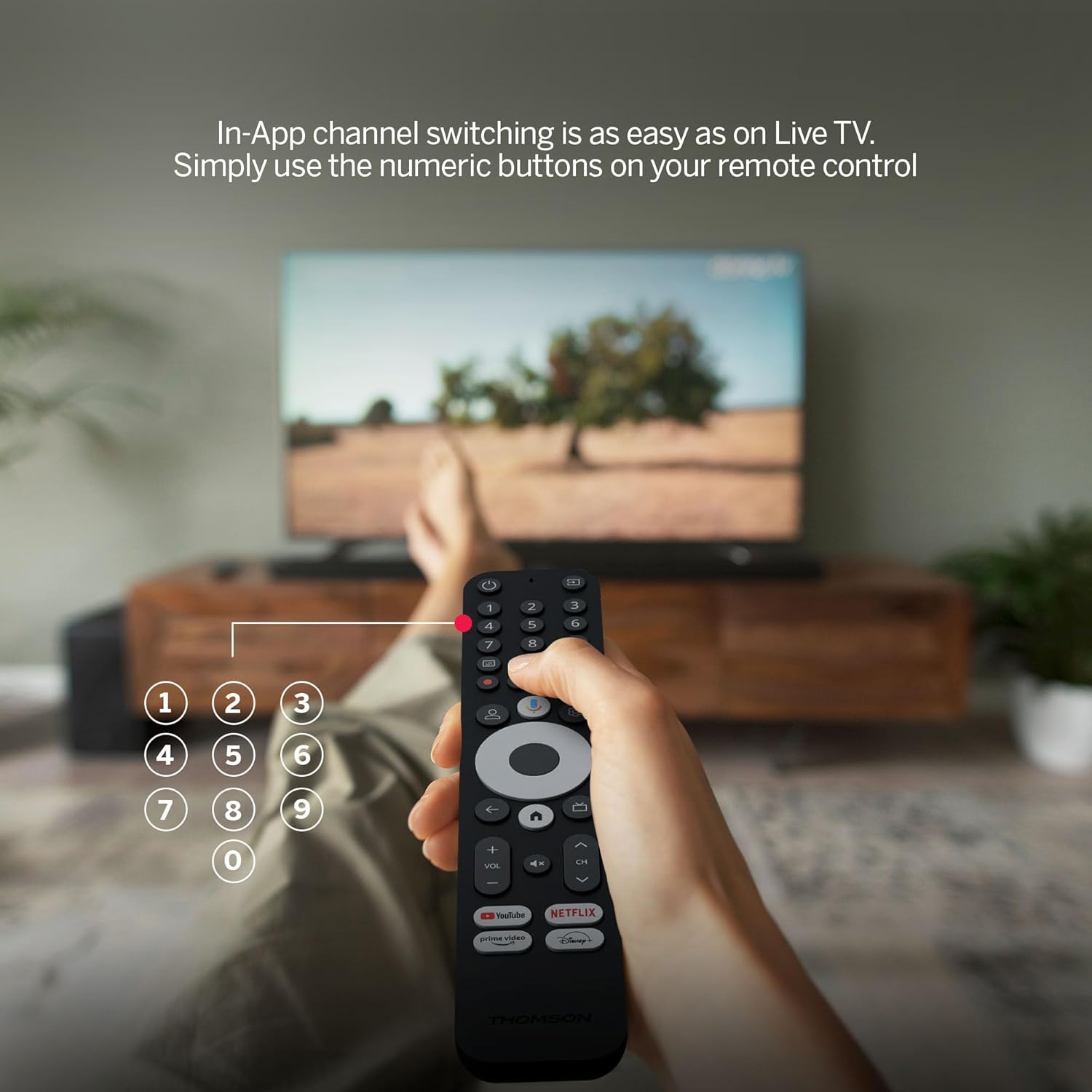
Image 4.6: USB media playback for various content types.
5. Key Features
- 4K UHD Resolution: Experience stunningly sharp and vivid images with 4x the precision of Full HD.
- Google TV (Android 12): Enjoy personalized content recommendations and multiple user profiles for a customized Smart TV experience. Access popular streaming services like Netflix, Prime Video, YouTube, Disney+, and more.
- Google Assistant: Control your TV and search for content using voice commands.
- Chromecast Built-in: Wirelessly cast movies, music, and photos from compatible devices to your TV.
- Powerful Quad-Core Processor: Ensures smooth and fluid performance without lag.
- Media Player: Play your favorite photos and videos directly from a USB drive on the big screen.
- Direct Access Buttons: Quickly launch Netflix, Prime Video, YouTube, and Disney+ with dedicated buttons on the remote.
- Dolby Atmos: Delivers an immersive audio experience (requires a compatible sound device).
- Comprehensive Connectivity: Equipped with HDMI, 2x USB, optical digital audio, and LAN ports.
- Convenient Network Access: Choose between Wi-Fi or Ethernet LAN for stable internet connection.
- Bluetooth 5.0: Easily connect gamepads, speakers, or other external devices wirelessly.

Image 5.1: Visual comparison of different display resolutions, highlighting 4K UHD.
6. Connectivity
The THOMSON Streaming Box 240 offers a variety of connection options:
- HDMI 2.1: For high-definition video and audio output to your television.
- USB 2.0 (x2): For connecting external storage devices like USB drives.
- Ethernet (LAN): For a stable wired internet connection.
- Optical Audio Out: For connecting to external audio systems with digital input.
- Wi-Fi: For wireless internet connectivity.
- Bluetooth 5.0: For pairing wireless peripherals such as game controllers, headphones, or speakers.
7. Maintenance
To ensure the longevity and optimal performance of your Streaming Box 240, follow these maintenance guidelines:
- Cleaning: Gently wipe the device with a soft, dry cloth. Do not use liquid cleaners or abrasive materials.
- Ventilation: Ensure the ventilation openings are not blocked to prevent overheating.
- Environment: Avoid exposing the device to extreme temperatures, direct sunlight, high humidity, or dusty environments.
- Power Disconnection: Disconnect the power adapter during electrical storms or if the device will be unused for an extended period.
8. Troubleshooting
If you encounter issues with your THOMSON Streaming Box 240, refer to the following common solutions:
| Problem | Possible Cause | Solution |
|---|---|---|
| No power/Device not turning on | Power adapter not connected; Power outlet not working | Check power cable connection; Try a different power outlet. |
| No signal on TV screen | Incorrect HDMI input selected; Loose HDMI cable | Select the correct HDMI input on your TV; Ensure HDMI cable is securely connected. |
| No network connection (Wi-Fi/Ethernet) | Incorrect Wi-Fi password; Router issue; Loose Ethernet cable | Verify Wi-Fi password; Restart your router; Check Ethernet cable connection. |
| Remote control not responding | Low battery; Remote not paired | Replace batteries; Re-pair the remote control as per initial setup instructions. |
| Applications freezing or slow performance | Too many apps running; Software glitch | Close unused applications; Restart the Streaming Box; Clear app cache in settings. |
9. Specifications
Detailed technical specifications for the THOMSON Google TV Streaming Box 240:
| Feature | Specification |
|---|---|
| Brand | THOMSON |
| Model Name | Streaming Box 240 |
| Color | Black |
| Resolution | 4K UHD (3840x2160) |
| Operating System | Google TV (Android 12) |
| RAM | 2 GB |
| Internal Memory | 8 GB |
| Connectivity | HDMI 2.1, 2x USB 2.0, Ethernet, Optical Audio Out, Wi-Fi, Bluetooth 5.0 |
| Special Features | Google Assistant, Chromecast, Dolby Atmos, HDR10 |
| Dimensions (L x W x H) | 112 mm x 112 mm x 23 mm |

Image 9.1: Dimensions of the Streaming Box 240 and its remote control.
10. Warranty and Support
Your THOMSON Google TV Streaming Box 240 comes with a comprehensive 3-year manufacturer's warranty, ensuring reliability and peace of mind.
For further assistance, technical support, or warranty claims, please visit the official THOMSON website or contact their customer service department. Keep your proof of purchase for warranty validation.


