
Introduction
Thank you for choosing the EasyAcc N602 Small Desk Fan. This portable and rechargeable fan is designed to provide personal cooling in various indoor and outdoor settings. This manual provides essential information for the safe and efficient operation, maintenance, and troubleshooting of your device. Please read it thoroughly before use and retain it for future reference.
Product Overview
The EasyAcc N602 is a compact and lightweight personal fan featuring a 2000mAh rechargeable battery, USB-C charging, and four adjustable speed settings. Its design includes a foldable stand and a removable front cover for easy cleaning.

Figure 1: EasyAcc N602 Small Desk Fan
Key Features:
- Portable Design: Lightweight (260g) and ultra-thin for easy transport.
- Rechargeable Battery: Built-in 2000mAh battery for cordless operation.
- USB-C Charging: Fast charging capability.
- Four Speed Settings: Adjustable airflow from gentle breeze to strong wind.
- Quiet Operation: Noise level as low as 25 dB.
- 220° Swivel Stand: Allows for flexible positioning.
- Removable Front Cover: Facilitates easy cleaning of fan blades.
Setup
Initial Charging:
- Before first use, fully charge the fan.
- Connect the provided USB-C cable to the fan's charging port and the other end to a USB power source (e.g., wall adapter, computer, power bank).
- The charging indicator light will illuminate. A full charge typically takes 2.5 to 3 hours.
- Once fully charged, the indicator light may change or turn off, depending on the model.

Figure 2: USB-C Charging Port and Battery Life Indication
Positioning the Fan:
The fan features a 220° swivel stand. Adjust the stand to your desired angle for optimal airflow. Ensure the fan is placed on a stable, flat surface to prevent tipping. The integrated rubber pads on the base help maintain stability.
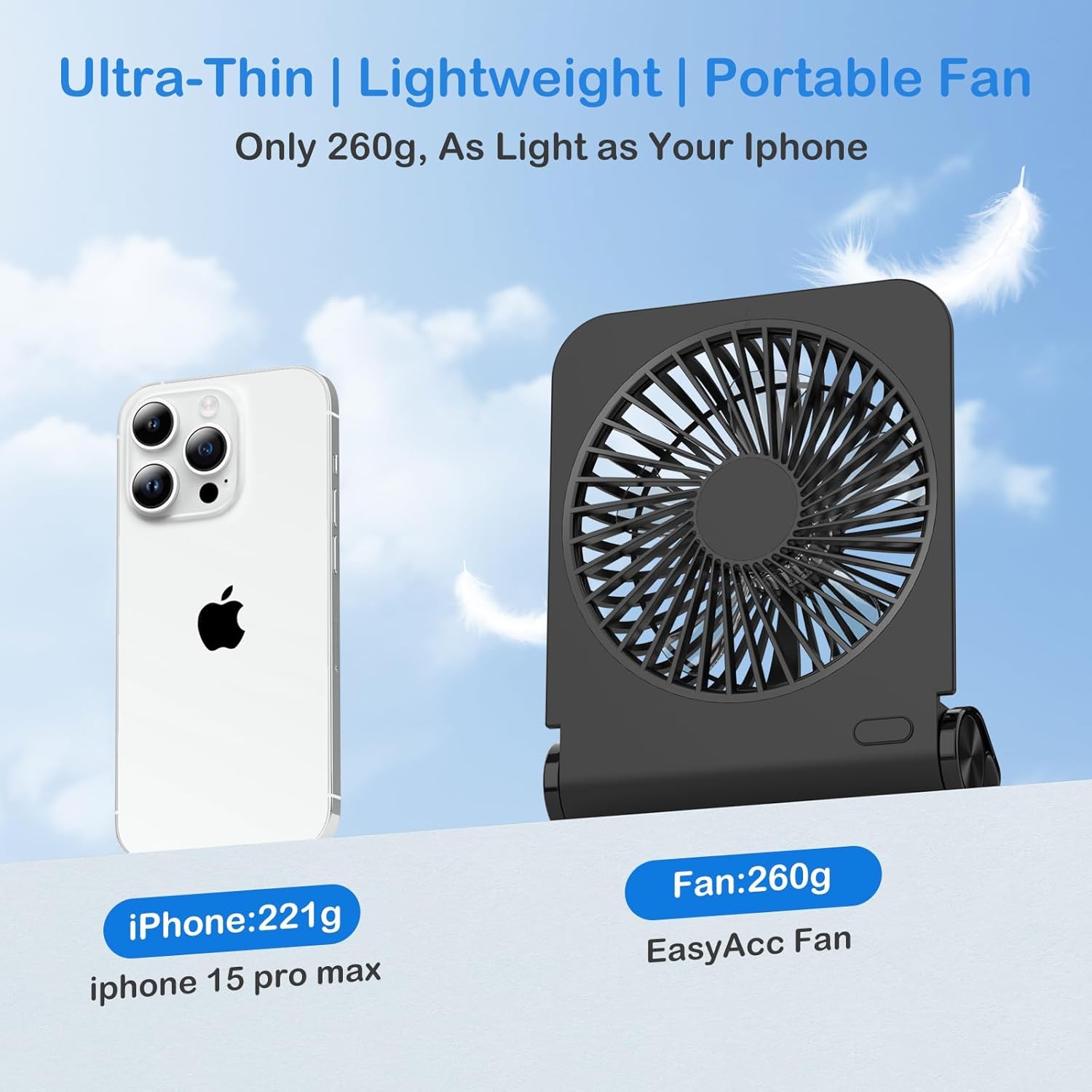
Figure 3: Removable Front Cover, Foldable Stand, and Anti-Slip Pads
Operating Instructions
Power On/Off and Speed Adjustment:
- Locate the power button, typically on the base or side of the fan.
- Press the power button once to turn the fan on at the lowest speed (Speed 1).
- Subsequent presses of the power button will cycle through the speed settings: Speed 2, Speed 3, Speed 4.
- Press the button a fifth time to turn the fan off.

Figure 4: Fan Blades and Speed Indicators
Battery Life:
The 2000mAh battery provides approximately 2 to 6 hours of operation, depending on the selected speed setting. For extended use, connect the fan to a power source via the USB-C cable.

Figure 5: Quiet Operation of the EasyAcc N602 Fan at 25dB
Maintenance
Cleaning the Fan:
Regular cleaning helps maintain optimal performance and extends the lifespan of your fan.
- Ensure the fan is turned off and disconnected from any power source before cleaning.
- Gently twist the front cover counter-clockwise to remove it.
- Use a soft, dry cloth or a small brush to remove dust from the fan blades and the inside of the cover.
- Wipe the exterior of the fan with a slightly damp cloth. Do not use abrasive cleaners or immerse the fan in water.
- Align the front cover with the fan body and twist clockwise to secure it back in place.
Storage:
When not in use for extended periods, store the fan in a cool, dry place, away from direct sunlight and extreme temperatures. Ensure the battery is partially charged (around 50%) before storage to prolong its life.
Troubleshooting
- Fan does not turn on:
- Ensure the battery is charged. Connect the fan to a power source using the USB-C cable.
- Verify the power button is pressed correctly.
- Weak airflow:
- Check the selected speed setting; increase it if necessary.
- Clean the fan blades and front cover to remove any dust buildup that may obstruct airflow.
- Fan makes unusual noise:
- Turn off the fan and inspect the blades for any obstructions.
- Ensure the front cover is securely attached.
- Fan does not charge:
- Verify the USB-C cable is properly connected to both the fan and the power source.
- Try a different USB-C cable or power adapter.
- Ensure the power source is functional.
Specifications
| Feature | Specification |
|---|---|
| Model Name | N602 |
| Brand | EasyAcc |
| Power Source | Battery Powered (2000mAh) |
| Charging Port | USB Type C |
| Number of Speed Levels | 4 |
| Maximum Speed | 3970 RPM |
| Noise Level | 25 dB |
| Product Dimensions | 6.22"D x 1.77"W x 4.8"H |
| Item Weight | 8.4 ounces |
| Certifications | CE, FCC, RoHS |
Safety Information
- Do not insert fingers or any objects into the fan grille when the fan is operating.
- Keep the fan away from water and moisture. Do not use in wet environments.
- Do not disassemble or attempt to repair the fan yourself. Contact customer support for assistance.
- Keep out of reach of children and pets.
- Use only the provided charging cable or a certified USB-C cable for charging.
- Avoid exposing the fan to extreme temperatures or direct sunlight for prolonged periods.
Warranty and Support
EasyAcc is committed to providing quality products and excellent customer support. Your EasyAcc N602 Small Desk Fan comes with a commitment to lifetime customer support. If you encounter any issues or have questions regarding your product, please contact EasyAcc customer service for assistance.
For more information or support, please visit the official EasyAcc website or contact their customer service department.