
Introduction
Thank you for choosing the Sycelu RF Remote Control Page Turner. This device is designed to enhance your reading experience on various e-readers and tablets, providing hands-free page turning and additional remote control functionalities for media. Please read this manual carefully to ensure proper use and maintenance of your device.
Product Overview
The Sycelu RF Remote Control Page Turner consists of two main components: the remote control and the page turner clip. These components work wirelessly to provide seamless interaction with your compatible devices.

Figure 1: Remote control and page turner clip with an e-reader.
Key Features:
- Wide Compatibility: Works with most touchscreen e-readers and tablets, including Kindle (excluding 8th Gen), Kindle Paperwhite, Kindle Oasis, Kindle Kids Edition, Kindle Voyage, iPad, iPhone, Android Tablets, Surface, and Kobo.
- Hands-Free Operation: Allows for comfortable reading without needing to touch the screen.
- Mute Button Design: Enables quiet page turning, ideal for silent environments.
- Ultra-long Battery Life: Extended usage time on a single charge.
- USB-C Charging: Convenient and modern charging interface.
- Remote Camera/Video Trigger: Can be used to remotely trigger camera and video recording functions on compatible smartphones.
Setup Guide
1. Charging the Device
Before first use, ensure both the remote control and the page turner clip are fully charged using the provided USB-C cable. A full charge can last for several weeks, with the clip lasting approximately 50 days (based on 3 hours of daily reading) and the remote lasting up to 3 months.
2. Pairing the Components
- Turn on the page turner clip. A blue indicator light will illuminate.
- Press the button on the remote control. The blue light on the clip will flash, indicating it is ready to pair.
- Once the blue light on the clip turns off, the devices are successfully paired and ready for use.
3. Attaching to Your Device
Gently clip the page turner component onto the edge of your e-reader or tablet screen. Ensure the part that interacts with the screen is positioned correctly to simulate a touch for page turning. The clip is designed to be secure yet gentle on your device's screen.
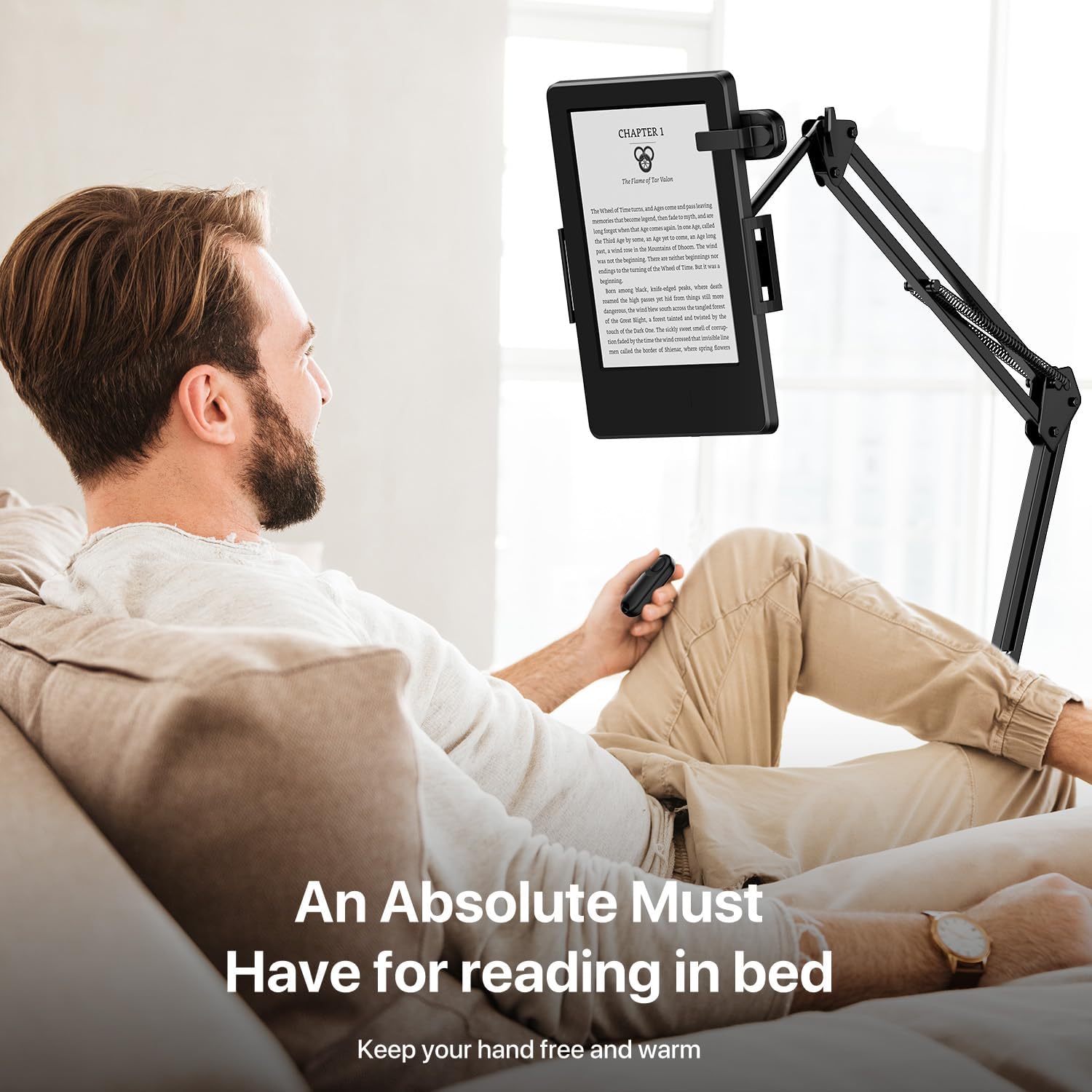
Figure 2: The page turner clip attached to an e-reader for hands-free reading.
Operating Instructions
Page Turning Function:
- With the page turner clip attached and paired, simply press the button on the remote control to turn the page forward on your e-reader or tablet.
- The mute button design ensures quiet operation, allowing for undisturbed reading in any environment.
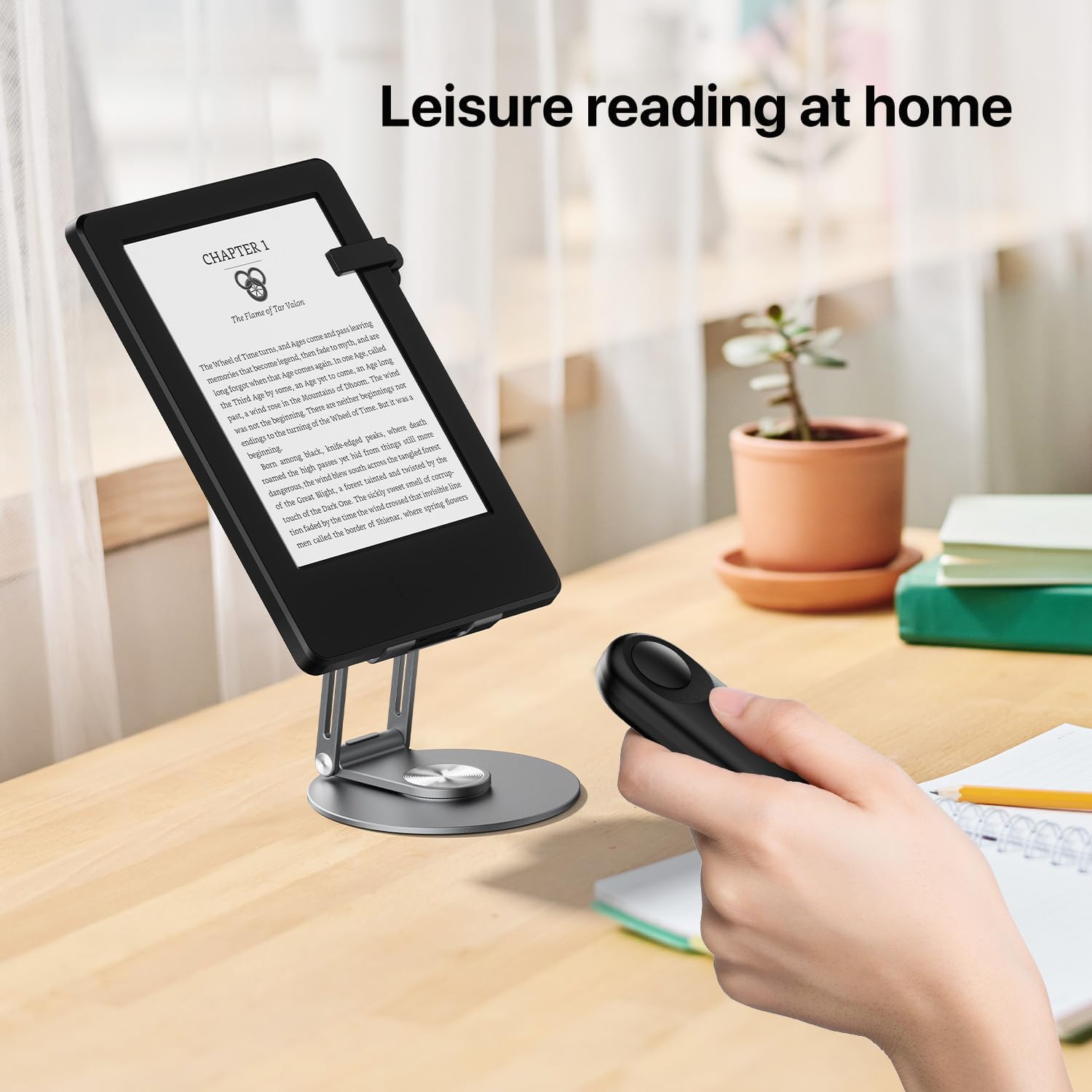
Figure 3: Enjoying leisure reading at home with the remote page turner.
Remote Camera/Video Trigger:
- The remote control can also function as a trigger for your smartphone's camera or video recording.
- Pair the remote with your smartphone via Bluetooth (refer to your phone's Bluetooth pairing instructions).
- Once paired, open your camera app and press the button on the remote to take photos or start/stop video recording.

Figure 4: The remote can also be used for hands-free camera and video recording.
Maintenance
- Keep the device clean by wiping it with a soft, dry cloth.
- Avoid exposing the device to extreme temperatures, moisture, or direct sunlight.
- Store in a cool, dry place when not in use.
- Charge the device regularly to maintain battery health, even if not used frequently.
Troubleshooting
| Problem | Possible Cause | Solution |
|---|---|---|
| Device not turning pages. | Not paired; low battery; clip not positioned correctly. | Re-pair the devices; charge both components; adjust clip position to ensure contact with the screen. |
| Blue light not illuminating. | Device is off; low battery. | Press the power button to turn on; charge the device. |
| Remote not triggering camera. | Not paired with phone; camera app not open. | Ensure Bluetooth pairing with phone; open your phone's camera application. |
Specifications
| Model Number | FYQ-K1 |
| Brand | Sycelu |
| Package Dimensions | 5.24 x 3.66 x 1.26 inches |
| Item Weight | 4.8 ounces |
| Batteries | 2 Lithium Polymer batteries required (included) |
| Special Feature | Rechargeable |
| Color | ZMatte Black |
| Max Number of Supported Devices | 1 |
| Compatible Devices | Kindle (Incompatible Devices: Kindle 8th Generation), E-reader, Kobos, Tablet, Surface |
Warranty and Support
Sycelu products are manufactured with high quality standards. For any warranty claims or technical support, please contact Sycelu customer service. Refer to the product packaging or the official Sycelu website for the most up-to-date contact information.
Manufacturer: Sycelu
Email: support@sycelu.com