1. Introduction
Thank you for choosing the LAPCARE Musi Bar VI Bluetooth Speaker. This compact and portable soundbar is designed to deliver an immersive audio experience with its 16W RMS output and dynamic drivers. Featuring Bluetooth 5.3 connectivity and multiple playback options, it is ideal for enjoying music, movies, and more. This manual provides essential information for setting up, operating, and maintaining your device.
2. Package Contents
Please check the box for the following items:
- 1 x LAPCARE Musi Bar VI Soundbar
- 1 x User Manual
- 1 x Charging Cable (Type-C)

Image: The LAPCARE Musi Bar VI Soundbar, showcasing its compact design and blue color.
3. Product Overview
3.1. Controls and Ports
Familiarize yourself with the control buttons and connectivity ports on your Musi Bar VI soundbar.

Image: Underside view of the soundbar showing the TF Card slot, USB port, Type-C charging port, and AUX input.
- Control Buttons: Located on the top surface for power, volume, and mode selection.
- TF Card Slot: For playing audio from a Micro SD card.
- USB Port: For playing audio from a USB pendrive.
- Type-C Charging Port: For charging the soundbar.
- AUX Input: For connecting external audio devices via a 3.5mm audio cable.
4. Setup
4.1. Initial Charging
Before first use, fully charge the soundbar. Connect the provided Type-C charging cable to the soundbar's charging port and the other end to a USB power adapter (not included).
- A charging indicator light will illuminate during charging.
- The light will turn off or change color once fully charged.
- Charging time is approximately 2-3 hours.
4.2. Powering On/Off
- To Power On: Press and hold the Power button for a few seconds until you hear an audible prompt and the indicator light turns on.
- To Power Off: Press and hold the Power button again for a few seconds until you hear an audible prompt and the indicator light turns off.
5. Operating Instructions
5.1. Bluetooth Pairing
The Musi Bar VI uses Bluetooth 5.3 for stable wireless connectivity.
- Ensure the soundbar is powered on and in Bluetooth mode. If not, press the Mode button to switch to Bluetooth mode. The indicator light will flash, indicating it's ready for pairing.
- On your device (smartphone, tablet, etc.), enable Bluetooth and search for available devices.
- Select "LAPCARE Musi Bar VI" from the list of devices.
- Once paired, the soundbar will provide an audible confirmation, and the indicator light will stop flashing.
- The soundbar will automatically connect to the last paired device when powered on, if the device's Bluetooth is active and within range.

Image: Visual representation of multiple connectivity options including Bluetooth 5.3, Micro SD card, USB, AUX, and Type-C charging.
5.2. Using AUX Mode
Connect non-Bluetooth devices using the AUX input.
- Connect one end of a 3.5mm audio cable (not included) to the AUX port on the soundbar.
- Connect the other end to the audio output jack of your device.
- Press the Mode button on the soundbar until you hear the "AUX Mode" prompt.
- Audio will now play through the soundbar.
5.3. Using TF Card / USB Mode
Play audio files directly from a TF (Micro SD) card or USB pendrive.
- Insert a TF card into the TF card slot or a USB pendrive into the USB port.
- The soundbar will automatically switch to the corresponding mode and begin playing audio files. If not, press the Mode button to select the correct mode.
5.4. Playback Controls
- Play/Pause: Press the Play/Pause button.
- Next Track: Press the Next Track button.
- Previous Track: Press the Previous Track button.
- Volume Up: Press and hold the Volume Up button or repeatedly press it.
- Volume Down: Press and hold the Volume Down button or repeatedly press it.
6. Maintenance
6.1. Cleaning
- Wipe the surface of the soundbar with a soft, dry cloth.
- Do not use abrasive cleaners, waxes, or solvents.
- Avoid getting moisture into any openings.
6.2. Storage
- Store the soundbar in a cool, dry place away from direct sunlight and extreme temperatures.
- If storing for an extended period, charge the battery every 3-6 months to maintain battery health.
7. Troubleshooting
| Problem | Possible Cause | Solution |
|---|---|---|
| Soundbar does not power on. | Low battery. | Charge the soundbar fully. |
| Cannot pair via Bluetooth. | Soundbar not in pairing mode; device Bluetooth off; too far from device. | Ensure soundbar is in Bluetooth pairing mode; enable Bluetooth on your device; move device closer to soundbar. |
| No sound. | Volume too low; incorrect mode selected; cable not connected properly (AUX). | Increase volume on soundbar and connected device; ensure correct mode (BT, AUX, TF, USB) is selected; check cable connections. |
| Poor sound quality. | Interference; low quality audio source. | Move away from other electronic devices; try a different audio source. |
8. Specifications
| Feature | Detail |
|---|---|
| Model Name | LBS-609 |
| Speaker Type | Soundbar |
| Audio Output Mode | Stereo |
| Audio Wattage (RMS) | 16 Watts |
| Bluetooth Version | 5.3 |
| Connectivity Technology | Bluetooth, Auxiliary, TF Card, USB |
| Battery Life | Up to 8 Hours |
| Battery Capacity | 1200 mAh |
| Charging Port | Type-C |
| Product Dimensions (LxWxH) | 178D x 29W x 44H Millimeters |
| Item Weight | 550 Grams |
| Included Components | Soundbar, User Manual, Charging Cable |
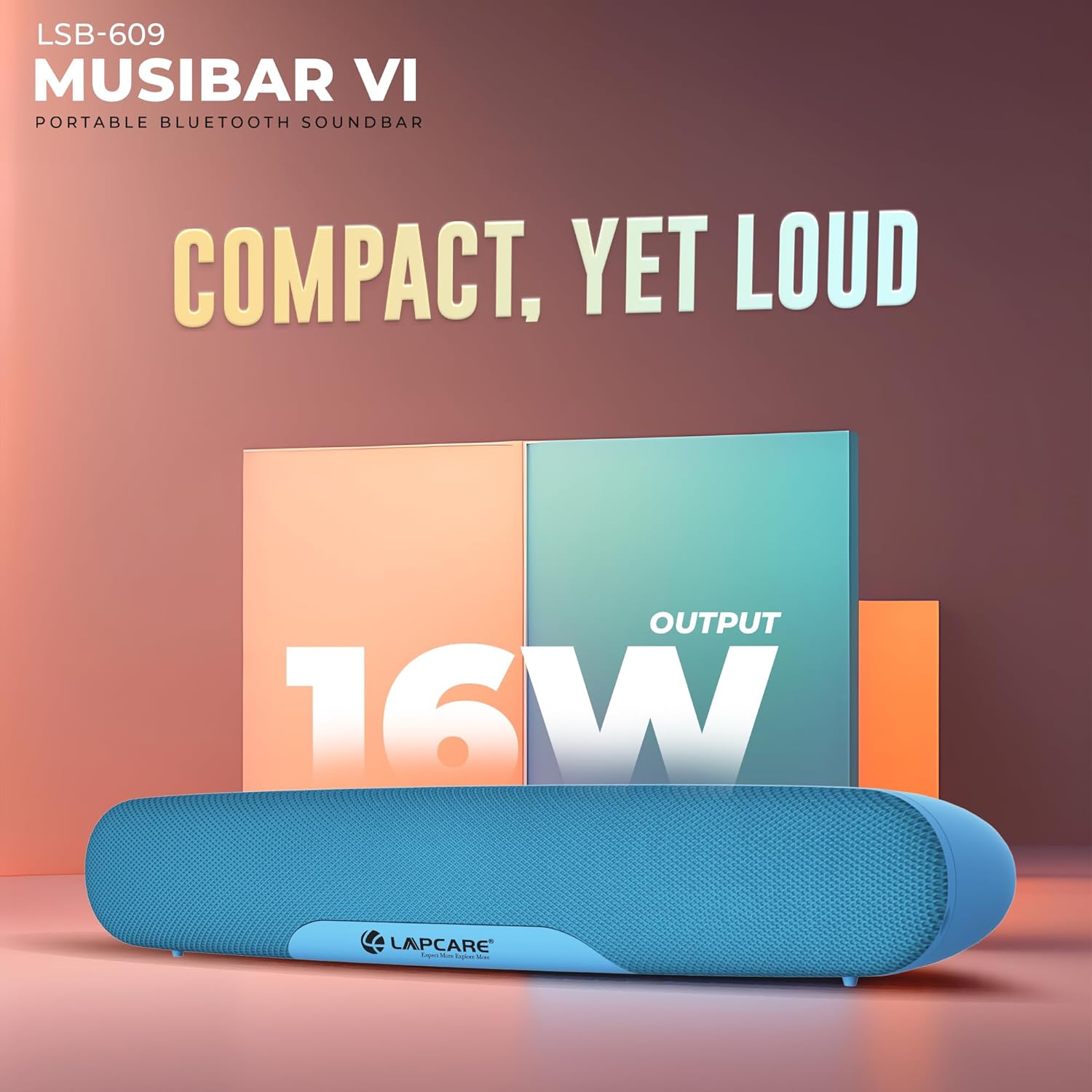
Image: The soundbar highlighting its 16W audio output capability.
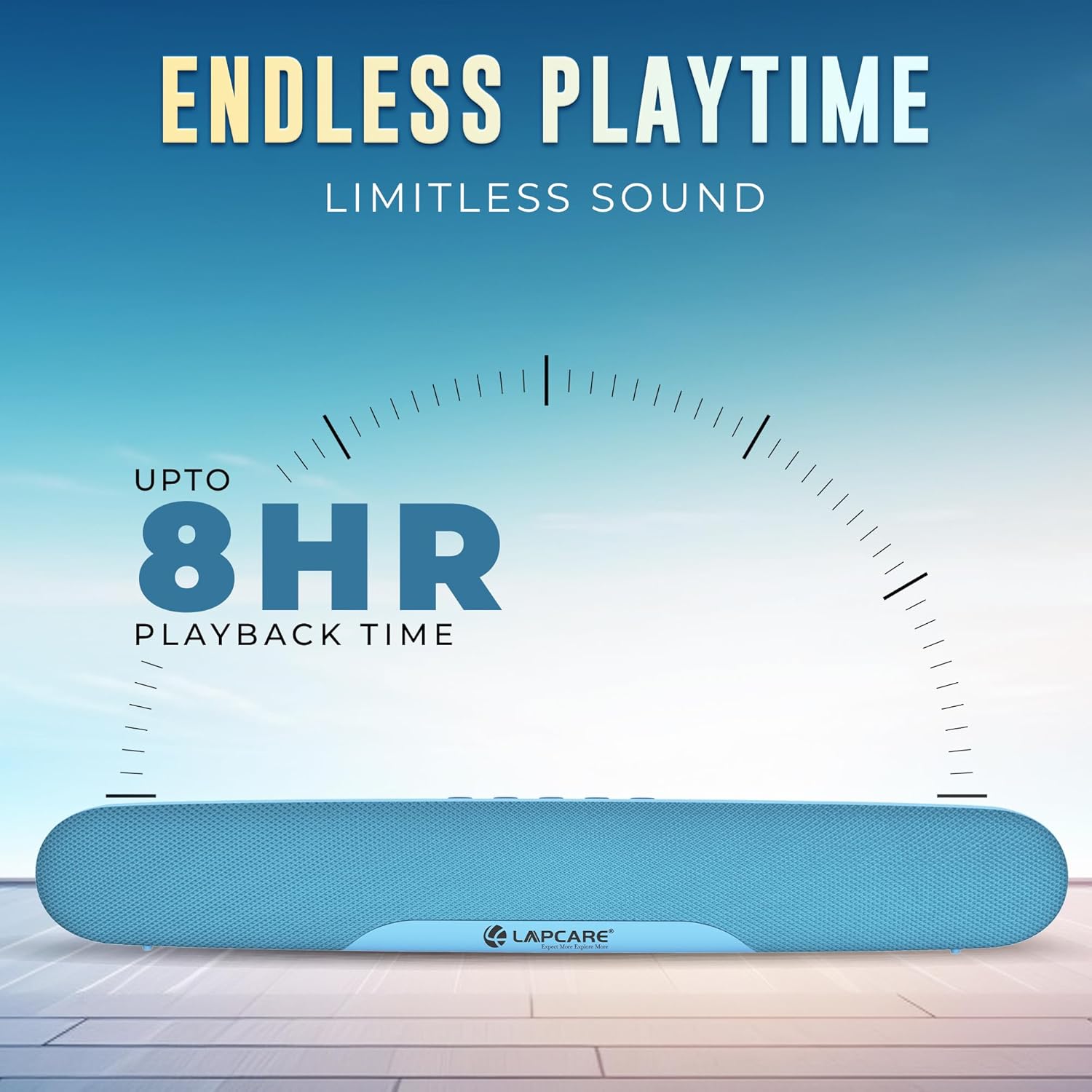
Image: The soundbar illustrating its extended playback time of up to 8 hours.
9. Warranty and Support
9.1. Warranty Information
The LAPCARE Musi Bar VI Bluetooth Speaker comes with a manufacturer's warranty. Please refer to the warranty card included in your package for specific terms and conditions, including the warranty period and coverage details. Keep your purchase receipt as proof of purchase for warranty claims.
9.2. Customer Support
For any technical assistance, product inquiries, or warranty claims, please contact Lapcare customer support.
- Manufacturer: Rx Infotech Pvt Ltd
- Contact Number: 8587812000 (as per product specifications)
- Address: 1201-1208, 12th floor, Puri Business Hub, Sector-81, Faridabad-121004, Haryana, India
- Online Support: Visit the official Lapcare website for FAQs and support resources.
When contacting support, please have your product model (LBS-609) and purchase details ready.


