
Introduction
Welcome to the user manual for your boAt Airdopes 161 ANC True Wireless Stereo (TWS) Earbuds. This guide provides detailed instructions on how to set up, operate, maintain, and troubleshoot your earbuds to ensure optimal performance and a seamless audio experience.

Image: The boAt Airdopes 161 ANC earbuds shown with their charging case, highlighting their sleek design and portability.
1. Setup
1.1 What's in the Box
Your boAt Airdopes 161 ANC package includes:
- boAt Airdopes 161 ANC Earbuds
- Charging Case
- USB Type-C Charging Cable
- User Manual
1.2 Charging the Earbuds and Case
Before first use, fully charge the earbuds and the charging case.
- Place both earbuds into the charging case.
- Connect the USB Type-C charging cable to the charging port on the case and to a power source.
- The indicator light on the case will show charging status. Once fully charged, the indicator will change or turn off.

Image: The USB Type-C charging port on the boAt Airdopes 161 ANC charging case, indicating the modern charging interface. Also shows Bluetooth v5.3 icon.
The Airdopes 161 ANC features ASAP Charge technology, providing 150 minutes of playback with just 10 minutes of charging.

Image: Illustration of ASAP Charge, showing 10 minutes of charge provides 150 minutes of playback.
1.3 Pairing with Your Device (IWP Technology)
The Airdopes 161 ANC features Insta Wake N' Pair (IWP) Technology for instant connection.
- Open the lid of the charging case. The earbuds will automatically power on and enter pairing mode.
- Enable Bluetooth on your device (smartphone, tablet, etc.).
- Search for "Airdopes 161 ANC" in the list of available Bluetooth devices and select it to connect.
- Once connected, you will hear a confirmation tone, and the earbuds will be ready for use.

Image: A smartphone screen displaying "Airdopes 161 ANC Connected" with the earbuds and case, illustrating the IWP pairing process.
2. Operating the Earbuds
2.1 Touch Controls
The Airdopes 161 ANC features intuitive touch controls on each earbud.
| Action | Function |
|---|---|
| Single Tap (Left/Right Earbud) | Play/Pause Music, Answer/End Call |
| Double Tap (Right Earbud) | Next Track |
| Double Tap (Left Earbud) | Previous Track |
| Long Press (Right Earbud) | Volume Up |
| Long Press (Left Earbud) | Volume Down |
| Triple Tap (Left/Right Earbud) | Activate Voice Assistant |
| Long Press (2 seconds) during call | Reject Call |
| Long Press (2 seconds) to toggle ANC/Transparency | Toggle Active Noise Cancellation / Transparency Mode |
2.2 Active Noise Cancellation (ANC)
The Airdopes 161 ANC features Active Noise Cancellation up to 32dB, reducing ambient noise for an immersive listening experience.
- To activate ANC, long press the touch control area on either earbud for 2 seconds.
- Repeat the action to switch between ANC, Transparency Mode, and Normal Mode.
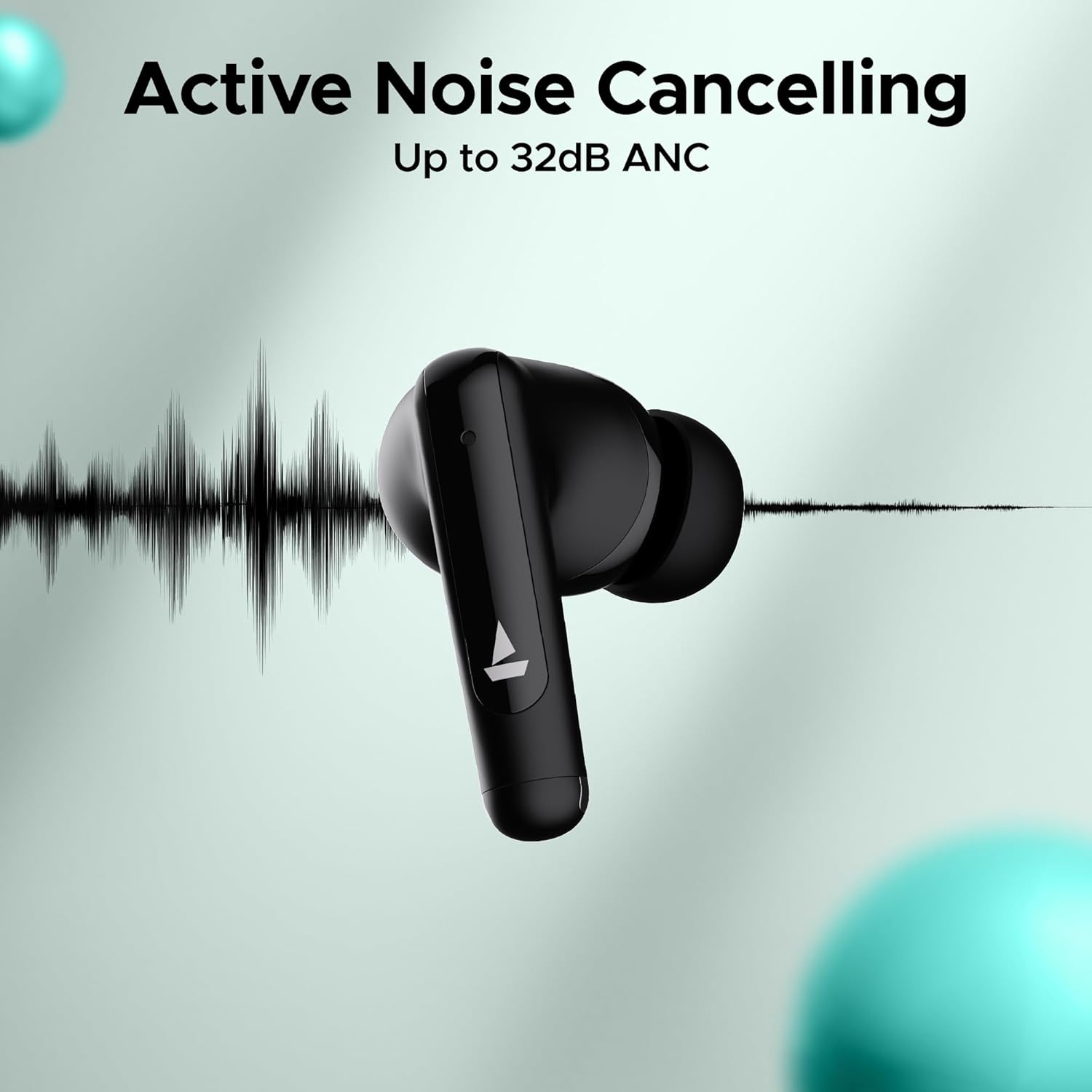
Image: An earbud with a sound wave graphic, illustrating the Active Noise Cancelling capability up to 32dB.
2.3 Making Calls (Quad Mics with ENx Technology)
The earbuds are equipped with Quad Mics and ENx Technology for clear voice calls by filtering out environmental noise.
- Answer/End Call: Single tap either earbud.
- Reject Call: Long press either earbud for 2 seconds.
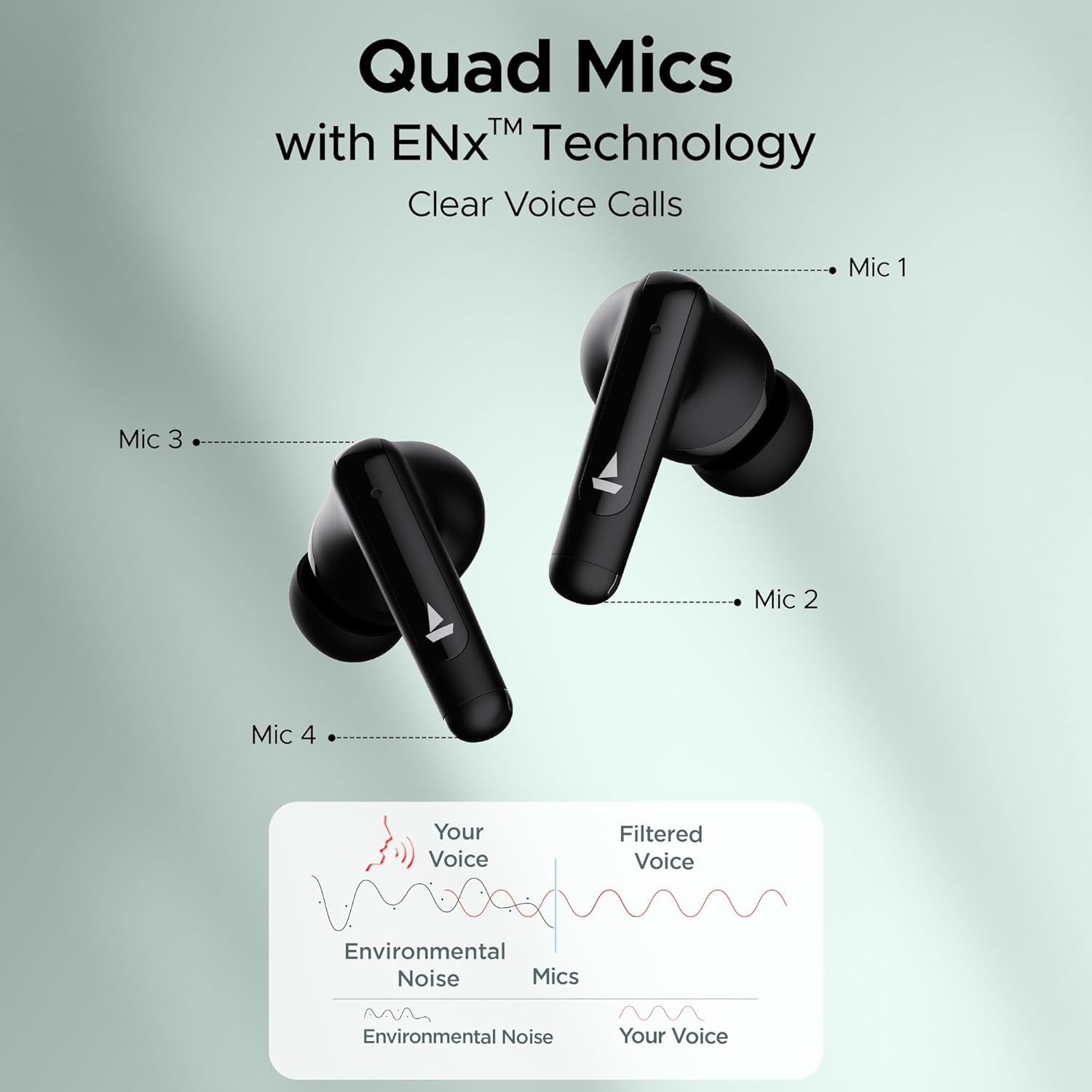
Image: Diagram showing the placement of four microphones on the earbuds and how ENx Technology filters environmental noise for clear voice calls.
2.4 Playback Time
The boAt Airdopes 161 ANC provides up to 50 hours of total playback time with the charging case. Individual earbud playback time varies based on usage and ANC status.
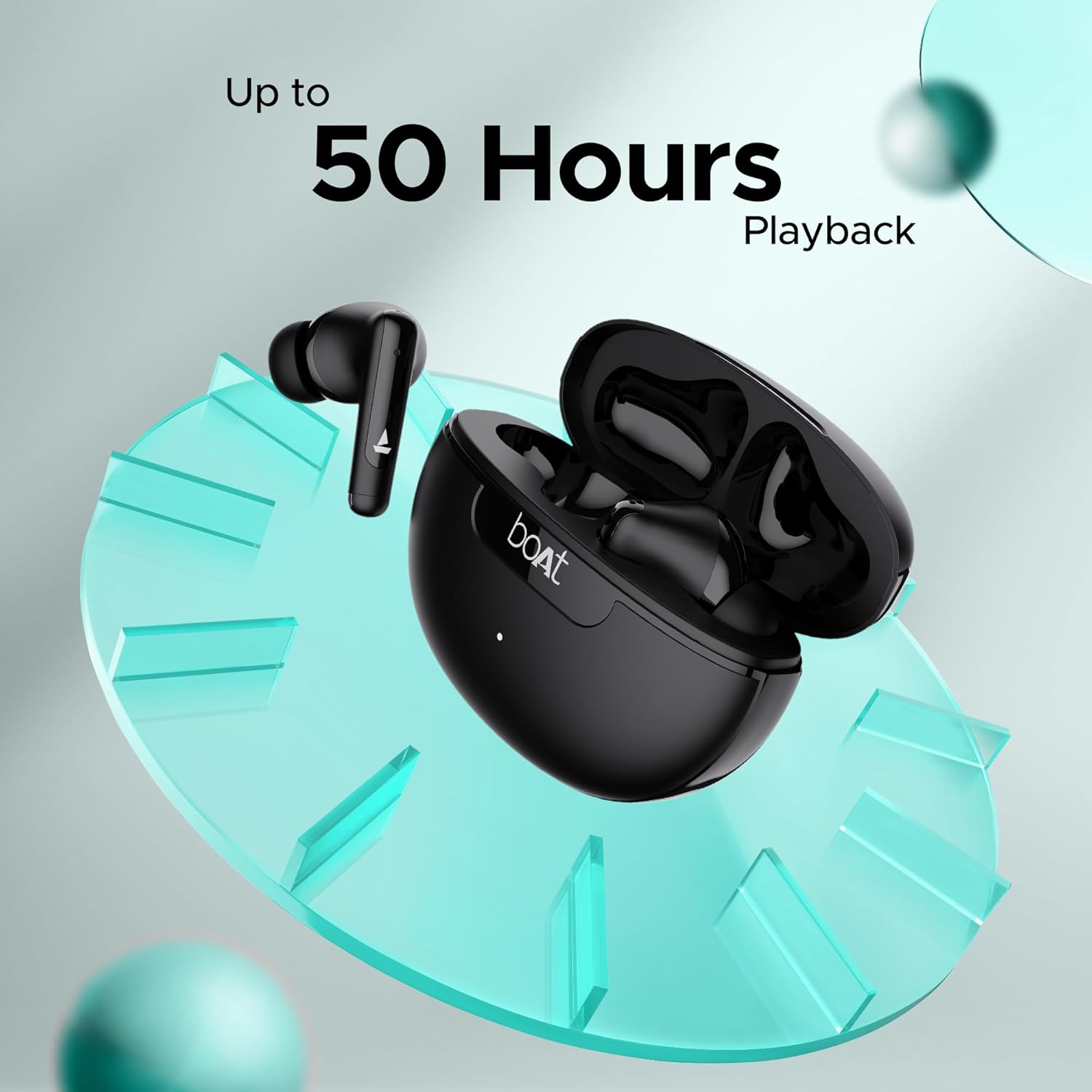
Image: Graphic indicating "Up to 50 Hours Playback" for the boAt Airdopes 161 ANC earbuds and charging case.
3. Maintenance
3.1 Cleaning Your Earbuds
Regular cleaning helps maintain sound quality and hygiene.
- Use a soft, dry, lint-free cloth to wipe the earbuds and charging case.
- Gently remove any earwax or debris from the ear tips and speaker mesh using a small, clean brush or cotton swab.
- Avoid using abrasive materials, alcohol, or chemical cleaners.
3.2 Water and Sweat Resistance (IPX5)
The Airdopes 161 ANC earbuds are IPX5 rated, meaning they are resistant to water splashes and sweat. This makes them suitable for workouts and light rain.
- Do not submerge the earbuds in water.
- Ensure the earbuds are dry before placing them back into the charging case to prevent damage.
Image: Earbuds shown with water droplets, indicating IPX5 water and sweat resistance.
4. Troubleshooting
If you encounter any issues with your Airdopes 161 ANC, refer to the following common solutions:
| Problem | Solution |
|---|---|
| Earbuds not pairing |
|
| Only one earbud working |
|
| Low volume or poor sound quality |
|
| ANC not working effectively |
|
5. Specifications
| Feature | Detail |
|---|---|
| Model Name | Airdopes 161 ANC |
| Connectivity Technology | Bluetooth |
| Wireless Communication Technology | Bluetooth |
| Bluetooth Version | 5.0 (Note: Image shows v5.3, using product spec 5.0) |
| Bluetooth Range | 10 Metres |
| Noise Control | Active Noise Cancellation (up to 32dB) |
| Microphones | Quad Mics with ENx Technology |
| Control Method | Touch |
| Water Resistance Level | IPX5 (Water Resistant) |
| Form Factor | In Ear |
| Audio Driver Type | Dynamic Driver |
| Battery Type | Lithium Ion (included) |
| Playback Time | Up to 50 Hours (with charging case) |
| Charging Interface | USB Type-C |
| Special Features | Built-In Voice Assistant, IWP Technology, ASAP Charge |
| Item Weight | 50 Grams |
| Product Dimensions | 5 x 3 x 5 cm |
6. Warranty and Support
Your boAt Airdopes 161 ANC earbuds come with a 1-year warranty from the date of purchase.
For warranty claims, technical support, or any other inquiries, please contact boAt customer service:
- Manufacturer: Imagine Marketing Ltd.
- Email: info@imaginemarketingindia.com
- Website: Refer to the official boAt website for the latest support information and contact details.
Please retain your purchase receipt as proof of purchase for warranty services.


