
Introduction
This manual provides essential instructions for the safe and efficient operation of your LQWELL HY300 Mini Projector. Please read this manual thoroughly before using the product and retain it for future reference.
The LQWELL HY300 is a portable mini projector designed for home entertainment and presentations. It features 5G WiFi and Bluetooth 5.0 connectivity, automatic keystone correction, and supports up to 4K video input for a clear viewing experience.
What's in the Box
Carefully unpack all items and ensure you have the following components:
- LQWELL HY300 Projector
- Power Cord
- Remote Control
- Instruction Manual
Product Overview
Front View
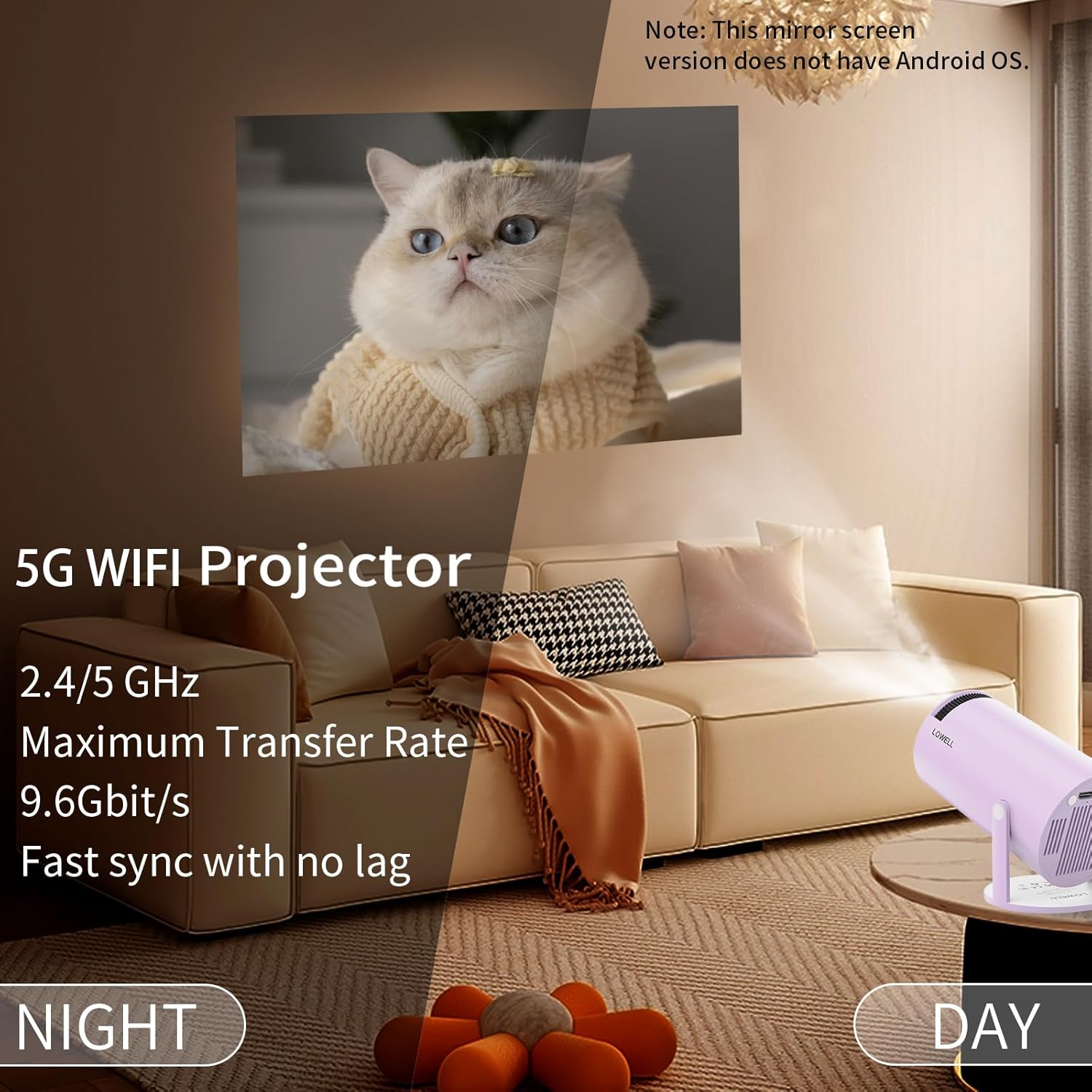
Image Description: The front view of the LQWELL HY300 Mini Projector, highlighting the projection lens and the manual focus wheel located around the lens. The projector is compact and purple.
Rear and Side Views (Ports)
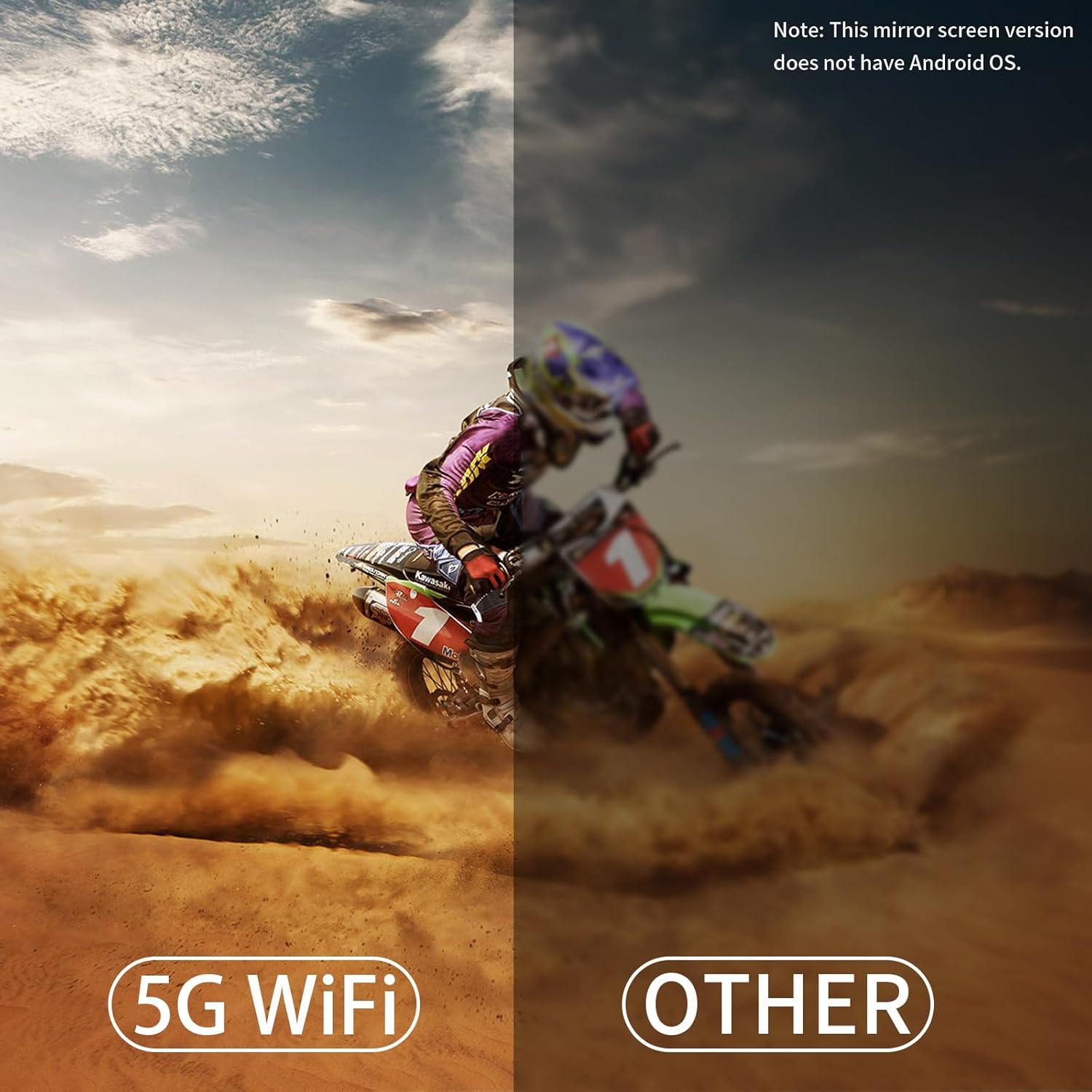
Image Description: The rear and side view of the LQWELL HY300 Mini Projector, illustrating the various input/output ports including HDMI, USB, and Audio. These ports allow connection to multiple external devices.
Key Features
- 5G WiFi & BT5.0: Supports fast wireless screen synchronization and high-fidelity audio transmission to Bluetooth devices.
- Automatic Keystone Correction: Built-in sensor automatically calibrates the projection surface for a rectangular image.
- 220° Rotatable Stand: Allows flexible projection angles from floor to ceiling.
- Multiple Interfaces: HDMI, USB, and Audio ports for broad device compatibility.
- Native 720P, 4K Support: Delivers clear and bright images with a native resolution of 1280x720 and support for 4K video input.
Setup
- Placement: Position the projector on a stable, flat surface. Utilize the 220° rotatable stand to adjust the projection angle as needed. Ensure the projection path is clear of obstructions.
- Power Connection: Connect the power cord to the projector's power input and then to a suitable electrical outlet. The projector will power on or enter standby mode.
- Initial Focus Adjustment: Turn the manual focus wheel located around the lens until the projected image appears sharp and clear.
- Automatic Keystone Correction: The projector features an automatic keystone correction function. It will automatically adjust the image to be rectangular. If further adjustment is needed, refer to the 'Operating' section for manual correction.
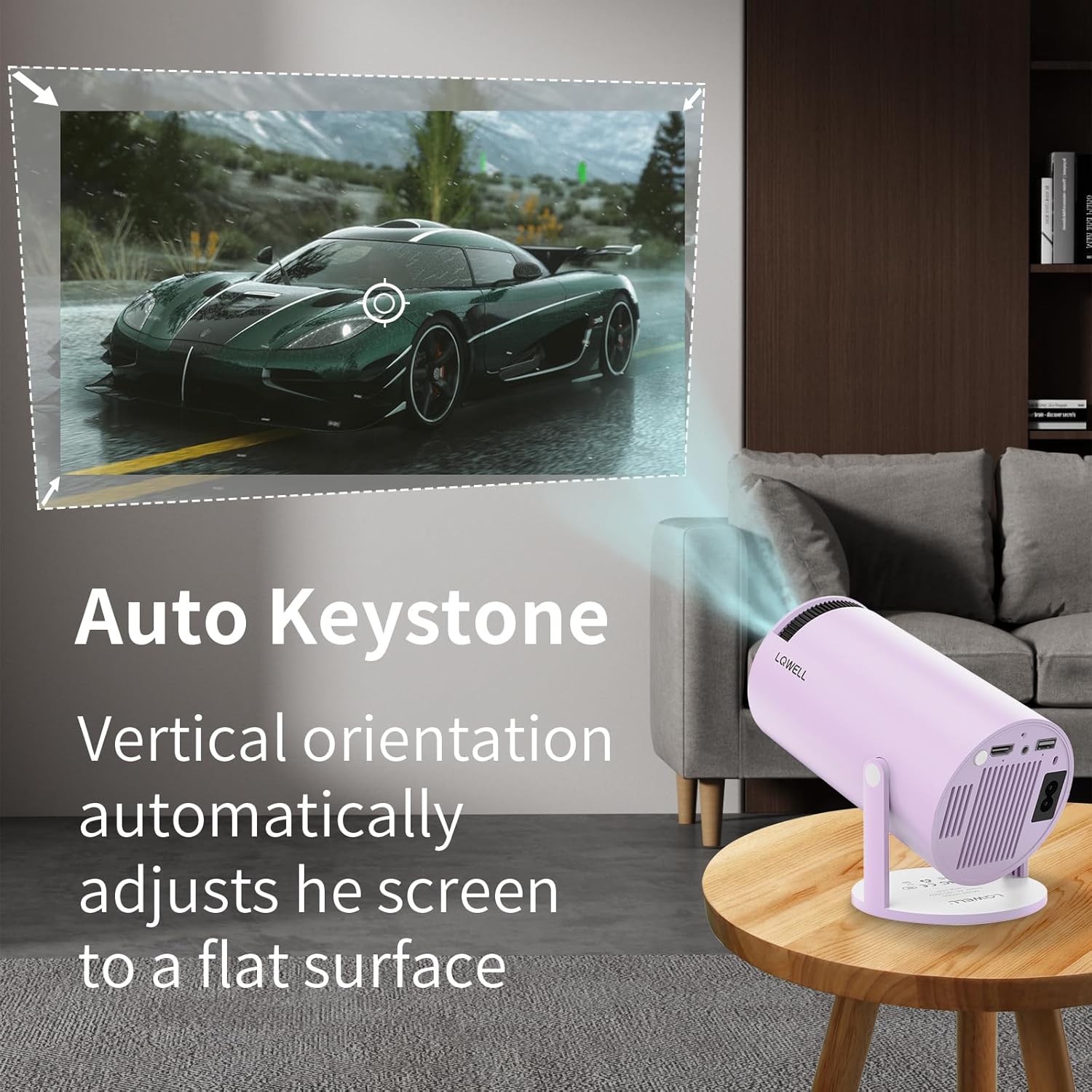
Image Description: An illustration showing the LQWELL HY300 Mini Projector projecting an image onto a wall, with arrows indicating how the automatic keystone correction adjusts the vertical orientation to maintain a flat, rectangular screen.
Operating
Power On/Off
- Press the power button on the projector or the remote control to turn the unit on or off.
Connecting Devices
The HY300 projector supports various connection methods:

Image Description: The LQWELL HY300 Mini Projector shown connected to a smartphone, PC, laptop, and Bluetooth speaker, illustrating its multi-device compatibility via HDMI, USB, and Audio ports.
- HDMI: Connect a PC, laptop, Firestick, TV box, Xbox, or other HDMI-compatible devices using an HDMI cable. Select the HDMI input source from the projector's menu.
- USB: Insert a USB disk into the USB port to play media files. Select the USB input source from the projector's menu.
- Audio Out: Connect external speakers or headphones via the 3.5mm audio jack for enhanced sound.
Wireless Connectivity (WiFi & Bluetooth)

Image Description: A split image showing the LQWELL HY300 Mini Projector projecting a clear image at night, emphasizing its 5G WiFi capabilities for fast and lag-free screen synchronization compared to other projectors.
- WiFi 5G+2.4G: Access the projector's network settings to connect to your home WiFi network. This enables wireless screen mirroring.
- Screen Mirroring: The projector supports wireless screen sharing for mobile phones, tablets, and laptops. Follow the on-screen instructions to connect your device. Note: This mirror screen version does not have an Android OS, so direct app installation is not supported.
- Bluetooth 5.0: Pair the projector with Bluetooth speakers or headphones for wireless audio output. Navigate to the Bluetooth settings in the projector's menu to scan for and connect to devices.
Remote Control
The remote control is essential for navigating the projector's menu and adjusting settings. Ensure batteries are correctly installed. Point the remote directly at the projector's IR receiver.
Maintenance
- Lens Cleaning: Use a soft, lint-free cloth or lens cleaning paper to gently wipe the projector lens. Avoid using abrasive materials or harsh chemicals.
- Dust Removal: Periodically clean the projector's vents to prevent dust buildup, which can affect performance and lifespan. Use a soft brush or compressed air.
- Storage: When not in use for extended periods, store the projector in a cool, dry place, away from direct sunlight and extreme temperatures.
Troubleshooting
| Problem | Possible Cause | Solution |
|---|---|---|
| No image or blurry image | Incorrect focus, lens cap on, incorrect input source, projector too far/close. | Adjust focus wheel. Remove lens cap. Select correct input source. Adjust projection distance. |
| No sound | Volume too low, incorrect audio output selected, external device volume low. | Increase projector volume. Check audio output settings. Increase volume on connected device. |
| Bluetooth connection issues | Device not in pairing mode, too far from projector, interference. | Ensure Bluetooth device is in pairing mode. Move device closer. Reduce interference. |
| Screen mirroring not working | Incorrect WiFi connection, device compatibility, firewall settings. | Ensure both devices are on the same WiFi network. Check device compatibility. Disable firewalls temporarily. |
| Remote control not responding | Dead batteries, obstruction, IR receiver blocked. | Replace batteries. Remove obstructions. Ensure IR receiver is clear. |
Specifications
| Feature | Detail |
|---|---|
| Brand | LQWELL |
| Model Name | HY300 |
| Recommended Use | Home Cinema |
| Special Feature | Portable |
| Connectivity Technology | HDMI, USB, Bluetooth |
| Display Resolution (Native) | 1280 x 720 |
| Max Display Resolution | 3840 x 2160 (4K Supported) |
| Display Type | LCD |
| Product Dimensions | 21.8L x 13.4W x 11.9H cm |
| Mounting Type | Table Mount |
| Brightness | 120 ANSI Lumens |
| Color | Violet |
| Wattage | 50 Watts |
| Control Type | Remote Control |
| Compatible Devices | Television, Game Console, Laptop, Smartphone, Tablet |
| Contrast Ratio | 1000:1 - 5000:1 |
| Max Projection Distance | 10 Feet (approx. 3 meters) |
| Light Source Life | 50,000 Hours |
| Max Image Size | 130 Inches |
| Voltage | 220 Volts |
| Min Projection Distance | 1.2 Meters |
| Min Image Size | 40 Inches |
| Video Encoding | VP9 |
Warranty & Support
Your LQWELL HY300 Mini Projector comes with a 1-year manufacturer's warranty. Please retain your proof of purchase for warranty claims.
For technical support, troubleshooting assistance, or warranty inquiries, please contact LQWELL customer service through the retailer's platform or the official LQWELL website. Provide your product model (HY300) and purchase details when contacting support.


