
HelloBaby HB2688-3
Hellobaby HB2688-3 DECT 6.0 Digital Cordless Telephone User Manual
Model: HB2688-3 | Brand: HelloBaby
Introduction
This manual provides detailed instructions for the setup, operation, and maintenance of your Hellobaby HB2688-3 DECT 6.0 Digital Cordless Telephone system. Please read this manual thoroughly before using your new telephone to ensure proper functionality and to take full advantage of its features.
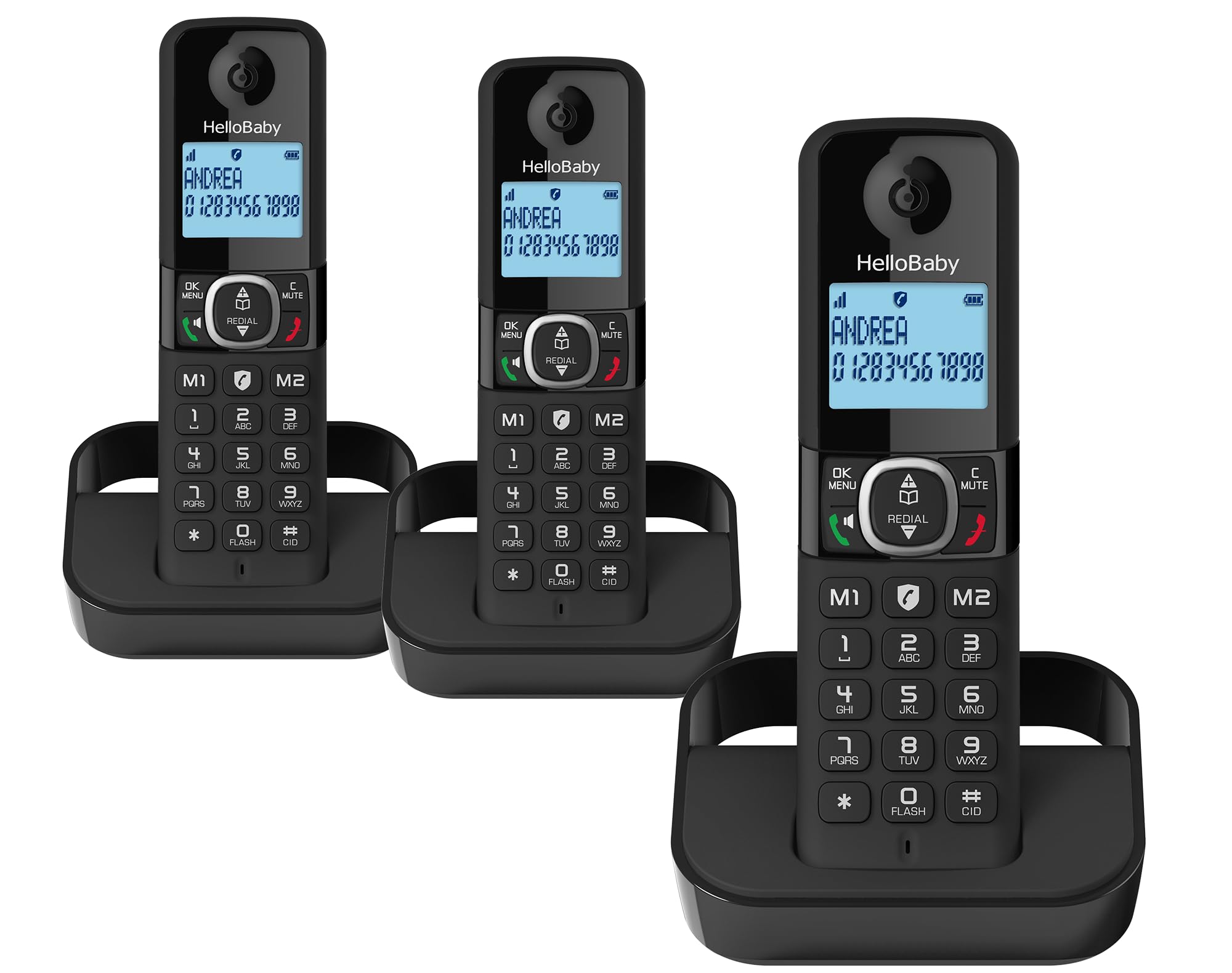
The Hellobaby HB2688-3 DECT 6.0 Digital Cordless Telephone system, featuring three handsets for extended home coverage.
Setup
1. Initial Battery Charging
Before using the handset for the first time, it is crucial to place it on the base unit and charge it for a full 15 hours. This ensures optimal battery performance and longevity. Subsequent charges will typically take less time.
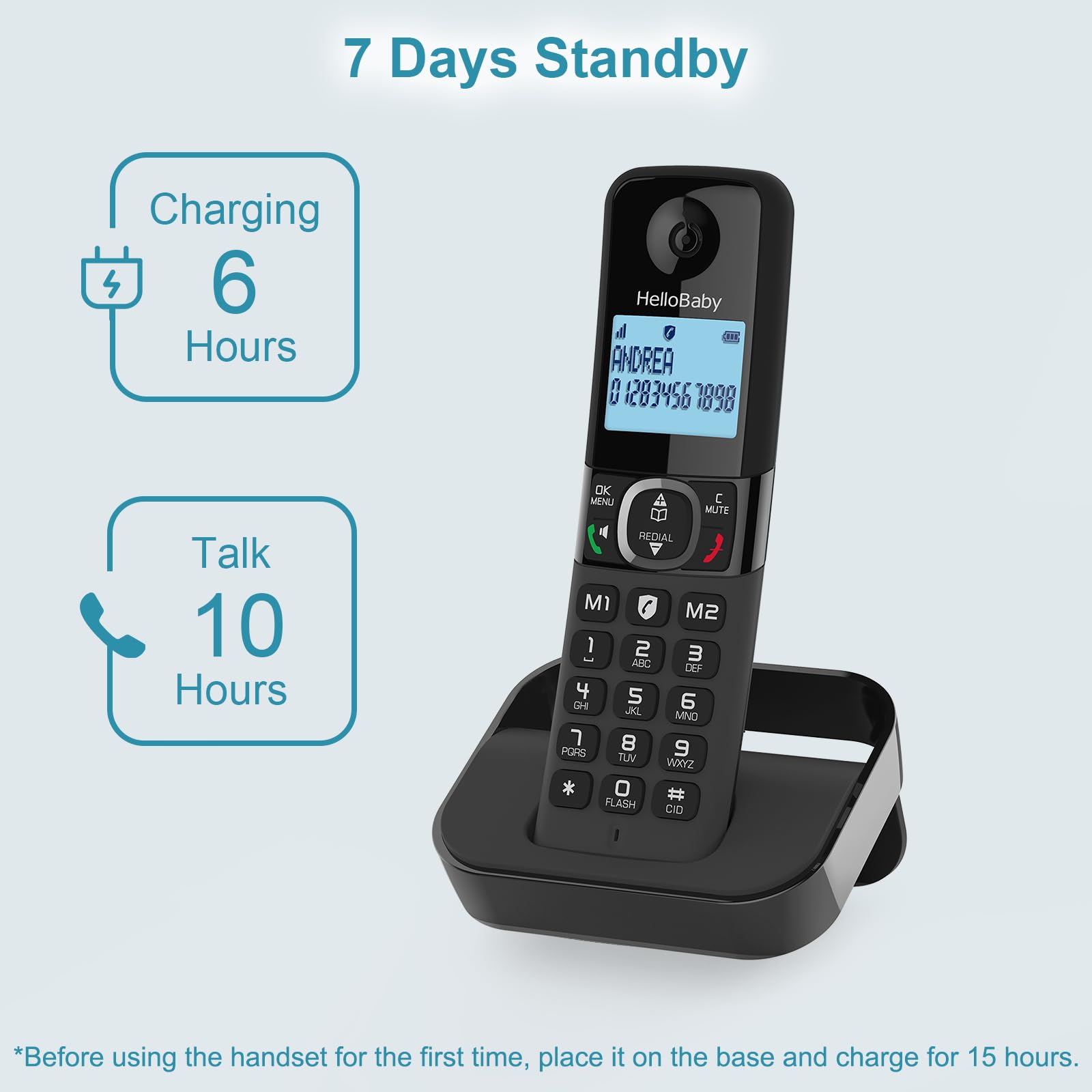
Initial charging for 15 hours is recommended for optimal battery performance. The handset offers up to 10 hours of talk time and 7 days of standby time.
2. Connecting the Base Unit
- Connect the telephone line cord to the LINE jack on the base unit and to your telephone wall jack.
- Plug the AC adapter into the POWER jack on the base unit and into a standard electrical outlet.
- Ensure all connections are secure.
3. Handset Registration
Your handsets are typically pre-registered to the base unit. If a handset displays "Unregistered" or similar, refer to the troubleshooting section or the full user manual for registration steps.
Operating Your Telephone
DECT 6.0 Technology and Range
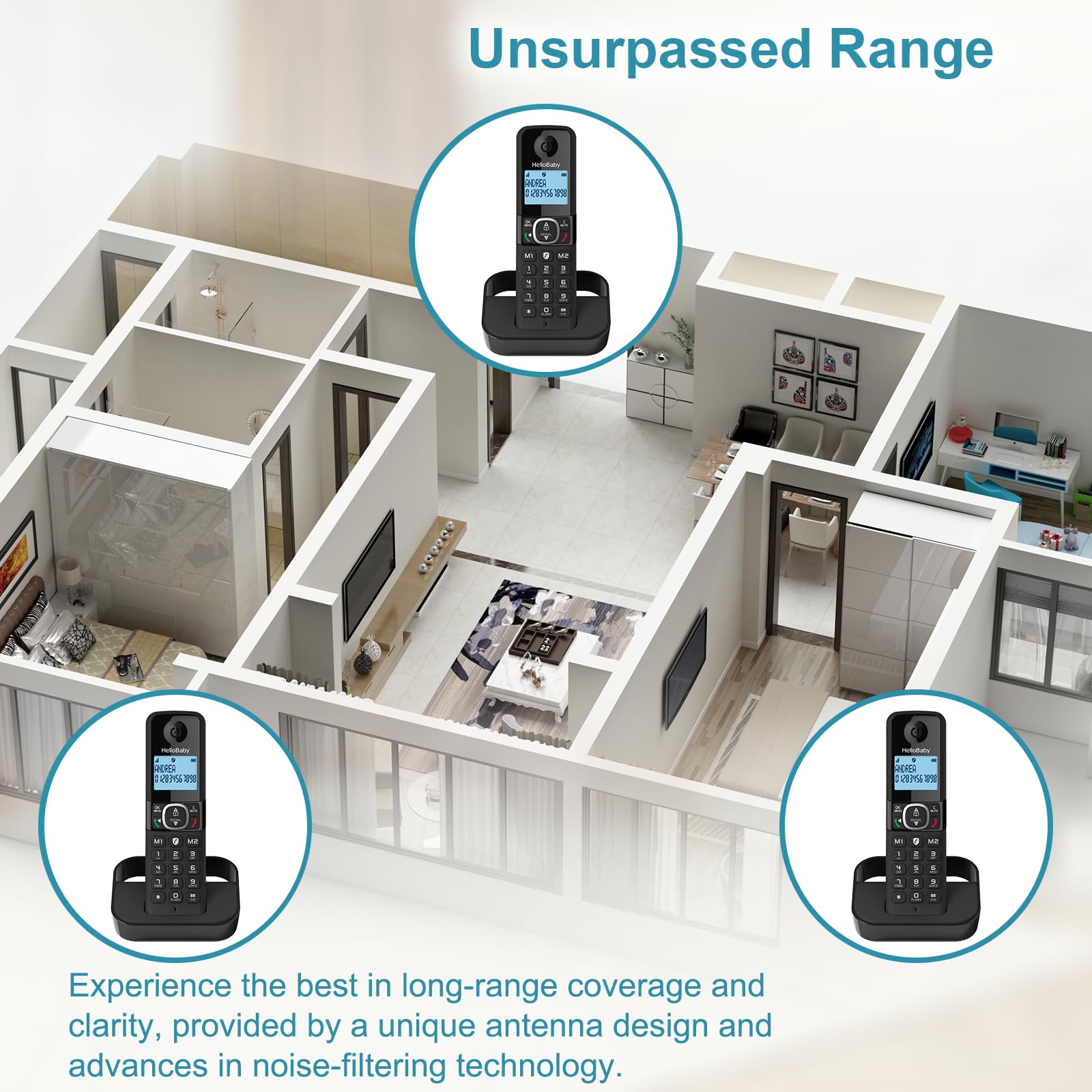
The Hellobaby HB2688-3 utilizes DECT 6.0 technology, providing a long-range connection with clear and uninterrupted sound. It can transmit signals up to 300 meters (approximately 1000 feet) outdoors and 50 meters (approximately 164 feet) indoors without significant interference, ensuring reliable operation throughout your home.

Experience reliable long-range coverage throughout your home with the advanced antenna design and noise-filtering technology.
Smart Call Blocker
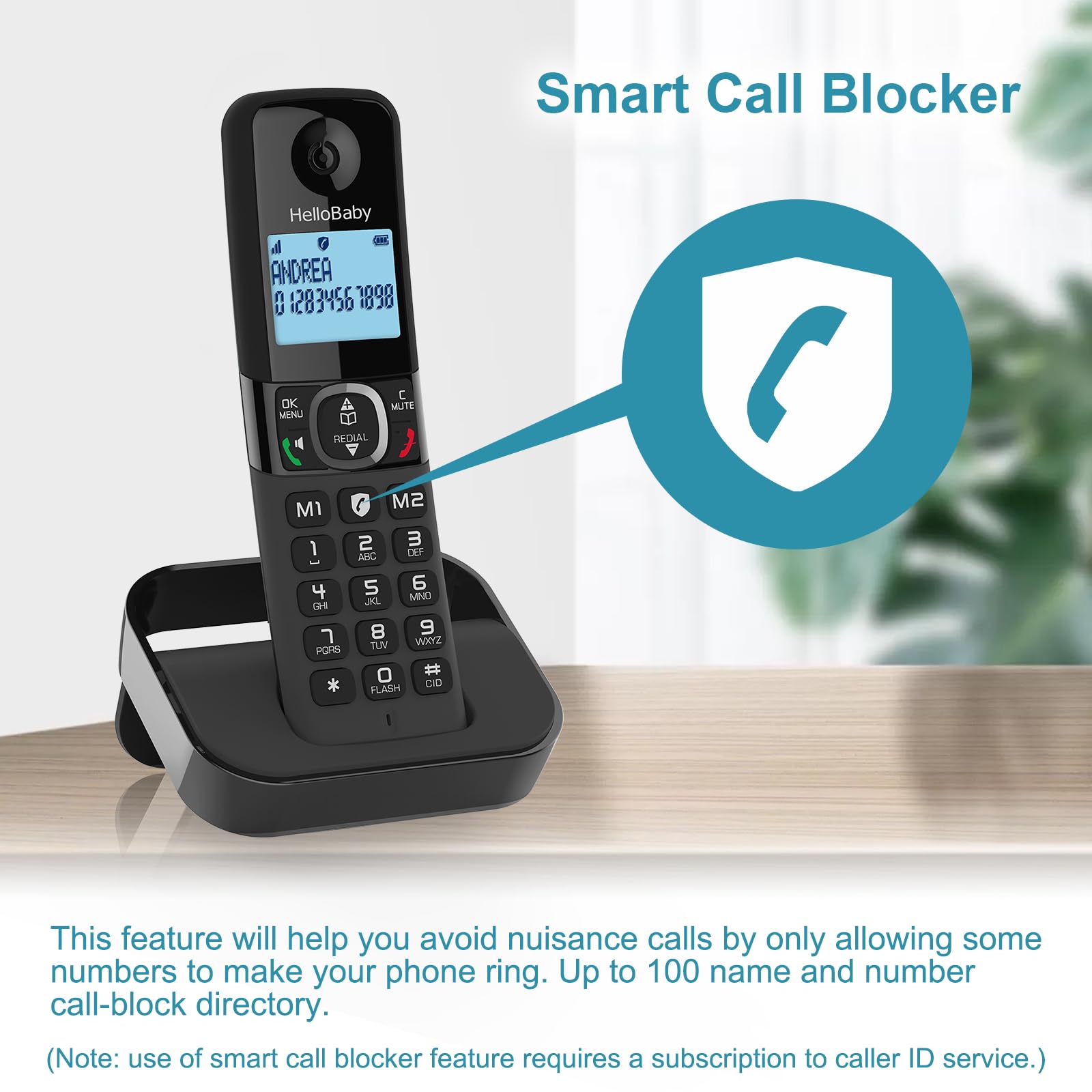
This feature allows you to block unwanted calls, including robocalls, from ringing through. You can permanently blacklist up to 100 names and numbers with a single touch. The system can also be set to an automatic call block mode, allowing only registered numbers to ring through.
The Smart Call Blocker feature helps avoid nuisance calls by allowing only some numbers to make your phone ring. Up to 100 name and number entries can be added to the call-block directory. (Note: Use of smart call blocker feature may require a subscription to caller ID service.)
Caller ID/Call Waiting
Stay informed about incoming calls. The handset display will show the caller's name, number, time, and date of the call, provided you subscribe to Caller ID service from your telephone service provider.
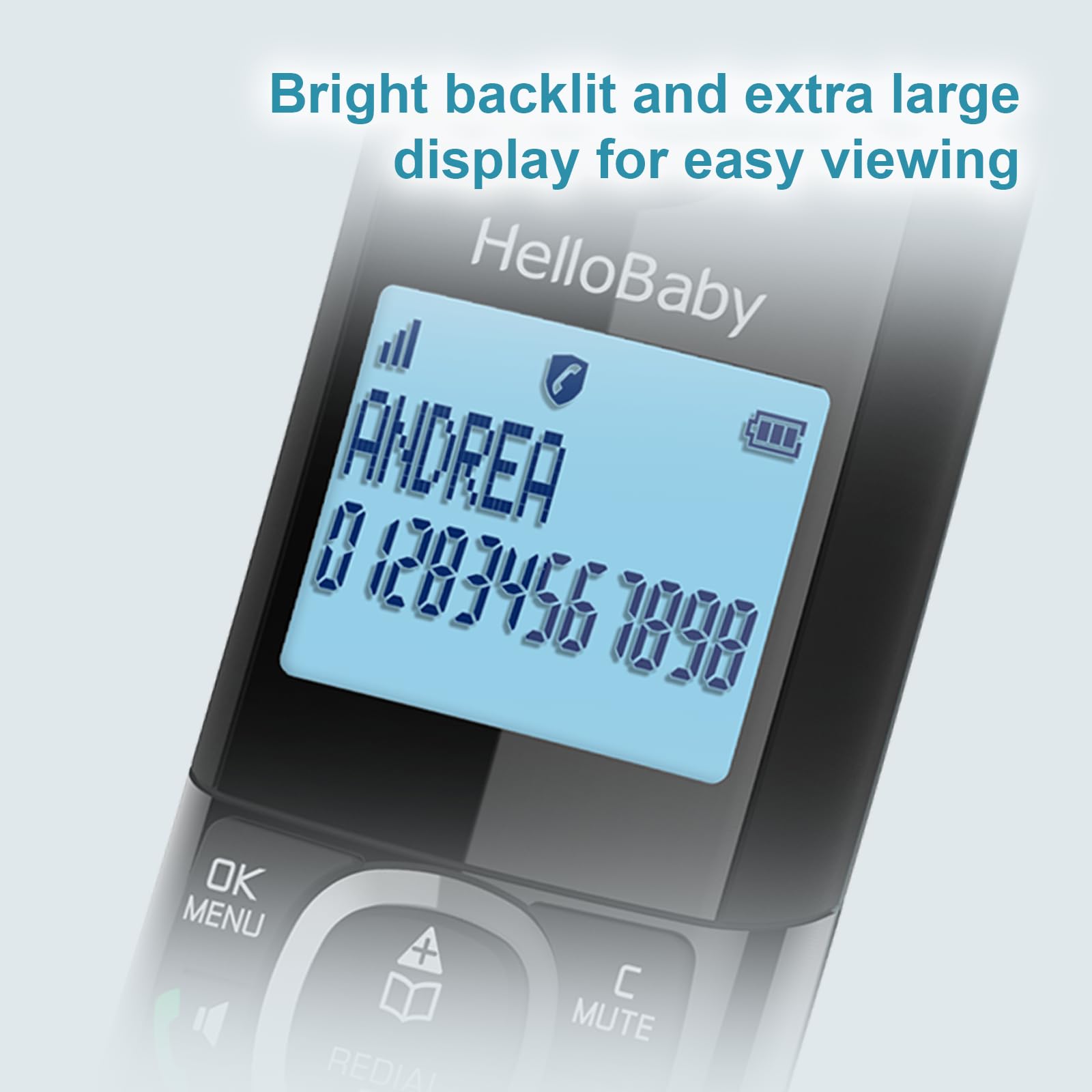
The bright backlit and extra-large display ensures easy viewing of Caller ID information.
Phonebook and Call Logs
- Phonebook Directory: Store up to 100 names and numbers for quick dialing.
- Caller ID Records: Access a log of the last 50 names and numbers that called.
- Last Called Number Records: Review the last 10 numbers you dialed for convenient redialing.
Redial Function
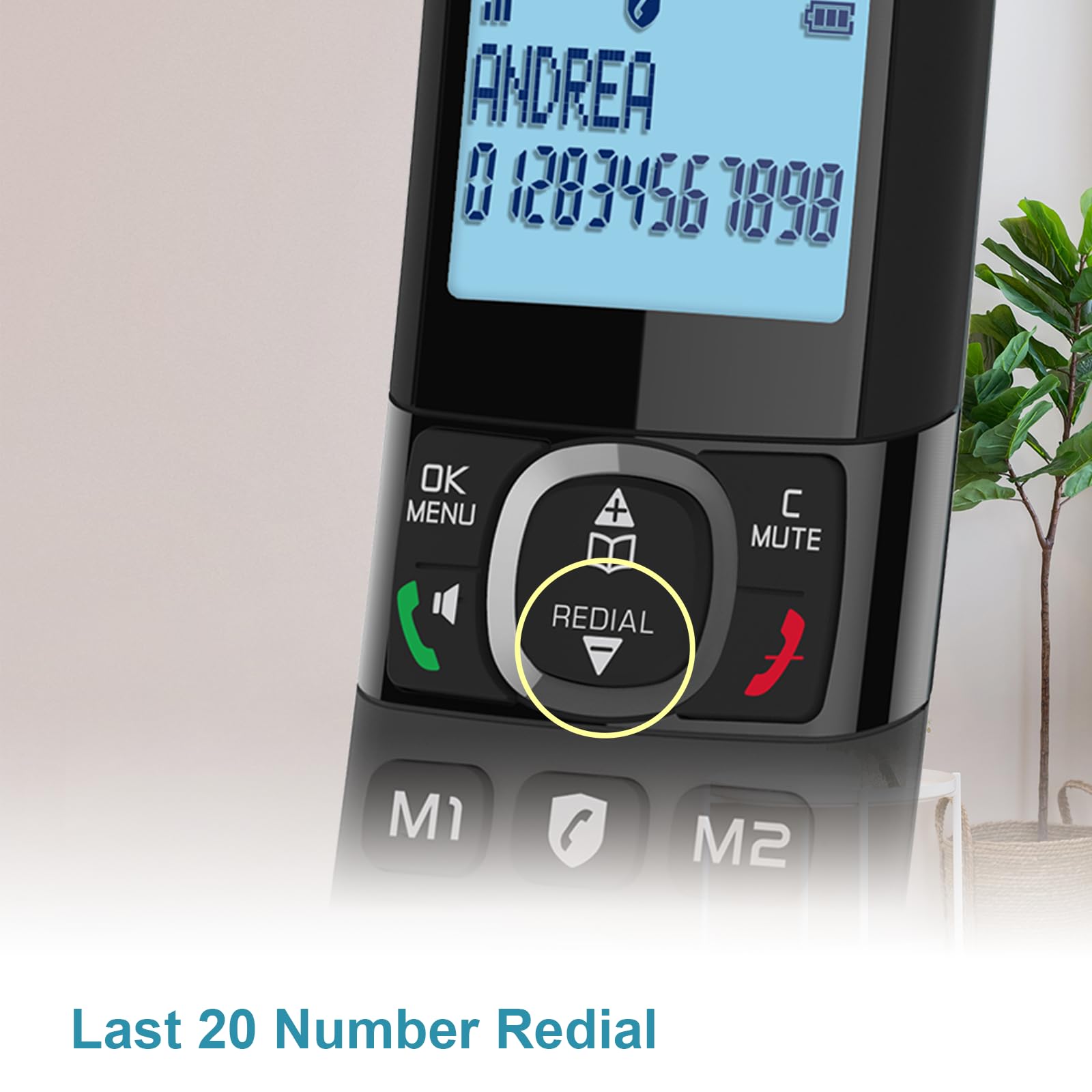
The handset allows for quick redialing of the last 20 numbers called. Simply press the dedicated Redial button to access this list.
The Redial button provides quick access to the last 20 dialed numbers.
Simulated Full-Duplex Speakerphone
Engage in hands-free conversations with the simulated full-duplex speakerphone feature, allowing for more natural two-way communication.
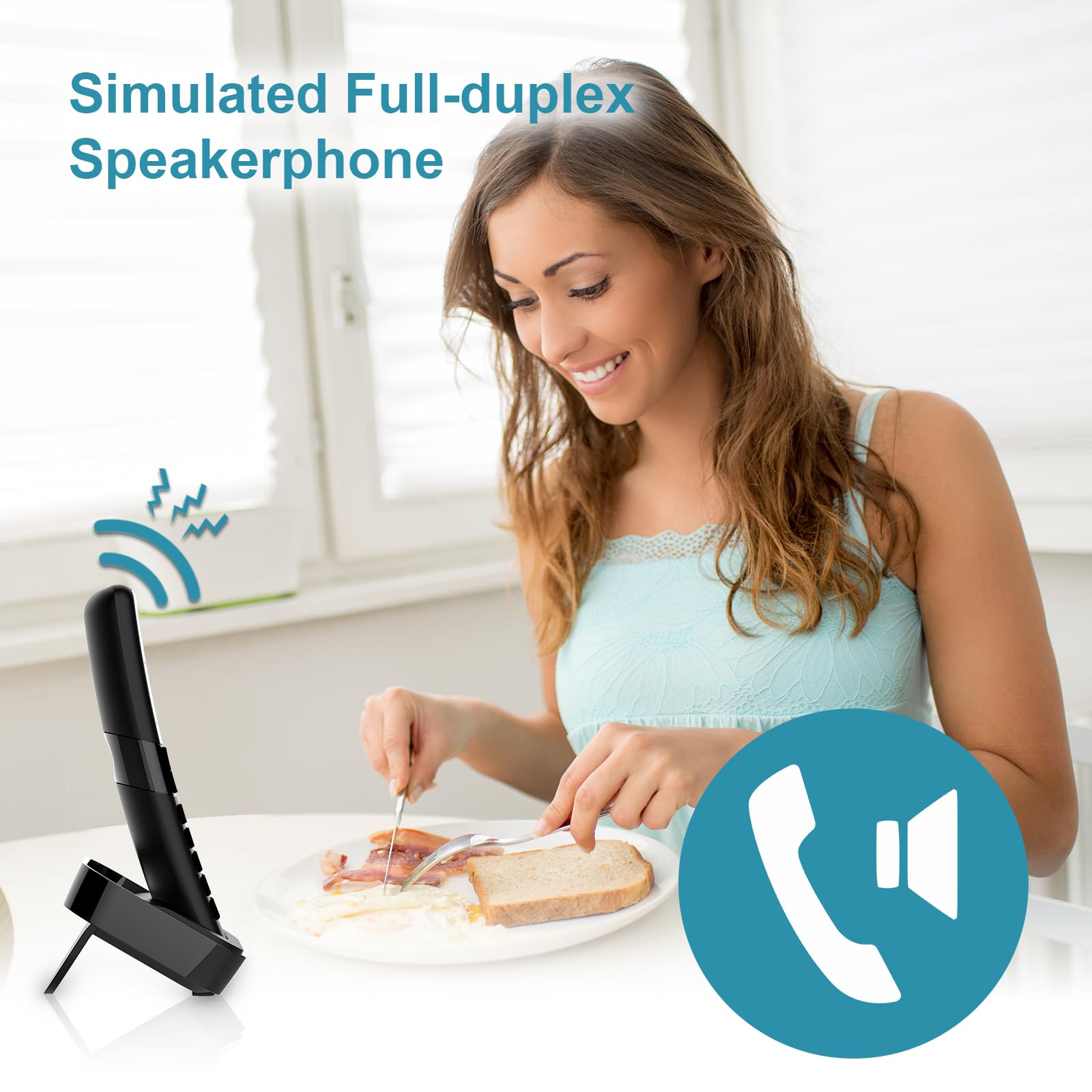
The simulated full-duplex speakerphone allows for convenient hands-free communication.
3-Way Conference Call
The system supports 3-way conference calls, enabling a conversation between two internal callers (handsets) and one external caller.
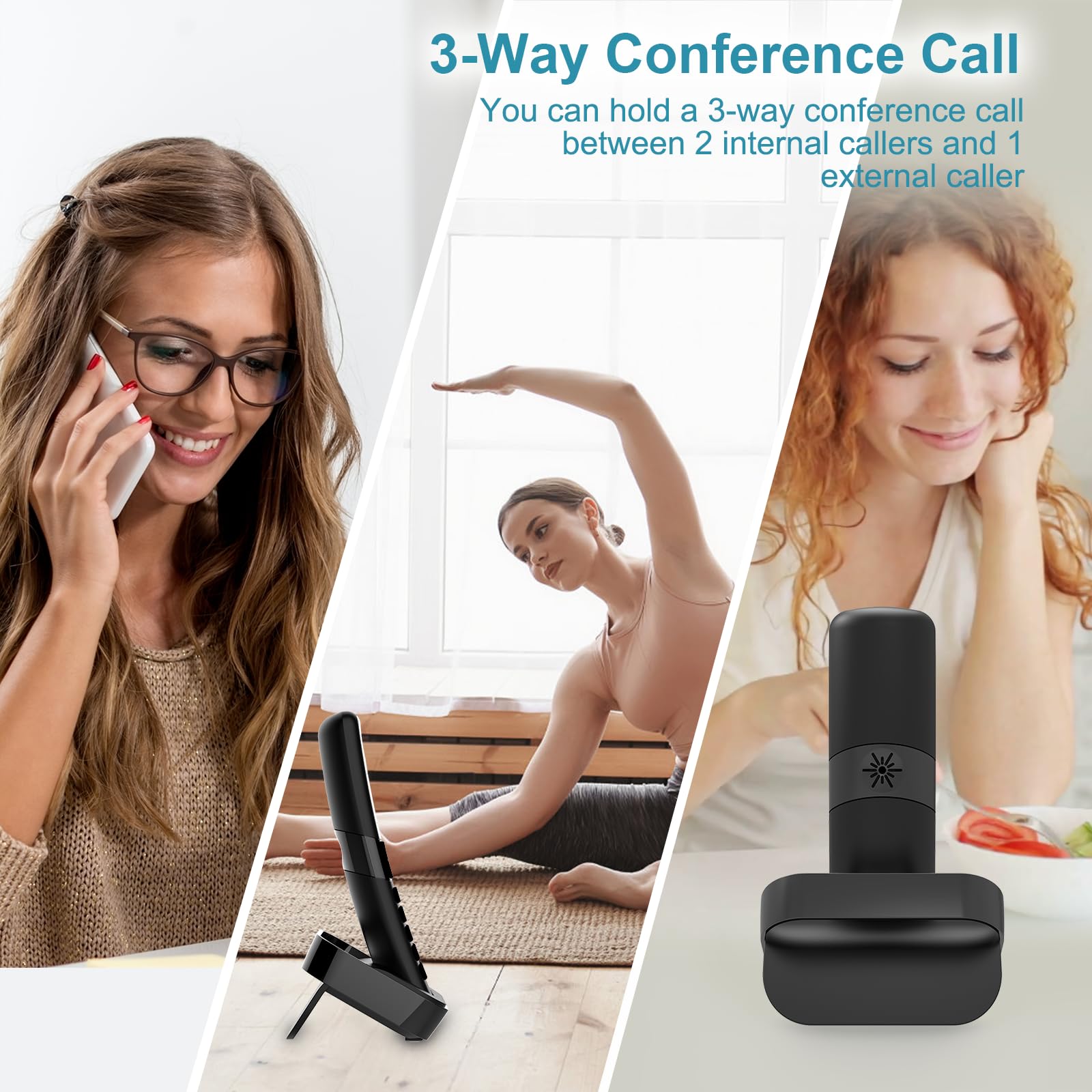
You can hold a 3-way conference call between 2 internal callers and 1 external caller.
Intercom Function
Communicate directly between handsets using the intercom feature, useful for internal household communication.
The intercom feature allows for direct communication between handsets.
Maintenance
Battery Care
- Always perform the initial 15-hour charge for new handsets.
- Recharge handsets when the low battery indicator appears.
- Avoid exposing batteries to extreme temperatures.
Cleaning
- Wipe the telephone and base unit with a soft, damp cloth.
- Do not use abrasive cleaners or solvents.
- Ensure the unit is unplugged before cleaning.
Troubleshooting
| Problem | Possible Cause | Solution |
|---|---|---|
| No dial tone | Telephone line cord is loose or disconnected. | Check and securely plug in the telephone line cord. |
| Handset does not charge | Handset not properly seated in cradle; charging contacts are dirty. | Ensure handset is correctly placed. Clean charging contacts with a dry cloth. |
| Poor sound quality / Static | Interference from other electronic devices; handset out of range. | Move handset closer to the base unit. Relocate base unit away from other electronics. |
| Cannot make/receive calls | Telephone line service issue; handset unregistered. | Contact your telephone service provider. Re-register the handset if necessary (refer to full manual). |
For more detailed troubleshooting steps, please refer to the complete user manual available for download or contact customer support.
Specifications
| Feature | Detail |
|---|---|
| Brand | HelloBaby |
| Model | HB2688-3 |
| Telephone Type | Cordless |
| Technology | DECT 6.0 |
| Power Source | Battery Powered |
| Answering System Type | Digital |
| Phone Talk Time | 10 Hours |
| Phone Standby Time | 168 Hours (7 Days) |
| Recording Capacity | 18 minutes |
| Multiline Operation | Single-Line Operation |
| Caller Identification | Yes |
| Item Weight | 1.94 pounds |
| Package Dimensions | 8.11 x 5.71 x 4.49 inches |
Warranty and Support
Warranty Information
Your Hellobaby HB2688-3 telephone comes with a 1-year warranty from the date of purchase. This warranty also applies to gift orders. Please retain your proof of purchase for warranty claims.

HelloBaby offers a professional after-sales customer service team and a 1-year warranty on this product.
Customer Support
For technical assistance, troubleshooting, or warranty inquiries, please contact our professional after-sales customer service team. Refer to the product packaging or the official HelloBaby website for contact details.
You can also refer to the official user manual PDF for more comprehensive information: Download User Manual (PDF)
Related documentsHB2688-3


Ask a question about this manual
Ask about setup, troubleshooting, compatibility, parts, safety, or missing instructions. Manuals+ will review the question and use this page’s manual context to help answer it.