1. Introduction
This manual provides essential information for the safe and efficient operation of your FOSSIBOT DT3 10.4-inch 5G Rugged Tablet. Please read this manual thoroughly before using the device to ensure proper functionality and to prevent damage.
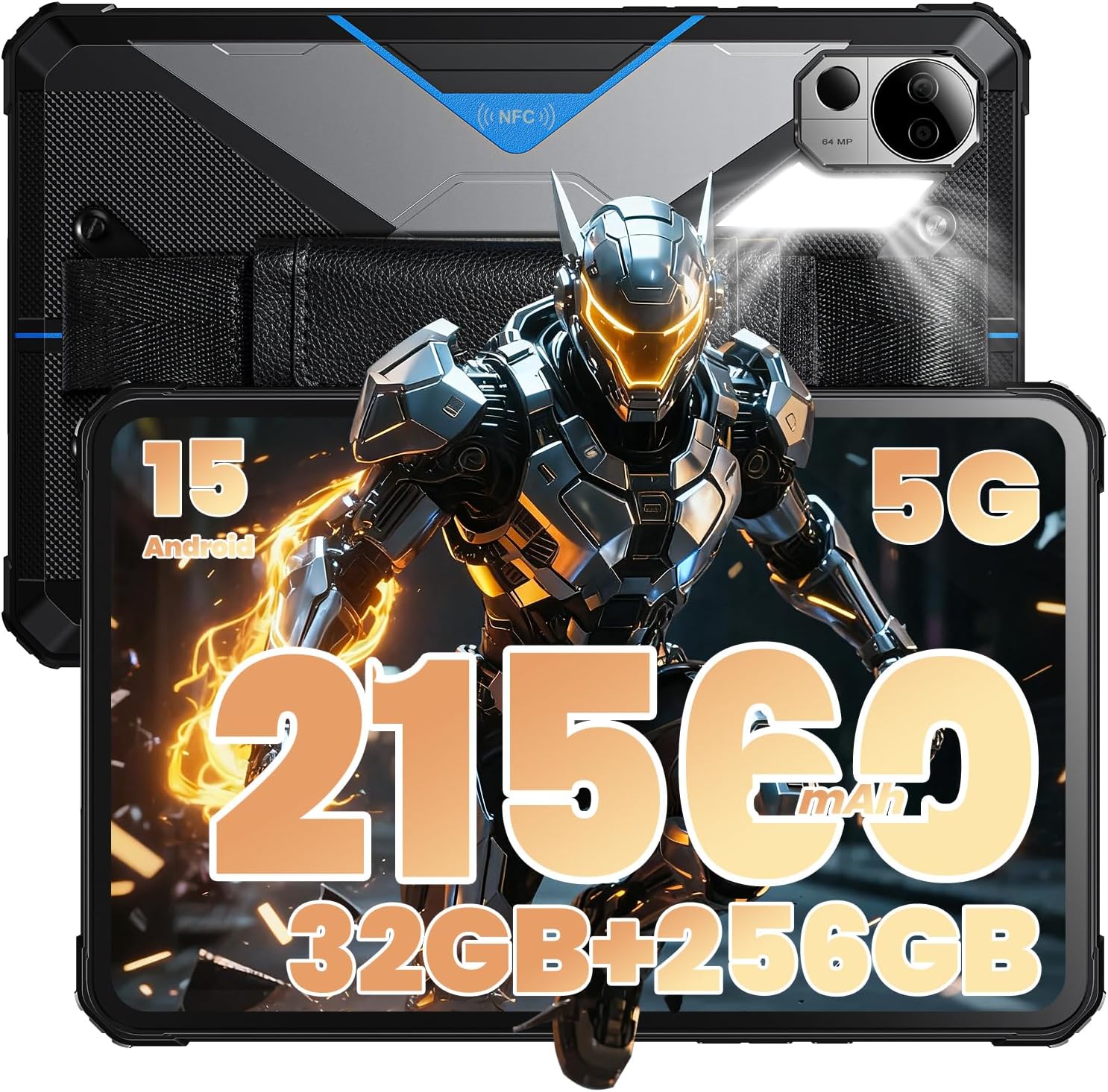
Image 1.1: FOSSIBOT DT3 10.4-inch 5G Rugged Tablet.
2. Package Contents
Verify that all items are present in the package:
- FOSSIBOT DT3 Tablet
- Charger (66W Power Adapter)
- Micro USB cable
- Anti-explosion screen protector
- SIM eject tool
- Screwdriver
- Ear hook
- Ear hook screw
- Wrist strap
- User manual
- Warranty card
- Battery warning label

Image 2.1: Contents of the FOSSIBOT DT3 retail package.
3. Setup
3.1. Charging the Tablet
Before initial use, fully charge the FOSSIBOT DT3 tablet using the provided 66W power adapter and Micro USB cable. The tablet supports 66W turbo charging for rapid power recovery.

Image 3.1: FOSSIBOT DT3 with 21560mAh battery and 66W fast charging.
3.2. SIM Card and MicroSD Installation
The FOSSIBOT DT3 supports dual 5G SIM cards and MicroSD card expansion. Use the provided SIM eject tool to open the SIM tray and insert your cards as instructed.
Video 3.2: Demonstration of FOSSIBOT DT3 rugged tablet features, including SIM card installation.
3.3. Initial Power On and Configuration
Press and hold the power button to turn on the tablet. Follow the on-screen prompts to complete the initial setup, including language selection, Wi-Fi connection, and Google account setup. The tablet runs on Android 15.

Image 3.3: FOSSIBOT DT3 running Android 15.
4. Operating the Tablet
4.1. Display and Audio
The tablet features a 10.4-inch 2K IPS display (1200*2000 MP resolution) optimized for outdoor visibility. Four high-output speakers provide clear audio. Adjust brightness and volume using the side buttons or quick settings panel.

Image 4.1: FOSSIBOT DT3 10.4-inch 2K IPS Display.
4.2. Camera Functions
The FOSSIBOT DT3 is equipped with a 64MP main camera and a 32MP front camera. Use the camera application to capture photos and videos. The tablet also features a built-in 1W LED camp light for illumination.
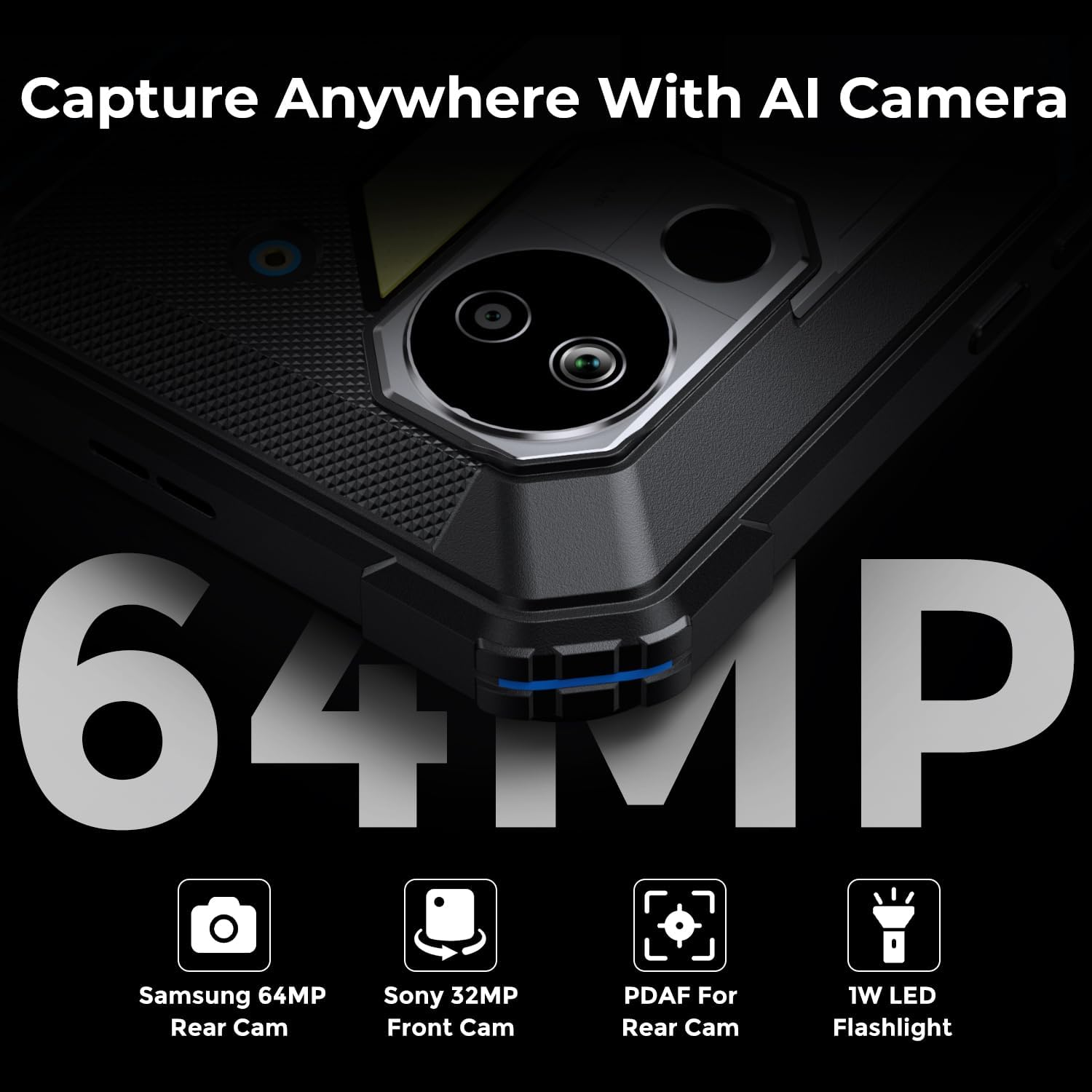
Image 4.2: FOSSIBOT DT3 64MP Camera with LED Flashlight.
4.3. Connectivity
Benefit from dual 5G SIM support and Wi-Fi 6 connectivity for fast data transfers and stable network performance. The tablet also supports OTG (On-The-Go) functionality for connecting external USB devices.

Image 4.3: FOSSIBOT DT3 featuring Wi-Fi 6 connectivity.
5. Maintenance
5.1. Cleaning the Tablet
To clean the tablet, use a soft, lint-free cloth. For stubborn dirt, slightly dampen the cloth with water. Avoid using harsh chemicals or abrasive materials, as these can damage the screen and casing. Ensure all port covers are securely closed before cleaning with any moisture.
5.2. Battery Care
The FOSSIBOT DT3 is equipped with a 21560mAh battery. To prolong battery life, avoid extreme temperatures and do not allow the battery to fully discharge frequently. Advanced battery management maintains over 80% capacity after 500 cycles.

Image 5.2: FOSSIBOT DT3 battery life and usage scenarios.
5.3. Ruggedness and Protection
The tablet is built to military standards (MIL-STD-810H) with IP68/IP69K ratings, offering protection against 5-foot drops, water immersion, dust ingress, and extreme temperatures. Ensure all port covers are sealed to maintain water and dust resistance.
Video 5.3: FOSSIBOT DT3 rugged tablet demonstrating its durability and features.
6. Troubleshooting
6.1. Device Not Powering On
- Ensure the battery is sufficiently charged. Connect the tablet to the charger for at least 30 minutes.
- Press and hold the power button for 10-15 seconds to perform a forced restart.
6.2. Poor Network Connectivity
- Check if your SIM card is correctly inserted and activated.
- Verify that Wi-Fi is enabled and you are connected to a stable network.
- Restart the tablet and your Wi-Fi router.
6.3. Screen Unresponsive
- Perform a forced restart (see 6.1).
- Ensure the screen is clean and free from moisture or debris.
7. Specifications
| Model | DT3 |
| Operating System | Android 15 |
| Processor | MediaTek Dimensity 7300 (2.5 GHz) |
| RAM | 32GB (DIMM DDR) |
| Storage | 256GB |
| Display Size | 10.4 inches |
| Screen Resolution | 2K (1200*2000 MP) |
| Battery Capacity | 21560mAh (Average 1800 Hours) |
| Charging | 66W Turbo Charging |
| Cameras | Rear: 64MP, Front: 32MP |
| Connectivity | 5G, Wi-Fi 6, OTG |
| Durability | IP68/IP69K, MIL-STD-810H |
| Dimensions (LxWxH) | 9.97 x 6.42 x 0.8 inches |
| Weight | 3.85 pounds |
8. Warranty and Support
The FOSSIBOT DT3 tablet comes with a comprehensive 2-year replacement warranty. For warranty claims, technical support, or service inquiries, please refer to the contact information provided on your warranty card or visit the official FOSSIBOT website.
Always ensure you have your proof of purchase and the product's serial number ready when contacting support.


