
TYMO HC520P
TYMO CURLGO Cordless Automatic Curling Iron User Manual
Model: HC520P | Brand: TYMO
1. Introduction
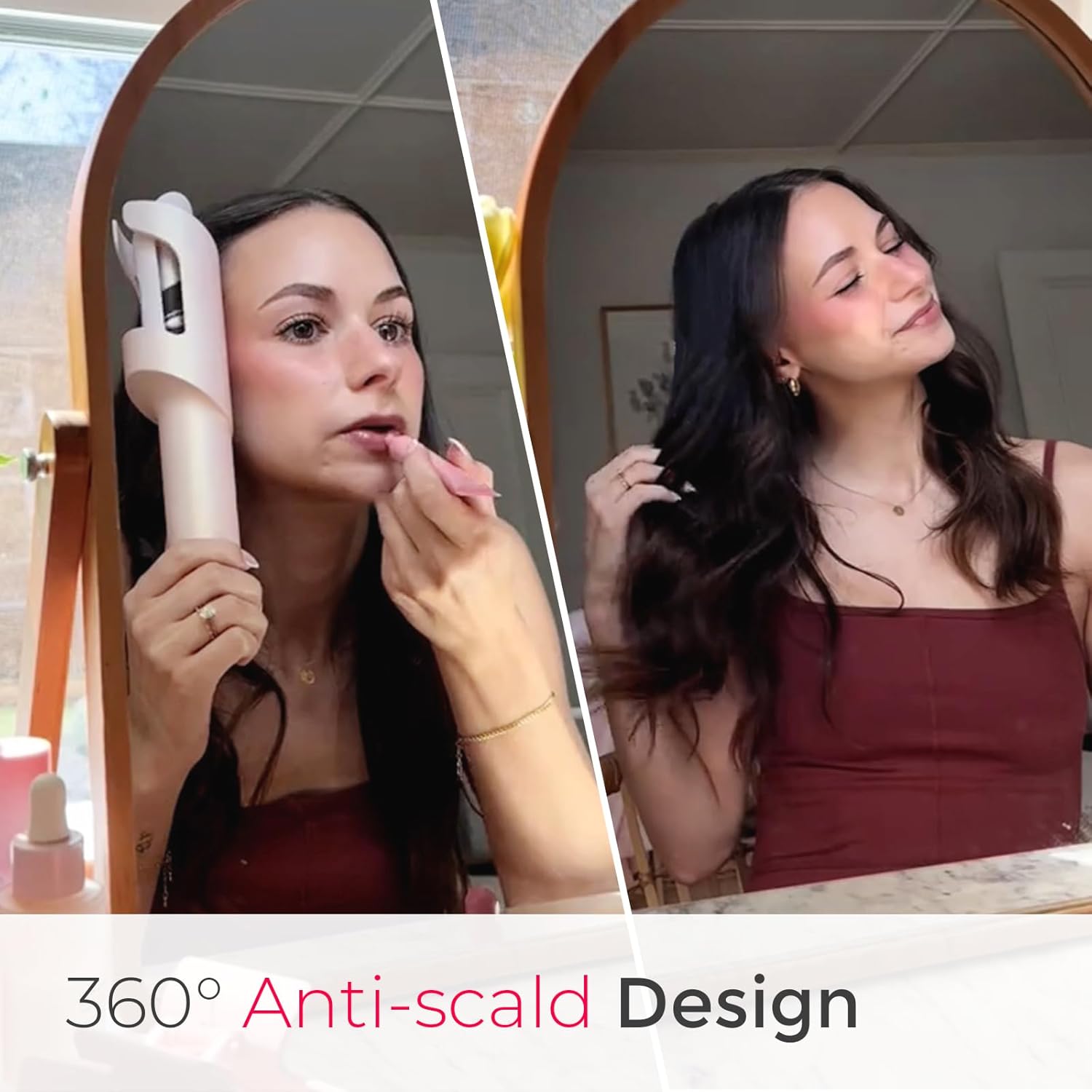
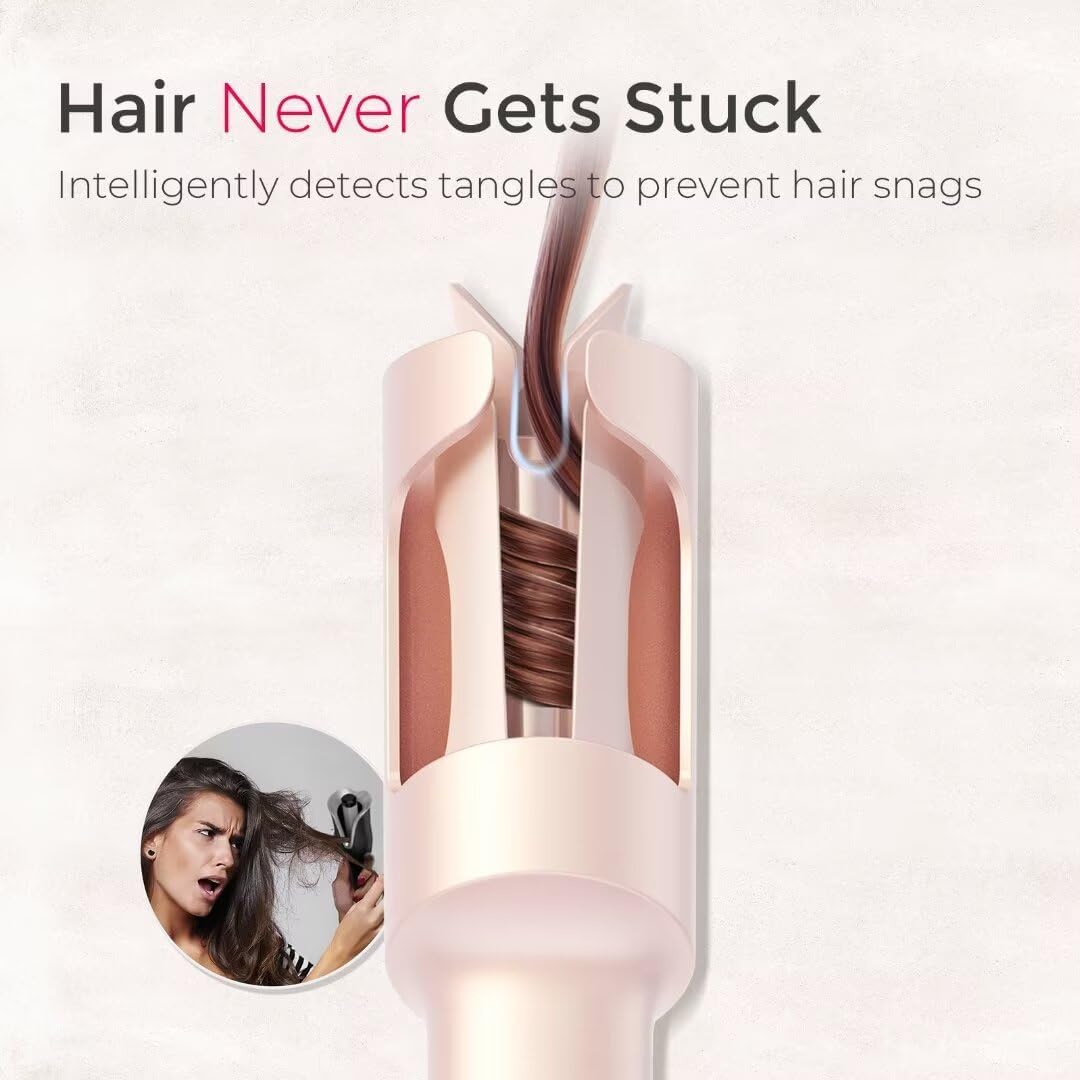
The TYMO CURLGO Cordless Automatic Curling Iron is designed for effortless hair styling, providing quick and easy curls with advanced safety features. Its innovative design ensures a smooth and tangle-free experience, delivering long-lasting, bouncy curls with a glossy finish.


2. Setup
2.1. Unboxing and Components
Upon opening the package, ensure all components are present:
- TYMO CURLGO Automatic Curling Iron
- 65W Fast Charger
- User Manual (this document)
2.2. Charging the Device
The TYMO CURLGO can be used cordlessly or plugged in for instant use. For optimal performance, fully charge the device before first use.
- Connect the provided 65W charger to the charging port on the device.
- Plug the charger into a power outlet.
- A full charge takes approximately 1.5 hours.
- The battery level indicator lights will show charging progress.

2.3. Safety Lock
The device features a safety lock to prevent accidental activation. Ensure the device is unlocked before powering on.

3. Operating Instructions
3.1. Button Functions and Temperature Settings
Familiarize yourself with the device's controls:
- Power Button: Press and hold for 2 seconds to turn on/off. Briefly press to switch temperature settings.
- Directional Button: Push to choose left/right rotation for curls.
- Rotate Button: Press to start rotation. It stops automatically after 8 seconds, or press again to stop.
Available Temperature Settings:
- 410°F / 210°C: For thick and coarse hair.
- 365°F / 185°C: For slightly fine to normal hair.
- 320°F / 160°C: For bleached, damaged, or fine hair.

3.2. Step-by-Step Curling Guide
- Step 1: Prep
Unlock the device using the safety switch. Press and hold the power button for 3 seconds to turn it on. Briefly press the power button to select your desired temperature setting based on your hair type.

Step 1: Prep: Visual guide for unlocking, powering on, and setting the temperature. - Step 2: Orient
Hold the curling iron vertically with the slot facing away from your face. Insert a 1-inch section of hair into the slot. To avoid tangles, ensure the section is small and fully inserted.

Step 2: Orient: Demonstrates how to hold the device and insert a hair section. - Step 3: Rotate
Press the rotate button to begin wrapping the hair. The device will automatically stop rotation after 8 seconds. You can press the button again to stop or restart the rotation if needed.

Step 3: Rotate: Shows the user pressing the rotate button to curl the hair. - Step 4: Beep
After the rotation stops, wait for 8 seconds for the beep sound. If you have long or coarse hair, consider extending the holding time by an additional 3-5 seconds after the beep for a more defined curl.

Step 4: Beep: Illustrates waiting for the beep after rotation stops to allow the curl to set. - Step 5: Release
Gently pull the device downward to release the formed curl. For looser curls, comb through your hair. Use hairspray for a longer-lasting hold.

Step 5: Release: Shows the final step of releasing the curl and the resulting styled hair.
3.3. Hair Length Guidance
The TYMO CURLGO is ideal for medium hair lengths (14"-22"). For hair 18 inches or longer, consider extending the curl setting time by 3-5 seconds after the beep for optimal results.

4. Maintenance
To ensure the longevity and optimal performance of your TYMO CURLGO, follow these maintenance guidelines:
- Cleaning: Ensure the device is turned off and cooled down before cleaning. Use a soft, damp cloth to wipe the exterior. Do not use harsh chemicals or abrasive cleaners.
- Storage: Store the curling iron in a cool, dry place, away from direct sunlight and moisture. Keep it in its original packaging or a protective pouch to prevent damage.
- Cord Care: If using in corded mode, avoid wrapping the cord tightly around the device, as this can damage the cord over time.
5. Troubleshooting
If you encounter any issues with your TYMO CURLGO, refer to the following common troubleshooting tips:
- Device Not Turning On: Ensure the safety lock is in the unlocked position. Check if the battery is charged; if not, plug it in using the provided charger.
- Hair Not Curling Properly: Ensure hair sections are no larger than 1 inch. Make sure the hair is fully inserted into the slot. Adjust temperature settings according to your hair type. For longer or coarser hair, extend the holding time after the beep.
- Hair Getting Tangled: Always use small, clean sections of hair. Ensure hair is detangled before inserting. The intelligent anti-tangle mechanism should reverse if tangles are detected. If tangling persists, immediately release the hair and re-section.
- Device Not Heating: Verify the device is powered on and the desired temperature is selected. Allow a few moments for the device to reach the set temperature.
- Battery Draining Quickly: Ensure the device is fully charged before cordless use. Using the device in corded mode can extend styling time if the battery is low.
If these steps do not resolve the issue, please contact TYMO customer support.
6. Specifications
| Feature | Detail |
|---|---|
| Product Dimensions | 10.24 x 2.32 x 2.32 inches; 12.49 ounces |
| Item Model Number | HC520P |
| Batteries | 1 Lithium Ion batteries required. |
| Manufacturer | TYMO |
| Product Benefits | Shine Enhancing, Curling, Volumizing, Hair Styling |
| Material | Ceramic Tourmaline |
| Hair Type | All |
| Wattage | 25 watts |
7. Warranty and Support
TYMO is committed to providing high-quality products and customer satisfaction. Your TYMO CURLGO comes with the following support:
- 30-Day No-Risk Money Back Guarantee: If you are not satisfied with your purchase, you may return it within 30 days for a full refund.
- 1-Year Hassle-Free Exchange: The product is covered by a 1-year warranty for manufacturing defects, allowing for a free exchange.
For any inquiries, support, or warranty claims, please contact TYMO customer service through Amazon. Look for the 'Sold by Beauty Life Distributor' section on the product page and click to contact the seller.

Related documentsHC520P


Ask a question about this manual
Ask about setup, troubleshooting, compatibility, parts, safety, or missing instructions. Manuals+ will review the question and use this page’s manual context to help answer it.