
1. Introduction
This manual provides instructions for the operation and maintenance of your PRUNUS 750 portable radio. This device features AM/FM/SW radio reception, Bluetooth connectivity, USB and TF card playback, and multiple charging options including solar and USB-C.
2. Package Contents
Verify that all items are present in the package:
- PRUNUS 750 Radio
- USB-C Charging Cord
- Owner's Manual
- Quick Start Guide
3. Product Overview
The PRUNUS 750 radio is designed for versatile audio playback and portability. It includes a telescopic antenna for radio reception, dual speakers for audio output, and various control buttons and ports.

4. Powering the Device
The PRUNUS 750 radio offers two methods for power supply:
- USB-C Charging: Connect the provided USB-C cable to the radio's charging port and a compatible USB power adapter (not included). The built-in 1800mAh rechargeable battery will charge.
- Solar Charging: Place the radio in direct sunlight. The integrated solar panel (5.7 x 2.7 inches) will convert solar energy to charge the internal battery.

5. Operating Instructions
5.1. Radio Mode
- Extend the telescopic antenna for optimal reception.
- Use the band switch to select FM (87-108 MHz), AM (530-1710 KHz), or SW (5.9-18.0 MHz).
- Rotate the tuning knob to scan for available stations. The frequency display will indicate the current station.

5.2. Music Playback
The radio supports three methods for playing personal music files:
- Bluetooth 5.3: Activate Bluetooth on your mobile device and select "PRUNUS 750" from the list of available devices to pair.
- USB Drive: Insert a USB flash drive containing MP3, WAV, or WMA audio files into the USB port. The radio will automatically begin playback.
- TF Card: Insert a TF (MicroSD) card containing MP3, WAV, or WMA audio files into the TF card slot. The radio will automatically begin playback.

5.3. Audio Features
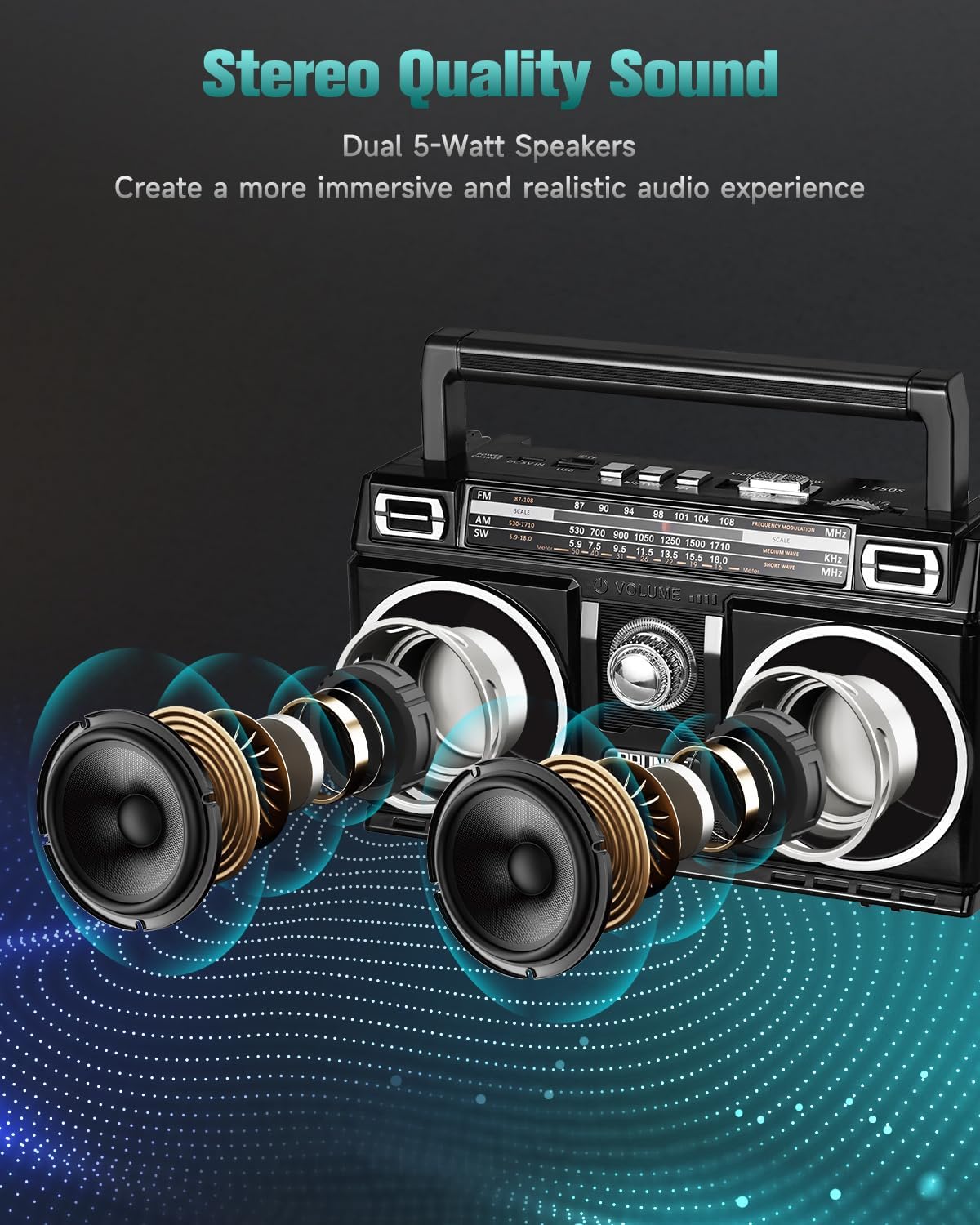
- Dual 5W Speakers: The unit is equipped with two 5-watt speakers for stereo sound output.
- TWS Pairing: For an enhanced stereo experience, two PRUNUS 750 units (sold separately) can be paired wirelessly using True Wireless Stereo (TWS) technology. Refer to the Quick Start Guide for TWS pairing instructions.
- Colorful Light Effects: The speakers feature 10 distinct light effects. These lights operate automatically during Bluetooth, USB, or TF card playback. They are automatically deactivated in radio mode.
5.4. Portability
The radio is designed for portability, featuring a compact size and a convenient carrying handle.

6. Specifications
| Feature | Detail |
|---|---|
| Model Number | J-750 |
| Product Dimensions | 8.5 x 3.9 x 5 inches |
| Item Weight | 1.9 pounds |
| Battery | 1 Lithium Polymer battery (1800mAh built-in) |
| Power Source | Solar Powered, Rechargeable Battery (USB-C) |
| Radio Bands Supported | FM (87-108 MHz), AM (530-1710 KHz), SW (5.9-18.0 MHz) |
| Connectivity Technology | Bluetooth 5.3, USB, TF Card |
| Audio Formats Supported | MP3, WAV, WMA |
| Speakers | Dual 5W speakers |
7. Maintenance
- Cleaning: Use a soft, dry cloth to clean the exterior of the radio. Avoid using abrasive cleaners or solvents.
- Storage: Store the radio in a cool, dry place away from direct sunlight and extreme temperatures when not in use for extended periods.
- Battery Care: To prolong battery life, fully charge the radio before first use and periodically recharge it if stored for long durations.
8. Troubleshooting
| Problem | Possible Solution |
|---|---|
| No power | Ensure the battery is charged. Connect to USB-C power or place in direct sunlight. Check the power switch position. |
| Poor radio reception | Fully extend the telescopic antenna. Adjust the radio's position. Try tuning to a different frequency. |
| Bluetooth not connecting | Ensure the radio is in Bluetooth mode. Check that Bluetooth is enabled on your device and within range. Forget and re-pair the device. |
| USB/TF card playback issues | Ensure audio files are in supported formats (MP3, WAV, WMA). Check that the USB drive or TF card is inserted correctly and not corrupted. |
| Volume knob difficult to adjust | Operate the volume knob gently. If persistent, contact customer support. |
9. Safety Information
- Do not expose the radio to water, moisture, or extreme temperatures.
- Avoid dropping or subjecting the device to strong impacts.
- Do not attempt to disassemble or repair the radio yourself. Refer all servicing to qualified personnel.
- Keep out of reach of children.
- Dispose of batteries according to local regulations.
10. Customer Support
For any questions, technical assistance, or warranty inquiries, please contact PRUNUS customer support. Refer to the contact information provided in your Quick Start Guide or visit the official PRUNUS website.