
1. Introduction
The PGST Wireless Smart Remote Control Receiving Controller (Model PF50-1) is designed to enhance the functionality of your alarm security system. This compact and versatile remote control features multiple modes, including Arm, Disarm, Home, and a dedicated SOS emergency button, making it suitable for various users, including the elderly and children. It operates on a stable 433MHz wireless frequency and is compatible with specific PGST alarm hosts and other 1527 code-based systems.
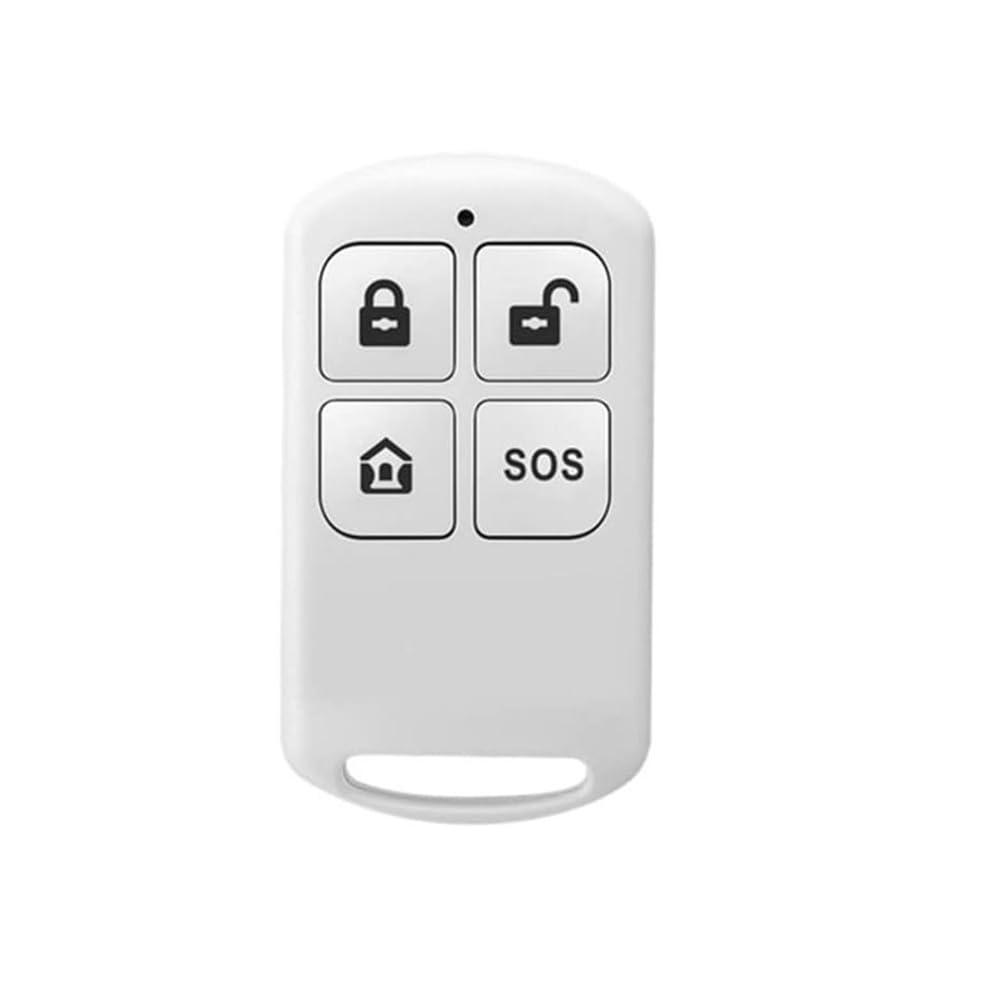
Image: The PGST Wireless Smart Remote Control, showing its compact design and four function buttons: Lock (Arm), Unlock (Disarm), Home, and SOS.
2. Setup and Installation
This section provides instructions for installing the PGST alarm system components, including the main host, various detectors, and the SOS button. Proper installation ensures optimal performance and reliability of your security system.
2.1. Alarm Host Installation
To install the alarm host, first fix the mounting bracket securely to the wall. Once the bracket is in place, carefully hang the alarm host onto the bracket. Ensure it is firmly attached.
Video: Demonstrates the installation process for the alarm host and various accessories. This video shows how to fix the bracket to the wall and then mount the alarm host, as well as the installation of infrared detectors, magnetic door sensors, SOS buttons, and smoke detectors.
2.2. Detector Installation (Infrared, Magnetic Door, SOS, Smoke)
- Infrared Detector: Install the infrared detector at a height of approximately 2.2 meters (7.2 feet). The detection angle is 110 degrees. Avoid installing it on the side of a window or near strong light and heat flow vents to prevent false alarms.
- Magnetic Door Sensor: Install the magnetic door sensor on the door frame and the door itself. Ensure the two parts are aligned and close to each other when the door is closed. When the door is opened, the host will trigger an alarm.
- SOS Button: Install the SOS button in an easily accessible location where it might be needed, such as near a bed or in a bathroom. Pressing the SOS button in an emergency will trigger the alarm for immediate assistance.
- Smoke Detector: Install the smoke detector on the ceiling in areas like the kitchen or living room. When smoke is detected, the alarm will be triggered.

Image: Illustrates scenarios where the SOS button can be used to call for immediate help, showing individuals in distress and the remote control with the SOS button highlighted.

Image: Shows the compact size of the remote control and its design with a rope hole, allowing it to be attached to a lanyard or keychain for easy carrying.
3. Operation
The remote control offers four primary functions for managing your alarm system.
3.1. Remote Control Functions

Image: Diagram showing the layout of the four buttons on the remote control: Lock (Arm Mode), Unlock (Disarm Mode), Home (Home Mode), and SOS (Emergency).
- Arm Mode (Lock Icon): Press this button to arm your security system. All connected sensors will become active, and any triggered sensor will activate the alarm.
- Disarm Mode (Unlock Icon): Press this button to disarm your security system. All sensors will be deactivated, allowing free movement without triggering the alarm.
- Home Mode (House Icon): This mode allows you to arm specific perimeter sensors while keeping internal sensors disarmed, enabling you to move freely inside your home while maintaining external security.
- SOS Button (SOS Text): In an emergency, press this button to immediately trigger the alarm and send an emergency signal to your alarm host. This feature is particularly useful for patients, the disabled, and the elderly.
3.2. Signal and Compatibility
The remote control features stable performance with a wireless transmission distance of 80m-150m in open areas. It operates on 433MHz frequency and supports 1527 code-based alarm hosts. Ensure your alarm host is compatible with these specifications for proper functionality. Compatible models include PG103, PG105, PG106, PG107, PG108, PG109, and PG500.
4. Maintenance
To ensure the longevity and reliable operation of your PGST Wireless Smart Remote Control, follow these maintenance guidelines:
- Cleaning: Wipe the remote control with a soft, dry cloth. Avoid using abrasive cleaners, solvents, or strong chemicals, as these can damage the device.
- Environmental Conditions: Keep the remote control away from extreme temperatures, high humidity, and direct sunlight. Do not expose it to water or other liquids.
- Battery Life: The remote control is designed for low power consumption, providing a long operational life. If the remote control's response becomes sluggish or inconsistent, it may indicate a low battery. Refer to the alarm host's manual for instructions on checking the remote control's battery status and replacement procedures.
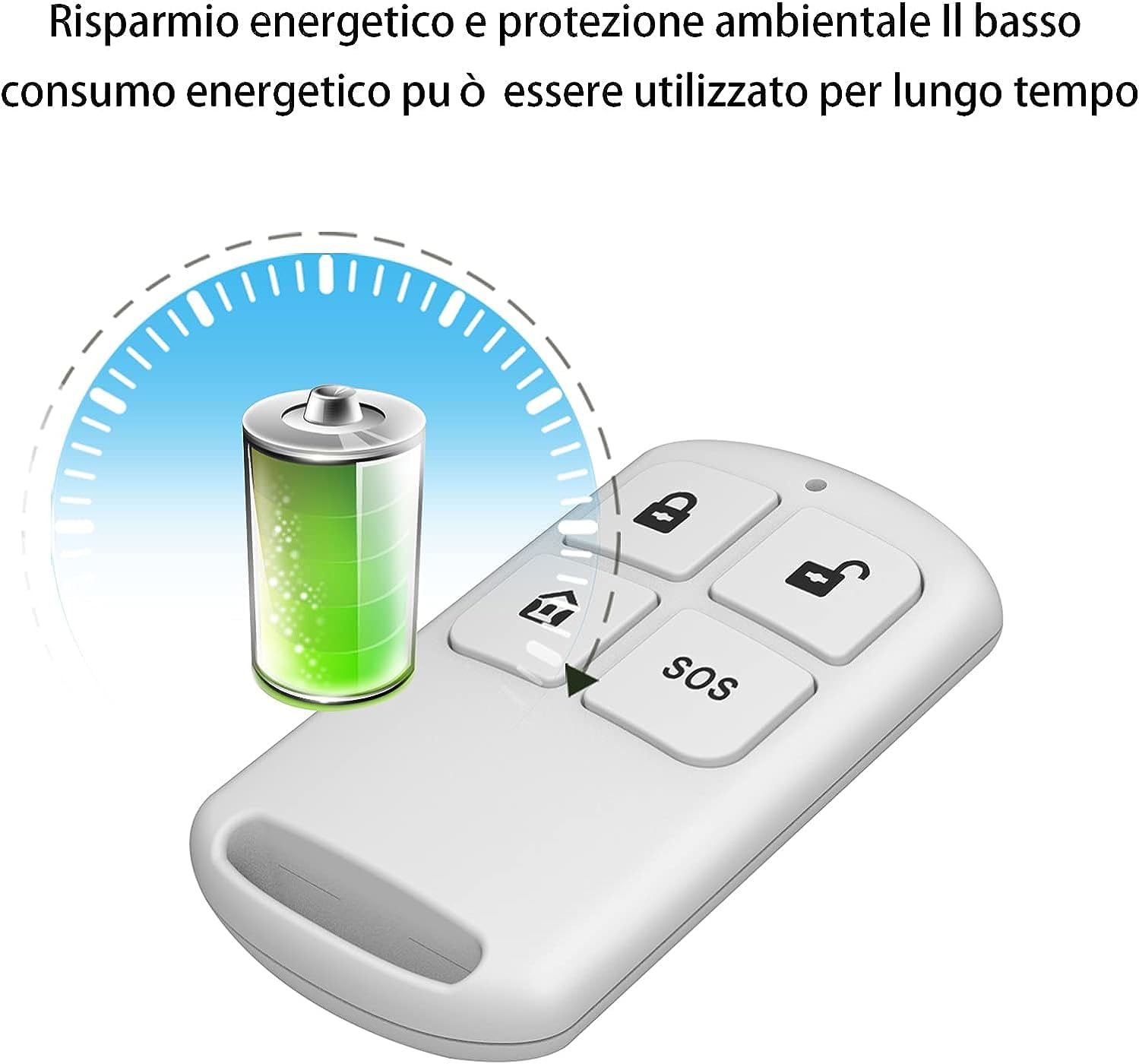
Image: Depicts a battery icon with a long-life indicator, emphasizing the low power consumption and extended usage time of the remote control.
5. Troubleshooting
If you encounter issues with your remote control, try the following solutions:
- Remote Control Not Responding:
- Check the battery. If the battery is low, replace it according to the instructions in your alarm host manual.
- Ensure the remote control is within the operational range (80m-150m in open areas) of the alarm host.
- Verify there are no significant obstructions (e.g., thick walls, large metal objects) between the remote control and the alarm host that could interfere with the signal.
- Alarm Not Triggering with SOS Button:
- Confirm the remote control is properly paired with your alarm host. Refer to your alarm host's manual for pairing instructions.
- Ensure the alarm host is powered on and in an armed state (if applicable for SOS functionality).
- Inconsistent Operation:
- Interference from other wireless devices can sometimes affect performance. Try to minimize other wireless activity or reposition the alarm host if possible.
- Ensure the remote control is not damaged.
If the problem persists after attempting these steps, please contact customer support.
6. Specifications
| Feature | Detail |
|---|---|
| Brand | PGST |
| Model Number | PF50-1 |
| Compatible Devices | Alarm system (433MHz, 1527 code based hosts like PG103, PG105, PG106, PG107, PG108, PG109, PG500) |
| Connectivity Technology | Radio Frequency (433MHz) |
| Maximum Range | 150 Meters (open area) |
| Item Dimensions (L x W x H) | 2.24 x 1.26 x 0.43 inches |
| Item Weight | 0.317 ounces |
| Batteries Required | No (Internal long-life battery, type Alkaline mentioned in product data, but typically these are coin cells) |
| Included Components | Charger (Note: Product data mentions "Charger" but the item is a remote control and "Batteries Required? No" suggests it might be powered by the alarm host or has a non-rechargeable battery. Assuming "Charger" is an error or refers to a component for the main alarm system, not the remote itself. I will clarify this.) |
Note: The product data indicates "Charger" as an included component, but also "Batteries Required? No". This remote control typically uses a non-rechargeable coin cell battery for its long-life operation. Please refer to the main alarm system manual for specific power details if this remote is powered by the host.
7. Warranty and Support
Warranty Information: PGST products are manufactured to high-quality standards. For specific warranty terms and conditions, please refer to the documentation included with your complete alarm system or visit the official PGST website.
Customer Support: If you have any questions, require technical assistance, or need to report an issue, please contact PGST customer support. You can typically find contact information on the product packaging, the official PGST website, or through the retailer where the product was purchased.
For more information, visit the PGST Store on Amazon.


