
LIGE LG10045
LIGE LG10045 Men's Luxury Wristwatch User Manual
Model: LG10045
Introduction
Thank you for choosing the LIGE LG10045 Men's Luxury Wristwatch. This manual provides essential information for the proper setup, operation, maintenance, and troubleshooting of your new timepiece. Please read it carefully to ensure optimal performance and longevity of your watch.
This watch combines modern casual style with robust features, including a stainless steel construction, water resistance, and a date display. It is designed for precision and durability.
Key Features
- Luminous Display: The watch features fluorescent powder on its hands and markers, which absorbs sufficient light to glow in the dark, allowing for clear time distinction in low-light conditions.
- Unique and Elegant Design: All sub-dials and buttons are functional. The IP gold-plated case ensures no fading, and the smooth stainless steel strap provides a comfortable wearing experience.
- Durable and Precise Movement: Equipped with a Japanese quartz movement and battery, ensuring accurate timekeeping and a long operational life (over 1 year). The battery is also easily replaceable.
- 3 ATM Water Resistance (30 meters): Generally resistant to splashes or brief immersion in water. Not suitable for hot baths or prolonged submersion. Important: Do not operate buttons while the watch is in water.
- High Hardness Mineral Glass Surface: Provides resistance against shocks and scratches.
- Comfortable Wear: High-quality stainless steel strap and smooth surface ensure comfort.
- Chronograph Functionality: Features three small sub-dials for chronograph functions, useful for precise timing.
Setup and Initial Adjustment
Setting the Time and Date
- Pull out the crown: Gently pull the crown (the knob on the side of the watch) to the first click position to adjust the date, or to the second click position to adjust the time.
- Adjust the Date: In the first click position, rotate the crown clockwise or counter-clockwise to set the desired date.
- Adjust the Time: In the second click position, rotate the crown to move the hour and minute hands to the correct time. Ensure you account for AM/PM if the watch has a 24-hour indicator or if setting the date.
- Push in the crown: Once the time and date are set, push the crown back into its original position to start the watch movement.
Adjusting the Strap Length
Your watch comes with a DIY adjustment tool to help you resize the stainless steel strap for a perfect fit. Follow these steps:
- Identify the pins on the side of the strap links that need to be removed.
- Place the strap in the adjustment tool, aligning the pin with the tool's pusher.
- Gently turn the tool's screw to push the pin out.
- Remove the desired number of links.
- Reassemble the strap by inserting the pins back into place, ensuring they are secure.

Image: Diagram illustrating how to adjust the watch's calendar and time using the crown, along with key product dimensions and specifications. Note: The watch shown in this diagram has a green dial, but the adjustment process is identical for the blue dial model.
Operating Your Watch
Using the Chronograph Function
The LIGE LG10045 watch features a functional chronograph with three sub-dials. While specific instructions for activating and resetting the chronograph are typically detailed in the included quartz watch description, general operation involves:
- Start/Stop Button: Usually the button located at the 2 o'clock position. Press once to start the chronograph, press again to stop it.
- Reset Button: Typically the button located at the 4 o'clock position. Press this button after stopping the chronograph to reset all sub-dials to zero.
Refer to the "Quartz Watch Description in English" included in your package for precise instructions on using the chronograph and other specific functions.
Luminous Feature
For the luminous elements on the watch hands and markers to glow in the dark, they need to absorb light. Expose the watch to a bright light source (natural or artificial) for a few minutes before entering a dark environment to activate the luminescence.

Image: A collage highlighting the luminous feature of the watch, the all-steel strap, and another view of the luminous dial. This demonstrates the watch's visibility in low light and the quality of its bracelet.
Care and Maintenance
- Cleaning: Regularly clean the watch strap and dial with a soft, dry microfiber cleaning cloth (one is included in your package). Avoid using harsh chemicals or abrasive materials.
- Water Exposure: While the watch is 3 ATM water-resistant, excessive contact with water will reduce its lifespan. Avoid wearing it during hot showers, saunas, or diving. Always ensure the crown is fully pushed in before any contact with water.
- Temperature Extremes: Avoid exposing the watch to extreme temperatures (very hot or very cold) as this can affect the movement and battery life.
- Magnetic Fields: Keep the watch away from strong magnetic fields, which can interfere with the quartz movement's accuracy.
- Battery Replacement: The Japanese quartz movement battery has a life of over 1 year. When the watch stops or runs inaccurately, the battery may need replacement. This can be done by a professional watch repair service.

Image: A detailed view of the watch's stainless steel back case and the butterfly double snap clasp. This clasp design is known for its durability and ease of use.
Troubleshooting
| Problem | Possible Cause | Solution |
|---|---|---|
| Watch stops or runs inaccurately. | Low or dead battery. | Replace the battery. It is recommended to have this done by a professional watch repair service. |
| Date does not change at midnight. | Time is set for PM instead of AM, or vice versa. | Advance the time by 12 hours. Ensure the date changes around midnight, not noon. |
| Condensation inside the watch. | Exposure to extreme temperature changes or water ingress. | Immediately take the watch to a professional watch repair service to prevent damage to the movement. |
| Luminous feature not glowing. | Insufficient light absorption. | Expose the watch to a bright light source for several minutes to charge the luminous material. |
Product Specifications
| Feature | Detail |
|---|---|
| Model Number | LG10045 |
| Movement | Japanese Quartz Movement |
| Case Material | Stainless Steel |
| Strap Material | Stainless Steel |
| Dial Window Material | High Hardness Mineral Glass (Anti-scratch) |
| Dial Color | Blue |
| Strap Color | Silver |
| Clasp Type | Fold-over Clasp with Double Lock (Butterfly Double Snap) |
| Case Diameter | 42 mm |
| Case Thickness | 12 mm |
| Strap Width | 20 mm (0.79 inches) |
| Watch Weight | 130 g |
| Water Resistance | 3 ATM (30 meters / 100 feet) |
| Origin | China |

Image: Front view of the LIGE LG10045 Men's Luxury Wristwatch, showcasing its blue dial, silver stainless steel strap, and date display. This is the primary product image.

Image: An angled perspective of the LIGE LG10045 watch, emphasizing the watch's profile, the texture of the stainless steel bracelet, and the vibrant blue dial.
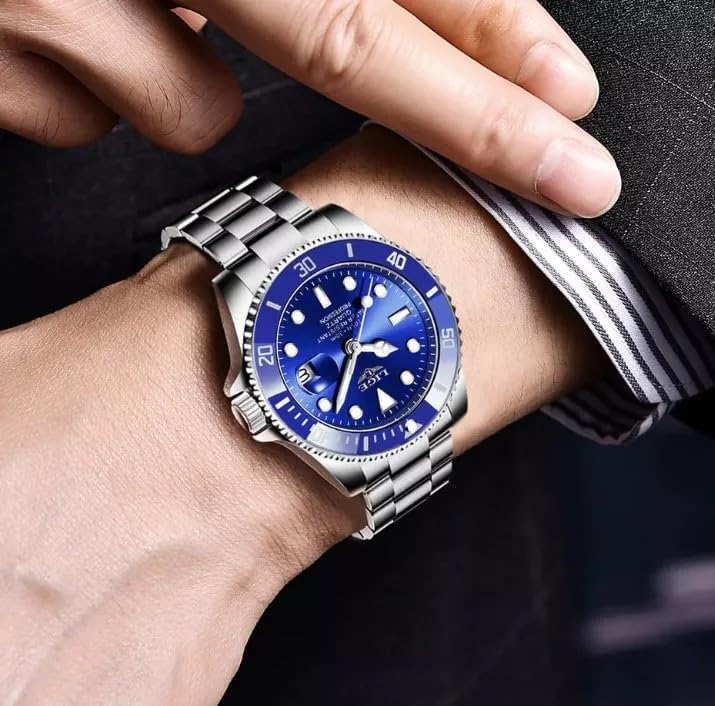
Image: The LIGE LG10045 watch displayed on a wrist, providing a real-world perspective of its size, fit, and aesthetic appeal when worn.
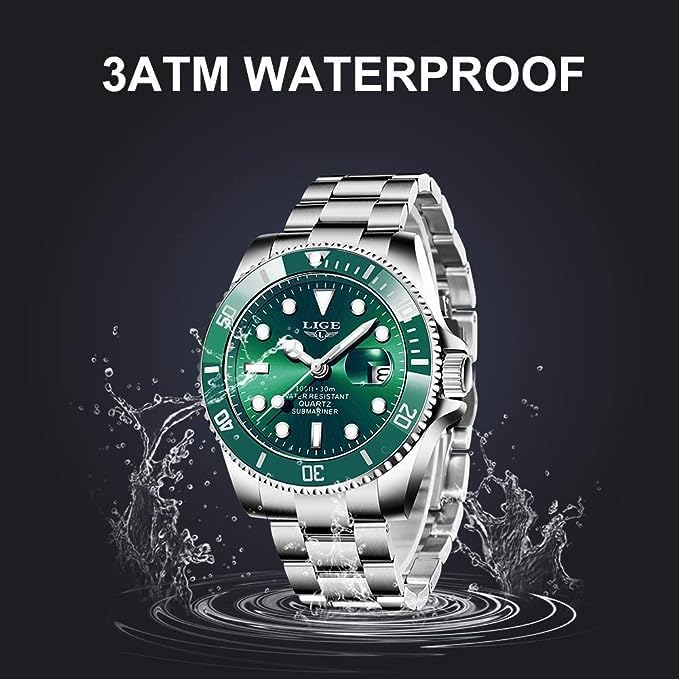
Image: A visual representation of the watch's 3 ATM water resistance, showing it amidst water splashes. Note: The watch depicted in this image has a green dial, but the water resistance feature applies to the blue dial model as well.
Warranty and Support
Your LIGE LG10045 watch comes with a comprehensive warranty and support:
- 24-Month Warranty: Each watch is covered by a 24-month warranty from the date of purchase, covering manufacturing defects.
- 30-Day Money-Back Guarantee: You are eligible for a 100% full money-back guarantee within 30 days of purchase if you are not completely satisfied.
For any inquiries, dissatisfaction, or to claim warranty support, please contact the seller directly through the Amazon messaging system. We are committed to providing excellent customer service and will do our best to assist you.
Related documentsLG10045


Ask a question about this manual
Ask about setup, troubleshooting, compatibility, parts, safety, or missing instructions. Manuals+ will review the question and use this page’s manual context to help answer it.