
Laser EPS-LT10B-128
Laser TWS Earbuds with LED Battery Display User Manual
Model: EPS-LT10B-128
Introduction
Thank you for choosing the Laser TWS Earbuds. These true wireless stereo earbuds are designed to provide a high-fidelity audio experience with convenient features such as an LED battery display, intuitive tap controls, and an ergonomic design for comfortable, extended use. The included rechargeable case ensures your earbuds are always ready for use. This manual will guide you through the setup, operation, and maintenance of your new earbuds.
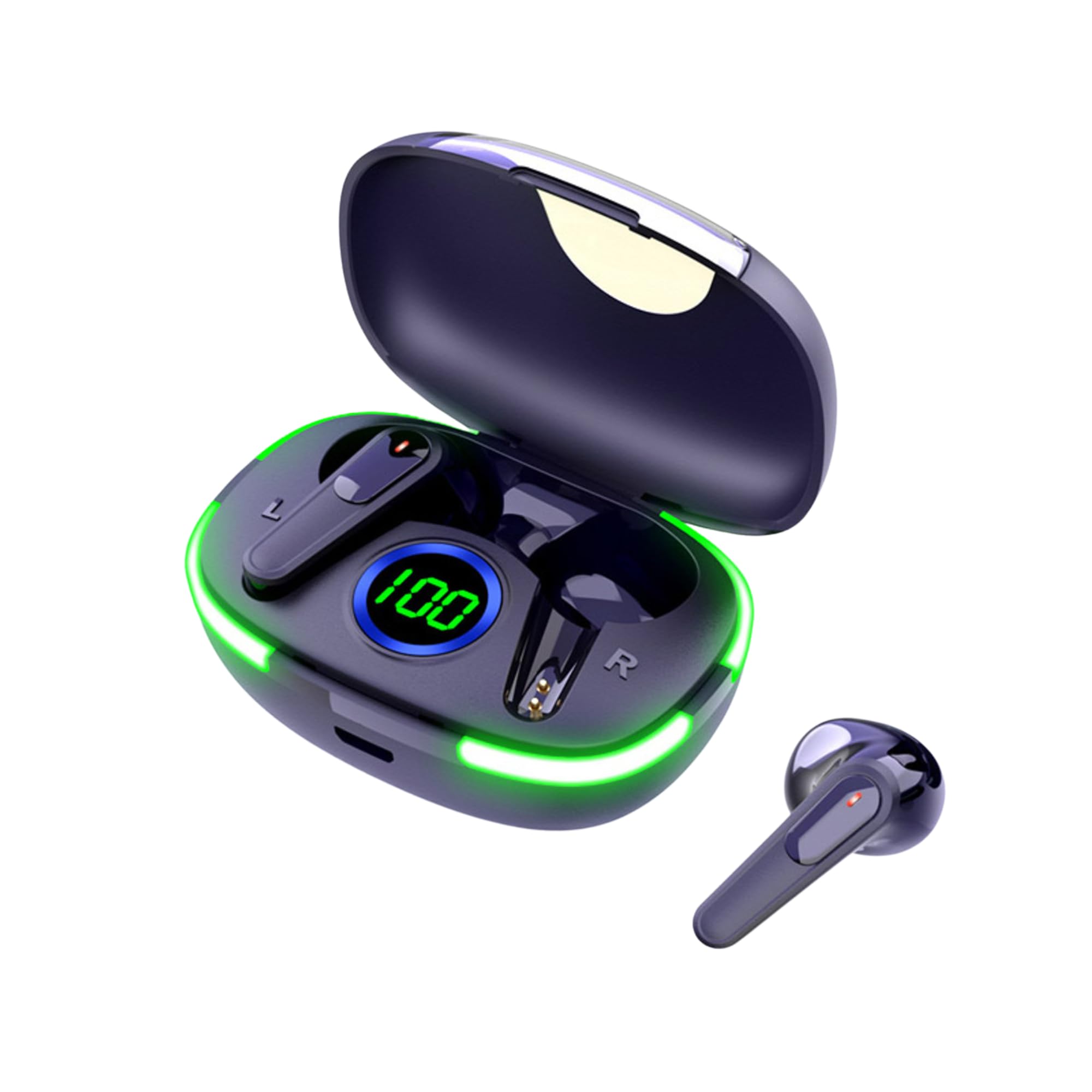
Image: The Laser TWS Earbuds, showcasing the charging case with its LED display and one earbud placed outside the case.
Package Contents
Ensure all items are present in the package:
- 1 x Pair of Laser TWS Earbuds
- 1 x Charging Case with Battery Display
- 1 x Type-C Charging Cable
- 1 x User Manual
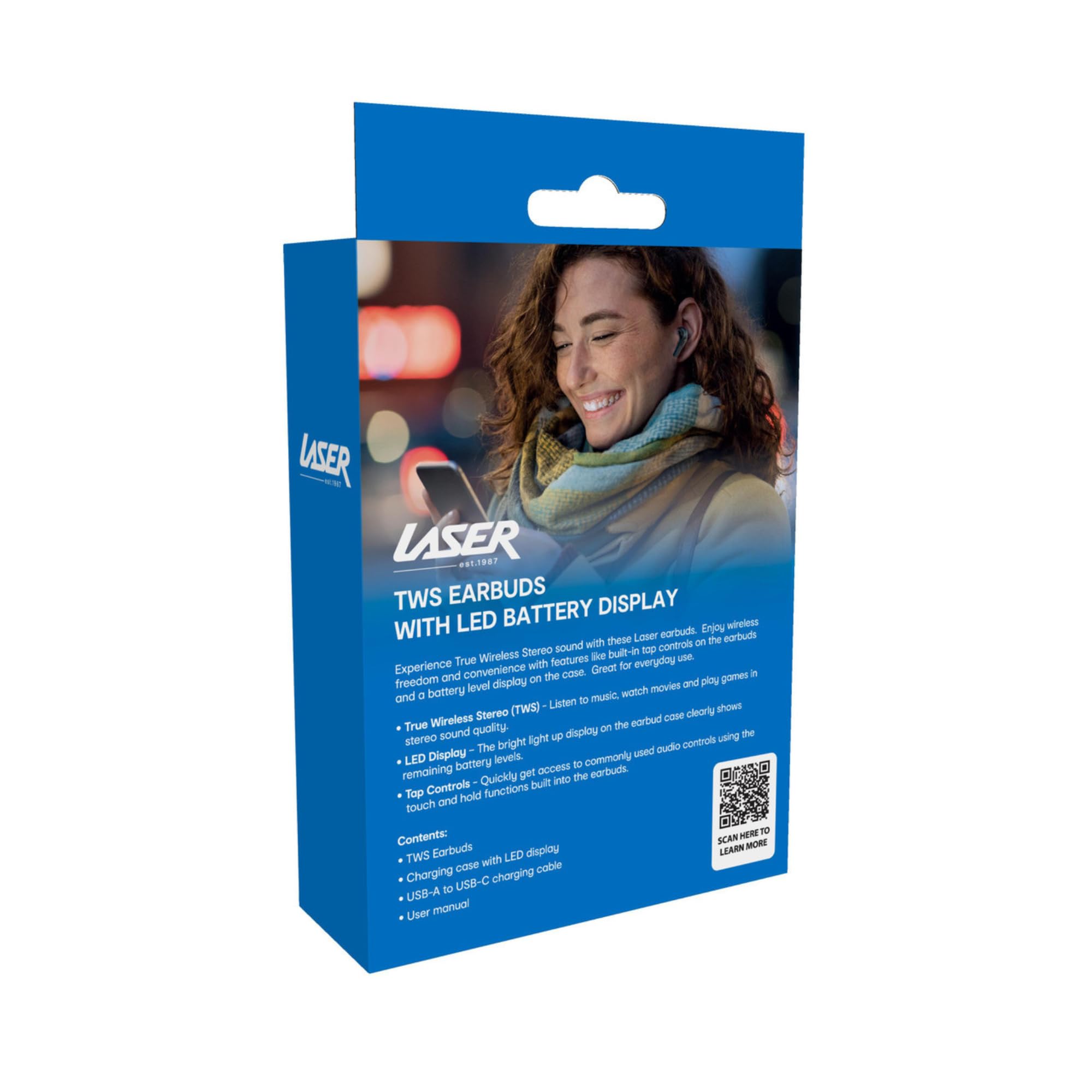
Image: The retail packaging for the Laser TWS Earbuds, indicating contents and features.
Setup
1. Charging the Earbuds and Case
Before first use, fully charge the earbuds and the charging case. The LED display on the case indicates the battery level.
- Connect the provided Type-C charging cable to the charging port on the case and a USB power source.
- The LED display will show the charging progress. A full charge takes approximately 1 hour.
- The earbuds charge automatically when placed inside the charging case. The case can recharge the earbuds up to 3 times on a single charge.

Image: A close-up view of the charging case's LED display, showing the battery percentage, indicating the charge level.
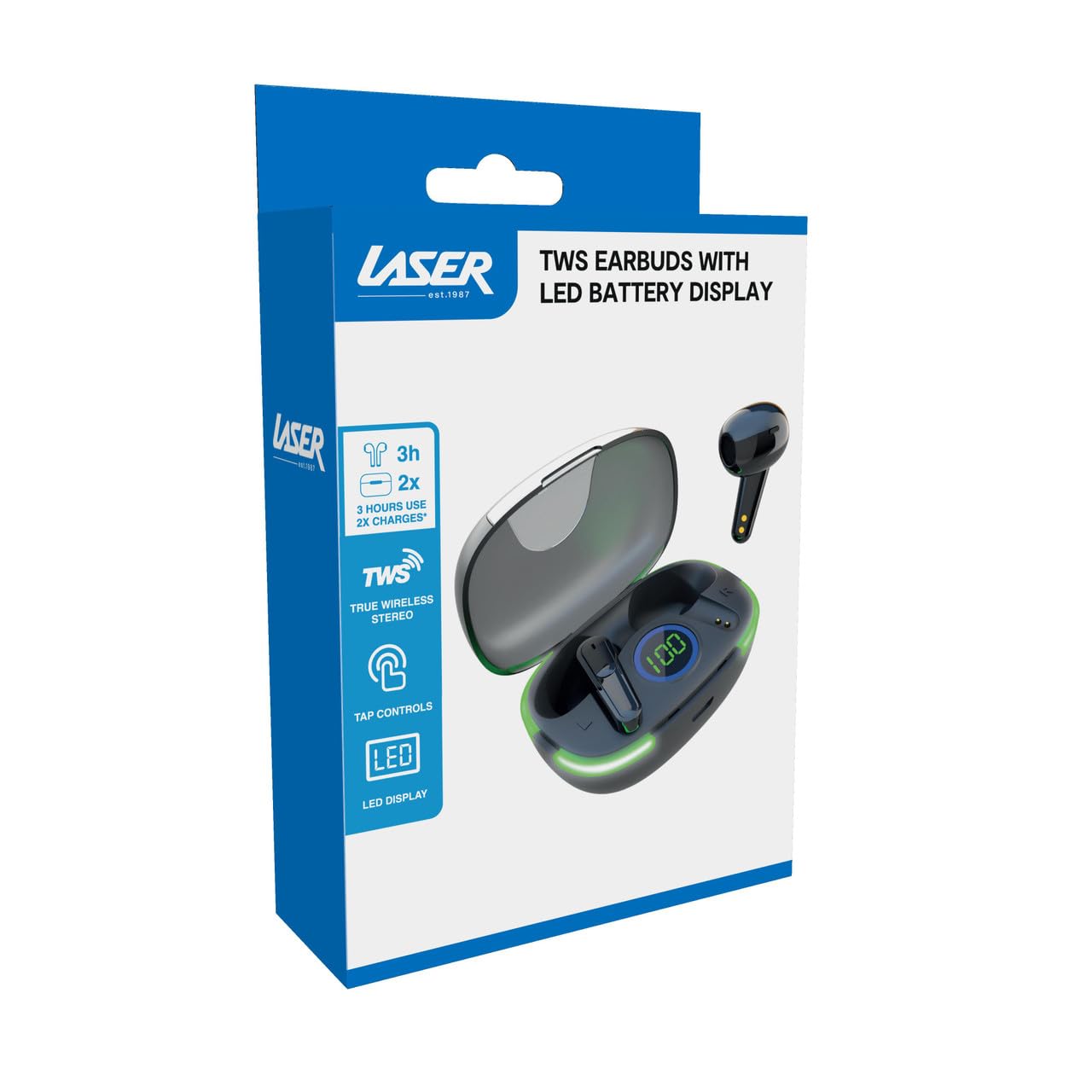
Image: Another close-up of the LED display on the charging case, highlighting the digital battery indicator.
2. Pairing with a Device
The earbuds use Bluetooth for wireless connectivity.
- Open the charging case. The earbuds will automatically enter pairing mode.
- On your device (smartphone, tablet, laptop), enable Bluetooth and search for new devices.
- Select "Laser TWS Earbuds" or "EPS-LT10B-128" from the list of available devices.
- Once connected, you will hear a confirmation tone, and the earbuds will be ready for use.
- The earbuds support multi-device compatibility, allowing pairing with various devices.
Operating Instructions
Wearing the Earbuds
The earbuds are designed for ergonomic comfort and a secure fit. Gently insert each earbud into your ear canal and twist slightly to ensure a snug and comfortable position. This helps optimize sound quality and stability.
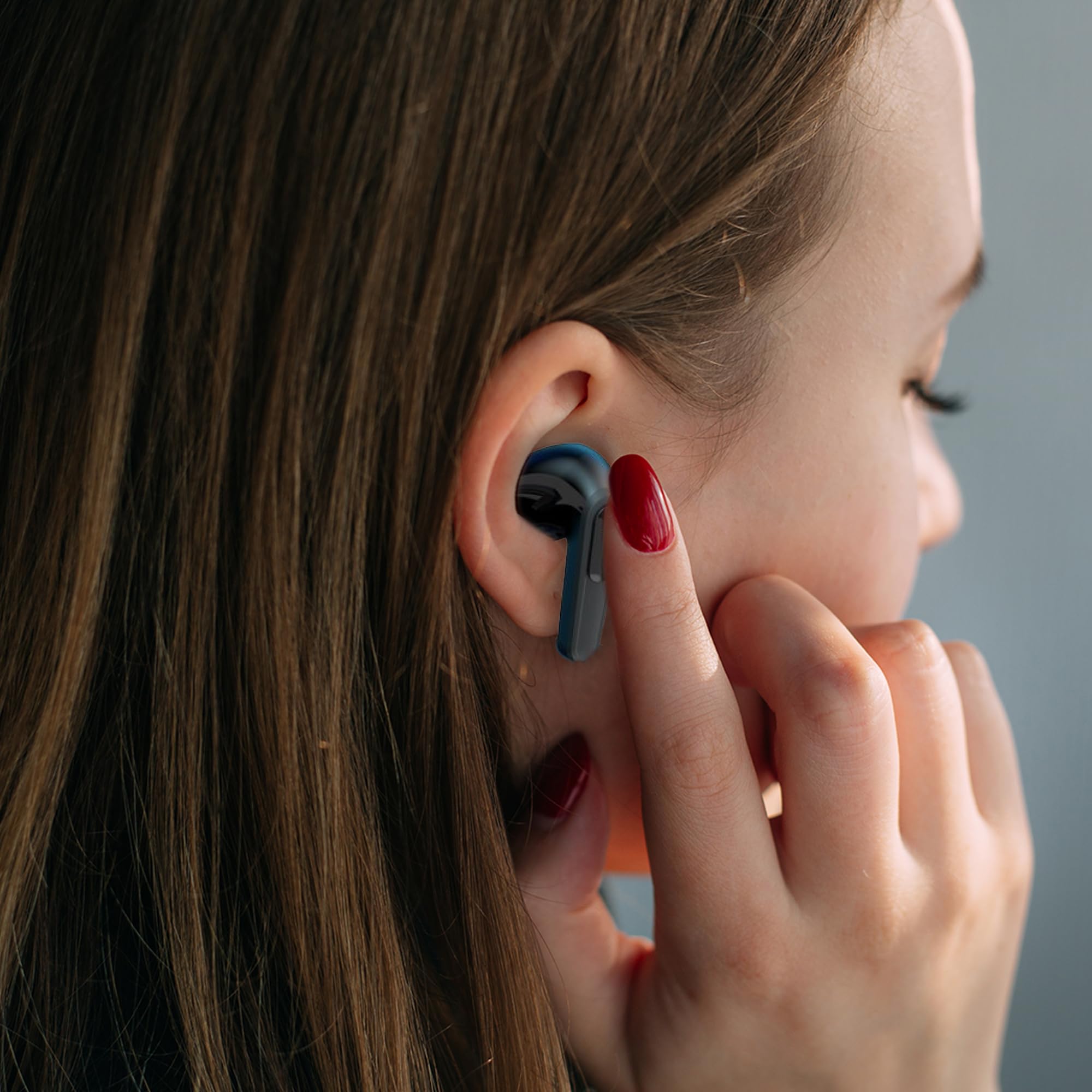
Image: A woman comfortably wearing one of the Laser TWS Earbuds while interacting with her smartphone.
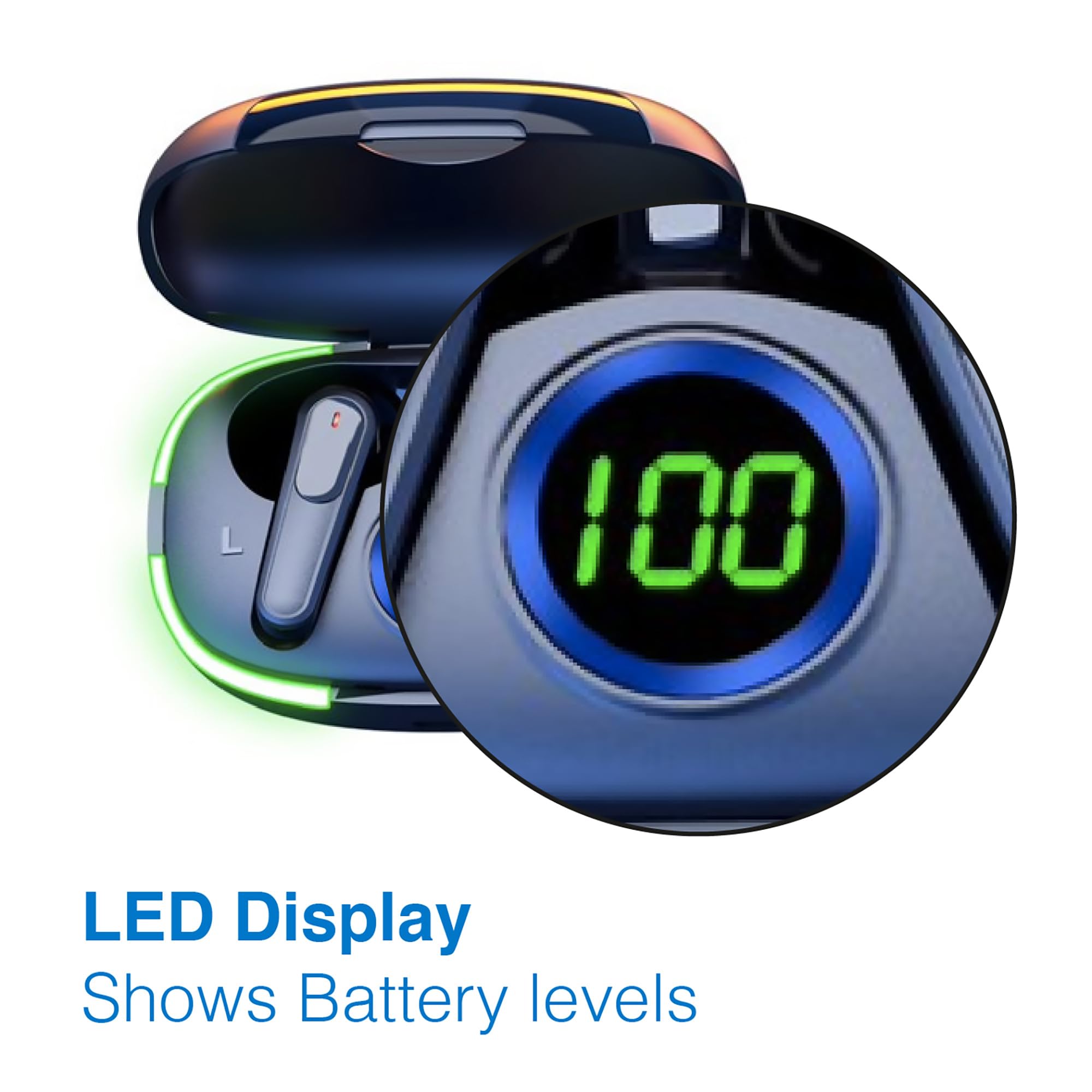
Image: A man walking outdoors, wearing a Laser TWS Earbud, demonstrating the ergonomic design for active use.
True Wireless Stereo Experience
These earbuds provide a true wireless stereo experience, delivering high-fidelity sound with clear channel separation for an immersive audio experience, whether for music, movies, or gaming.
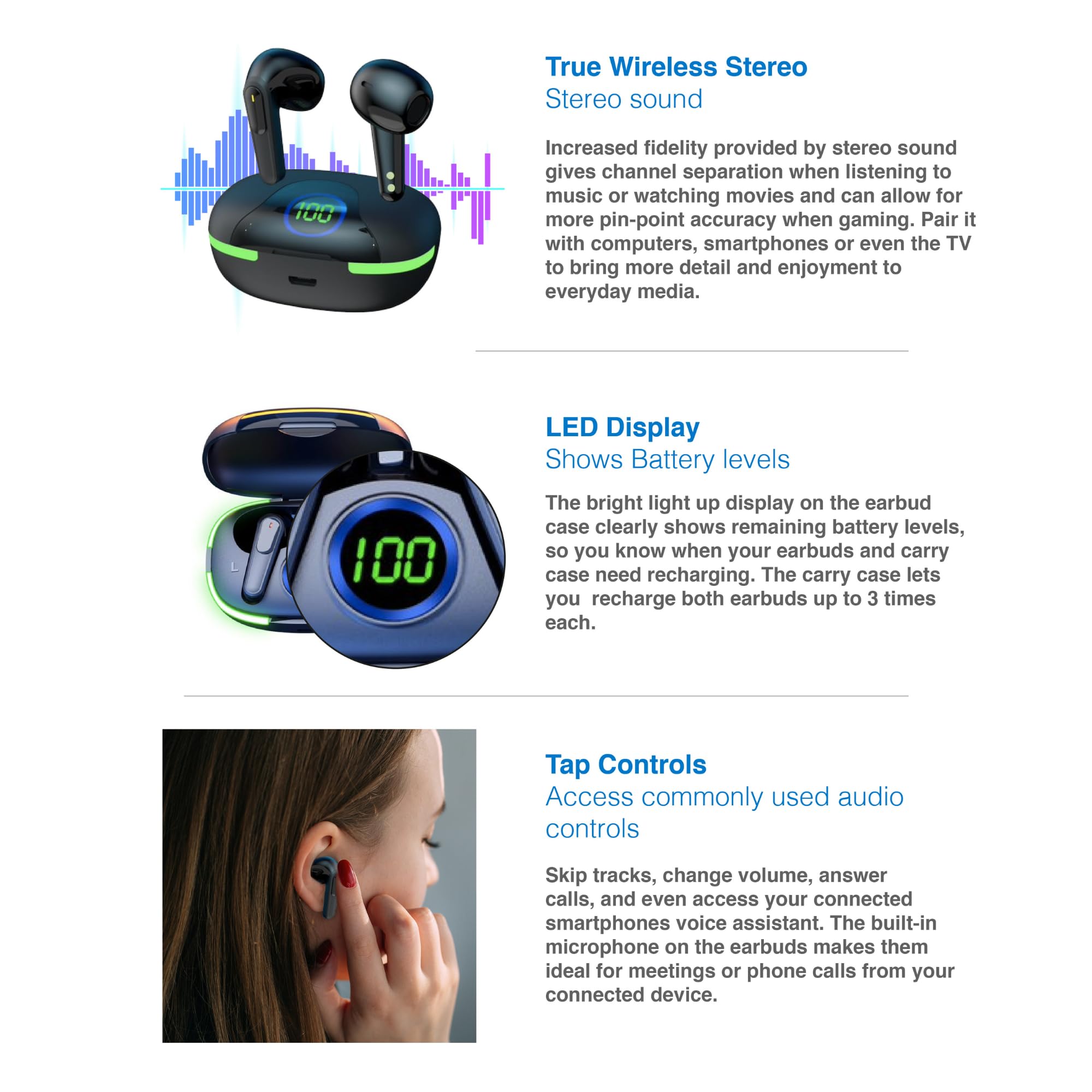
Image: A graphic representation of the True Wireless Stereo feature, showing the earbuds in their case with sound wave visualizations.
Tap Controls
The earbuds feature intuitive tap controls for easy management of audio playback and calls without needing to access your connected device.
| Action | Control |
|---|---|
| Play/Pause Music | Single tap on either earbud |
| Next Track | Double tap on the right earbud |
| Previous Track | Double tap on the left earbud |
| Answer/End Call | Single tap on either earbud |
| Reject Call | Long press on either earbud |
| Activate Voice Assistant (Siri, Google Assistant, Alexa) | Triple tap on either earbud |

Image: A person's hand touching an earbud, illustrating the tap control functionality.
Built-in Microphone
Each earbud includes a built-in microphone, enabling hands-free calls and meetings without needing to switch to your device.
Maintenance
- Cleaning: Regularly clean the earbuds and charging case with a soft, dry, lint-free cloth. Avoid using abrasive materials or harsh chemicals.
- Storage: When not in use, store the earbuds in their charging case to protect them and keep them charged.
- Battery Care: To prolong battery life, avoid fully discharging the earbuds and case frequently. Charge them regularly, even if not in constant use.
- Water Resistance: These earbuds are not water resistant. Avoid exposure to water, sweat, or high humidity.
Troubleshooting
| Problem | Solution |
|---|---|
| Earbuds not pairing | Ensure earbuds are charged. Turn off and on Bluetooth on your device. Forget the device in Bluetooth settings and re-pair. Place earbuds back in case and take them out again. |
| No sound from one earbud | Check battery level of both earbuds. Re-pair the earbuds. Try resetting the earbuds (refer to manufacturer's website for specific reset instructions if needed). |
| Charging case not charging | Ensure the charging cable is securely connected. Try a different USB power source or cable. |
| Tap controls not responding | Ensure earbuds are properly seated in your ears. Clean the touch sensitive area. Re-pair the earbuds. |
If you encounter persistent issues, please refer to the official Laser support website for further assistance.
Specifications
| Feature | Detail |
|---|---|
| Model | EPS-LT10B-128 |
| Connectivity Technology | Bluetooth Wireless |
| Noise Control | Sound Isolation |
| Battery Life (Earbuds) | Approx. 3 Hours |
| Charging Time | Approx. 1 Hour |
| Charging Case Recharges | Up to 3 times |
| Maximum Operating Distance | 10 Meters |
| Control Type | Touch Control, Voice Control |
| Material | Plastic |
| Item Weight | 30 Grams |
| Dimensions | 62.2 x 42.5 x 32.6 cm (Product) |
| Water Resistance Level | Not Water Resistant |
Warranty and Support
The Laser TWS Earbuds come with a 1-year warranty from the date of purchase. Please retain your proof of purchase for warranty claims.
For further support, troubleshooting, or warranty information, please visit the official Laser website:
You may also contact Laser customer service directly for assistance.
Related documentsEPS-LT10B-128


Ask a question about this manual
Ask about setup, troubleshooting, compatibility, parts, safety, or missing instructions. Manuals+ will review the question and use this page’s manual context to help answer it.