
1. Introduction
The PGST PB-68 is a wireless magnetic door sensor designed to enhance the security of your home or commercial property. This sensor detects the opening of doors, windows, drawers, cabinets, or other entry points and transmits an alarm signal to a compatible alarm host. It features an ultra-low power chip design and provides low-voltage fault monitoring.
This sensor is compatible with 433 MHz, 1527 code-based alarm hosts, including PGST PG103, PG107, PG108, and PW150 systems. Upon detection of an intrusion, the connected alarm host will initiate a call, send an SMS to your mobile phone, and push notifications via the associated application, allowing for real-time monitoring.
2. Product Overview
2.1 Components
The PB-68 wireless door sensor consists of two main parts: a larger transmitter unit and a smaller magnetic stripe unit. These two units work in conjunction to detect the opening or closing of an entry point.

Figure 1: PGST PB-68 Door Sensor Components
2.2 Features
- Wireless Connectivity: Operates on 433 MHz frequency with 1527 encoding for reliable signal transmission.
- Smart Design: Compact and lightweight (25g), with dimensions of 59.8mm x 23mm x 12.7mm (transmitter) and 40mm x 10mm x 12.56mm (magnetic stripe).
- Low Battery Alert: Sends low battery notifications to compatible PGST alarm systems. For other systems, a frequently flashing indicator light signals low battery.
- Anti-Demolition Function: Designed with features to prevent tampering or unauthorized removal.
- Wide Application: Suitable for doors, windows, drawers, cabinets, and other entry points in various environments.
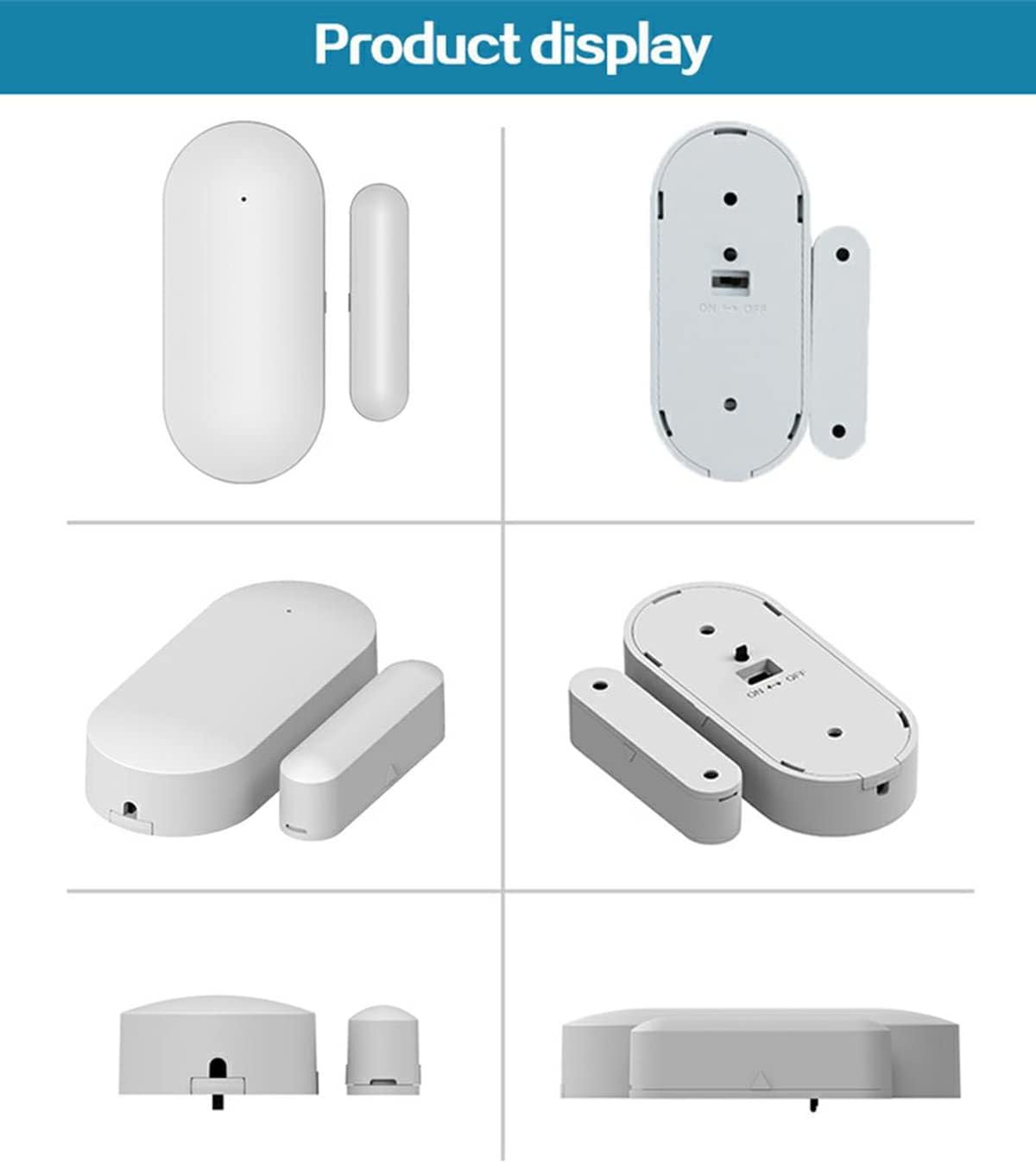
Figure 2: Product Display of the PB-68 Sensor
3. Setup
3.1 Installation Location
The PB-68 sensor can be installed on any door, window, or other movable object that you wish to monitor. Common installation points include main entry doors, windows, patio doors, and cabinet doors.
3.2 Mounting the Sensor
- Clean the Surface: Ensure the installation surface is clean, dry, and free of dust or grease.
- Position the Units: Attach the larger transmitter unit to the fixed frame (e.g., door frame, window frame) and the smaller magnetic stripe unit to the movable part (e.g., door, window).
- Align the Notches: Align the alignment marks (notches) on the sides of both sensor units. The maximum recommended gap between the two units when the door/window is closed is 25-35 mm.
- Secure Attachment: Use the provided adhesive pads or screws to firmly attach both units. Ensure they are securely fixed and do not move during normal operation of the door/window.

Figure 3: Sensor Installation Example
3.3 Pairing with Alarm Host
Refer to your specific alarm host's instruction manual for detailed pairing procedures. Generally, the process involves putting the alarm host into a learning or pairing mode, then triggering the door sensor (e.g., by separating its two parts) to register it with the host. Ensure your alarm host supports 433 MHz frequency and 1527 encoding.
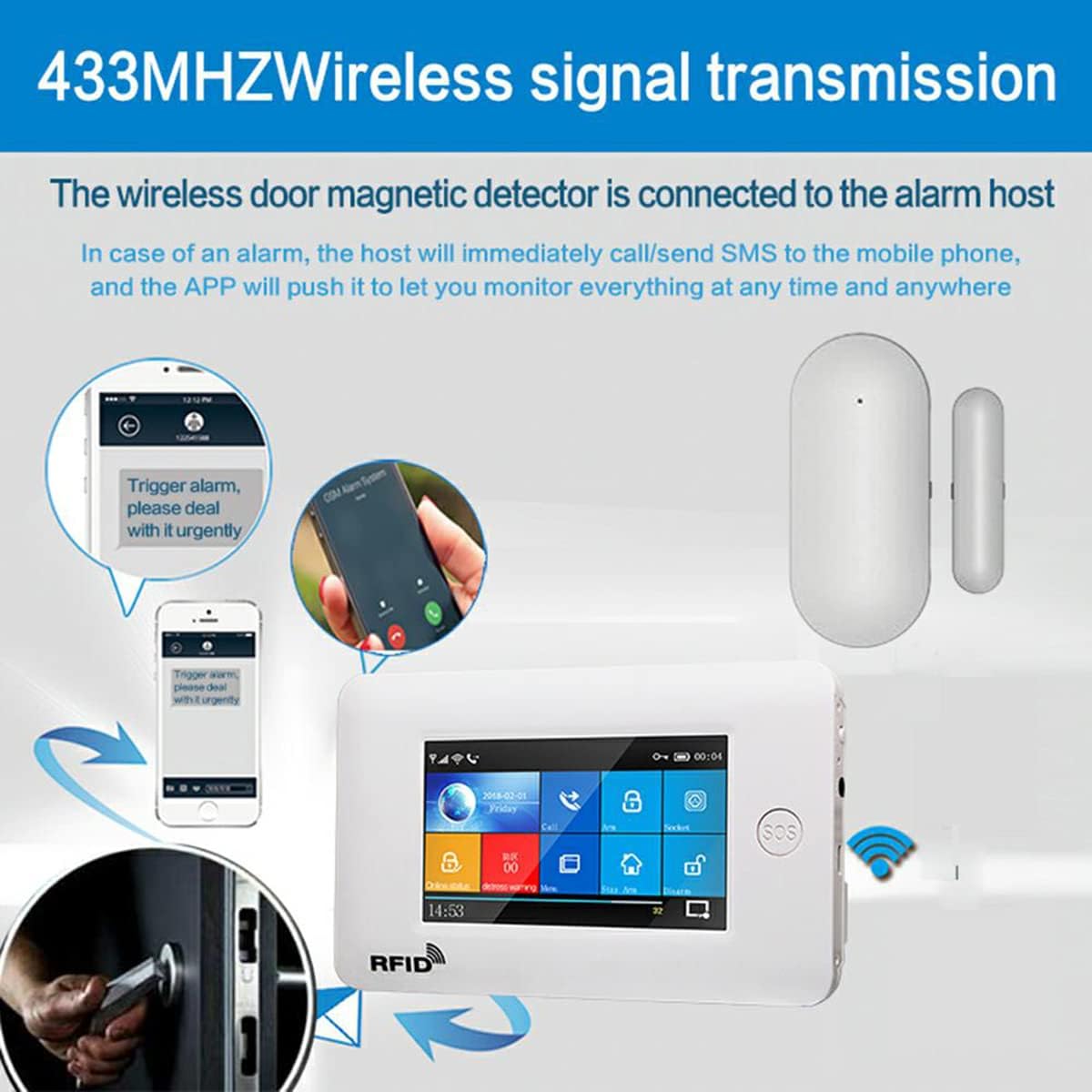
Figure 4: Wireless Signal Transmission Overview
4. Operating Instructions
Once installed and paired with your alarm host, the PB-68 sensor operates automatically. When the alarm system is armed, any separation of the transmitter and magnetic stripe units beyond the trigger distance (25-35 mm) will cause the transmitter to send an alarm signal to the host.
The alarm host will then process this signal according to its programmed settings, typically by sounding an alarm, sending notifications to your mobile device, or contacting pre-set emergency numbers.
5. Maintenance
5.1 Battery Replacement
The PB-68 sensor is powered by a DC3V CR2450 alkaline button battery. The battery life is approximately 1 year in standby mode, 6 months for typical home use, and 3-6 months for commercial use, depending on activity.
When the battery is low, the sensor will send a low battery alert to compatible PGST alarm systems. For other alarm hosts, monitor the sensor's indicator light; it will flash frequently when the battery is low. To replace the battery:
- Carefully open the transmitter unit casing.
- Remove the old CR2450 button battery.
- Insert a new CR2450 battery, ensuring correct polarity.
- Close the casing securely.
5.2 Cleaning
Wipe the sensor units periodically with a soft, dry cloth to remove dust and dirt. Do not use abrasive cleaners or solvents, as these can damage the casing or internal components.
6. Troubleshooting
- Sensor Not Triggering:
- Check battery level and replace if necessary.
- Ensure the transmitter and magnetic stripe units are correctly aligned and within the 25-35 mm trigger gap when closed.
- Verify that the sensor is properly paired with the alarm host. Re-pair if unsure.
- Confirm the alarm host is armed and functioning correctly.
- False Alarms:
- Ensure both sensor units are securely mounted and do not shift due to vibrations or movement.
- Check that the gap between the units is not too close to the maximum trigger distance, which could lead to accidental triggers.
- Inspect for any physical damage to the sensor units.
- No Low Battery Alert:
- If using a non-PGST alarm host, check the sensor's indicator light manually for frequent flashing.
- Ensure the alarm host is configured to receive and display low battery signals from sensors.
7. Specifications
| Parameter | Value |
|---|---|
| Model Number | PB-68 |
| Brand | PGST |
| Color | White |
| Power Source | Battery powered |
| Battery Type | DC3V CR2450 Button Battery |
| Connectivity Technology | Wireless |
| Transmission Frequency | 433 MHz (optional 315 MHz) |
| Encoding Format | 1527 |
| Static Current | ≤ 8uA |
| Emission Distance | 120m (open space) |
| Movement Distance (Trigger Gap) | 25-35 mm |
| Low Voltage Alarm | 2.2-2.4V |
| Working Temperature | -10 to +50 °C |
| Transmitter Dimensions (LxWxH) | 59.8mm x 23mm x 12.7mm |
| Magnetic Stripe Dimensions (LxWxH) | 40mm x 10mm x 12.56mm |
| Weight | 25g |
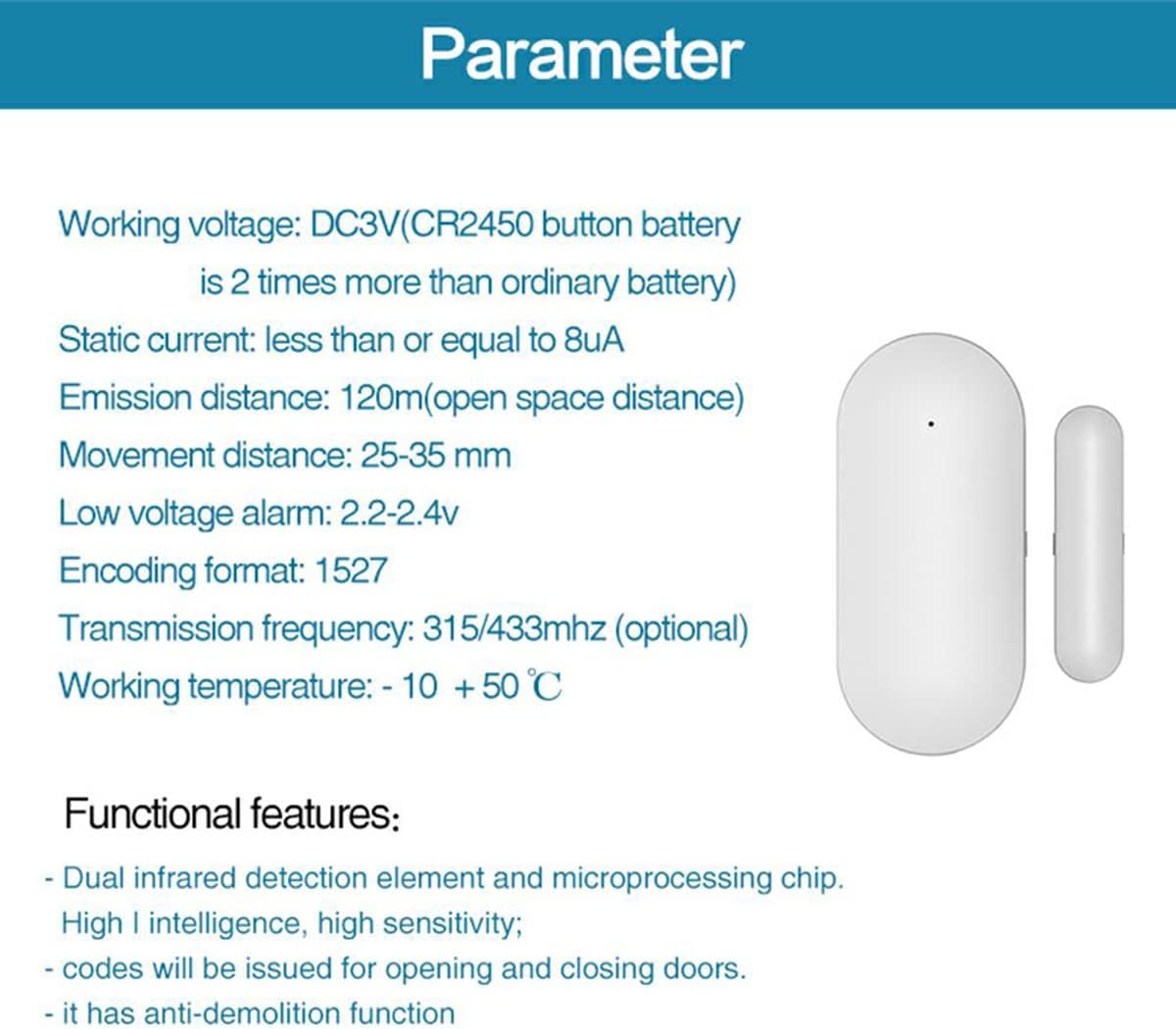
Figure 5: Technical Parameters
8. Warranty and Support
The availability of spare parts within the EU is guaranteed for 1 year from the date of purchase. For any technical support, warranty claims, or further inquiries, please contact your retailer or the manufacturer directly through their official channels. You can find more information about PGST products and support on the PGST Brand Store.


