
1. Introduction
Thank you for purchasing the JVC XS-N3123PB Party Bluetooth Speaker. This speaker is designed to deliver powerful audio with an 8-inch woofer, 40W RMS output, and a built-in RGB light show. It features a rechargeable battery for portability and multiple connectivity options. This manual provides essential information for safe and optimal use of your speaker.

Front view of the JVC XS-N3123PB Party Bluetooth Speaker, showcasing its design and active RGB lighting.
2. Safety Information
Please read all safety instructions carefully before using this product. Keep this manual for future reference.
- Do not expose the speaker to extreme temperatures, humidity, or direct sunlight.
- Avoid dropping or subjecting the speaker to strong impacts.
- Do not disassemble, repair, or modify the unit yourself. Refer all servicing to qualified personnel.
- Keep the speaker away from water or other liquids to prevent electric shock.
- Use only the charging cable provided or recommended by the manufacturer.
- Ensure proper ventilation around the speaker during use and charging.
- Do not operate the speaker at excessively high volumes for prolonged periods to avoid hearing damage.
3. Package Contents
Verify that all items are present in the package:
- JVC XS-N3123PB Party Bluetooth Speaker
- Charging Cable (AC adapter not included)
- User Manual
4. Product Overview
Familiarize yourself with the speaker's components and controls.
Front Panel

The front of the speaker features the main 8-inch woofer with integrated RGB lighting and a display panel at the top.
Top Control Panel

The top panel includes buttons for LED control, EQ, Record, TWS pairing, Menu, Mode/Next, Play/Pause, Scan, and Volume controls.
Rear Panel and Ports
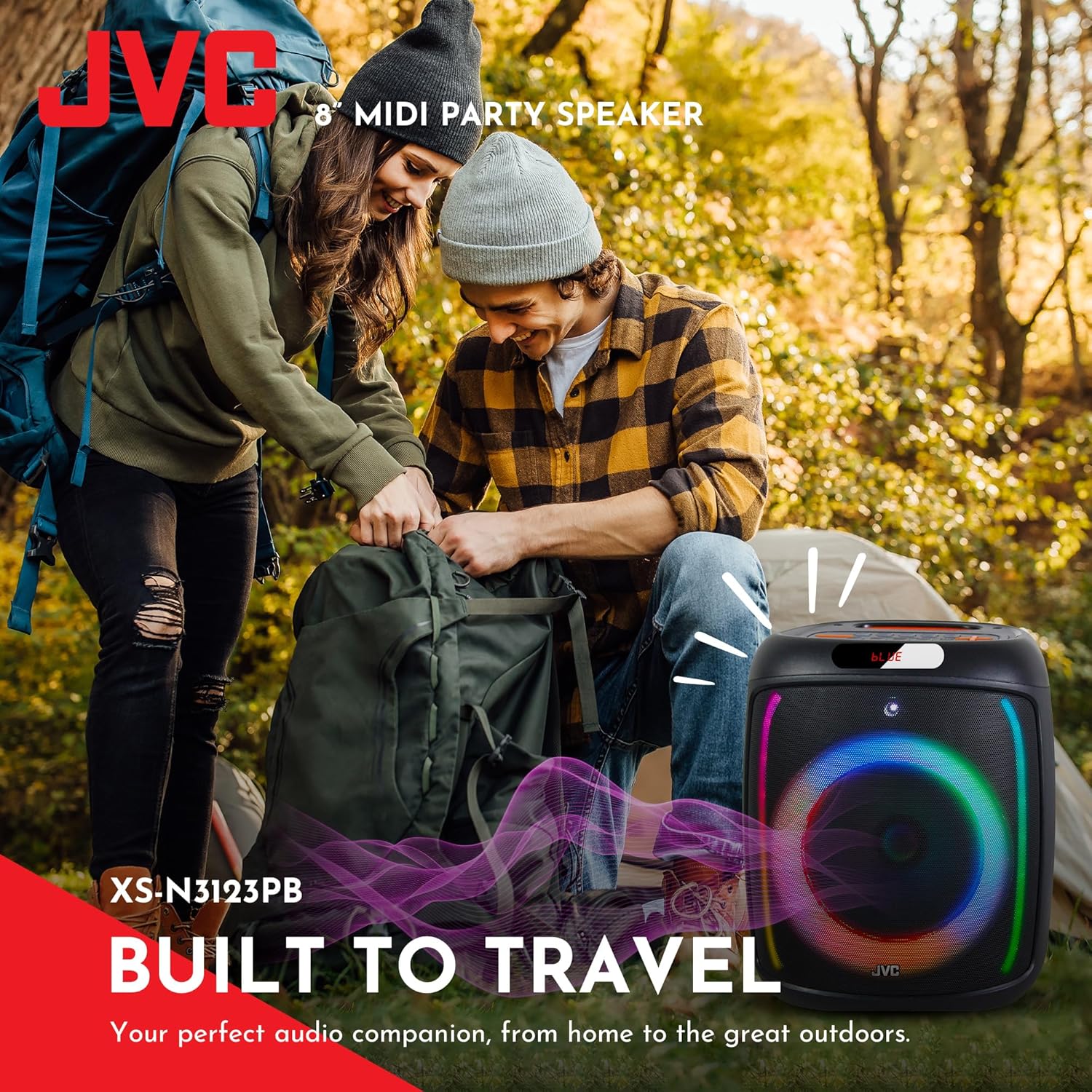
The rear panel provides ports for USB, SD card, AUX input, and microphone input.
5. Setup
5.1 Charging the Speaker
Before first use, fully charge the speaker. Connect the charging cable to the speaker's charging port and to a suitable power source (e.g., USB wall adapter, computer USB port). The charging indicator will illuminate. Once fully charged, the indicator may change color or turn off. A full charge provides up to 6 hours of playback.
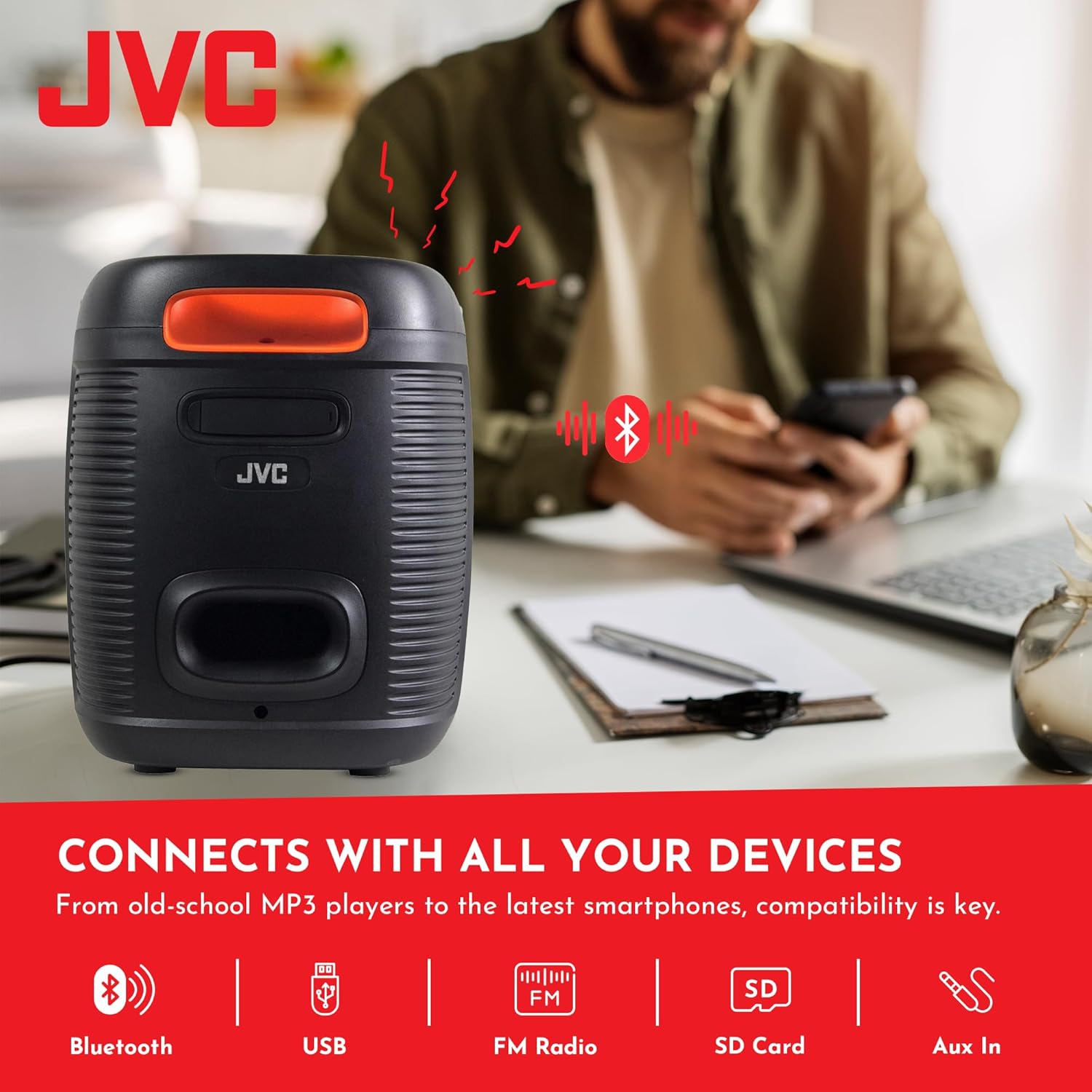
The speaker features a 4000mAh rechargeable battery for extended use.
5.2 Powering On/Off
Press and hold the Power button (U) on the top control panel for a few seconds to turn the speaker on or off.
6. Operating Instructions
6.1 Bluetooth Pairing
- Turn on the speaker. It will automatically enter Bluetooth pairing mode, indicated by a flashing 'BLUE' on the display and an audible prompt.
- Enable Bluetooth on your mobile device (smartphone, tablet, etc.).
- Search for available Bluetooth devices and select "JVC XS-N3123PB" from the list.
- Once paired, the speaker will emit an audible confirmation, and 'BLUE' on the display will stop flashing.
- You can now play audio from your device through the speaker.
6.2 USB and SD Card Playback
Insert a USB flash drive or an SD card (with MP3 audio files) into the respective port on the rear panel. The speaker will automatically switch to USB/SD mode and begin playing music. Use the control buttons on the top panel to navigate tracks (Previous/Next) and control playback (Play/Pause).
6.3 FM Radio
- Press the MODE button to switch to FM Radio mode.
- Press the SCAN button to automatically scan and save available FM stations.
- Use the Previous/Next buttons to switch between saved stations.
6.4 AUX Input
Connect an external audio device (e.g., MP3 player, laptop) to the AUX IN port on the rear panel using a 3.5mm audio cable. The speaker will automatically switch to AUX mode. Control playback from your connected device.
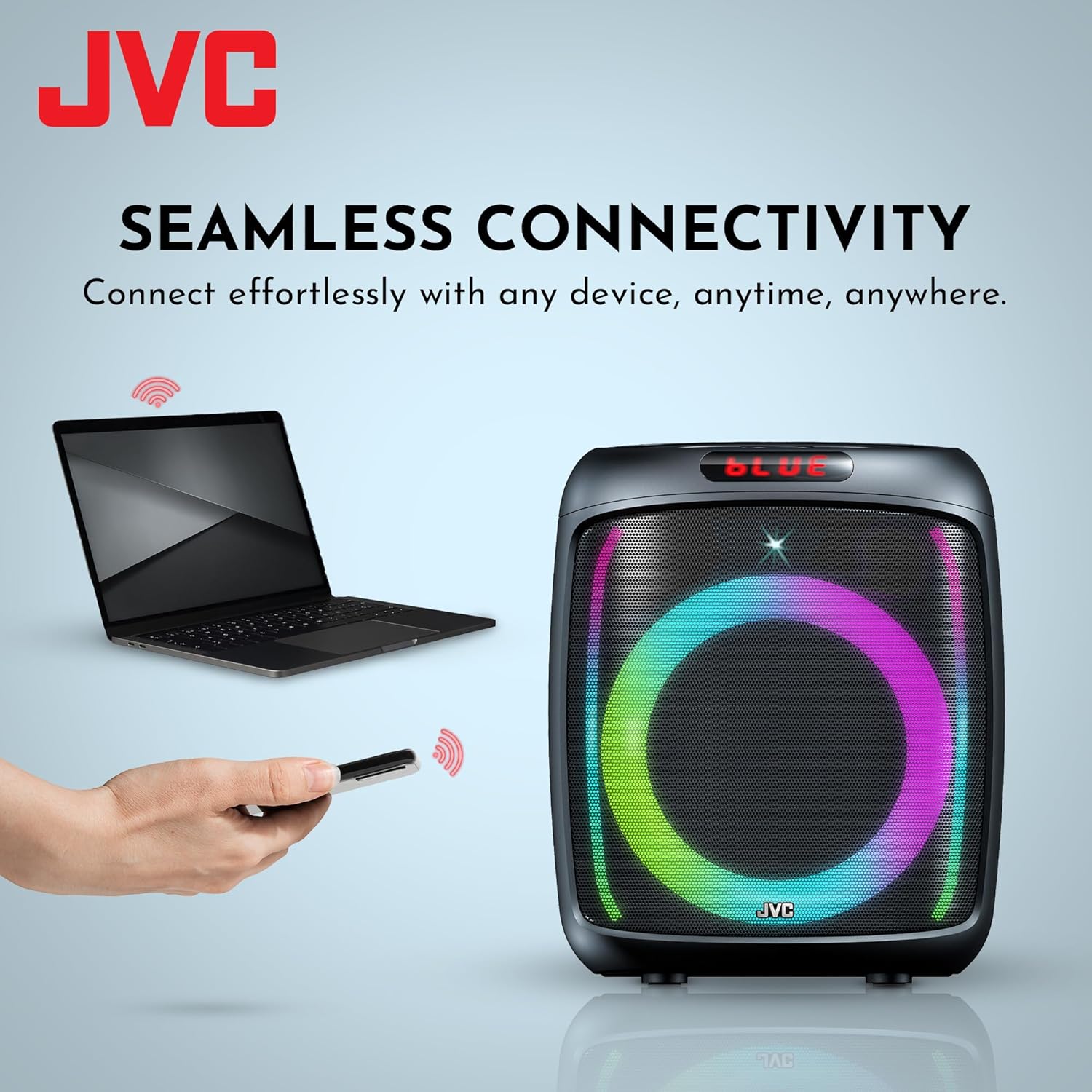
The speaker offers versatile connectivity including Bluetooth, USB, FM Radio, SD Card, and Aux In.
6.5 Microphone and Karaoke Function
Connect a microphone to the MIC IN port on the rear panel. You can use the microphone for announcements or karaoke. The speaker supports recording functionality (REC button) when a USB drive or SD card is inserted.

The speaker includes built-in karaoke and recording capabilities.
6.6 RGB Light Show
The speaker features an integrated RGB light show that pulses with the music. Press the LED button on the top control panel to cycle through different light modes or turn the lights off.
6.7 True Wireless Stereo (TWS) Function
If you have two JVC XS-N3123PB speakers, you can pair them together for a True Wireless Stereo experience. Refer to the TWS pairing instructions in the full manual for detailed steps.
7. Maintenance
7.1 Cleaning
Wipe the speaker with a soft, dry cloth. Do not use abrasive cleaners, waxes, or solvents. Ensure no liquids enter the speaker openings.
7.2 Storage
When not in use for extended periods, store the speaker in a cool, dry place, away from direct sunlight and extreme temperatures. It is recommended to charge the battery periodically to maintain its lifespan.
8. Troubleshooting
If you encounter issues with your speaker, refer to the following common problems and solutions:
| Problem | Possible Cause | Solution |
|---|---|---|
| Speaker does not power on | Battery is depleted | Charge the speaker fully. |
| No sound | Volume is too low or muted; Incorrect input mode; Device not connected properly | Increase volume; Select correct input mode (Bluetooth, USB, AUX); Reconnect device. |
| Bluetooth pairing fails | Speaker not in pairing mode; Device Bluetooth off; Speaker too far from device | Ensure speaker is in pairing mode; Turn on device Bluetooth; Move speaker closer to device (within 10 meters). |
| FM radio reception is poor | Weak signal; Interference | Relocate the speaker; Extend the antenna if available (not explicitly mentioned for this model, but general advice). |
9. Specifications
| Feature | Specification |
|---|---|
| Model Number | AP-G278 |
| Brand | JVC |
| Speaker Maximum Output Power | 40 Watts RMS |
| Connectivity Technology | Bluetooth |
| Audio Output Mode | Mono (Stereo encoding for audio) |
| Input Voltage | 9 Volts |
| Mounting Type | Tabletop Mount |
| Material | Plastic |
| Speaker Type | Outdoor |
| Color | Black |
| Speaker Size | 8 Inches |
| Item Dimensions (D x W x H) | 28D x 28.5W x 33.5H centimetres |
| Number of Batteries | 2 Lithium Ion batteries (included) |
| Unit Count | 1 Count |

Side view of the speaker, illustrating its compact and portable design.
10. Warranty and Support
10.1 Warranty Information
This JVC XS-N3123PB Party Bluetooth Speaker comes with a 1 Year Warranty from the date of purchase. This warranty covers manufacturing defects. It does not cover damage caused by misuse, accidents, unauthorized modifications, or normal wear and tear. Please retain your proof of purchase for warranty claims.
10.2 Customer Support
For technical assistance, warranty claims, or further inquiries, please contact JVC customer support through their official website or the retailer where the product was purchased. Provide your model number (XS-N3123PB) and proof of purchase when contacting support.


