1. Introduction
Thank you for choosing the Ledvion LV40015 LED TL Luminaire. This high-quality LED luminaire is designed for both indoor and outdoor use, featuring a robust, impact-resistant plastic housing and an IP65 rating for protection against dust and water. This manual provides essential information for the safe and efficient installation, operation, and maintenance of your new luminaire.
2. Safety Information
Please read all safety instructions carefully before installation and use. Failure to follow these instructions may result in electric shock, fire, or other hazards.
- Electrical Safety: Installation must be performed by a qualified electrician in accordance with local electrical codes. Ensure the power supply is disconnected before any installation, maintenance, or repair work.
- IP65 Rating: The luminaire is protected against dust ingress and low-pressure water jets from any direction. While suitable for damp and outdoor environments, it is not designed for submersion.
- Operating Voltage: This luminaire operates at 230 Volts. Verify your power supply matches this requirement.
- Heat: Although LED luminaires generate less heat than traditional lighting, ensure adequate ventilation around the fixture. Do not cover the luminaire with insulating material.
- Damage: Do not operate the luminaire if it is damaged. Contact customer support for assistance.
3. What's in the Box
Verify that all components are present before beginning installation:
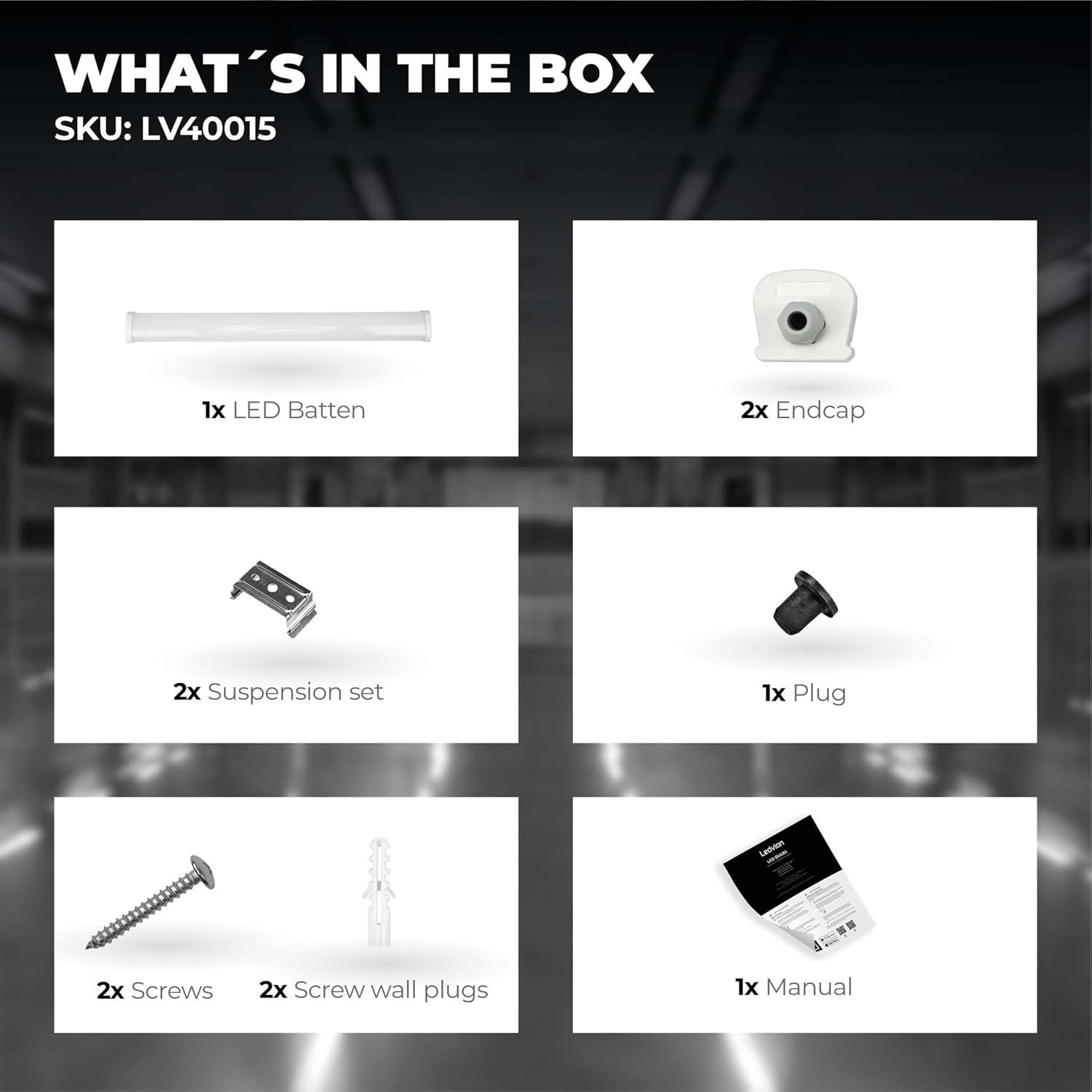
Image: Contents of the Ledvion LV40015 packaging, including the LED luminaire, endcaps, suspension set, plug, screws, wall plugs, and the instruction manual.
- 1x Ledvion LED TL Luminaire (Batten)
- 2x Endcaps
- 2x Suspension Set (Mounting Brackets)
- 1x Connection Plug
- 2x Screws
- 2x Screw Wall Plugs
- 1x Instruction Manual
4. Setup and Installation
Follow these steps for proper installation of your Ledvion luminaire.
4.1 Mounting the Luminaire
- Choose Location: Select a suitable mounting location on a wall or ceiling, ensuring it can support the luminaire's weight (approximately 1.02 kg).
- Mark Drilling Points: Use the provided suspension set (mounting brackets) to mark the drilling points for the screws. The luminaire measures 158 cm in length.
- Drill Holes: Drill holes at the marked points. Insert the screw wall plugs into the drilled holes.
- Attach Brackets: Securely fasten the suspension set brackets to the mounting surface using the provided screws.
- Mount Luminaire: Carefully clip the LED luminaire into the installed suspension set brackets. Ensure it is firmly seated.
4.2 Electrical Connection
WARNING: Ensure the main power supply is switched off at the circuit breaker before making any electrical connections.
- Access Wiring: Open the wiring compartment of the luminaire.
- Connect Wires: Connect the live (L), neutral (N), and ground (E) wires from your power supply to the corresponding terminals inside the luminaire. Ensure all connections are tight and secure.
- Close Compartment: Close the wiring compartment, ensuring it is sealed to maintain the IP65 rating.
4.3 Connecting Multiple Luminaires (Toolless Linkable Feature)
This luminaire features a toolless linkable design, allowing you to connect multiple units in series (up to 20 pieces) for extended lighting runs.

Image: Toolless linkable feature, showing how multiple luminaires can be connected directly.
- Align Luminaires: Position the luminaires end-to-end.
- Connect: Simply push the connection plug from one luminaire into the receptacle of the next luminaire until it clicks securely into place.
- Seal Ends: Use the provided endcaps to seal the open ends of the connected luminaires to maintain the IP65 rating.

Image: Product dimensions, indicating a length of 1500 mm and a width of 63.2 mm.
5. Operating Instructions
Once installed and connected to the power supply, the Ledvion LV40015 luminaire operates as a standard lighting fixture.
- Power On/Off: Control the luminaire using an external wall switch connected to its power supply.
- Light Output: The luminaire provides a cold white light at 6500 Kelvin with a luminous flux of 6720 lumens, suitable for various applications requiring bright, clear illumination.
6. Maintenance
Regular maintenance ensures optimal performance and longevity of your luminaire.
- Cleaning: Disconnect power before cleaning. Wipe the luminaire with a soft, damp cloth. Do not use abrasive cleaners or solvents, as these can damage the plastic housing and compromise the IP65 seal.
- Inspection: Periodically inspect the luminaire for any signs of damage, loose connections, or wear. If any issues are found, disconnect power and consult a qualified technician.
- No User-Serviceable Parts: The LED components are integrated and not designed for user replacement. Do not attempt to open or repair the luminaire yourself.
7. Troubleshooting
If you encounter issues with your luminaire, refer to the following common problems and solutions:
| Problem | Possible Cause | Solution |
|---|---|---|
| Luminaire does not turn on | No power supply; Loose wiring; Faulty switch | Check power supply at the circuit breaker; Verify all electrical connections are secure (with power off); Test the switch. |
| Light flickers | Unstable power supply; Loose connection | Ensure stable power source; Check electrical connections. |
| Reduced light output | Dirt or dust on diffuser | Clean the luminaire's diffuser with a soft, damp cloth. |
| Water inside luminaire | Improperly sealed endcaps or wiring compartment; Damage to housing | Immediately disconnect power. Inspect and reseal endcaps and wiring compartment. If housing is damaged, replace the unit. |
If the problem persists after attempting these solutions, contact Ledvion customer support.
8. Specifications
Technical details for the Ledvion LV40015 LED TL Luminaire:

Image: Key specifications including 48W power, 6912 lumens, and Energy Class E.
- Model Number: LV40015
- Brand: Ledvion
- Product Dimensions: 158 x 7 x 7 cm
- Product Weight: 1.02 kg
- Material: Plastic
- Protection Index (IP Rating): IP65 (Dust-tight, protected against water jets)
- Voltage: 230 Volts
- Wattage: 48 Watts
- Luminous Flux: 6720 lumens
- Color Temperature: 6500 Kelvin (Cold White)
- Light Type: LED
- Energy Efficiency Class: E
- Power Source: Corded Electric
- Connectable: Yes, toolless linkable (up to 20 units)
- Country of Origin: China
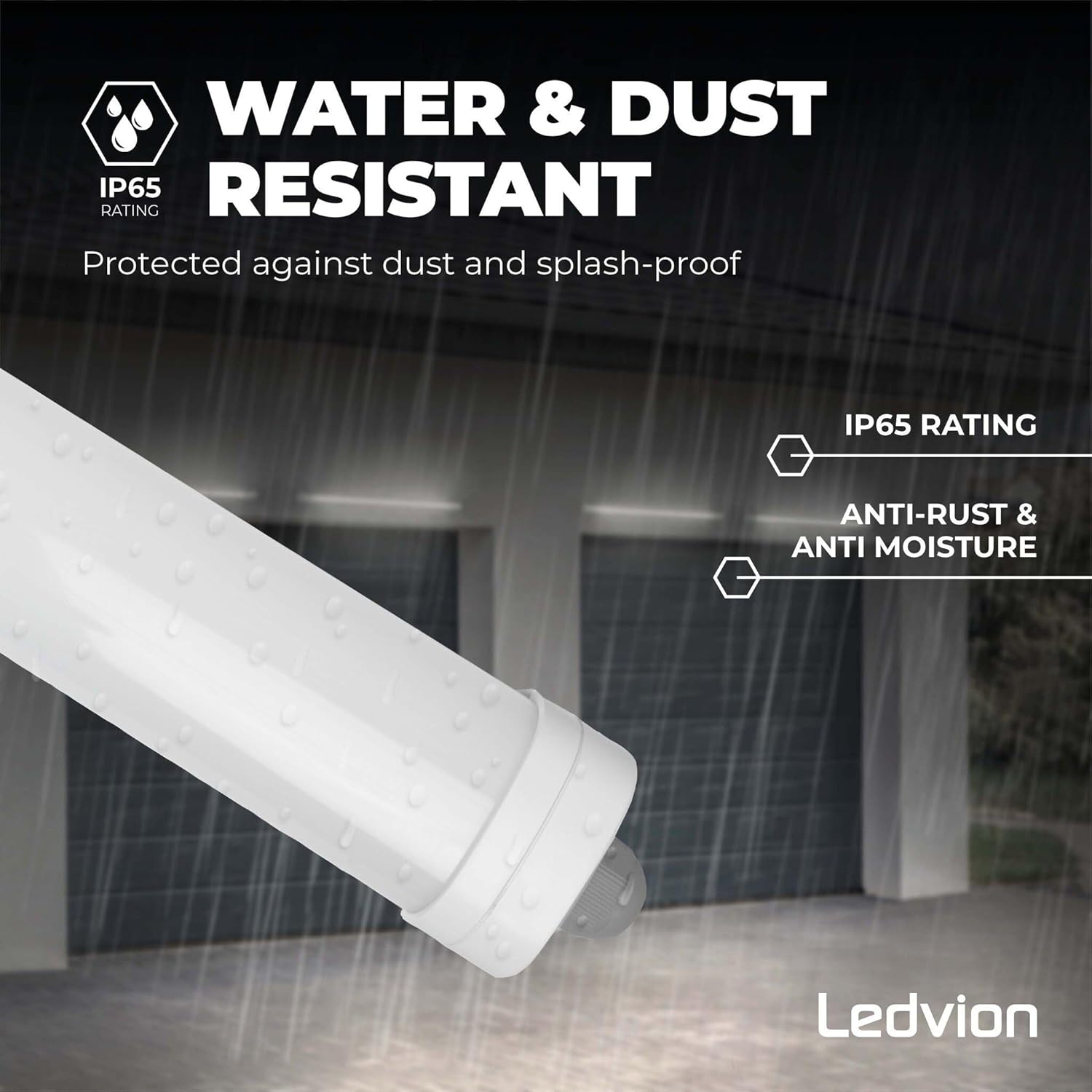
Image: IP65 rating details, confirming water and dust resistance.
9. Warranty and Support
Ledvion products are manufactured to high-quality standards and come with a manufacturer's warranty. For specific warranty terms and conditions, please refer to the documentation included with your purchase or visit the official Ledvion website.
If you require technical assistance, have questions about installation, or need to report a defect, please contact Ledvion customer support through the retailer where the product was purchased or via the contact information provided on the Ledvion website.


