
Introduction to iOS 17
This guide serves as a comprehensive resource for understanding and utilizing the features of Apple's iOS 17 operating system on your iPhone. It covers essential functionalities, new enhancements, and practical tips to help users, from beginners to experienced individuals, navigate and optimize their device experience.
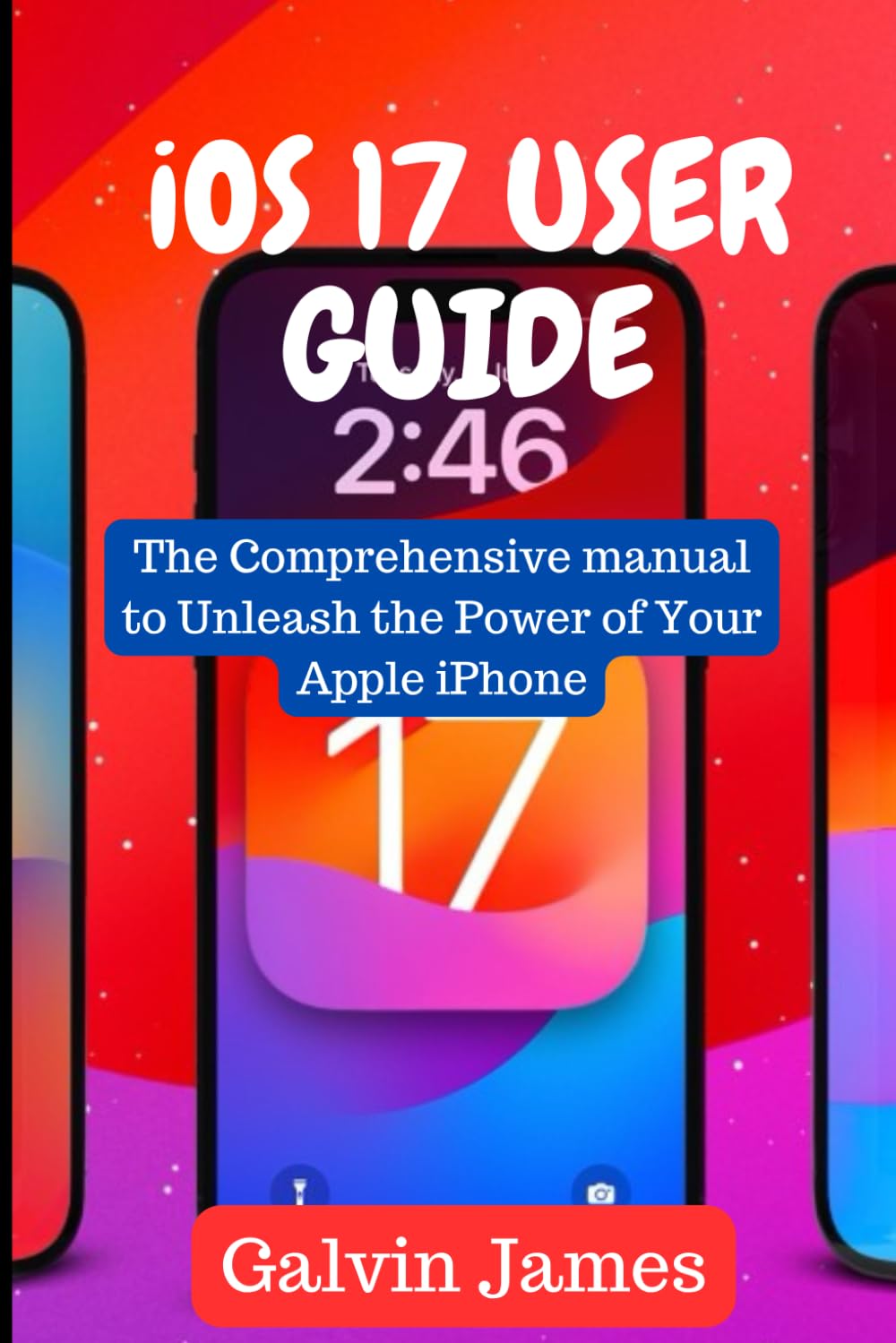
Image: Front cover of the iOS 17 User Guide. This image displays the book's title and a visual representation of an iPhone running iOS 17.
Setup and Initial Configuration
This section outlines the process for updating your iPhone to iOS 17 and configuring key initial settings.
Updating to iOS 17
- Ensure your device is connected to Wi-Fi and has at least 50% battery or is connected to power.
- Navigate to Settings > General > Software Update.
- Tap Download and Install if an update is available. Follow the on-screen prompts to complete the installation.
Setting Up Your Contact Poster
Personalize how you appear to others when you call them.
- Open the Contacts app or Phone app and tap My Card.
- Tap Contact Photo & Poster.
- Customize your photo, Memoji, or monogram, and choose a background and font style.
- Select who can see your Contact Poster (e.g., Contacts Only or Always Ask).
Operating iOS 17 Features
Explore the new and enhanced functionalities within iOS 17.
Messages and FaceTime Enhancements
- Messages: Experience improved search filters, catch-up arrows, and new sticker capabilities.
- FaceTime: Utilize FaceTime reactions with gestures and leave video or audio messages when calls are missed.
- Live Voice Call Transcription: See real-time transcription of voicemails as they are being left.
Productivity Tools and Widgets
- Interactive Widgets: Interact directly with widgets on your Home Screen, Lock Screen, or StandBy mode without opening the app.
- StandBy Mode: Transform your iPhone into a full-screen smart display when charging horizontally, showing widgets, photos, or clocks.
- Download and Save Maps: Download offline maps for navigation and exploration without an internet connection.
Security and Privacy Features
- Share and Reset Passwords: Securely share passwords with trusted contacts and receive alerts for compromised passwords.
- Face Unlock in Private Browsing: Require Face ID or Touch ID to unlock private browsing tabs in Safari.
- Enhanced Security: Regular updates and features to keep your device and data protected.
AirDrop Enhancements
- NameDrop: Share contact information by bringing two iPhones close together.
- Continued Transfers: AirDrop transfers continue over the internet if you move out of range.
Maintenance and Best Practices
To ensure optimal performance and longevity of your iPhone running iOS 17, consider the following practices:
- Regular Updates: Always keep your iOS software updated to the latest version to benefit from security patches and performance improvements.
- Battery Health: Monitor your battery health in Settings > Battery > Battery Health & Charging. Optimize charging habits to extend battery lifespan.
- Storage Management: Periodically review and manage your device storage in Settings > General > iPhone Storage to free up space.
- App Management: Close unused apps running in the background to conserve battery and system resources.
Troubleshooting Common Issues
This section provides general guidance for resolving common issues you might encounter with iOS 17.
Device Not Responding
- Perform a force restart: Quickly press and release the Volume Up button, then the Volume Down button, then press and hold the Side button until the Apple logo appears.
App Crashing or Freezing
- Close the app and reopen it.
- Check for app updates in the App Store.
- Reinstall the app if the issue persists.
Connectivity Problems (Wi-Fi/Cellular)
- Toggle Wi-Fi or Cellular Data off and on.
- Restart your iPhone.
- Reset Network Settings (Settings > General > Transfer or Reset iPhone > Reset > Reset Network Settings).
Specifications of the User Guide Book
This section provides details regarding the physical publication of this iOS 17 User Guide.
| ASIN | B0CL8L4HY9 |
| Publisher | Independently published |
| Publication Date | October 14, 2023 |
| Language | English |
| Print Length | 82 pages |
| ISBN-13 | 979-8864381540 |
| Item Weight | 6.2 ounces |
| Dimensions | 6 x 0.19 x 9 inches |
Image: Back cover of the iOS 17 User Guide. This image displays the book's ISBN barcode and an Apple logo watermark.
Support and Further Resources
For additional assistance or more detailed information beyond this guide, consider the following resources:
- Apple Official Support: Visit support.apple.com for official documentation, troubleshooting articles, and contact options.
- Apple Community Forums: Engage with other Apple users and experts at discussions.apple.com.
- In-App Help: Many applications within iOS 17 offer built-in help sections or tutorials.
Warranty Information
As this product is a published user guide book, it does not come with a traditional electronic device warranty. Any return or refund policies would be subject to the retailer's terms of sale where the book was purchased.


