1. Introduction
This manual provides essential information for the proper setup, operation, and maintenance of your boAt Lunar Peak Smartwatch. Please read this manual thoroughly before using the device to ensure optimal performance and longevity.
2. What's in the Box
Upon unboxing your boAt Lunar Peak Smartwatch, verify that all the following items are present:
- boAt Lunar Peak Smartwatch
- Charging Cable
- Warranty Card
- User Manual

Image: The boAt Lunar Peak Smartwatch in Rose Gold, showcasing its design and display.
3. Setup
3.1 Charging the Smartwatch
- Connect the charging cable to the charging port on the back of the smartwatch.
- Connect the other end of the charging cable to a USB power adapter (not included) or a computer's USB port.
- Ensure the smartwatch is properly aligned with the charging pins. The watch display will indicate charging status.
- Allow the smartwatch to fully charge before initial use.
3.2 Pairing with Your Smartphone
- Download and install the official boAt Wearables app from your smartphone's app store (Google Play Store for Android, Apple App Store for iOS).
- Ensure Bluetooth is enabled on your smartphone.
- Open the boAt Wearables app and follow the on-screen instructions to create an account or log in.
- Select 'Add Device' or 'Pair New Device' within the app.
- Select 'Lunar Peak' from the list of available devices.
- Confirm the pairing request on both your smartphone and the smartwatch.
- Once paired, the smartwatch will synchronize data with your phone.
4. Operating the Smartwatch
4.1 Display and Navigation
The boAt Lunar Peak features a 1.45-inch (3.68 cm) AMOLED display with a 466x466 HD resolution, offering clear and vibrant visuals. Navigation is primarily touch-based.
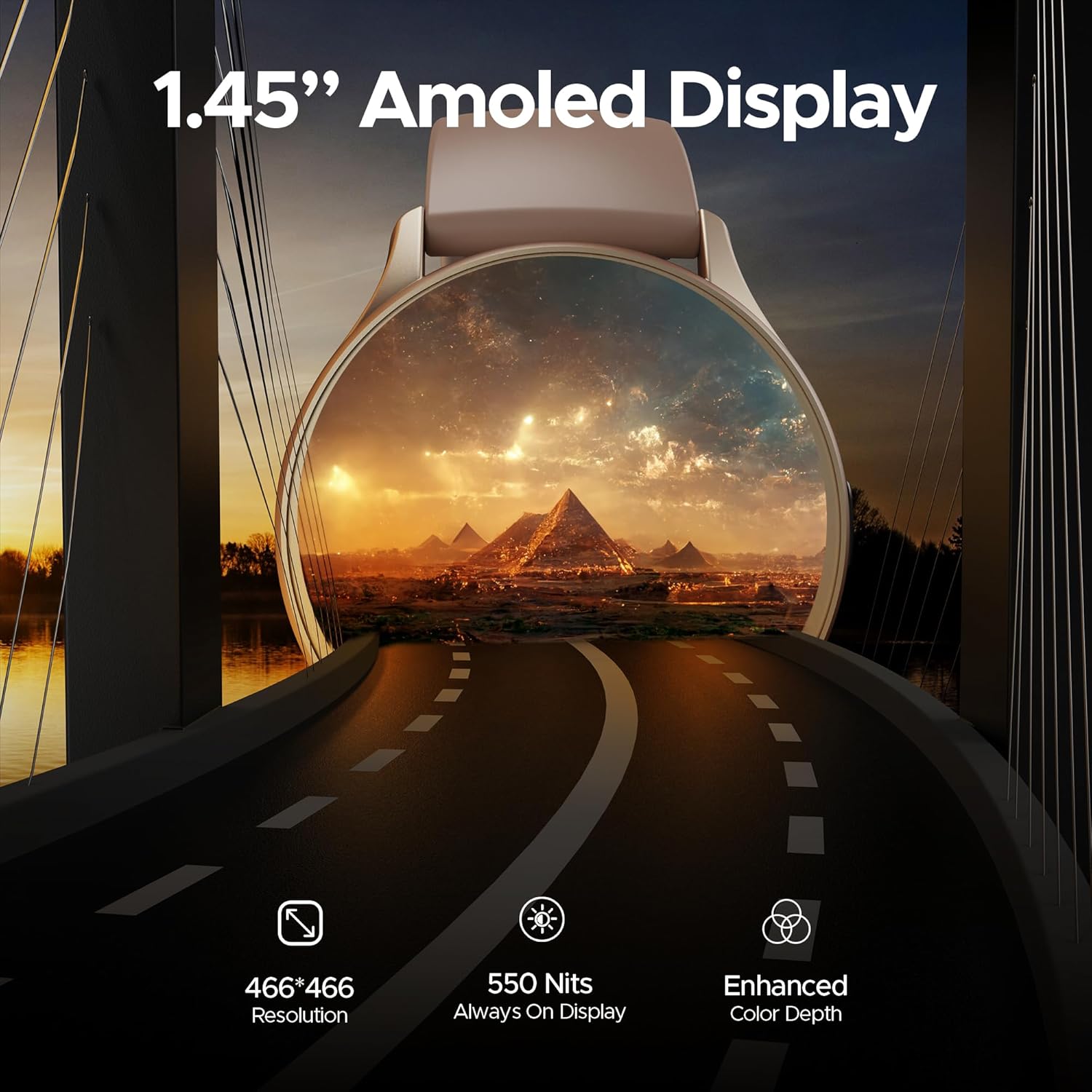
Image: A detailed view of the smartwatch display highlighting its 1.45-inch AMOLED screen with 466x466 HD resolution and enhanced color depth.
4.2 Always On Display (AOD)
The Always On Display feature allows essential information, such as time, to remain visible on the screen without needing to activate the full display. This feature can be configured via the smartwatch settings or the companion app.
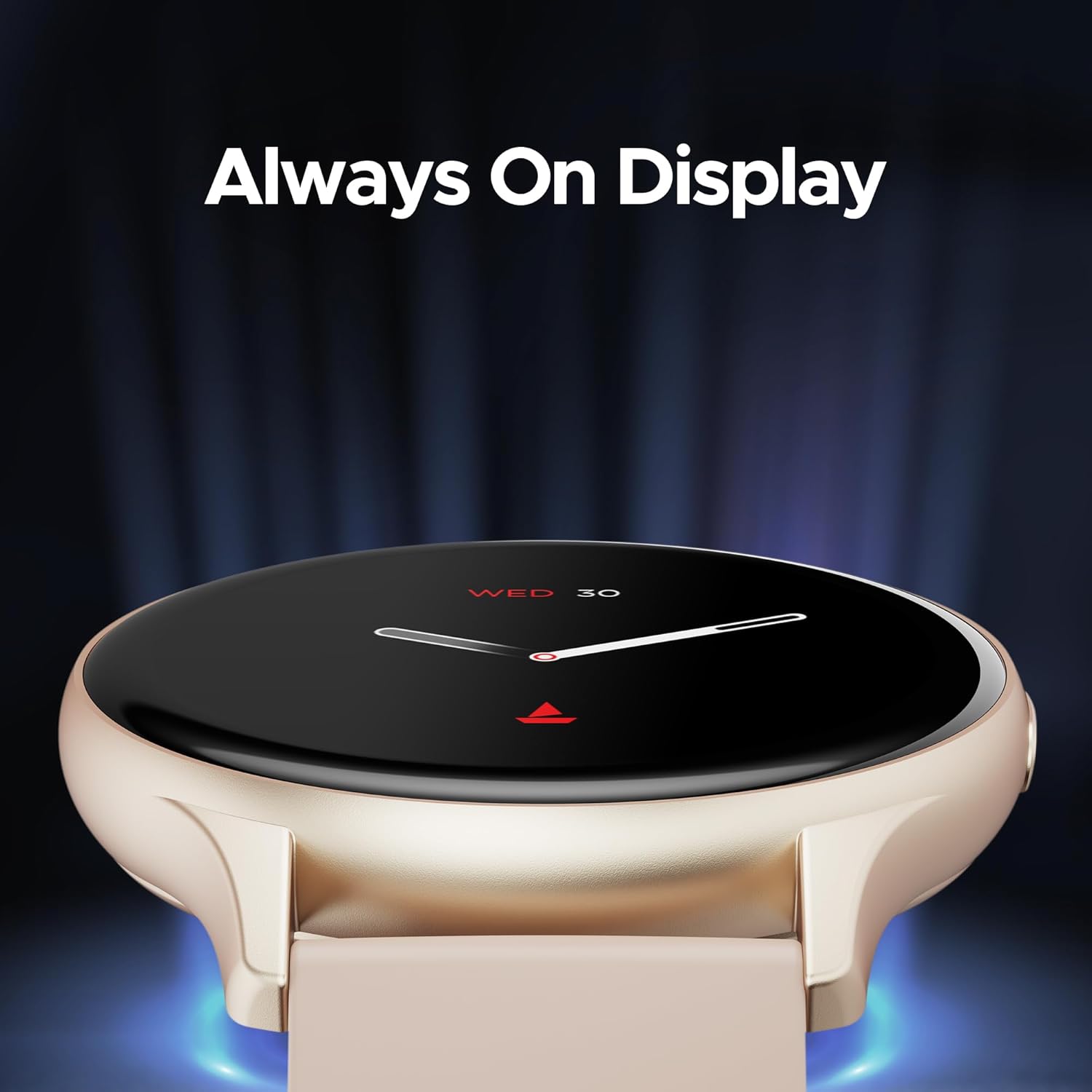
Image: The smartwatch displaying the time and date using the Always On Display feature.
4.3 Bluetooth Calling
The advanced Bluetooth Calling feature enables you to make and receive calls directly from your smartwatch when connected to your smartphone. This includes a dialer and contact access.

Image: The smartwatch interface demonstrating Bluetooth calling functionality, including an incoming call notification and a dial pad.
4.4 Custom Watch Faces
Personalize your smartwatch with a variety of cloud-based and custom watch faces. These can be changed through the boAt Wearables app to match your style and preferences.
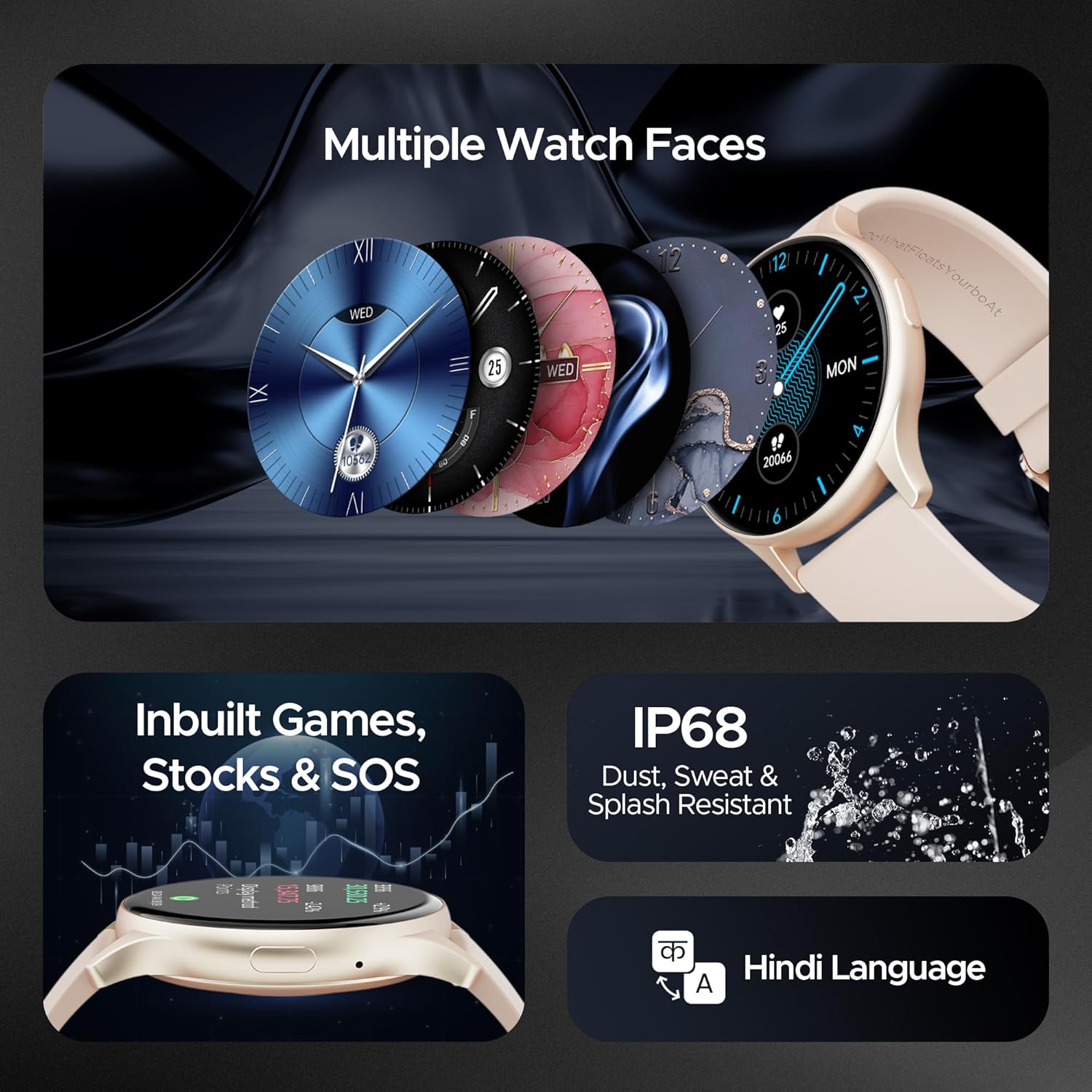
Image: A selection of diverse watch faces available for the smartwatch, alongside icons representing in-built games, stock tracking, and SOS features.
4.5 Health Monitoring
The smartwatch includes various health monitoring features to help you track your well-being:
- Heart Rate Monitoring: Continuously tracks your heart rate throughout the day.
- Blood Oxygen (SpO2) Monitoring: Measures your blood oxygen levels.
- Stress Monitoring: Provides insights into your stress levels.
- Sleep Tracking: Monitors your sleep patterns and quality.
- 100+ Sports Modes: Tracks various activities and exercises.

Image: The smartwatch screen showing a sports mode interface, illustrating its capability to track over 100 different sports activities.
4.6 In-built Games, Stocks, and SOS
The smartwatch offers entertainment with in-built games, allows you to keep track of stock market information, and includes an SOS feature for emergency situations.
4.7 Durability
The boAt Lunar Peak Smartwatch is IP67 rated for dust, sweat, and splash resistance, making it suitable for various environments and activities.
5. Maintenance
To ensure the longevity and proper functioning of your smartwatch, follow these maintenance guidelines:
- Cleaning: Regularly wipe the watch and strap with a soft, dry cloth. For stubborn dirt, use a slightly damp cloth and then dry thoroughly. Avoid harsh chemicals or abrasive materials.
- Charging: Use only the provided charging cable. Do not expose the charging pins to water or corrosive liquids.
- Water Resistance: While IP67 rated, avoid prolonged submersion in water, hot water, or steam. Dry the watch thoroughly if it gets wet.
- Storage: Store the smartwatch in a cool, dry place away from direct sunlight and extreme temperatures.
- Software Updates: Keep the boAt Wearables app and your smartwatch firmware updated to benefit from new features and performance improvements.
6. Troubleshooting
If you encounter issues with your boAt Lunar Peak Smartwatch, refer to the following common problems and solutions:
| Issue | Possible Solution |
|---|---|
| Smartwatch not turning on | Ensure the watch is fully charged. Connect it to the charger for at least 30 minutes. If it still doesn't turn on, perform a hard reset (refer to the app for specific instructions). |
| Unable to pair with smartphone | Check if Bluetooth is enabled on your phone. Ensure the smartwatch is within range. Restart both the smartwatch and your phone. Clear the app's cache or reinstall the app. |
| Inaccurate health data | Ensure the watch is worn snugly on your wrist, not too tight or too loose. Clean the sensors on the back of the watch. Avoid excessive movement during measurements. |
| Short battery life | Reduce screen brightness. Limit the use of power-intensive features like continuous heart rate monitoring or Always On Display. Disable unnecessary notifications. |
| Bluetooth calling issues | Ensure the watch is properly connected via Bluetooth to your phone. Check the volume settings on both devices. Verify microphone and speaker are not obstructed. |
If the issue persists after attempting these solutions, please contact boAt customer support for further assistance.
7. Specifications
Detailed technical specifications for the boAt Lunar Peak Smartwatch:
| Feature | Detail |
|---|---|
| Brand | boAt |
| Model Name | Lunar Peak |
| Item Model Number | boAt Lunar Seek |
| Display Type | AMOLED |
| Screen Size | 1.45 Inches (3.68 cm) |
| Resolution | 466 x 466 pixels |
| Connectivity Technology | Bluetooth |
| Wireless Type | Bluetooth |
| Special Features | Advanced Bluetooth Calling, Vivid AMOLED Display, Always On Display, Health Monitoring (Heart Rate, SpO2), In-built Games, Stocks, SOS |
| Water Resistance Rating | IP67 (Dust, Sweat, and Splash Resistant) |
| Battery Type | Lithium Polymer |
| Item Weight | 45 g |
| Product Dimensions | 4.8 x 10 x 12.3 cm |
| Country of Origin | China |
8. Warranty and Support
Your boAt Lunar Peak Smartwatch comes with a standard brand warranty. Please refer to the included Warranty Card for specific terms, conditions, and duration of the warranty.
For technical support, warranty claims, or any other inquiries, please visit the official boAt website or contact their customer service department. Contact details are typically provided on the warranty card or the product packaging.


