
1. Introduction
Thank you for choosing the TFA Dostmann 60.3550.04 Radio-Controlled Analog Wall Clock. This clock features an easy-to-read dial and automatically sets the time via a radio signal, ensuring precise timekeeping without manual adjustments. This manual provides detailed instructions for the proper setup, operation, and maintenance of your new wall clock.
2. Safety Information
- Read this manual carefully before using the device.
- Keep this manual for future reference.
- This device is intended for indoor use only.
- Do not expose the clock to extreme temperatures, direct sunlight, or high humidity.
- Avoid strong vibrations or impacts.
- Battery Safety:
- Use only the specified battery type (1 x AA, 1.5V).
- Insert batteries with correct polarity (+/-).
- Do not mix old and new batteries or different types of batteries.
- Remove depleted batteries promptly to prevent leakage.
- If the clock is not used for an extended period, remove the batteries.
- Keep batteries out of reach of children.
- Dispose of batteries according to local regulations.
3. Package Contents
Please check that all components are present and undamaged:
- 1 x TFA Dostmann 60.3550.04 Radio-Controlled Analog Wall Clock
- 1 x AA (1.5V) Battery
- 1 x Instruction Manual (this document)
4. Setup
4.1. Battery Installation
- Locate the battery compartment on the back of the clock.
- Open the battery compartment cover.
- Insert one AA (1.5V) battery, ensuring the correct polarity (+ and -) as indicated inside the compartment.
- Close the battery compartment cover securely.
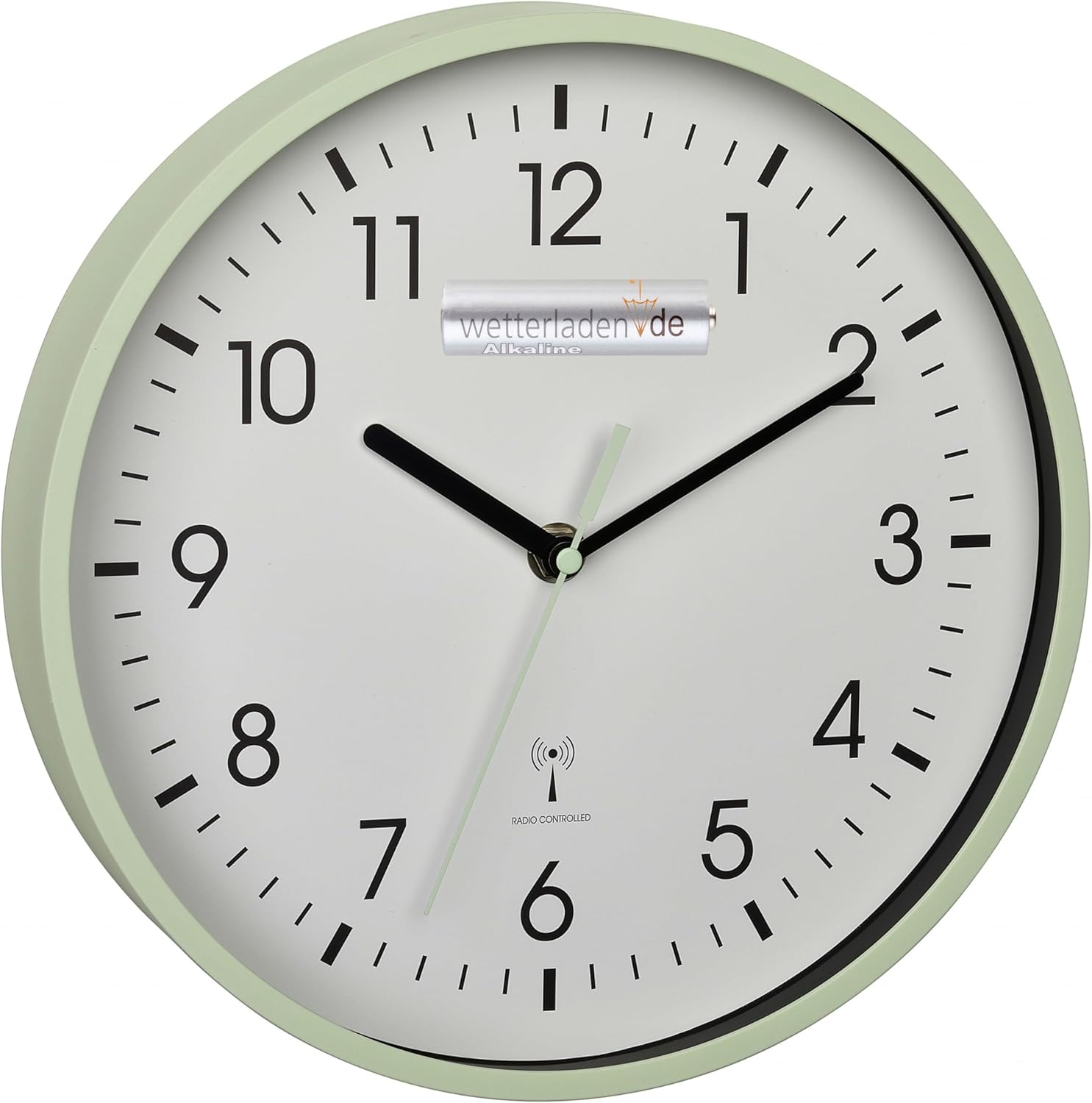
Figure 1: Front view of the TFA Dostmann 60.3550.04 Wall Clock, showing the clock face and a battery inserted for illustration.
4.2. Initial Time Synchronization
After inserting the battery, the clock will automatically attempt to receive the DCF radio time signal. The hands will typically move to the 12 o'clock position and then begin searching for the signal. This process can take several minutes. Once the signal is received, the clock will automatically set itself to the correct time.
- Placement: For optimal signal reception, place the clock near a window and away from electronic devices that may cause interference (e.g., televisions, computers, microwaves).
- Signal Strength: In areas with weak radio signals, it may take longer for the clock to synchronize, or it may need to be moved to a different location.
5. Operating the Clock
5.1. Automatic Timekeeping
The TFA Dostmann 60.3550.04 is a radio-controlled clock, meaning it receives a time signal that ensures accurate timekeeping. It automatically adjusts for Daylight Saving Time (DST) changes, eliminating the need for manual adjustments.

Figure 2: The TFA Dostmann 60.3550.04 Wall Clock with its clear analog display and radio-controlled symbol.
5.2. Silent Movement
This clock features a silent movement, ensuring no ticking sounds, which is ideal for quiet environments like bedrooms or offices.
6. Maintenance
- Cleaning: Clean the clock with a soft, dry cloth. Do not use abrasive cleaners or solvents.
- Battery Replacement: When the clock hands stop moving or the time becomes inaccurate, it is time to replace the battery. Follow the battery installation steps in Section 4.1.
- Storage: If you plan to store the clock for an extended period, remove the battery to prevent leakage and potential damage to the mechanism.
7. Troubleshooting
| Problem | Possible Cause | Solution |
|---|---|---|
| Clock does not set time automatically. | Weak or no radio signal. Incorrect battery installation. Depleted battery. |
|
| Clock hands are stuck or not moving. | Depleted battery. Mechanical obstruction. |
|
| Time is incorrect after initial setup. | Initial signal reception failed or was interrupted. |
|
8. Specifications
| Brand | TFA Dostmann |
| Model Number | 60.3550.04 |
| Color | Mint |
| Dimensions (L x W x H) | 24.5 x 3.81 x 24.5 cm (9.65 x 1.5 x 9.65 inches) |
| Weight | 570 g (1.26 lbs) |
| Material | Glass |
| Power Source | 1 x AA (1.5V) Battery (included) |
| Display Type | Analog |
| Special Feature | Silent Clock Movement, Radio-Controlled Time |
| Style | Modern |
| Usage | Indoor |
9. Warranty and Support
Specific warranty information for your TFA Dostmann 60.3550.04 Radio-Controlled Analog Wall Clock is typically provided with your purchase documentation or can be found on the official TFA Dostmann website. Please retain your proof of purchase for warranty claims.
For technical support, troubleshooting assistance beyond this manual, or to inquire about spare parts, please contact your retailer or the TFA Dostmann customer service directly. Contact details are usually available on the manufacturer's website or product packaging.


