
1. Introduction
Thank you for choosing the Yomile 3-in-1 Mini Vacuum Cleaner and Air Duster. This versatile device is designed for efficient cleaning and dusting in various environments, including your car, office, and home. It combines powerful vacuuming, air dusting, and air blowing functionalities into a compact, handheld unit. Please read this manual thoroughly before use to ensure proper operation and maintenance.

Figure 1: Yomile 3-in-1 Mini Vacuum Cleaner and Air Duster
2. Safety Information
To prevent injury or damage, always observe the following safety precautions:
- Keep the device away from water or other liquids.
- Do not use the device to vacuum flammable or combustible materials.
- Ensure the device is fully charged before first use.
- Keep out of reach of children.
- Do not block the air inlets or outlets during operation.
- Use only the provided charging cable.
3. Package Contents
Verify that all items are included in your package:
- Yomile Mini Vacuum Cleaner & Air Duster Unit
- Various Nozzles (for vacuuming, dusting, and inflation)
- USB Charging Cable
- Storage Bag
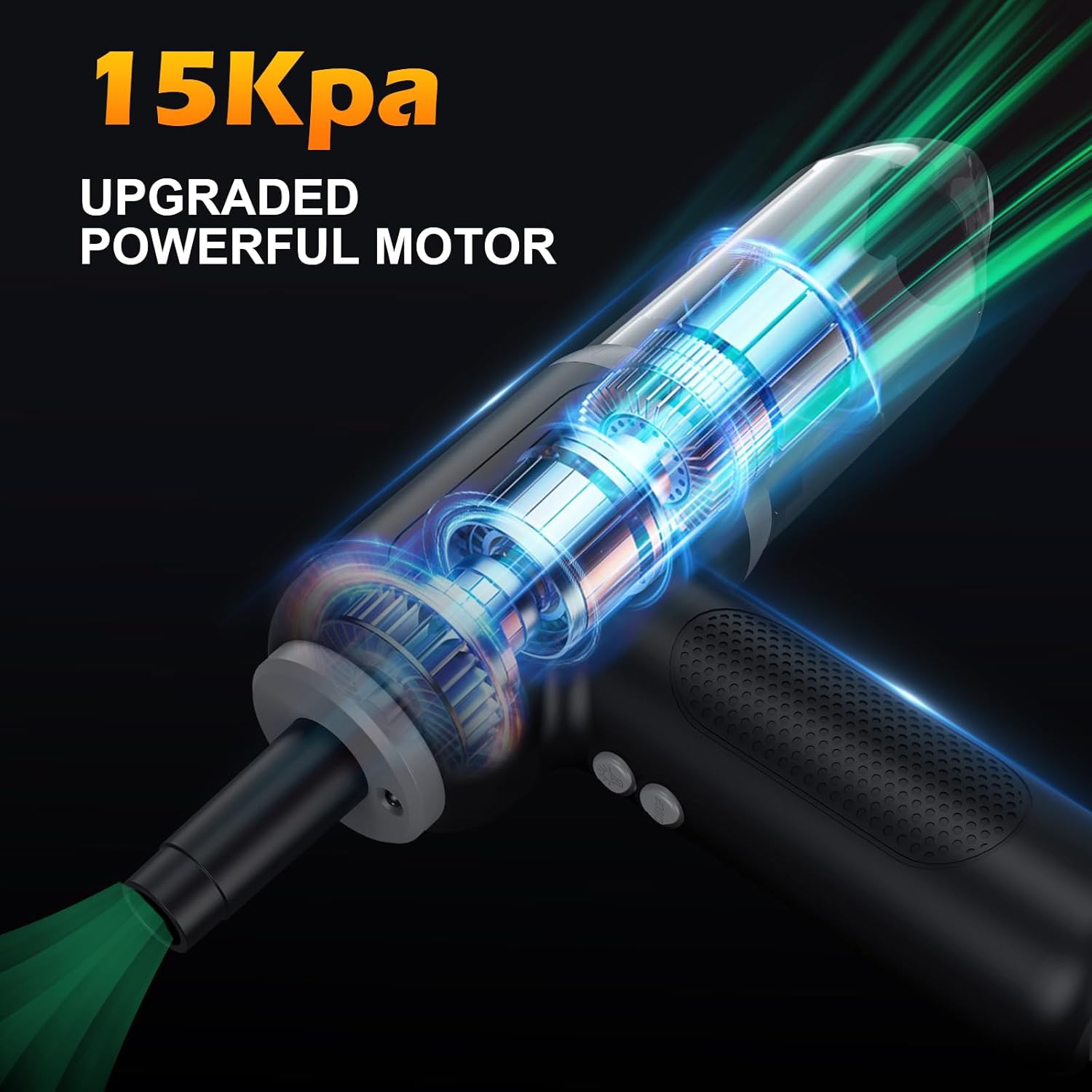
Figure 2: Device and Included Accessories
4. Product Overview
The Yomile AD003 features a powerful motor, a 9000mAh battery for extended use, and multiple speed settings. It is designed for both suction (vacuum) and blowing (duster/inflator) functions.
4.1 Key Features
- 3-in-1 Functionality: Vacuum, Air Duster, Air Blower.
- High Suction Power: Up to 15Kpa for effective cleaning.
- Powerful Airflow: Up to 150,000 RPM for efficient dusting and blowing.
- Long Battery Life: 9000mAh Lithium-Ion battery.
- Multiple Speed Settings: 3 adjustable speeds for various tasks.
- Integrated LED Light: For illuminating dark areas during cleaning.
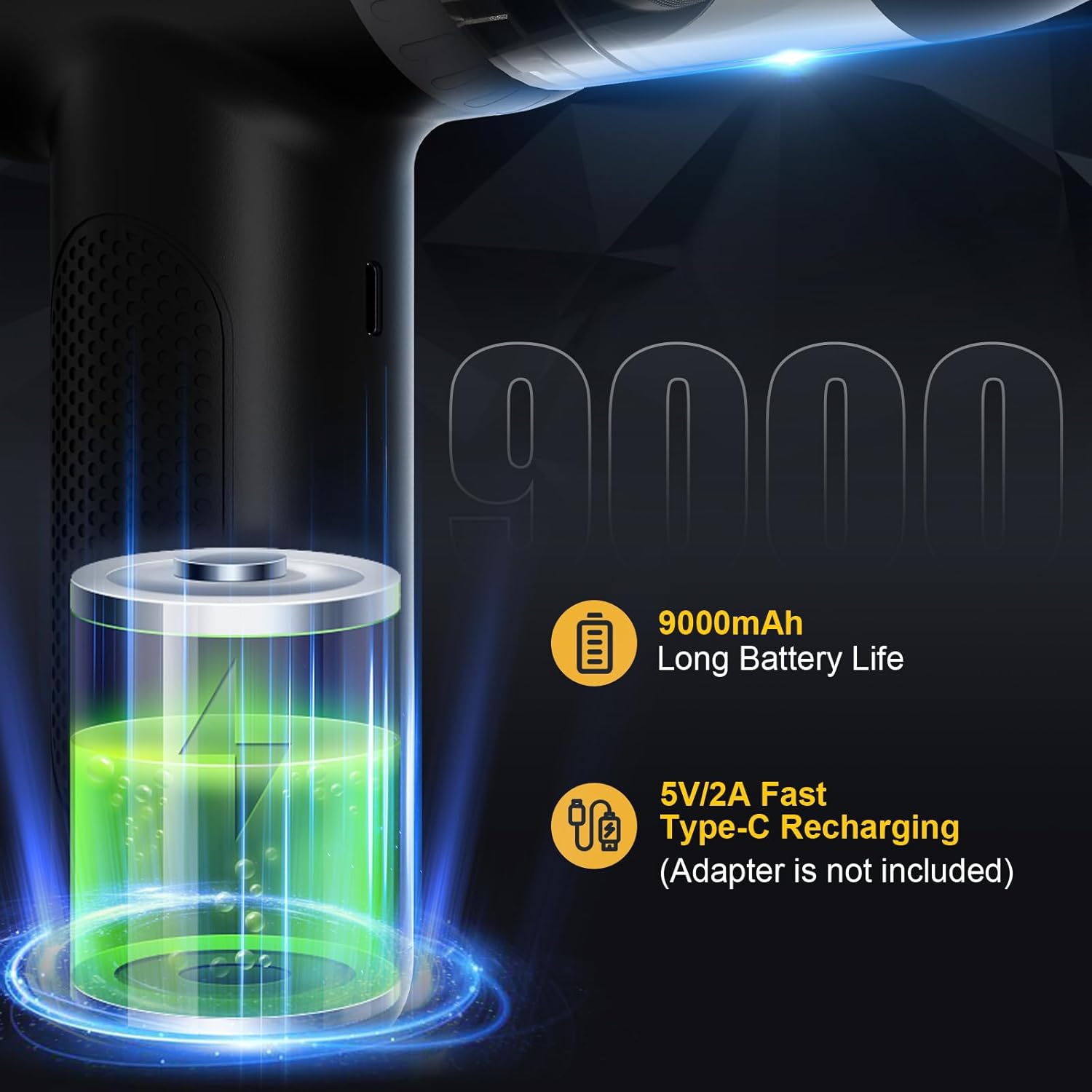
Figure 3: 9000mAh Battery and Type-C Recharging Port

Figure 4: Three Air Speed Settings
5. Setup
5.1 Charging the Device
Before first use, fully charge the device using the provided USB Type-C cable. The charging port is located on the unit. The indicator lights will show charging status.
5.2 Attaching Nozzles
Select the appropriate nozzle for your task. Nozzles can be attached to either the suction inlet (for vacuuming) or the air outlet (for dusting/blowing/inflating). Firmly push the desired nozzle onto the port until it is securely in place.

Figure 5: Interchangeable Nozzles for Diverse Applications
6. Operating Instructions
6.1 Power On/Off and Speed Adjustment
Press the power button once to turn on the device at the lowest speed. Subsequent presses will cycle through medium speed, high speed, and then standby. A long press will turn the device off completely.
6.2 Vacuum Function
Attach a vacuum nozzle to the suction inlet. Turn on the device and select the desired speed. Guide the nozzle over the area to be cleaned. The transparent dustbin allows you to monitor the collected debris.

Figure 6: Using the Vacuum Function in a Car
6.3 Air Duster/Blower Function
Attach a blowing nozzle to the air outlet. Turn on the device and select the desired speed. Use the powerful airflow to dislodge dust from keyboards, electronics, or other hard-to-reach areas. The integrated LED light can assist in dark spaces.
Watch this video for a demonstration of the air duster and vacuum functions:
Video 1: Yomile 15Kpa Mini Car Vacuum With Air Blower Demonstration
6.4 Inflation Function
For inflating small items like swimming rings or air mattresses, attach the appropriate inflation nozzle to the air outlet. Turn on the device and allow it to inflate the item. Ensure the nozzle creates a tight seal for efficient inflation.
7. Maintenance
7.1 Cleaning the Dustbin and Filter
Regularly empty the dustbin and clean the filter to maintain optimal suction power. Twist the dustbin counter-clockwise to detach it from the main unit. Remove the filter and tap out any accumulated dust. The filter can be rinsed with water; ensure it is completely dry before reassembling.
7.2 Battery Care
To prolong battery life, avoid completely draining the battery frequently. Charge the device when the battery indicator lights are low. Store the device in a cool, dry place when not in use for extended periods.
8. Troubleshooting
If you encounter issues with your Yomile Mini Vacuum Cleaner & Air Duster, refer to the following common solutions:
- Device not turning on: Ensure the battery is charged. If fully charged, try a long press on the power button.
- Weak suction/airflow: Check if the dustbin is full or if the filter is clogged. Clean the dustbin and filter as described in Section 7.1. Ensure nozzles are securely attached and not blocked.
- Device not charging: Verify the USB cable is properly connected to both the device and a power source. Try a different USB port or adapter.
If the problem persists, please contact customer support.
9. Specifications
| Brand | Yomile |
| Model Number | AD003 |
| Special Feature | 3-in-1 functionality, high suction power, large battery capacity |
| Filter Type | Cyclonic |
| Included Components | Air Duster, Air Blower, Various Nozzles, USB Cable, Storage Bag |
| Is Cordless? | Yes |
| Capacity | 450 Grams |
| Recommended Uses | Car, Office, Home, Computer |
| Form Factor | Handheld |
| Color | Black |
| Battery Type | Lithium-Ion (9000mAh) |
| Noise Level | 75 Decibels |
| Controller Type | Push Button |
| Control Method | Touch |
| Connectivity Technology | USB |
| Number of Speeds | 3 |
| Portable | Yes |
| Product Dimensions | 4.33 x 2.4 x 7.01 inches |
| Item Weight | 1.1 pounds |
10. Warranty and Support
Your Yomile Mini Vacuum Cleaner & Air Duster comes with a standard manufacturer's warranty. For warranty details, product support, or any inquiries, please refer to the contact information provided with your purchase or visit the official Yomile website.