
1. Introduction
The ELRO CO7000 Full HD IP security camera is designed to provide comprehensive surveillance for your home and property. This camera is engineered for outdoor use, featuring a waterproof design and robust capabilities to monitor your surroundings day and night. Access to live feeds and recorded footage is conveniently available through the ELRO Home Safe App on your smartphone or tablet, ensuring you stay connected to your property from anywhere.
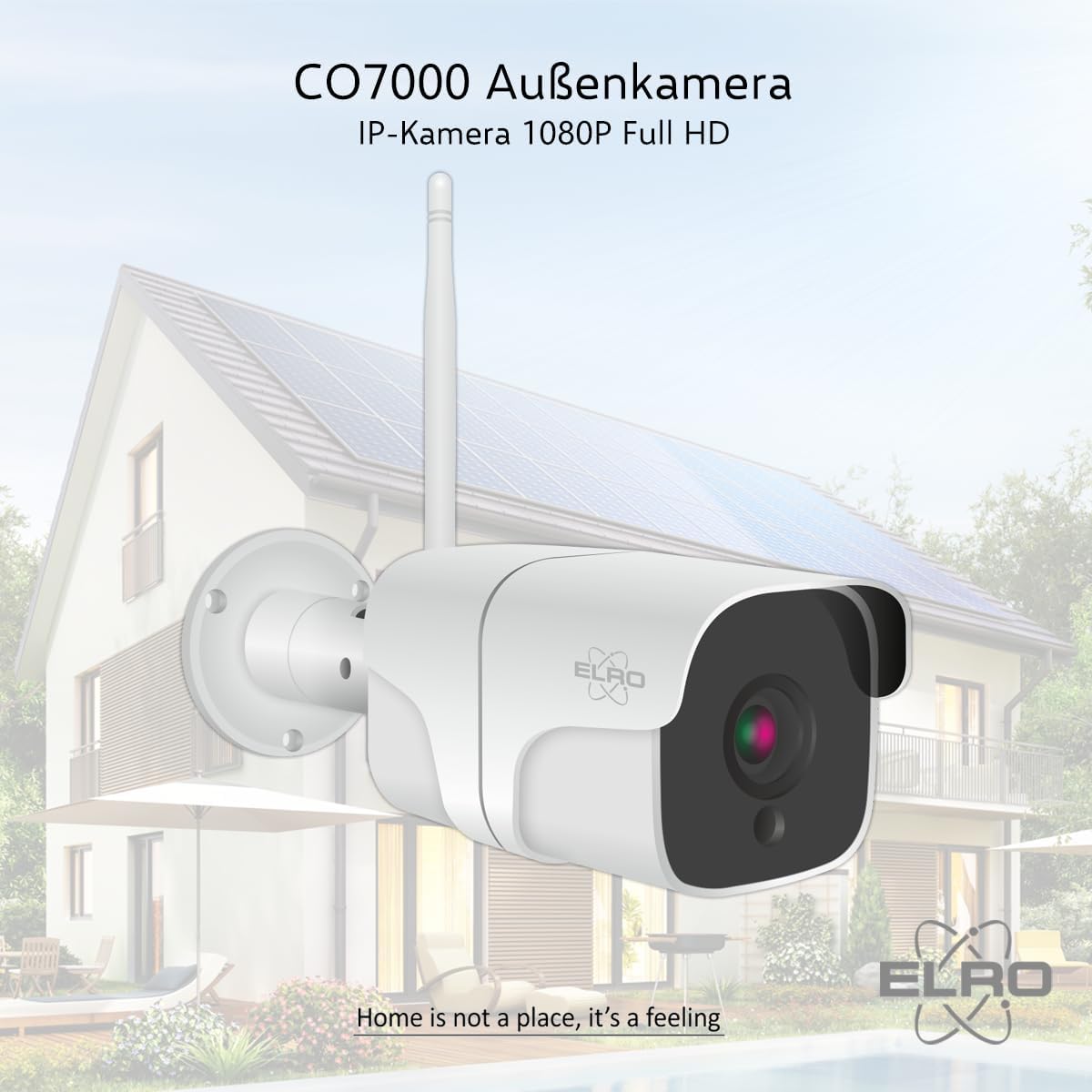
Image: The ELRO CO7000 outdoor IP camera, designed for full HD 1080P surveillance.
2. Package Contents
Please verify that all items listed below are included in your package:
- ELRO CO7000 Full HD 1080P Security Camera
- Power Adapter
- User Manual (this document)
- Mounting Material (screws and wall plugs)

Image: The ELRO CO7000 security camera and its packaging, indicating included accessories.
3. Key Features
The ELRO CO7000 camera is equipped with advanced features to enhance your security:
- 1080P Full HD Resolution: Provides clear and sharp video footage, allowing for detailed observation and identification.

Image: Comparison of video resolution, highlighting the clarity of 1080P Full HD from the ELRO CO7000 versus lower resolutions.
- AI Human Motion Detection: Utilizes artificial intelligence to differentiate between human movement and other triggers, reducing false alarms. The camera records only when a person is detected.

Image: Illustration of ELRO HumanPresence Technology, showing the sensor detecting human movement while ignoring other objects like cars.
- Sound Detection: Triggers recording or alerts based on detected sounds in the camera's vicinity.

Image: Smartphone screen displaying notifications for detected motion and sound, indicating the camera's alert capabilities.
- 10-Meter Night Vision: Infrared LEDs provide clear images up to 10 meters in complete darkness, ensuring 24/7 surveillance.

Image: Split view showing a scene in daylight and the same scene in night vision, demonstrating the camera's 10-meter night vision capability.
- IP66 Waterproof Rating: Designed to withstand outdoor elements, making it suitable for various weather conditions.

Image: The ELRO CO7000 camera mounted on a brick wall, with water droplets illustrating its IP66 waterproof rating.
- Two-Way Audio (Intercom Function): Communicate with individuals near the camera using the built-in speaker and microphone via the app.

Image: Depiction of the two-way audio function, showing a person speaking through the camera and another person reacting to the audio.
- Built-in Siren: An integrated siren can be activated to deter intruders.
4. Setup and Installation
Follow these steps to set up and install your ELRO CO7000 camera:
- Power Connection: Plug the provided power adapter into the camera and then into a wall socket.
- App Download: Download the free ELRO Home Safe App from your smartphone's app store (available for iOS and Android).
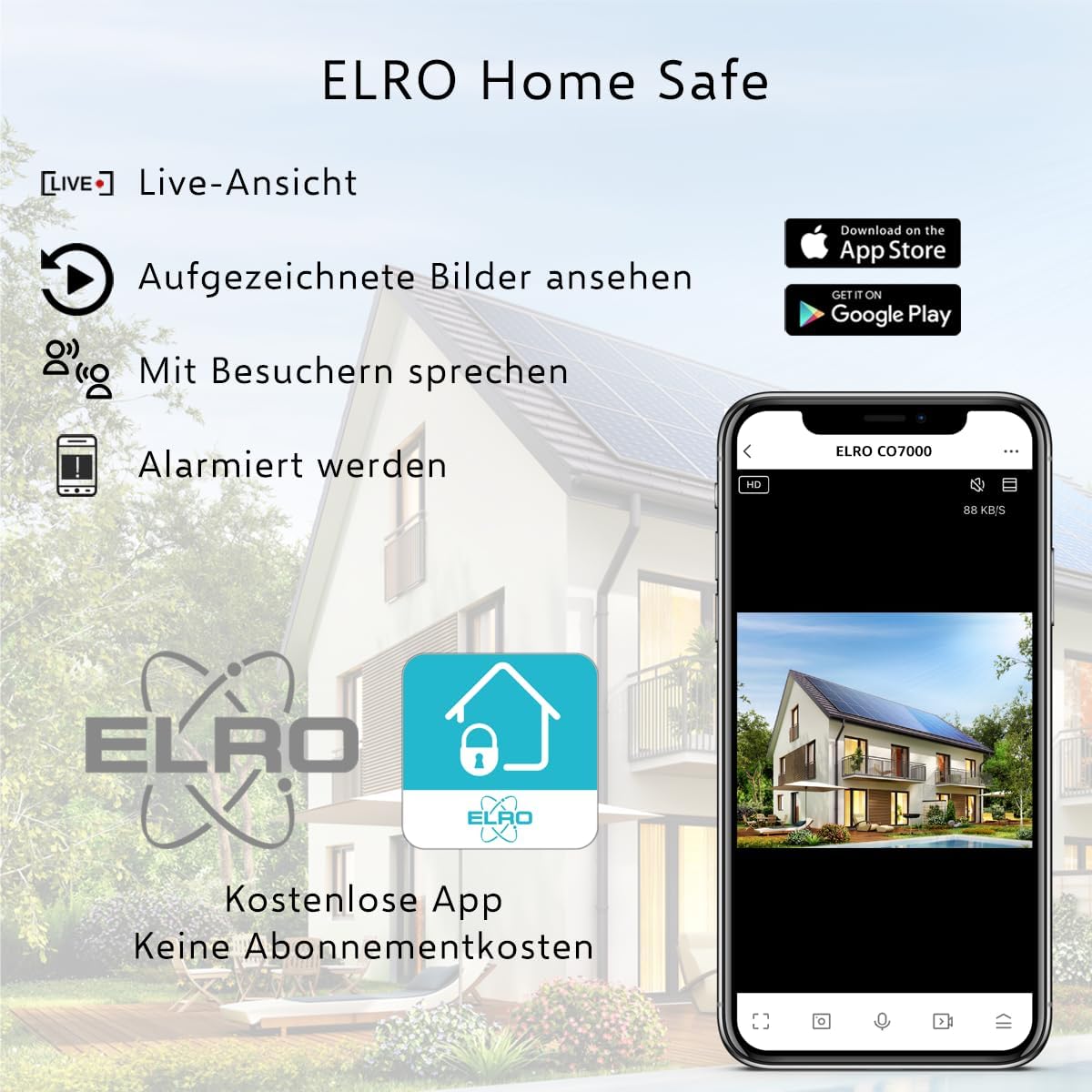
Image: Smartphone displaying the ELRO Home Safe App interface, with icons for live view, recorded images, two-way audio, and alerts, along with app store download badges.
- Wi-Fi Configuration: Open the ELRO Home Safe App and follow the on-screen instructions to add your camera. You will be prompted to enter your Wi-Fi password. The app will then generate a QR code.
- QR Code Scan: Position your camera to scan the QR code displayed on your smartphone screen. The camera will confirm successful connection.
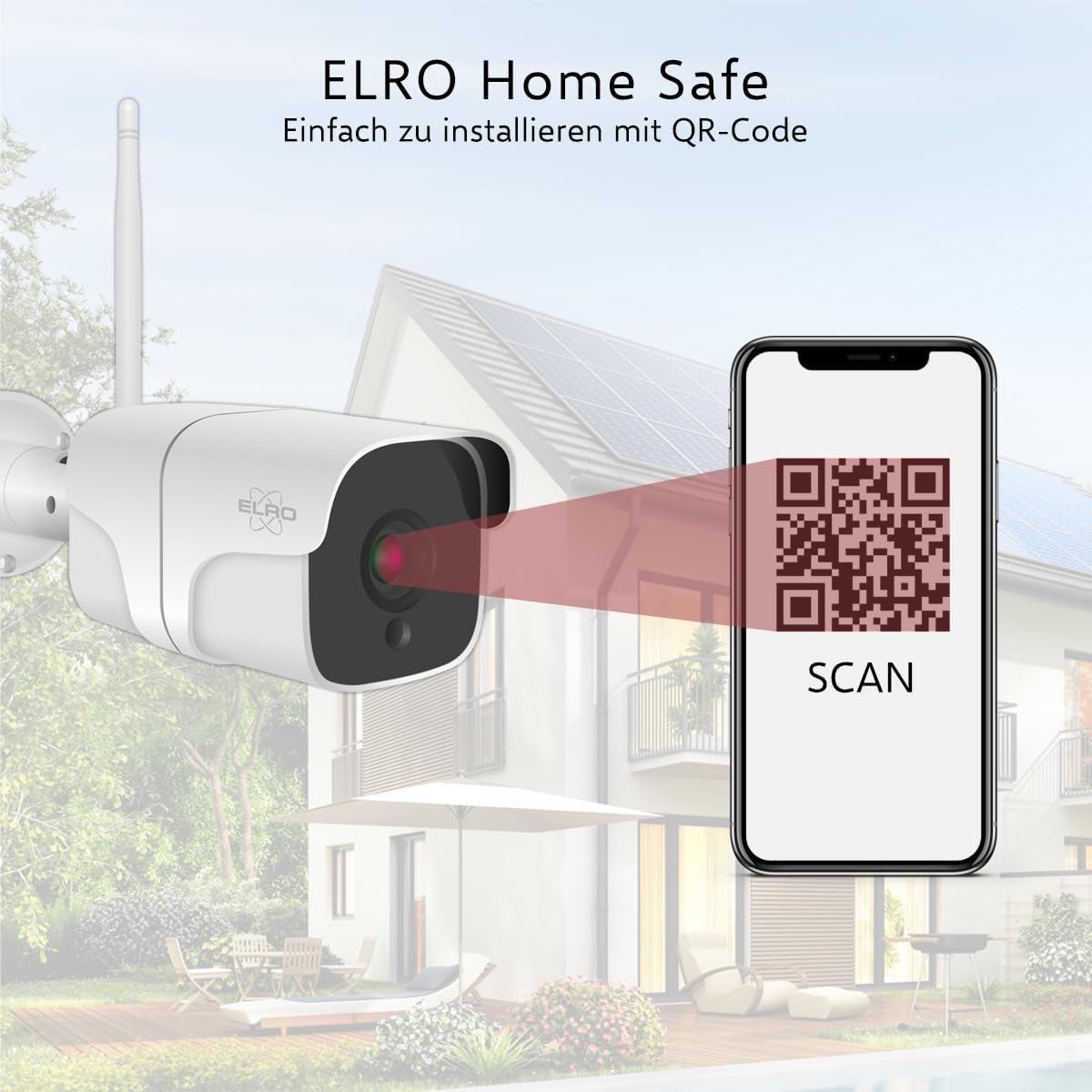
Image: The ELRO CO7000 camera scanning a QR code displayed on a smartphone, illustrating the easy installation process via the ELRO Home Safe App.
- Physical Mounting: Use the provided mounting material to securely attach the camera to your desired outdoor location. Ensure the camera has a clear view of the area you wish to monitor and is within Wi-Fi range.
5. Operating Instructions
Once installed, operate your ELRO CO7000 camera using the ELRO Home Safe App:
- Live View: Open the app to view real-time footage from your camera.
- Playback: Access recorded footage through the app's timeline feature. You can review events triggered by motion or sound.

Image: Smartphone screen showing the ELRO Home Safe App's playback interface with a timeline, allowing users to review recorded events.
- Settings: Customize camera settings such as motion detection sensitivity, detection zones, image mirroring, and notification preferences.
- Two-Way Audio: Use the microphone icon in the app to speak through the camera's speaker, and listen through its microphone.
6. Storage Options
The ELRO CO7000 offers flexible storage solutions for your recordings:
- Local Storage (SD Card): Insert a Micro SD card (up to 128 GB, not included) into the camera's designated slot for local recording. This allows you to store footage directly on the device.
- Cloud Storage: Securely save your footage to the ELRO cloud servers. All data transmitted to your smartphone is encrypted for enhanced security.

Image: Illustration showing options for secure footage storage: locally on a Micro SD card (up to 128 GB) or via cloud storage.
7. Troubleshooting
If you encounter issues with your ELRO CO7000 camera, refer to the following common problems and solutions:
| Problem | Possible Cause | Solution |
|---|---|---|
| Camera offline in app | No power, Wi-Fi signal too weak, incorrect Wi-Fi password. | Check power connection. Move camera closer to router or use a Wi-Fi extender. Re-enter Wi-Fi password in app. |
| No recordings or notifications | Motion detection disabled, SD card full/faulty, cloud subscription expired. | Enable motion detection in app settings. Check SD card status or replace. Verify cloud subscription. |
| Poor image quality | Dirty lens, low light conditions, network bandwidth issues. | Clean the camera lens gently. Ensure sufficient lighting or rely on night vision. Check network speed. |
| Two-way audio not working | Microphone/speaker muted in app, app permissions. | Check audio settings in the app. Ensure app has microphone permissions on your device. |
8. Specifications
Detailed technical specifications for the ELRO CO7000 camera:
| Feature | Detail |
|---|---|
| Model | CO7000 |
| Video Resolution | 1080P Full HD |
| Night Vision Range | Up to 10 meters |
| Waterproof Rating | IP66 |
| Connectivity | Wi-Fi (2.4GHz) |
| Storage Options | Micro SD card (max. 128 GB), Cloud Storage |
| Power Source | Wired (Power Adapter) |
| Viewing Angle | 110 degrees |
| Dimensions (L x W x H) | 10.5 x 6 x 6 cm |
| Weight | 350 grams |
| Material | Metal |
9. Maintenance
To ensure optimal performance and longevity of your ELRO CO7000 camera, follow these maintenance guidelines:
- Cleaning: Periodically clean the camera lens and housing with a soft, damp cloth. Avoid abrasive cleaners or solvents that could damage the surface.
- Firmware Updates: Check the ELRO Home Safe App regularly for available firmware updates. Keeping your camera's firmware up-to-date ensures optimal performance and security.
- Environmental Considerations: While the camera is IP66 waterproof, avoid directing high-pressure water jets directly at the device. Ensure proper drainage around the installation area.
10. Warranty and Support
ELRO products are designed for reliability and performance. For warranty information and technical support, please refer to the following:
- Warranty: This product comes with a standard manufacturer's warranty. Please retain your proof of purchase for any warranty claims. Specific warranty terms may vary by region.
- Technical Support: For assistance with installation, operation, or troubleshooting, please visit the official ELRO website or contact their customer support. Contact details can typically be found on the ELRO website or in the product packaging.
- Online Resources: Additional FAQs, video tutorials, and support documents may be available on the ELRO support portal.


