
First Alert SMCO210V
First Alert SMCO210V 10-Year Sealed Battery Combination Smoke & Carbon Monoxide Alarm User Manual
Model: SMCO210V
Introduction
This manual provides essential information for the installation, operation, and maintenance of your First Alert SMCO210V Combination Smoke and Carbon Monoxide Alarm. This device is designed to provide early warning of both smoke and carbon monoxide threats in your home.
The SMCO210V features a 10-year sealed battery, eliminating the need for battery replacements throughout its lifespan. It also includes voice and location alerts to clearly communicate the type and origin of the detected danger.
- Precision Detection: Advanced sensing technology reduces nuisance alarms from cooking while providing early warning of fire.
- Voice & Location Alerts: Clearly announces the type of danger and its location.
- 10-Year Sealed Battery: Provides continuous power for the life of the alarm, eliminating battery changes.
- Slim Profile Design: Half the depth of a standard alarm for discreet placement.

Safety Information
It is crucial to understand that this alarm is designed to detect smoke and carbon monoxide. It cannot prevent the occurrence of fire or carbon monoxide poisoning. Regular testing and proper placement are essential for optimal performance.
- Never ignore any alarm. Investigating the cause is critical.
- Do not paint the alarm. Paint can clog the sensing chambers and prevent the unit from operating correctly.
- This alarm is not intended to be a substitute for proper ventilation and maintenance of fuel-burning appliances.
Setup and Installation
Recommended Placement
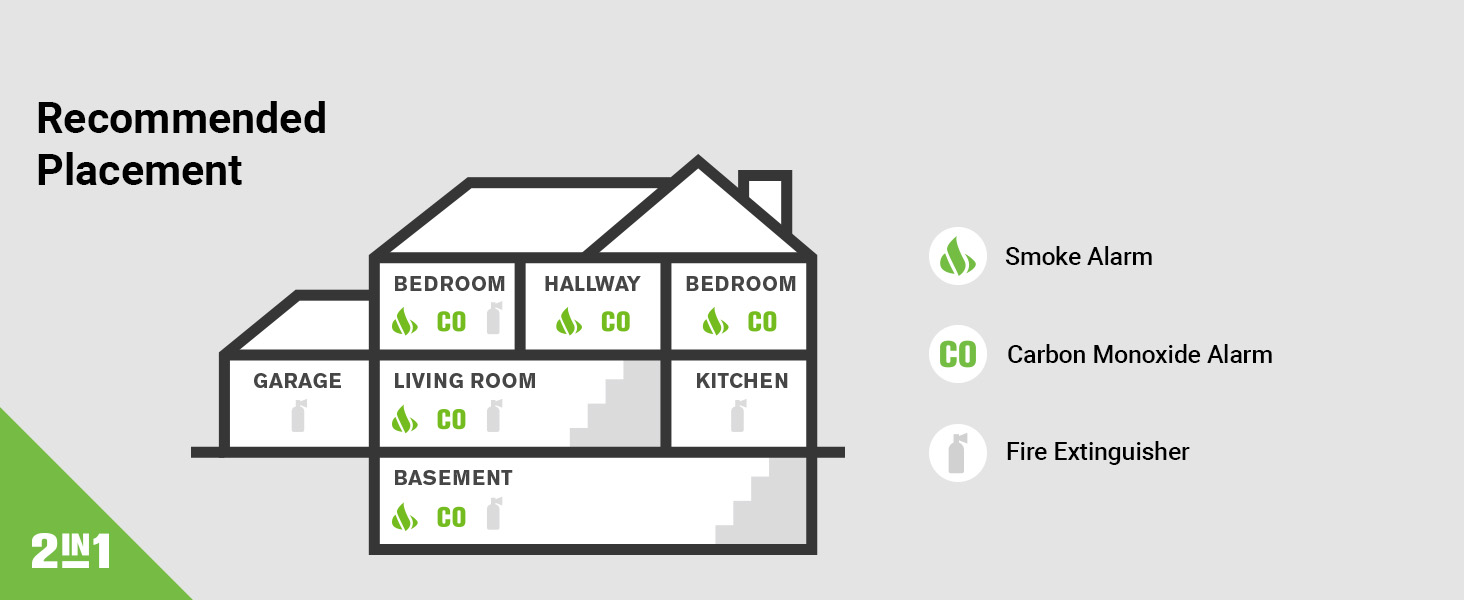
For optimal protection, install combination smoke and carbon monoxide alarms on every level of your home, including basements, and inside every bedroom. Ensure alarms are placed in hallways leading to bedrooms.
Mounting Instructions
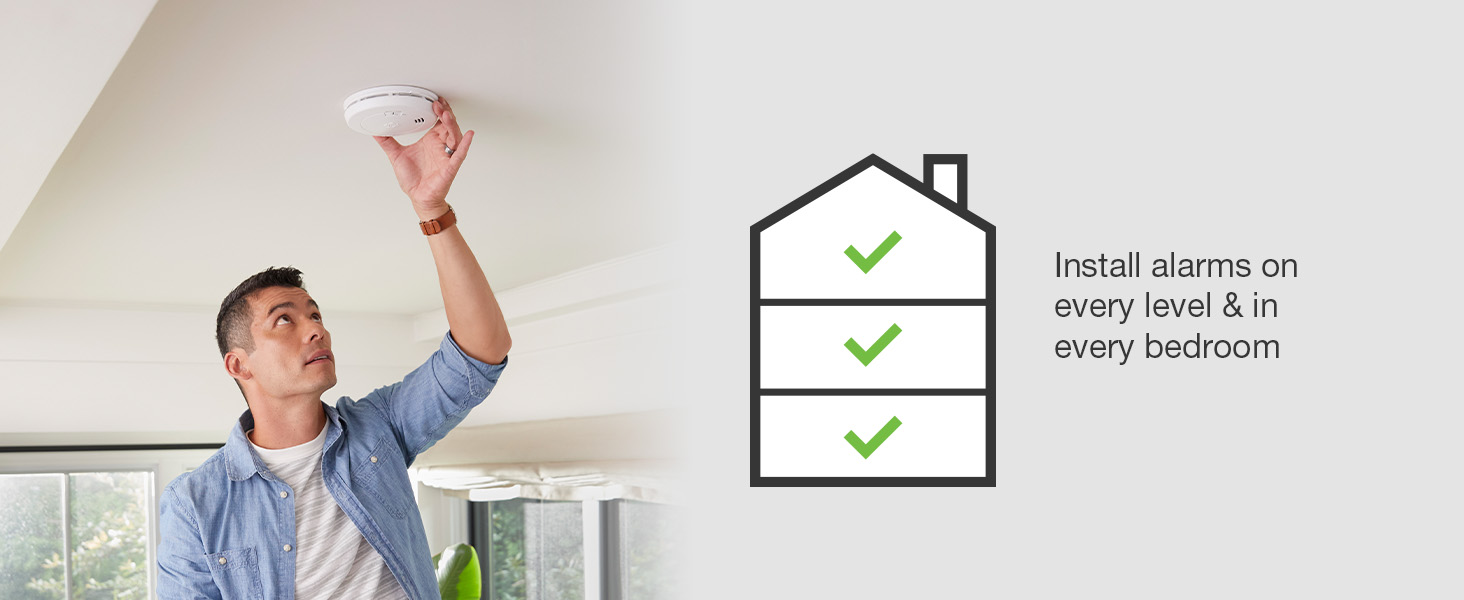
- Prepare the Mounting Bracket: The alarm comes with a mounting bracket. Position the bracket on the ceiling or wall at your desired location.
- Mark Drill Holes: Use a pencil to mark the locations for the two mounting holes through the bracket.
- Drill Holes: Drill two 3/16-inch (5 mm) holes at the marked locations. If installing into drywall or plaster, insert the plastic anchor plugs provided.
- Attach Bracket: Secure the mounting bracket to the ceiling or wall using the two screws provided.
- Activate Alarm: Remove the alarm from its packaging. The 10-year sealed battery is pre-installed. The alarm will automatically activate when twisted onto the mounting bracket.
- Attach Alarm to Bracket: Align the alarm with the mounting bracket and twist clockwise until it clicks securely into place.
- Test the Alarm: After installation, press and hold the Test/Silence button for a few seconds until the alarm sounds. This confirms proper operation.

Operating the Alarm
Testing the Alarm
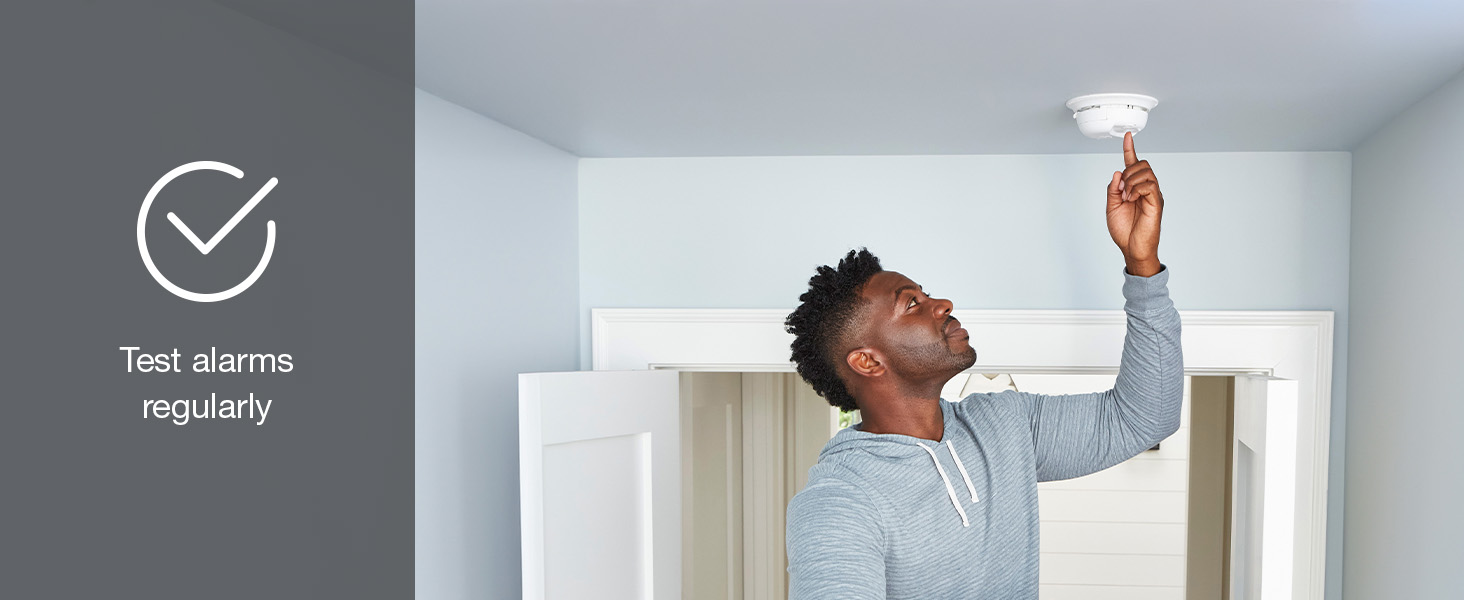
Test your alarm weekly to ensure it is functioning correctly. Press and hold the Test/Silence button on the alarm's cover until the alarm sounds. The alarm will emit a series of beeps and voice announcements.

Voice and Location Alerts
When smoke or carbon monoxide is detected, the alarm will sound and provide a clear voice message indicating the type of danger and its location (e.g., "Fire! Evacuate!", "Carbon Monoxide! Evacuate!"). This feature helps occupants quickly identify the threat and plan their escape.

Silence Feature
In case of a nuisance alarm (e.g., from cooking smoke), you can temporarily silence the alarm by pressing the Test/Silence button. The alarm will remain silent for approximately 10 minutes before resetting. If the smoke or CO concentration is still present, the alarm will reactivate.
Maintenance
Cleaning Your Alarm
Clean your alarm at least once a month to remove dust and debris. Use a soft brush attachment on your vacuum cleaner to gently vacuum the alarm's cover and vents. Do not use cleaning solvents or spray cleaners directly on the alarm.
Battery Information
The First Alert SMCO210V is equipped with a 10-year sealed lithium battery. This battery is designed to power the alarm for its entire 10-year lifespan under normal operating conditions. The battery is not replaceable. Do not attempt to open the alarm or replace the battery.
End-of-Life Signal
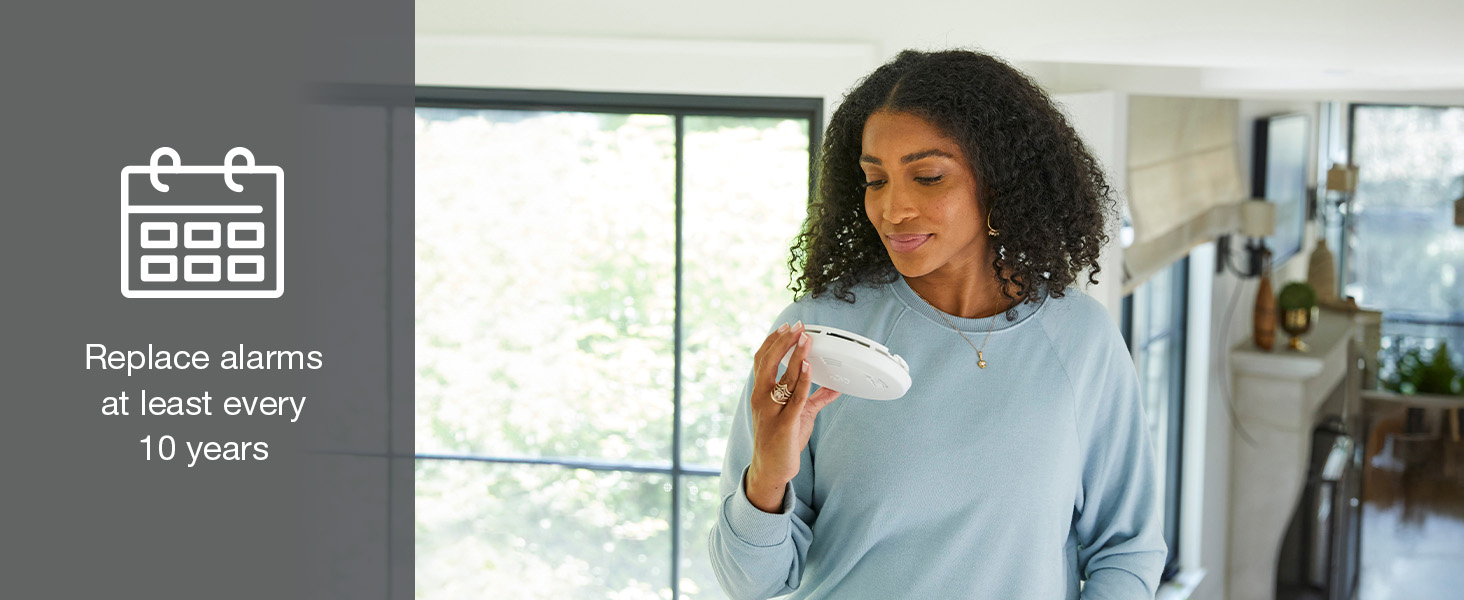
After approximately 10 years of operation, the alarm will emit an end-of-life signal (a chirp every 30-40 seconds, accompanied by a voice announcement "Replace Alarm"). This indicates that the unit has reached the end of its useful life and must be replaced immediately. Do not attempt to disable or repair the alarm.
Troubleshooting
If your alarm is not functioning as expected, refer to the following common issues and solutions:
| Problem | Possible Cause | Solution |
|---|---|---|
| Alarm chirps once every 30-40 seconds. | End-of-life signal. | The alarm has reached the end of its 10-year lifespan. Replace the unit immediately. |
| Alarm sounds frequently without apparent smoke or CO. | Nuisance alarm (e.g., cooking smoke, steam), dust accumulation, or improper placement. |
|
| Alarm does not sound when Test/Silence button is pressed. | Unit not activated, or malfunction. |
|
| Alarm sounds continuously with "Fire!" or "Carbon Monoxide!" voice alert. | Presence of smoke or carbon monoxide. | Evacuate immediately. Do not attempt to investigate. Call emergency services from a safe location. |
Specifications
| Feature | Detail |
|---|---|
| Model Number | SMCO210V |
| Power Source | 10-Year Sealed Lithium Battery (non-replaceable) |
| Sensor Type | Photoelectric (Smoke), Electrochemical (Carbon Monoxide) |
| Alarm Type | Combination Smoke & Carbon Monoxide Alarm with Voice & Location Alerts |
| Product Dimensions | 5.67"D x 5.67"W x 1"H |
| Item Weight | 6.6 ounces |
| Color | White |
| Operating Temperature | 40°F (4.4°C) to 100°F (37.8°C) |
| Operating Humidity | 10% to 95% Relative Humidity (RH) non-condensing |
| UPC | 029054022271 |
Warranty
First Alert provides a limited warranty for this product. For specific warranty details, including coverage period and terms, please refer to the warranty card included with your product packaging or visit the official First Alert website. Keep your proof of purchase for warranty claims.
Support and Contact Information
For technical assistance, product inquiries, or to report an issue, please contact First Alert Customer Support:
- Website: Visit the official First Alert Store on Amazon or the main First Alert website for FAQs and support resources.
- Phone: Refer to your product packaging or the First Alert website for the most current customer service phone number.
When contacting support, please have your model number (SMCO210V) and date of purchase available.
Related documentsSMCO210V


Ask a question about this manual
Ask about setup, troubleshooting, compatibility, parts, safety, or missing instructions. Manuals+ will review the question and use this page’s manual context to help answer it.