
1. Product Overview
The eufy Security S100 Wired Wall Light Cam is an integrated security solution combining a powerful outdoor light with a high-definition security camera. Designed for exterior home monitoring, it offers advanced features such as 2K HD video, color night vision, motion-activated lighting, and AI-powered smart detection. This device provides comprehensive surveillance and illumination without recurring monthly fees.

Figure 1.1: Front view of the eufy Security S100 Wired Wall Light Cam.
2. Key Features
- All-in-One Wall Light and Camera: Seamlessly integrates a 2K HD camera with a 1200-lumen light, illuminating areas up to 30 ft. Dimmable options are available.
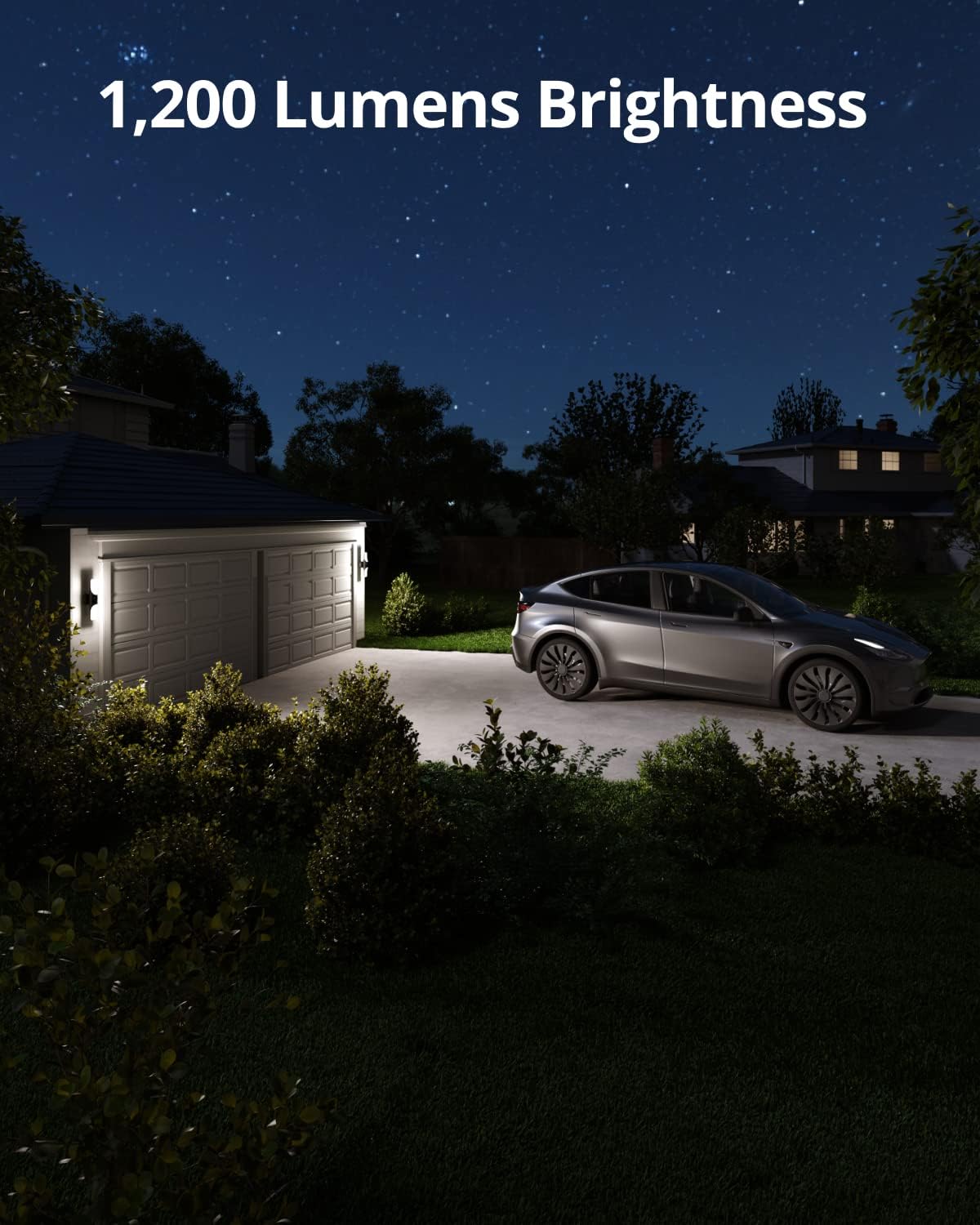
Figure 2.1: The S100 Wall Light Cam providing 1200 lumens of brightness for outdoor areas.
- 2K HD Color Night Vision: View live streams and recorded footage in full 2K HD with color night vision, capturing clear details even in low light. The large camera sensor provides a wide field of view.
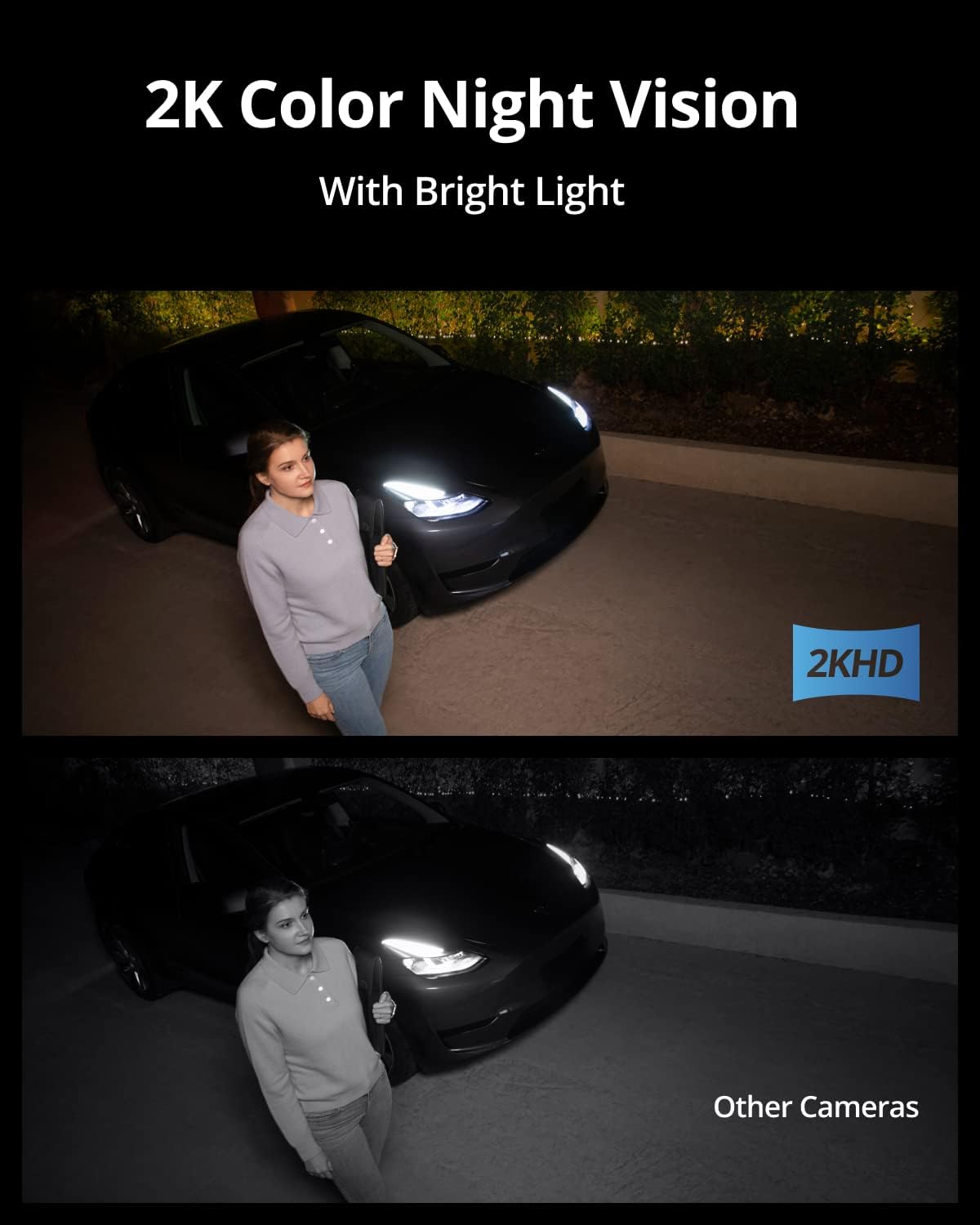
Figure 2.2: Enhanced visibility with 2K Color Night Vision compared to standard cameras.
- AI Smart Lighting: The light can be controlled manually, via timer, motion activation, Amazon Alexa, or Google Voice Assistant. Schedule lights based on local sunset/sunrise times. LEDs offer a range of almost 1 million colors for customization.
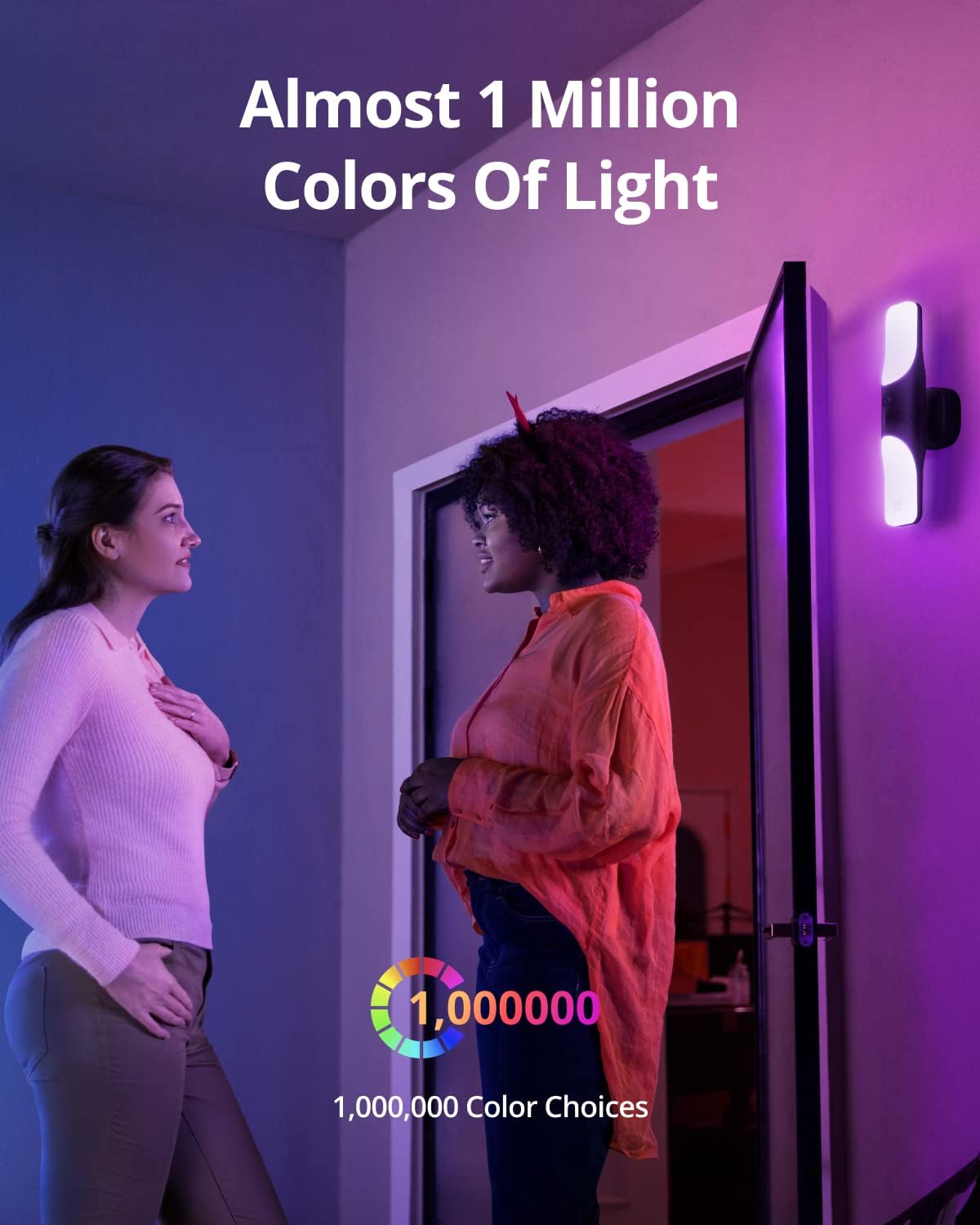
Figure 2.3: Customize your outdoor ambiance with nearly 1 million color choices.
- AI Smart Detection: A PIR sensor detects motion up to 30 ft away, sending real-time notifications. Utilize two-way audio to communicate, activate the 105 dB siren, and trigger bright lights to deter intruders.
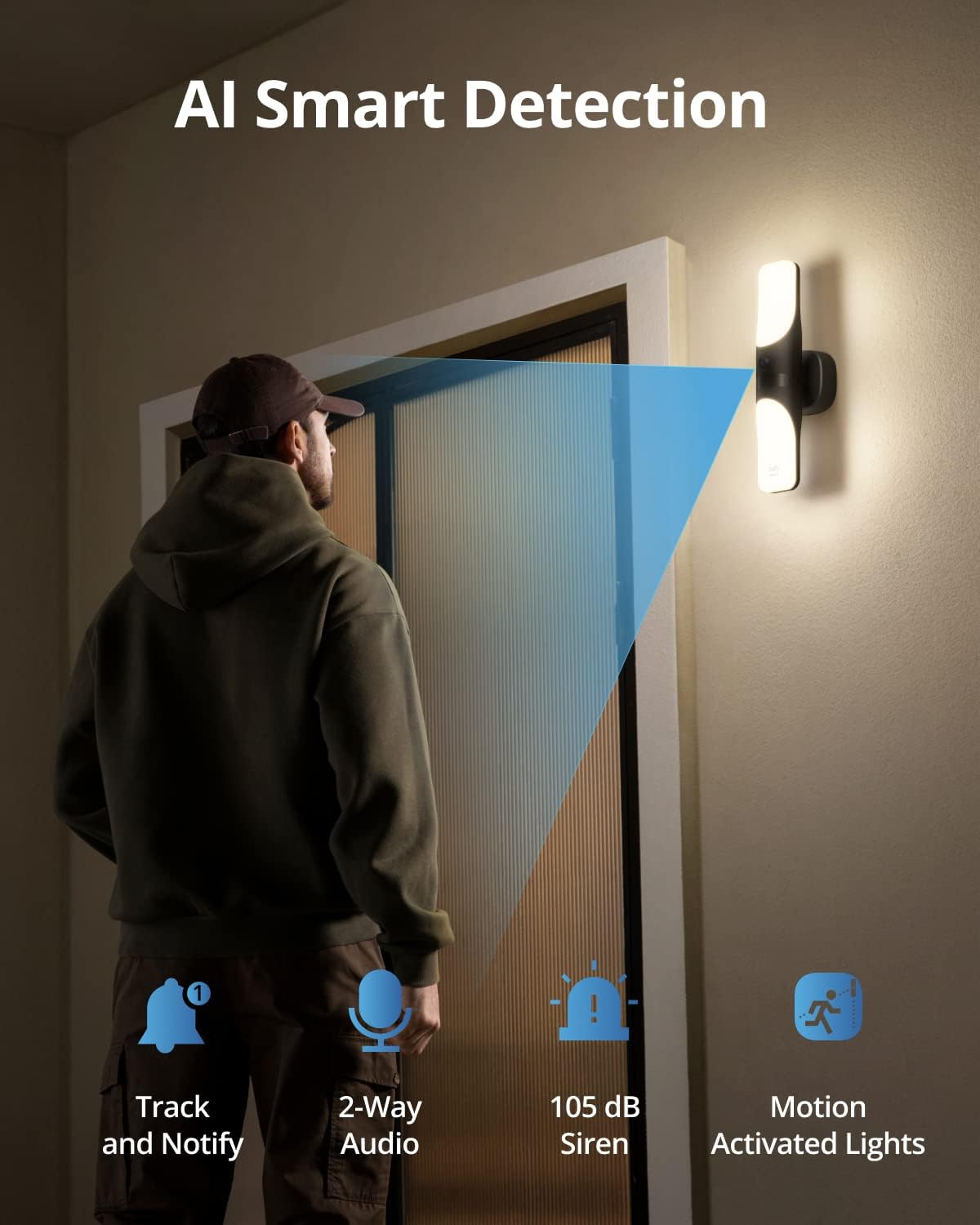
Figure 2.4: AI Smart Detection features including motion tracking, two-way audio, and siren.
- No Monthly Fee: A one-time purchase with no hidden costs. All data processing and storage (up to 25 days of event footage) are handled on-device via built-in eMMC storage.
- IP65 Weatherproof: Designed to withstand various weather conditions, ensuring reliable operation outdoors.

Figure 2.5: The S100 Wall Light Cam is IP65 rated for outdoor use in all weather.
3. What's in the Box
The eufy Security S100 Wired Wall Light Cam (2-Pack) package includes:
- S100 Wall Light Cam x 2
- Mounting Base x 2
- Mounting Screws
- Base Screws
- USB Cable
- Quick Start Guide
4. Setup and Installation
The eufy Security S100 Wall Light Cam is designed for wall-mounted outdoor installation, connecting to a standard 110~240V AC power outlet. Professional installation is recommended if you are not familiar with electrical wiring.
4.1 Before Installation
- Ensure power is turned off at the circuit breaker before beginning installation.
- Verify all included components are present.
- Download the eufy Security app from your device's app store and create an account.
4.2 Mounting the Device
- Attach the mounting base to the desired outdoor wall location using the provided mounting screws. Ensure the base is securely fastened.
- Connect the electrical wiring from your home to the Wall Light Cam according to local electrical codes.
- Secure the Wall Light Cam to the mounting base using the base screws.
- Restore power at the circuit breaker.

Figure 4.1: Example of the S100 Wall Light Cam mounted on a wall.
4.3 App Setup
- Open the eufy Security app.
- Follow the in-app instructions to add your new S100 Wall Light Cam. This typically involves scanning a QR code on the device or packaging.
- Connect the device to your Wi-Fi network (2.4GHz only).
- Complete the setup process, including naming your device and configuring initial settings.
5. Operating Instructions
5.1 Live View and Recording
- Access the live 2K HD video feed through the eufy Security app.
- Recorded events are stored locally on the built-in eMMC storage for up to 25 days.
5.2 Lighting Control
- Manual Control: Turn the light on/off directly from the app.
- Timer: Set specific schedules for the light to turn on/off.
- Motion Activation: Configure the light to activate upon motion detection.
- Smart Assistant Integration: Control the light using Amazon Alexa or Google Voice Assistant.
- Color Customization: Choose from nearly 1 million colors to set the desired ambiance.
5.3 Motion Detection and Alerts
- The PIR sensor detects motion up to 30 ft.
- Receive real-time notifications on your smartphone when motion is detected.
- Customize motion detection zones and sensitivity settings within the app to reduce false alerts.
5.4 Two-Way Audio and Siren
- Use the two-way audio feature in the app to speak to visitors or deter unwanted individuals.
- Activate the 105 dB siren and bright lights remotely via the app to scare away intruders.
Video 5.1: Official eufy Security video demonstrating the features of the Wired Wall Light Cam, including lighting, detection, and two-way audio.
6. Maintenance
- Regularly check the camera lens and light panels for dirt or obstructions and clean gently with a soft, damp cloth.
- Ensure the device's firmware is up to date via the eufy Security app for optimal performance and security.
- Periodically inspect the mounting and wiring for any signs of wear or damage.
- The IP65 rating ensures protection against dust and water jets; however, avoid submerging the device.
7. Troubleshooting
| Problem | Possible Solution |
|---|---|
| Device not connecting to Wi-Fi. |
|
| Poor video quality. |
|
| Motion detection not working or too many false alerts. |
|
| Light not turning on/off as scheduled. |
|
8. Specifications
| Attribute | Detail |
|---|---|
| Model Name | S100 |
| Item Model Number | T84A1 |
| Indoor/Outdoor Usage | Indoor, Outdoor |
| Power Source | Standard Power Outlet, 110~240V AC |
| Connectivity Protocol | Wi-Fi |
| Controller Type | Amazon Alexa and Google Assistant |
| Mounting Type | Wall Mount |
| Video Capture Resolution | 2K |
| Number of Items | 2 |
| Viewing Angle | 160 Degrees |
| Water Resistance Level | Waterproof (IP65) |
| Item Weight | 6.75 pounds |
| Product Dimensions (L x W x H) | 17.32 x 9.76 x 15.75 inches |
| Luminous Flux | 1200 Lumen |
| Low Light Technology | Infrared and Color Night Vision |
| Video Capture Format | MPEG-4 |
| Control Method | App |
| UPC | 194644174316 |
9. Warranty and Support
The eufy Security S100 Wired Wall Light Cam is designed for a one-time purchase with no monthly fees for local storage. For specific warranty information, technical support, or service inquiries, please refer to the official eufy Security website or contact their customer support directly. Keep your purchase receipt for warranty claims.
For additional resources and product information, visit the official eufy Security Store on Amazon.


