
Introduction to Your iPhone 15
This manual provides a comprehensive guide to help you understand and utilize the full potential of your Apple iPhone 15. Designed for both new users and those familiar with iOS, it covers everything from initial setup to advanced features and functions, including the latest iOS 17 tips and tricks.
The iPhone 15 offers a powerful and intuitive user experience. This guide will assist you in navigating its features, ensuring you can make the most of your device for communication, productivity, and entertainment.
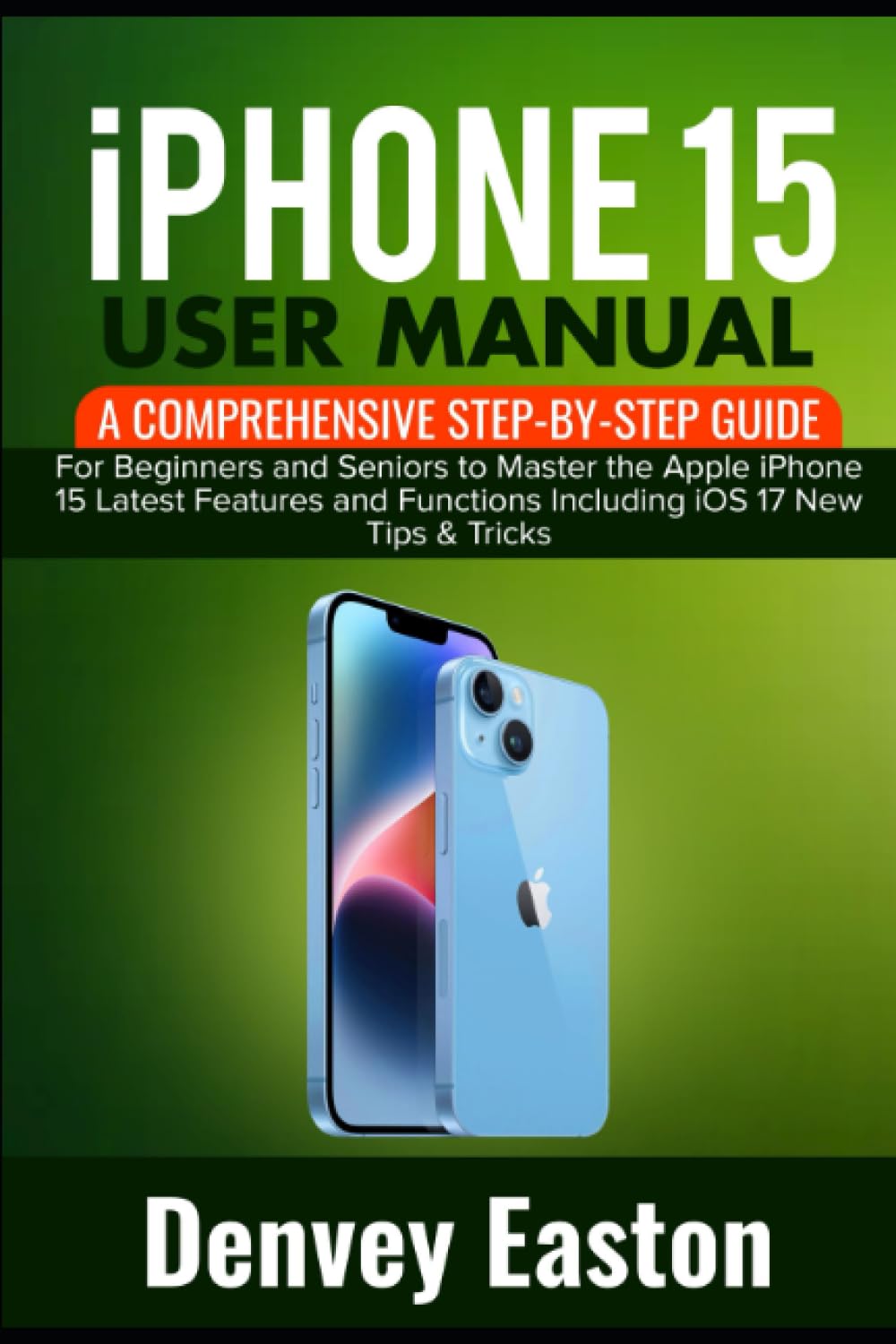
Image: Front cover of the "iPhone 15 User Manual" book, featuring the title and an image of the iPhone 15.
1. Initial Setup
This section guides you through the essential steps to get your iPhone 15 ready for use.
1.1. Device Activation and Basic Configuration
- Connecting to Wi-Fi and Mobile Data: Learn how to establish internet connectivity for your device.
- Set Up ESIM: Instructions for activating your embedded SIM card.
2. Core Operations
Understand the fundamental functions of your iPhone 15 for daily use.
2.1. Safari Browser
- Safari Browser Basics: Navigate the web efficiently.
- How to bookmark on Safari: Save your favorite websites for quick access.
- How to check your history on Safari: Review previously visited pages.
- How to save passwords on Safari: Securely store login credentials.
2.2. App Store and App Installation
- App Store and App Installation: Discover and download applications.
2.3. Messaging
- Sending and Receiving Text Messages: Communicate with others via text.
- How to send pictures as text messages: Share images with your contacts.
- How to schedule text message: Plan messages to be sent at a later time.
2.4. Managing Contacts
- How to add contacts to favorites: Prioritize important contacts.
- View and Manage Blocked Contacts: Control who can contact you.
- Hide Duplicate Contacts: Organize your contact list.
2.5. Email Setup and Usage
- Email Setup and Usage: Configure and use your email accounts.
- How to schedule emails: Prepare emails for future delivery.
- How to send attachments: Include files in your emails.
3. Advanced Features and Personalization
Explore ways to customize your iPhone 15 and leverage its advanced capabilities.
3.1. Communication Enhancements
- FaceTime and Video Calls: Engage in high-quality video and audio calls.
3.2. Home Screen Customization
- Personalizing Your Home Screen: Arrange apps and widgets to your preference.
- How to use the control center: Quickly access essential settings.
- How to customize the control center: Tailor quick access options.
- How to use folders: Organize your applications.
- Using Widgets: Add dynamic information to your home screen.
- Setting Up Wallpaper and Themes: Personalize your device's appearance.
- Customizing your wallpapers: Choose or create unique backgrounds.
3.3. Productivity Tools
- How to create a new note: Jot down thoughts and information.
- How to add images to your note: Enhance notes with visual content.
- How to delete notes: Manage your stored notes.
- How to set Reminders: Keep track of important tasks.
- How to set up To-Do Lists: Organize your daily activities.
- How to set alarms: Use your iPhone as an alarm clock.
- How to customize your alarm tones: Personalize alarm sounds.
4. Camera Features
Unleash the photographic capabilities of your iPhone 15.
- Review of the iPhone 15 camera: Overview of camera functionalities.
- How to enable gridlines: Improve composition with grid overlays.
- How to use portrait mode: Create professional-looking photos with depth effect.
- Using night mode: Capture clear images in low-light conditions.
- Using burst mode: Take a rapid sequence of photos.
5. Siri Voice Assistant
Interact with your iPhone 15 using voice commands through Siri.
- How to activate Siri: Enable and start using Siri.
- How to use Siri for voice commands: Control your device hands-free.
- How to customize Siri's voice and language: Personalize Siri's responses.
- How to ask Siri questions: Get quick answers to your queries.
- How to set reminders with Siri: Use voice commands for reminders.
- How to buy gas with Siri: Utilize Siri for convenient transactions.
- How to make calls with Siri: Initiate phone calls using your voice.
- How to use Siri for navigation: Get directions and travel information.
- How to control smart home devices with Siri: Manage connected devices.
- How to set alarms and reminders with Siri: Schedule alerts verbally.
- How to disable Siri: Turn off Siri functionality if desired.
6. Security and Privacy
Protect your device and personal information with iPhone 15's security features.
- How to set up Face ID: Configure facial recognition for secure access.
- How to secure apps and sensitive data: Protect your applications and personal information.
- How to enable Face ID for third-party apps: Extend Face ID security to other applications.
- How to use a passcode: Set up a numerical code for device access.
7. Apple Pay and Wallet
Manage your finances and make secure payments with Apple Pay.
- What is Apple Pay: Understand the mobile payment system.
- How to set up Apple Pay: Configure your cards for payment.
- How to pay for things using Apple Pay: Make purchases in stores and online.
- How to use Apple Pay on the web: Securely pay on websites.
- Using Apple Cash: Send and receive money with ease.
- Using Apple Pay Later: Explore deferred payment options.
- Compatible credit cards and banks: Check supported financial institutions.
8. Health Features
Utilize your iPhone 15 to monitor and manage your health and well-being.
- How to set up your health profile: Create your personal health record.
- How to choose your favorite category to track: Select specific health metrics.
- How to add more information about your health: Enhance your health data.
- How to track your sleep: Monitor sleep patterns and quality.
- How to set up and use cycle tracking: Manage menstrual cycle information.
- How to turn off bedtime mode: Adjust sleep-focused settings.
- How to back up your health data in iCloud: Securely store your health information.
9. Specifications
Key technical details of the iPhone 15.
| Feature | Detail |
|---|---|
| ASIN | B0CJHJLPDC |
| Publisher | Independently published |
| Publication Date | September 21, 2023 |
| Language | English |
| Print Length | 276 pages |
| ISBN-13 | 979-8862075991 |
| Item Weight | 1.06 pounds |
| Dimensions | 6 x 0.63 x 9 inches |

Image: Back cover of the "iPhone 15 User Manual" book, displaying the ISBN barcode and publication details.
10. Troubleshooting
This section offers general guidance for common issues you might encounter with your iPhone 15. For specific problems not covered here, please refer to Apple's official support resources.
- Restarting Your Device: A simple restart can resolve many minor software glitches.
- Checking for Software Updates: Ensure your iOS is up to date to benefit from the latest fixes and features.
- Network Connectivity Issues: Verify Wi-Fi and cellular data settings if you experience connection problems.
- App Not Responding: Force close and reopen the application. If the issue persists, consider reinstalling the app.
- Battery Drain: Review battery usage in Settings to identify apps consuming excessive power.
11. Warranty and Support
For information regarding your iPhone 15's warranty, service options, and additional support, please consult the official Apple website or contact Apple Support directly. This manual does not provide warranty details.
- Official Apple Support: Visit support.apple.com for comprehensive assistance, FAQs, and troubleshooting guides.
- Warranty Information: Details about your device's limited warranty can be found on Apple's official product pages or within your device's settings under "General" > "About" > "Limited Warranty".


