
Product Overview
The Edifier X5 Lite Bluetooth Earbuds are true wireless in-ear headphones designed for a superior audio experience. Featuring Bluetooth V5.3 for seamless connectivity, dual microphones with AI Environmental Noise Cancellation (ENC) for clear calls, and a low-latency game mode, these earbuds are versatile for various activities including phone calls, gaming, and sports workouts. Enjoy extended playback with up to 6.5 hours on a single charge and a total of 26 hours with the charging case. Personalize your listening experience through the Edifier Connect App with various EQ presets and customizable controls.
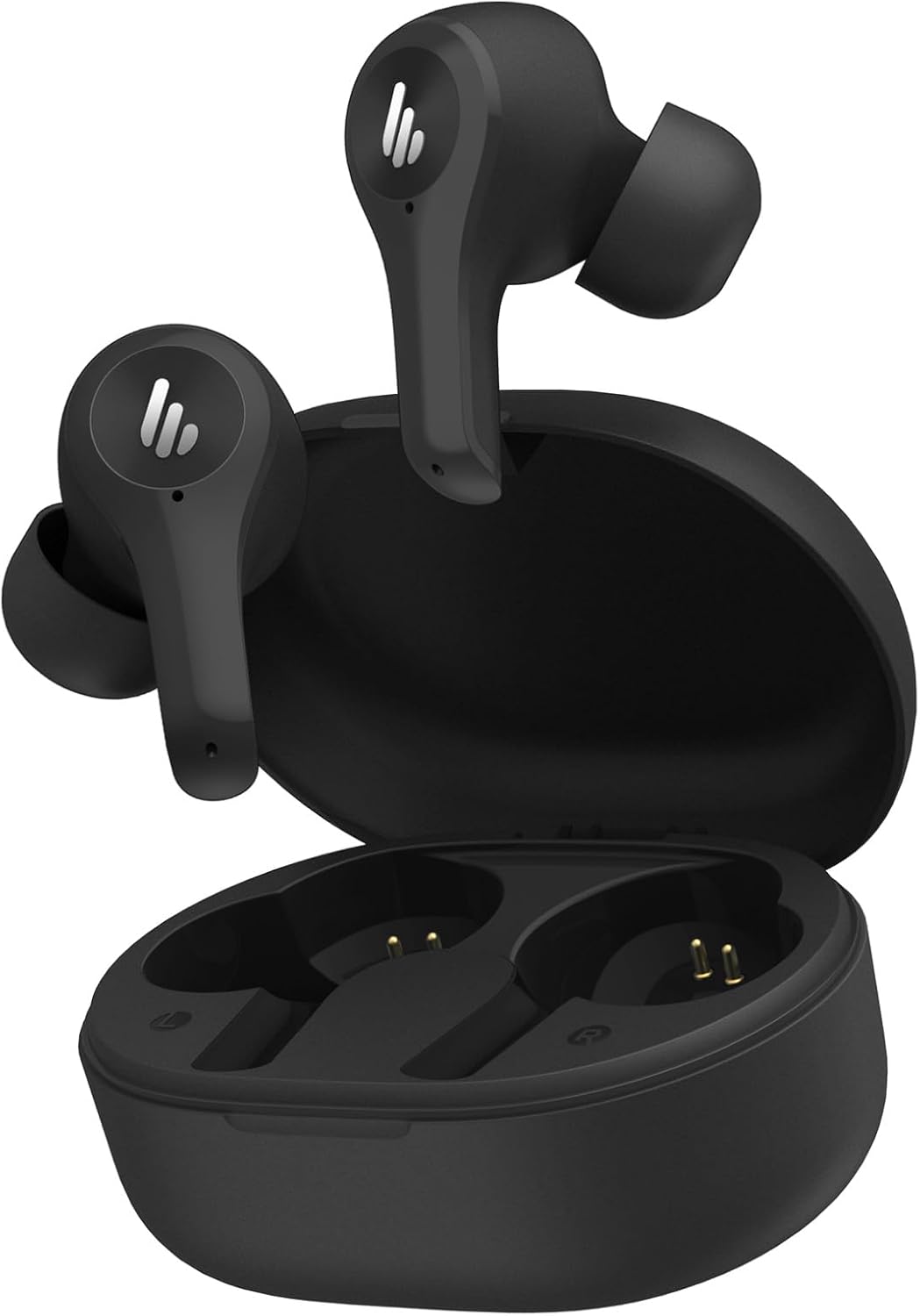
Image: Edifier X5 Lite True Wireless Earbuds in black, shown with their open charging case, highlighting their compact design and in-ear form factor.
Package Contents
Ensure all items are present in the package:
- Edifier X5 Lite Earbuds (Left and Right)
- Charging Case
- USB-C Charging Cable
- Multiple Sizes of Ear Tips (S, M, L)
- User Manual (this document)
Initial Setup
1. Charging the Earbuds and Case
Before first use, fully charge the earbuds and the charging case. Connect the provided USB-C cable to the charging port on the case and plug the other end into a USB power source. The indicator light on the case will show charging status. A quick 10-minute charge provides an additional hour of playback, while a full charge takes approximately 1.5 hours for the earbuds and 2 hours for the case.

Image: Close-up of the Edifier X5 Lite charging case showing the USB-C charging port, indicating its modern connectivity for efficient power delivery.
2. Pairing with a Device
The Edifier X5 Lite earbuds utilize Bluetooth V5.3 for a stable and fast connection. To pair:
- Open the charging case. The earbuds will automatically enter pairing mode.
- On your device (smartphone, tablet, etc.), enable Bluetooth and search for "EDIFIER X5 Lite" in the list of available devices.
- Select "EDIFIER X5 Lite" to connect. Once connected, you will hear an audible confirmation.

Image: Edifier X5 Lite earbuds and charging case depicted with a Bluetooth 5.3 icon, emphasizing their advanced wireless connectivity for stable and efficient pairing.
Operating Instructions
Touch Controls
The Edifier X5 Lite earbuds feature intuitive touch controls on each earbud for easy management of music playback, calls, and other functions. Refer to the diagram below for specific actions:

Image: Diagram illustrating the touch control functions for the left and right Edifier X5 Lite earbuds, detailing actions like play/pause, track skipping, call management, and game mode activation.
Game Mode
Activate Game Mode to significantly reduce audio latency to as low as 65ms, providing a more synchronized audio-visual experience during mobile gaming sessions. This feature enhances responsiveness and ensures better lip-sync performance.

Image: Edifier X5 Lite earbuds shown with a smartphone displaying a game, emphasizing the ultra-low latency of 65ms in game mode for an immersive gaming experience.
Edifier Connect App
Download the Edifier Connect App from your device's app store to unlock full customization options. The app allows you to:
- Choose from 4 professional EQ presets: Classic, Pop, Classical, and Rock.
- Customize touch controls for personalized functionality.
- Access additional settings and features to optimize your listening experience.

Image: Screenshots of the Edifier Connect App interface on a smartphone, demonstrating the sound effects (EQ presets) and control settings customization options available to users.
Clear Calls
Equipped with dual microphones and AI Environmental Noise Cancellation (ENC), the X5 Lite earbuds effectively suppress ambient noise while amplifying your voice, ensuring crystal-clear call quality even in noisy environments.
Maintenance
Cleaning
Regularly clean your earbuds and charging case to maintain optimal performance and hygiene. Use a soft, dry, lint-free cloth to wipe down the surfaces. For ear tips, remove them from the earbuds and clean with a mild soap solution, then rinse thoroughly and dry completely before reattaching.
Water Resistance
The Edifier X5 Lite earbuds are IP55 dust and sweatproof, making them suitable for workouts and outdoor activities. While they can withstand splashes and light rain, they are not designed for submersion in water. Ensure the earbuds and charging port are dry before charging to prevent damage.
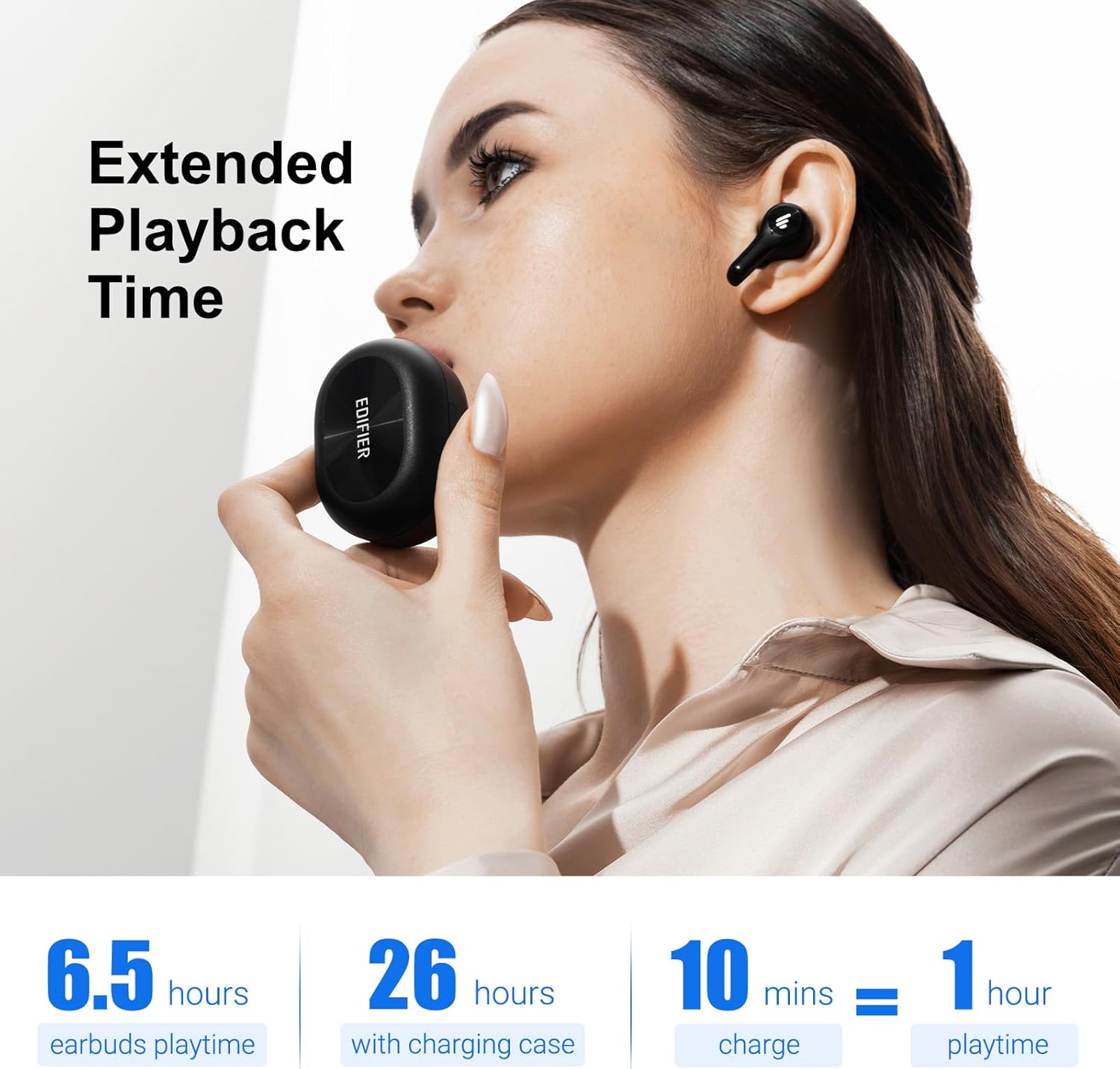
Image: Edifier X5 Lite earbuds shown with water splashing around them, illustrating their IP55 dust and sweatproof rating for protection during active use.
Troubleshooting
If you encounter any issues with your Edifier X5 Lite earbuds, please refer to the following common troubleshooting steps:
- No Sound/Low Volume: Check device volume, ensure earbuds are properly seated, and confirm connection.
- Pairing Issues: Ensure earbuds are charged, Bluetooth is enabled on your device, and try re-pairing.
- Intermittent Connection: Move closer to your device, avoid obstacles, and ensure no interference from other wireless devices.
- Earbuds Not Charging: Verify the charging cable and power source are working, and ensure charging contacts on earbuds and case are clean.
For more detailed troubleshooting or persistent issues, please contact Edifier customer support.
Technical Specifications
| Feature | Specification |
|---|---|
| Model Name | edifier-x5lite-black |
| Connectivity Technology | Wireless |
| Wireless Communication Technology | Bluetooth |
| Bluetooth Version | 5.3 |
| Bluetooth Range | 10 Meters |
| Battery Life (Earbuds) | 6.5 Hours |
| Battery Life (with Charging Case) | 26 Hours (Total) |
| Charging Time | 1.5 Hours (Earbuds) |
| Carrying Case Battery Charging Time | 2 Hours |
| Water Resistance Level | Water Resistant (IP55 Dust & Sweatproof) |
| Noise Control | Active Noise Cancellation (AI ENC for calls) |
| Audio Latency | 65 Milliseconds (Game Mode) |
| Control Method | App, Touch |
| Item Weight | 3.53 ounces (100 Grams) |
| Material | Plastic |
| Color | Black |
| Frequency Range | 20 Hz - 20,000 Hz |
| Audio Driver Type | Dynamic Driver |
Warranty and Support
Edifier products come with a limited warranty. For detailed warranty information, product registration, or technical support, please visit the official Edifier website or contact their customer service directly. Keep your proof of purchase for warranty claims.
Official Edifier Website: www.edifier.com


