1. Introduction
Thank you for choosing the Gyroor H40 Kids Electric Scooter. This manual provides essential information for the safe operation, maintenance, and troubleshooting of your scooter. Please read it thoroughly before use to ensure a safe and enjoyable experience.

Image: The Gyroor H40 Kids Electric Scooter, showcasing its sleek design and integrated colorful LED lights on the deck.
2. Safety Information
Your safety is paramount. Always wear a helmet and appropriate protective gear (knee pads, elbow pads) when riding. This product has passed UL2272 certification, ensuring electrical safety standards.
- Age Recommendation: Suitable for children and teenagers aged 8-14.
- Weight Limit: Do not exceed the maximum load of 143 lbs (65 kg).
- Supervision: Adult supervision is recommended, especially for younger riders.
- Riding Environment: Ride on smooth, dry surfaces away from traffic. Avoid wet conditions, loose debris, and steep inclines.
- Braking: Familiarize yourself with both braking systems before riding.
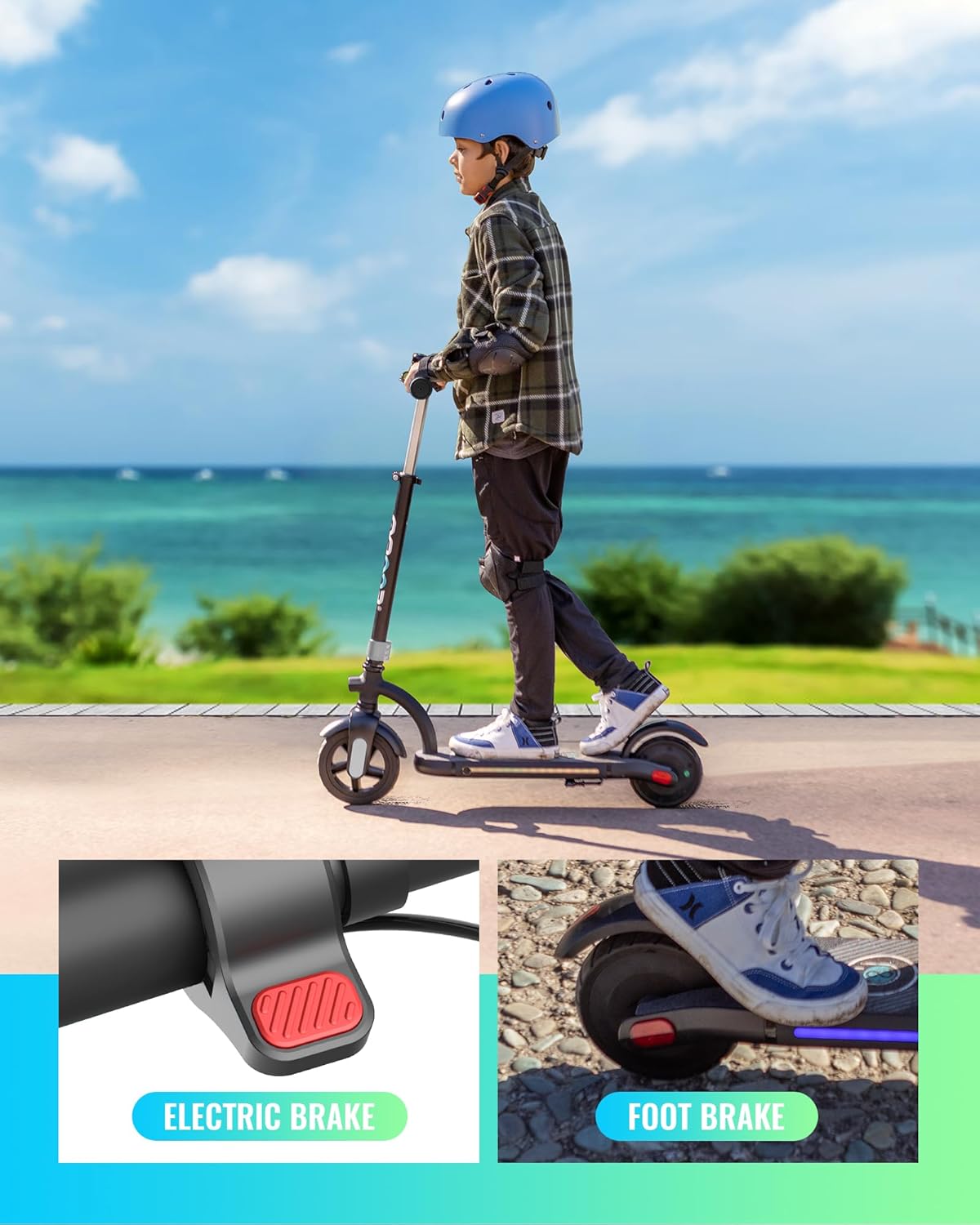
Image: A child wearing a helmet and knee pads riding the Gyroor H40 electric scooter on a paved path, demonstrating safe usage.
3. Package Contents
Ensure all items are present upon unboxing:
- Gyroor H40 Electric Scooter
- Charging Adapter
- User Manual
- Headlight (pre-installed)
- Assembly Tools (if required)
4. Setup
4.1 Assembly
The Gyroor H40 is designed for easy assembly. Typically, this involves attaching the handlebar to the main stem and securing it with the provided tools. Refer to the quick start guide for detailed visual instructions.
4.2 Adjusting Handlebar Height
The handlebar height is adjustable to three levels, ranging from 35.4 to 39.4 inches (90 cm to 100 cm), to accommodate various rider heights. Locate the quick-release clamp on the stem, open it, adjust the handlebar to the desired height, and securely close the clamp.

Image: Children riding Gyroor H40 scooters, illustrating the adjustable handlebar feature for different heights.
4.3 Initial Charging
Before first use, fully charge the scooter's battery. Connect the charging adapter to the charging port located on the side of the deck and plug it into a standard wall outlet. The charging indicator light on the charger will change color (e.g., red to green) when fully charged. Charging typically takes approximately 2 hours.
5. Operating Instructions
5.1 Powering On/Off
To power on the scooter, press and hold the power button on the LED display. To power off, press and hold the power button again.
5.2 LED Digital Display
The integrated LED display provides real-time information:
- Speedometer: Shows current riding speed.
- Speed Gear: Indicates the selected speed mode.
- Battery Capacity: Displays remaining battery life.
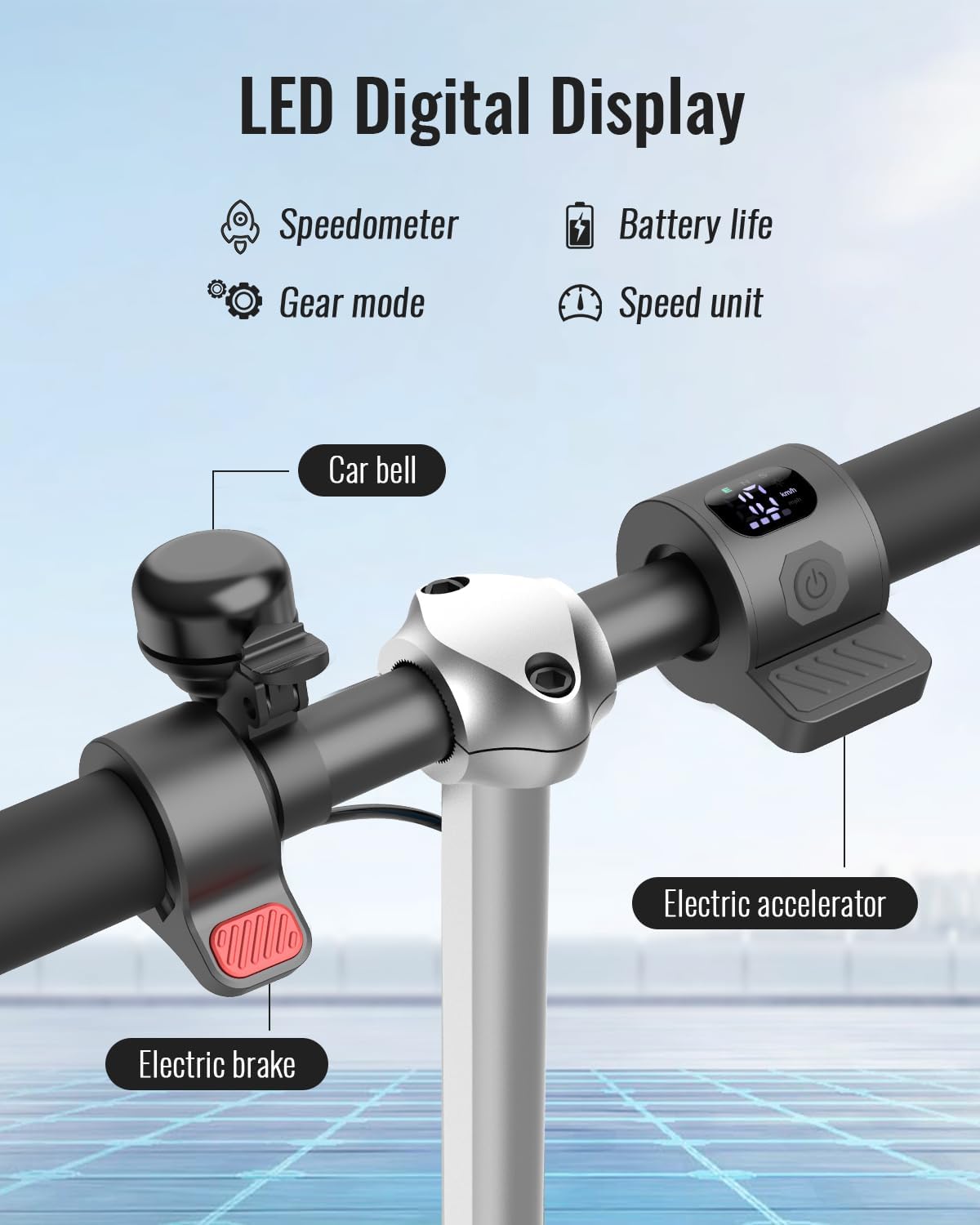
Image: Close-up of the Gyroor H40's LED digital display on the handlebar, showing speedometer, gear mode, and battery life indicators.
5.3 Speed Adjustment
The scooter features 3 adjustable speed gears. Use the control buttons near the display to cycle through the speed modes (e.g., 6 MPH, 8 MPH, 10 MPH) to match rider skill and environment.
5.4 Acceleration
To accelerate, gently press the electric accelerator lever located on the handlebar. The scooter requires a kick-start to approximately 3 MPH before the motor engages.
5.5 Braking System
The Gyroor H40 is equipped with a dual safety brake system:
- Electronic Brake: Located on the handlebar for quick and controlled stops.
- Mudguard Brake (Foot Brake): Located on the rear wheel, activated by pressing down with your foot. This also helps prevent splashing in various weather conditions.
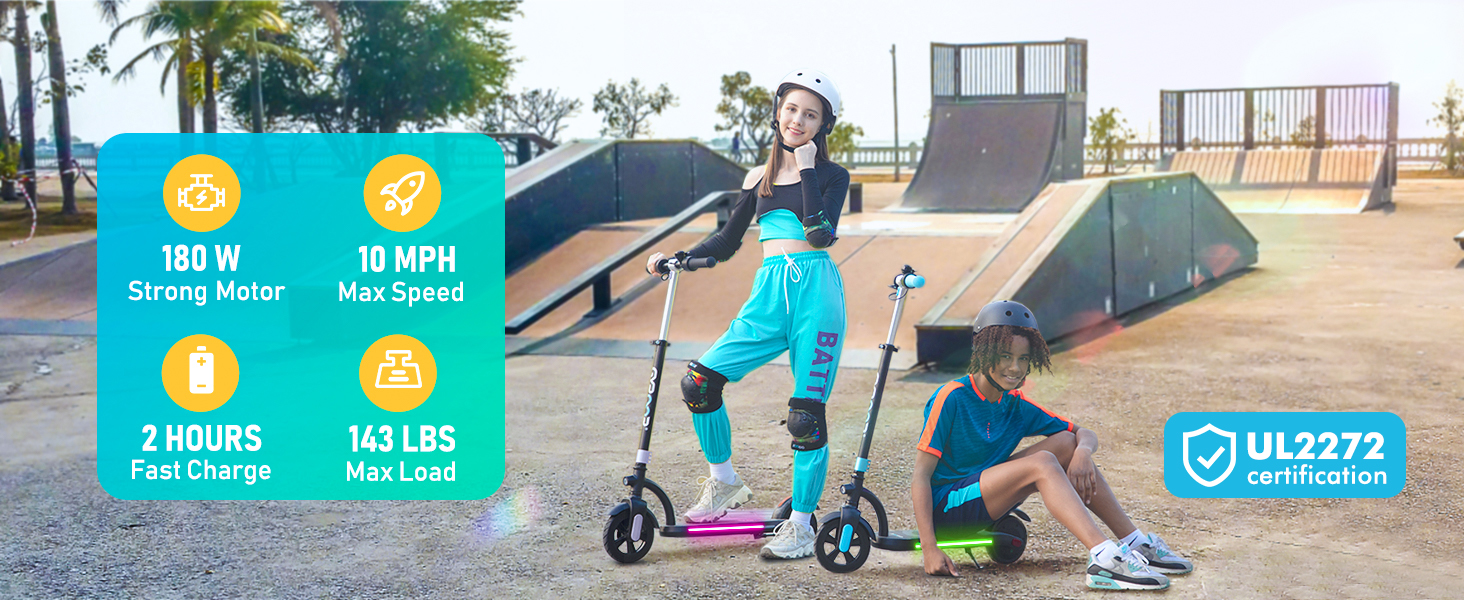
Image: An illustration demonstrating the dual brake system of the Gyroor H40, highlighting both the electronic handlebar brake and the rear foot brake.
5.6 Colorful LED Lights
The scooter features built-in color gradient neon lights on the pedal and a bright front light for enhanced visibility and safety, especially during nighttime rides.
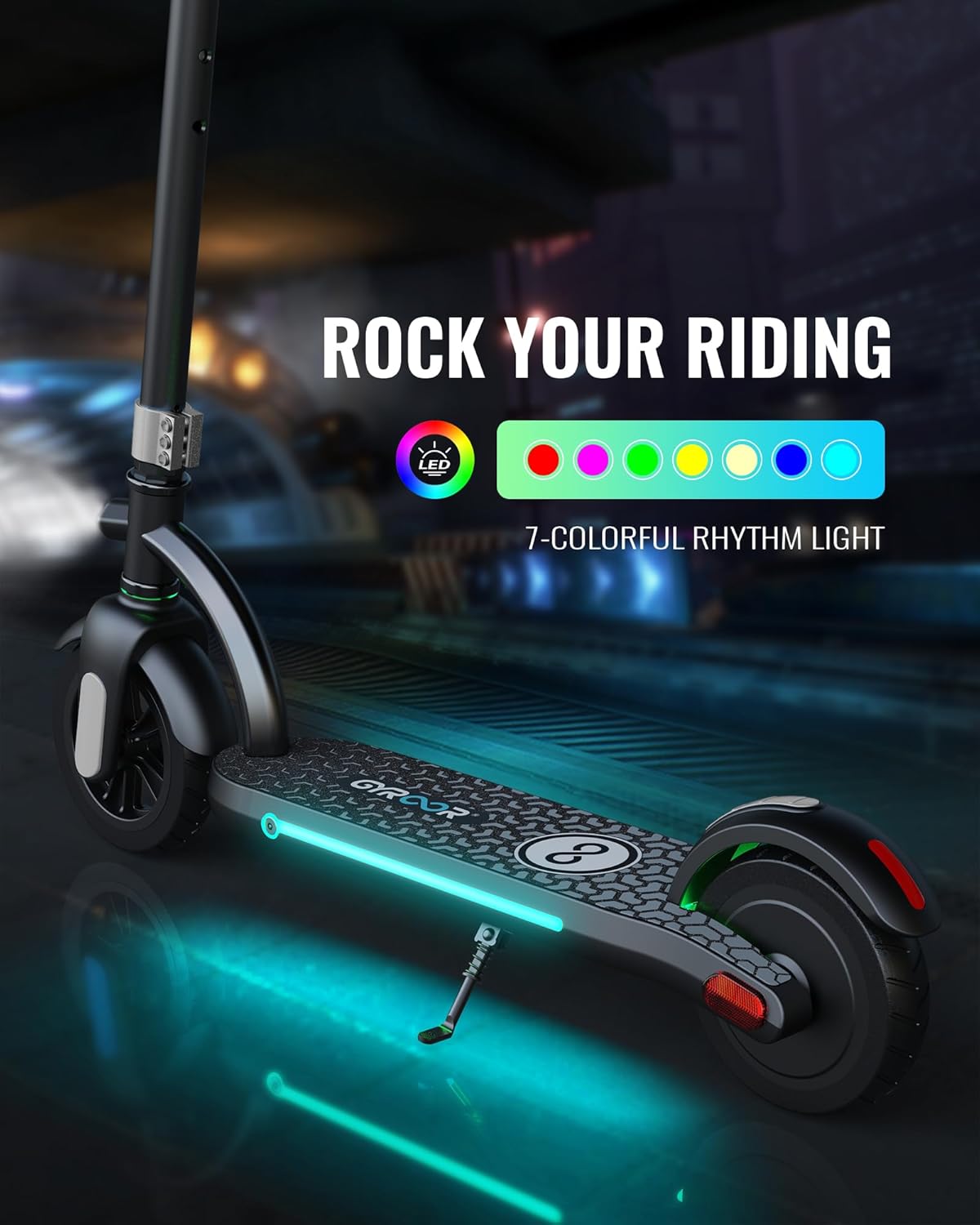
Image: The Gyroor H40 electric scooter illuminated by its colorful LED lights, showcasing the dynamic lighting on the deck and the front headlight.
5.7 Bell
A bell is integrated into the handlebar for alerting others to your presence.

Image: A close-up of the Gyroor H40 handlebar, showing the bell, electronic brake lever, and the LED digital display.
5.8 Riding Steps
- Place one foot on the scooter deck and kick-slide with the other foot to gain initial momentum (up to 3 MPH).
- Once moving, twist the accelerator knob to engage the motor and choose from the 3 available speeds.
- To stop, release the accelerator and then use either the electronic brake or kick the rear foot brake.

Image: A three-step illustration demonstrating how to start, accelerate, and stop the Gyroor H40 electric scooter.
6. Maintenance
6.1 Charging
Always use the original charging adapter. Do not overcharge the battery. Disconnect the charger once the battery is full to prolong its lifespan.
6.2 Tire Care
The scooter is equipped with durable 7-inch front and 6.5-inch rear solid rubber wheels, which require minimal maintenance. Regularly inspect them for any damage or wear.

Image: Close-up view of the front 7-inch and rear 6.5-inch non-slip wheels of the Gyroor H40 electric scooter.
6.3 General Cleaning and Storage
Wipe the scooter with a damp cloth to clean. Avoid using harsh chemicals or excessive water. Store the scooter in a cool, dry place away from direct sunlight and extreme temperatures.
7. Troubleshooting
If you encounter issues with your Gyroor H40 scooter, please refer to the following common solutions:
- Scooter not turning on: Ensure the battery is charged. Check the power button connection.
- Motor not engaging: Confirm the scooter has been kick-started to at least 3 MPH. Check battery level.
- Reduced performance: Fully charge the battery. Ensure the rider's weight is within the specified limit.
For persistent issues, please contact customer support.
8. Specifications
| Feature | Specification |
|---|---|
| Motor Power | 180W |
| Battery | 21.6V 2600mAh Lithium-ion |
| Max Speed | 10 MPH |
| Max Load | 143 lbs (65 kg) |
| Adjustable Handlebar Height | 35.4 - 39.4 inches (90 - 100 cm) |
| Wheel Size | Front: 7 inches, Rear: 6.5 inches (Solid Rubber) |
| Charging Time | Approx. 2 hours |
| Max Distance Range | 10 Miles |
| Frame Material | Aluminum |
| Certification | UL2272 |
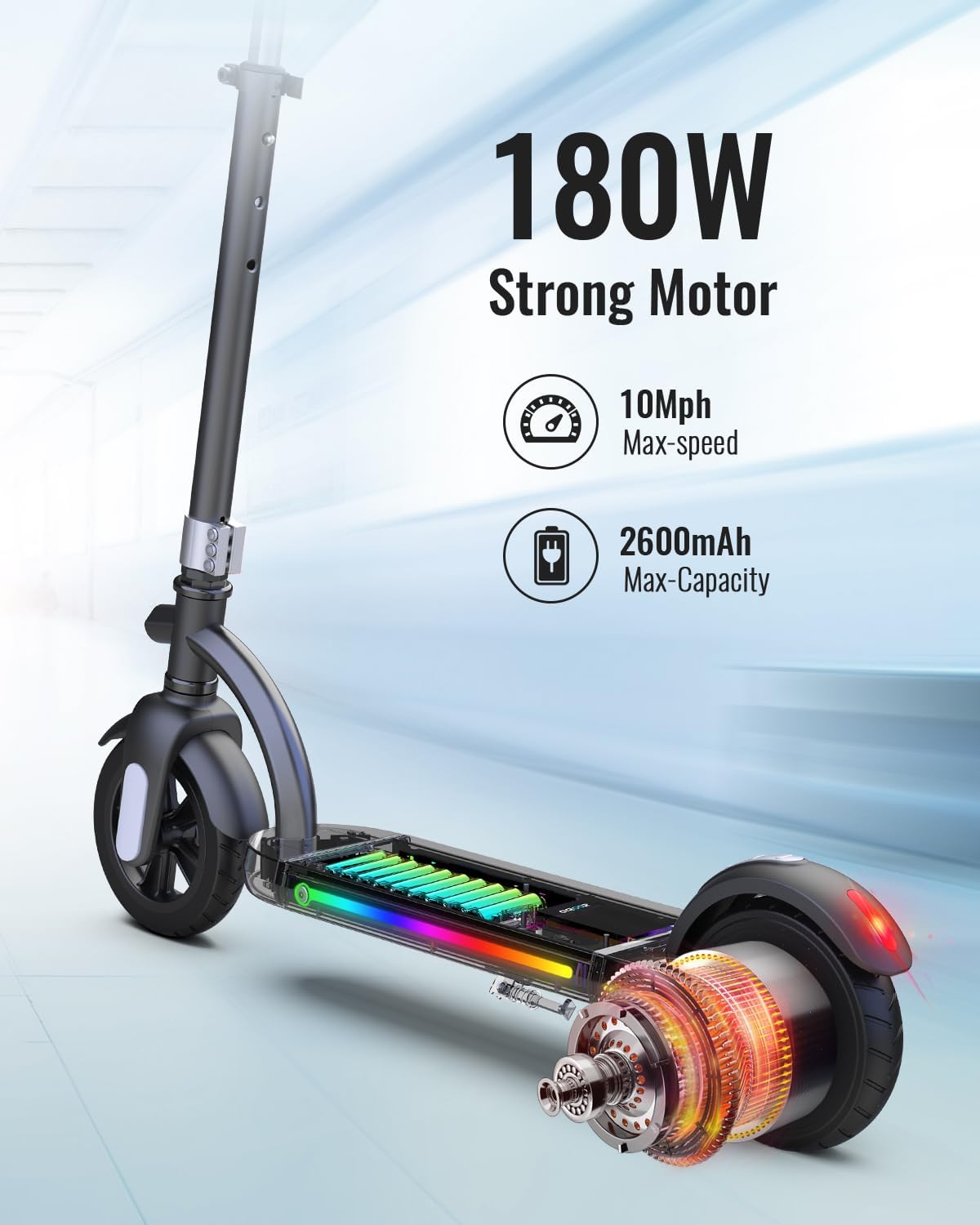
Image: An internal view of the Gyroor H40 electric scooter, highlighting its 180W motor and 2600mAh battery for performance.
9. Warranty and Support
Gyroor offers the following warranty and support for the H40 Kids Electric Scooter:
- Return Policy: 30-day return policy.
- Mechanical Warranty: One-year warranty on mechanical components.
- Battery Warranty: Half-year warranty on the battery.
For warranty claims, technical assistance, or further inquiries, please refer to the contact information provided on your product packaging or visit the official Gyroor website.
Official Product Video
Video: An official product video from Gyroor showcasing the H40 electric scooter for kids in various usage scenarios, highlighting its features and fun aspects.


