Introduction
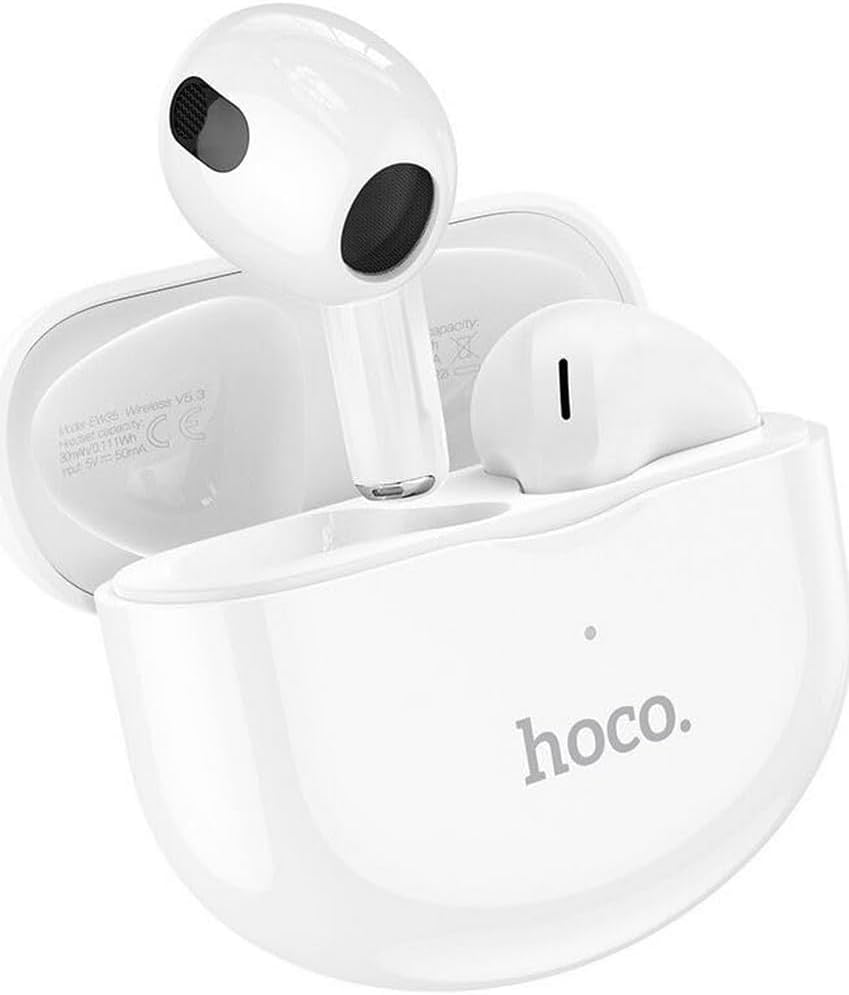
Thank you for choosing the Hoco EW35 Wireless Bluetooth Earphones. These earphones are designed to provide a high-quality audio experience with the convenience of wireless connectivity. Featuring Bluetooth 5.3, touch controls, and an integrated voice assistant, the EW35 offers seamless interaction with your compatible devices. This manual will guide you through the setup, operation, and maintenance of your earphones.
Package Contents
Please check the package for the following items:
- Hoco EW35 Wireless Bluetooth Earphones (Left and Right)
- Charging Case
- User Manual
- Protective Case

Setup
1. Charging the Earphones and Case
Before first use, ensure both the earphones and the charging case are fully charged. The charging case holds multiple charges for the earphones, extending their usage time.
- Place the earphones into the charging case. Ensure they are correctly seated in their respective slots.
- Connect the charging case to a power source using a compatible USB cable.
- The indicator light on the charging case will show the charging status. Refer to the product's specific LED indicators for full charge notification.

2. Pairing with a Bluetooth Device
The Hoco EW35 earphones use Bluetooth 5.3 for a stable and efficient connection.
- Open the charging case. The earphones will automatically enter pairing mode (indicated by a flashing LED on the earphones).
- On your device (smartphone, tablet, laptop, etc.), go to the Bluetooth settings.
- Search for available devices and select "Hoco EW35" from the list.
- Once connected, the earphones will indicate a successful pairing (e.g., a voice prompt or solid LED light).
- The earphones will automatically reconnect to the last paired device when taken out of the case, if Bluetooth is enabled on the device.
Operating Instructions
Touch Controls
The Hoco EW35 earphones feature intuitive touch controls on each earbud. The specific functions may vary slightly depending on your device and application.
- Play/Pause: Single tap on either earbud.
- Next Track: Double tap on the right earbud.
- Previous Track: Double tap on the left earbud.
- Answer/End Call: Single tap on either earbud during an incoming call or active call.
- Reject Call: Press and hold either earbud for 2 seconds during an incoming call.
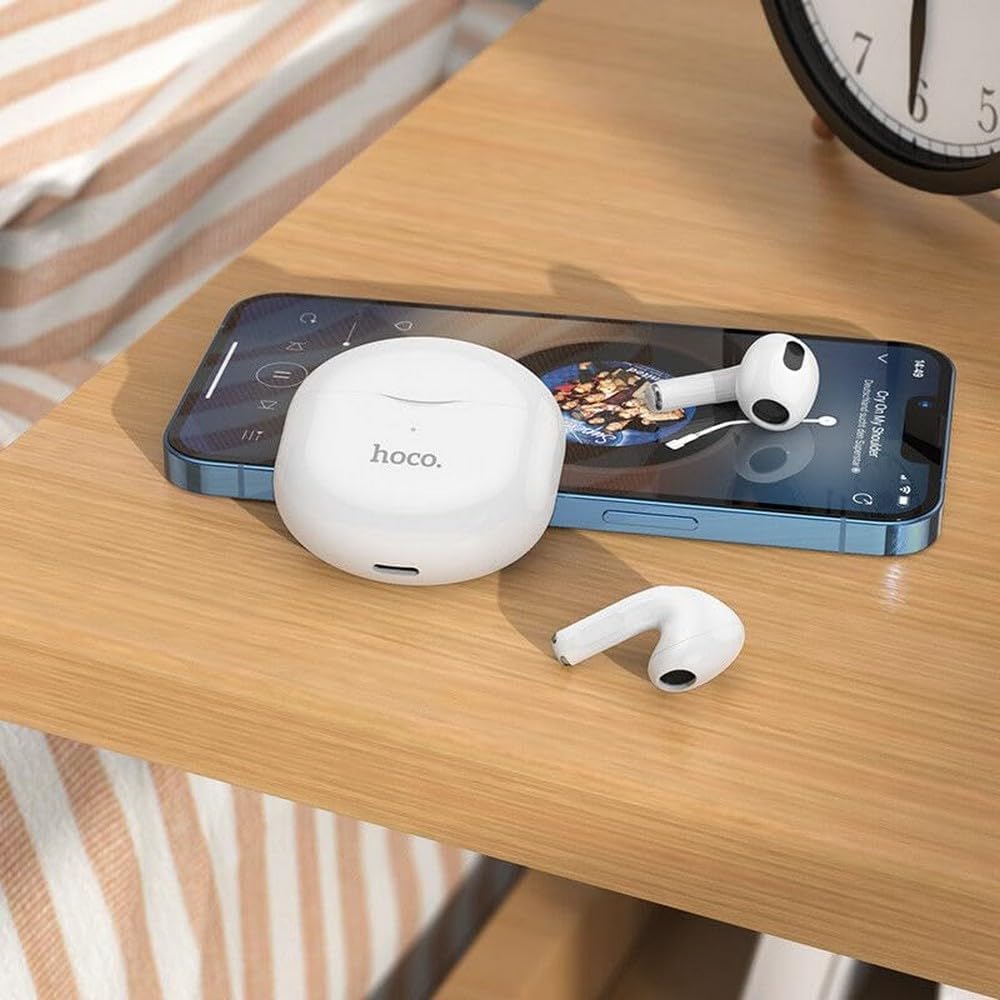
- Activate Voice Assistant: Triple tap on either earbud.
Voice Assistant
The integrated voice assistant allows you to control your device using voice commands. Triple tap either earbud to activate your device's voice assistant (e.g., Siri, Google Assistant).
Maintenance
Cleaning
Regular cleaning helps maintain sound quality and hygiene.
- Use a soft, dry, lint-free cloth to wipe the earphones and charging case.
- For stubborn dirt, slightly dampen the cloth with water or a mild, non-abrasive cleaner. Avoid getting liquid into openings.
- Do not use harsh chemicals, alcohol, or abrasive materials.
- Gently clean the ear tips and speaker mesh to remove earwax or debris.
Storage
When not in use, store the earphones in their charging case to protect them and keep them charged.
- Store in a cool, dry place, away from direct sunlight and extreme temperatures.
- Avoid exposing the earphones or case to excessive moisture. While the earphones are rated as waterproof, prolonged exposure or submersion is not recommended.
Troubleshooting
If you encounter issues with your Hoco EW35 earphones, try the following solutions:
- Earphones not pairing:
- Ensure both earphones are charged.
- Turn off Bluetooth on your device and turn it back on.
- Forget "Hoco EW35" from your device's Bluetooth list and attempt to pair again.
- Place earphones back in the case, close it, wait a few seconds, then open it again to re-enter pairing mode.
- No sound from one or both earphones:
- Check the volume level on your connected device.
- Ensure earphones are properly seated in your ears.
- Reconnect the earphones to your device.
- Clean any debris from the speaker mesh.
- Charging issues:
- Ensure the charging cable is securely connected to both the case and the power source.
- Try a different charging cable or power adapter.
- Clean the charging contacts on both the earphones and the case.
- Touch controls not responding:
- Ensure your fingers are clean and dry.
- Try restarting the earphones by placing them in the case and taking them out again.
Specifications
| Feature | Detail |
|---|---|
| Model Name | EW35 |
| Brand | Hoco |
| Connectivity Technology | Wireless (Bluetooth 5.3) |
| Ear Placement | In-Ear |
| Form Factor | In-Ear |
| Material | Plastic |
| Playback Time | Up to 4 hours (per earbud) |
| Control Method | Touch, Voice Control |
| Special Features | Integrated Voice Assistant, Touch Control |
| Water Resistance Level | Waterproof |
| Noise Cancellation | None |
| Compatible Devices | Smartphones, Tablets, Laptops, Desktops, Smart Speakers, Game Consoles |
| Battery | 1 Lithium-ion (included) |
| Rechargeable Battery | Yes |

Safety Information
Please read and follow these safety guidelines to prevent damage to your device or injury to yourself:
- Avoid listening at high volume levels for extended periods to prevent hearing damage.
- Do not use the earphones in situations where inability to hear ambient sounds could be dangerous (e.g., driving, cycling, walking in traffic).
- Keep the earphones and charging case away from extreme temperatures, direct sunlight, and open flames.
- Do not attempt to disassemble, repair, or modify the product. This may void the warranty and cause damage.
- Keep out of reach of children and pets. Small parts may pose a choking hazard.
- Dispose of the product and its battery responsibly, following local regulations.
Warranty and Support
For detailed warranty information, please refer to the warranty card included in your product packaging. If you require further assistance or have questions not covered in this manual, please visit the official Hoco website or contact their customer support directly.
You can find more information and support resources at: www.hoco.com


