
Introduction
Thank you for choosing the UNIHAND AI Smart Rechargeable Hand Warmers. This manual provides essential information for the safe and effective use of your new device. These hand warmers are designed to provide consistent, long-lasting warmth for various indoor and outdoor activities, featuring advanced AI temperature control and a convenient 2-in-1 design.
Setup
1. Unboxing and Initial Charge
Upon receiving your UNIHAND AI Smart Rechargeable Hand Warmers, carefully remove all components from the packaging. The package includes two hand warmers and a Type-C charging cable. It is recommended to fully charge both units before first use.
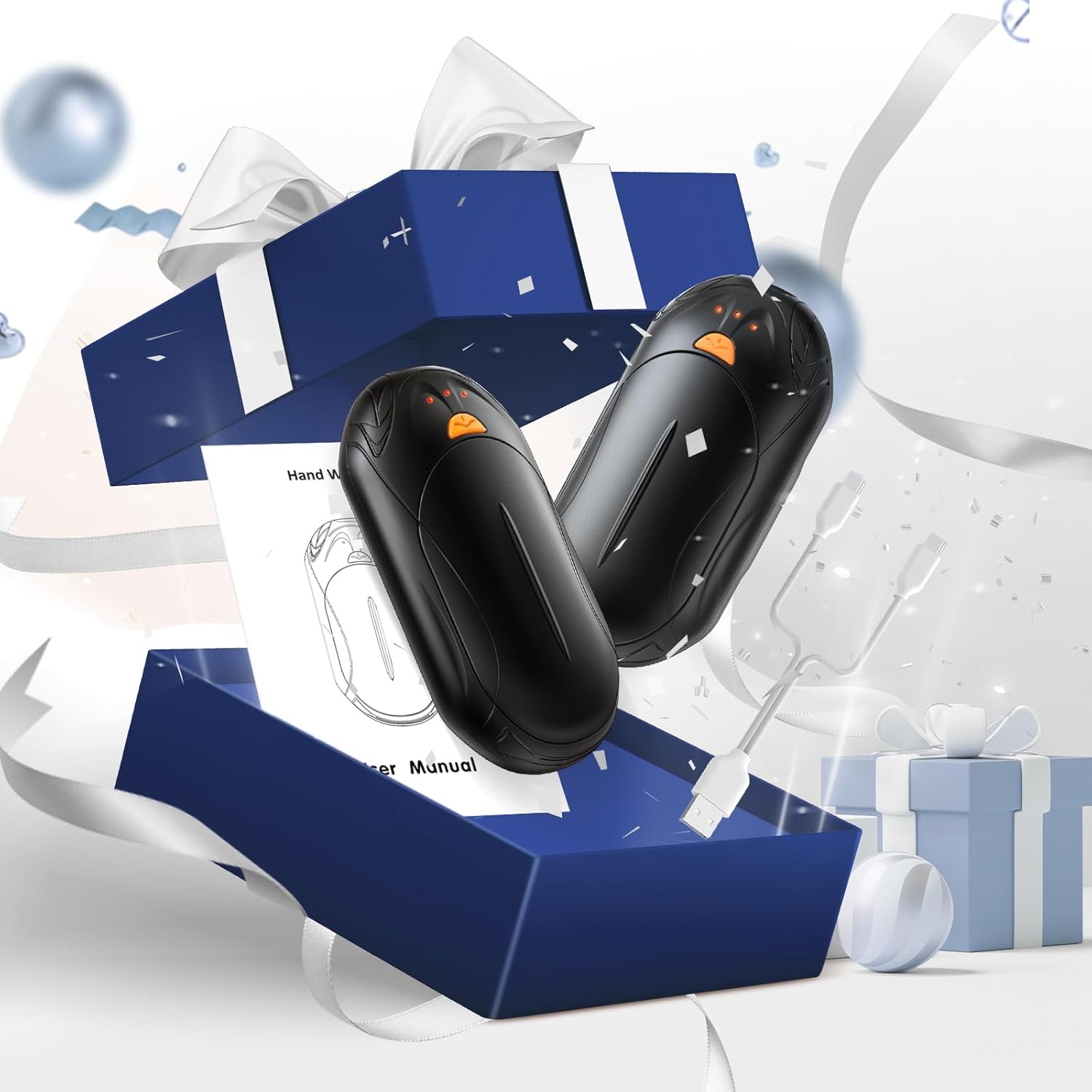
Image: The UNIHAND AI Smart Rechargeable Hand Warmers, charging cable, and user manual are neatly arranged within their packaging, ready for initial setup.
2. Charging the Hand Warmers
Connect the included Type-C charging cable to the charging port on each hand warmer. The cable is designed to charge both units simultaneously from a single USB power source. A full charge typically takes approximately 4 hours. The 3-level indicator lights will show the charging status and remaining battery power.
Video: This video demonstrates the charging process of the UNIHAND AI Smart Rechargeable Hand Warmers using the included Type-C split charging cable.
3. 2-in-1 Design
The hand warmers feature a unique 2-in-1 design. They can be used individually, with one in each hand, or combined into a single unit for 360-degree warmth. To combine, align the units and slide them together until they securely connect. To separate, gently slide them apart.
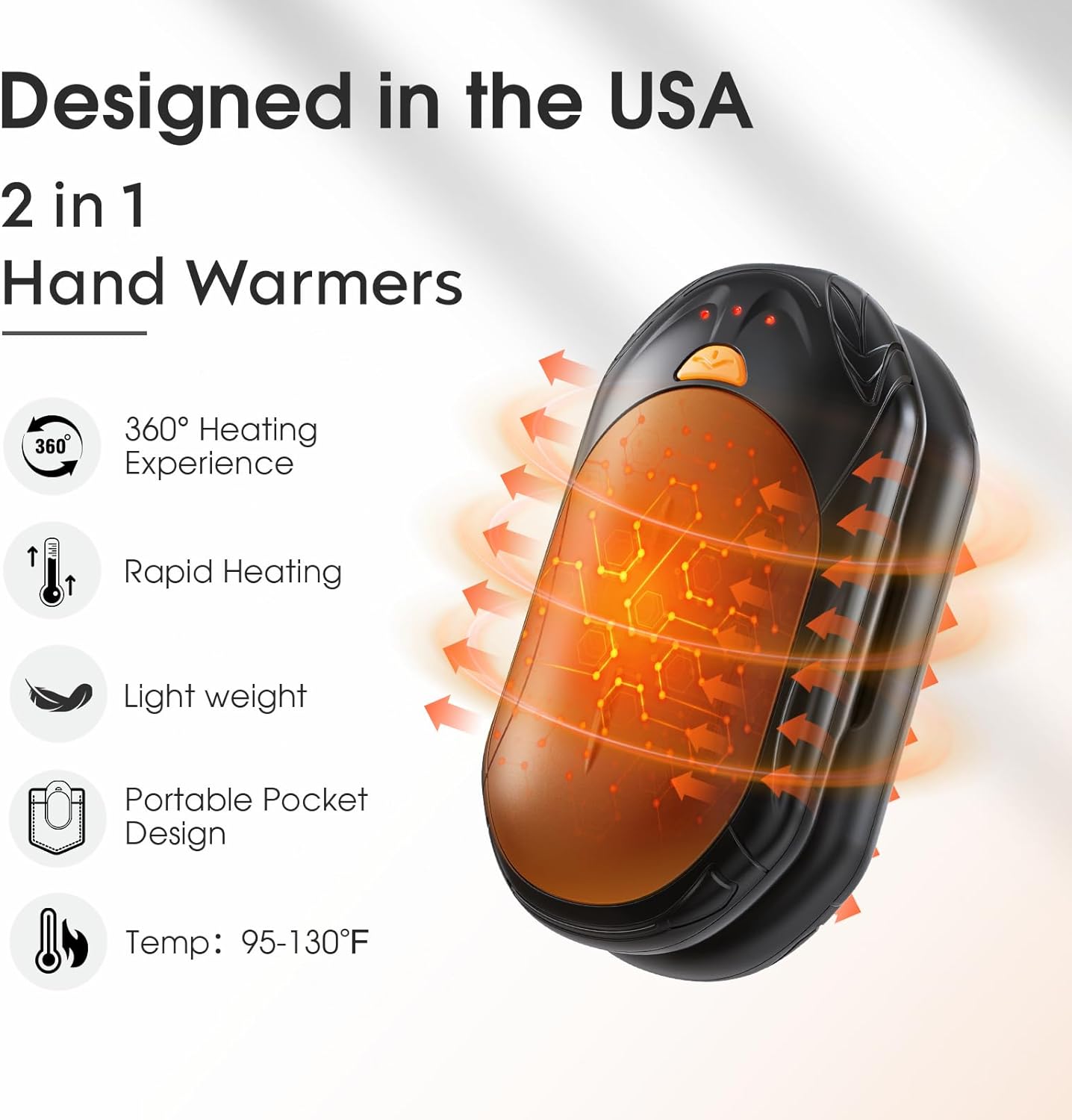
Image: Two UNIHAND AI Smart Rechargeable Hand Warmers illustrating their ability to be used separately or combined for enhanced warmth, highlighting features like 360° heating and rapid heating.
Operating Instructions
1. Power On/Off and Heat Settings
Each hand warmer has a single orange button for control.
- To Power On: Long press the orange button for approximately 3 seconds. The indicator lights will illuminate red, starting at the lowest heat setting.
- To Adjust Heat Level: Short press the orange button to cycle through the three heat settings:
- Low (1 Red Light): 95-107.5°F, up to 20 hours of warmth.
- Medium (2 Red Lights): 104-118.5°F, up to 14 hours of warmth.
- High (3 Red Lights): 118.5-130°F, up to 8.5 hours of warmth.
- To Power Off: Long press the orange button again for approximately 3 seconds until the red indicator lights turn off.
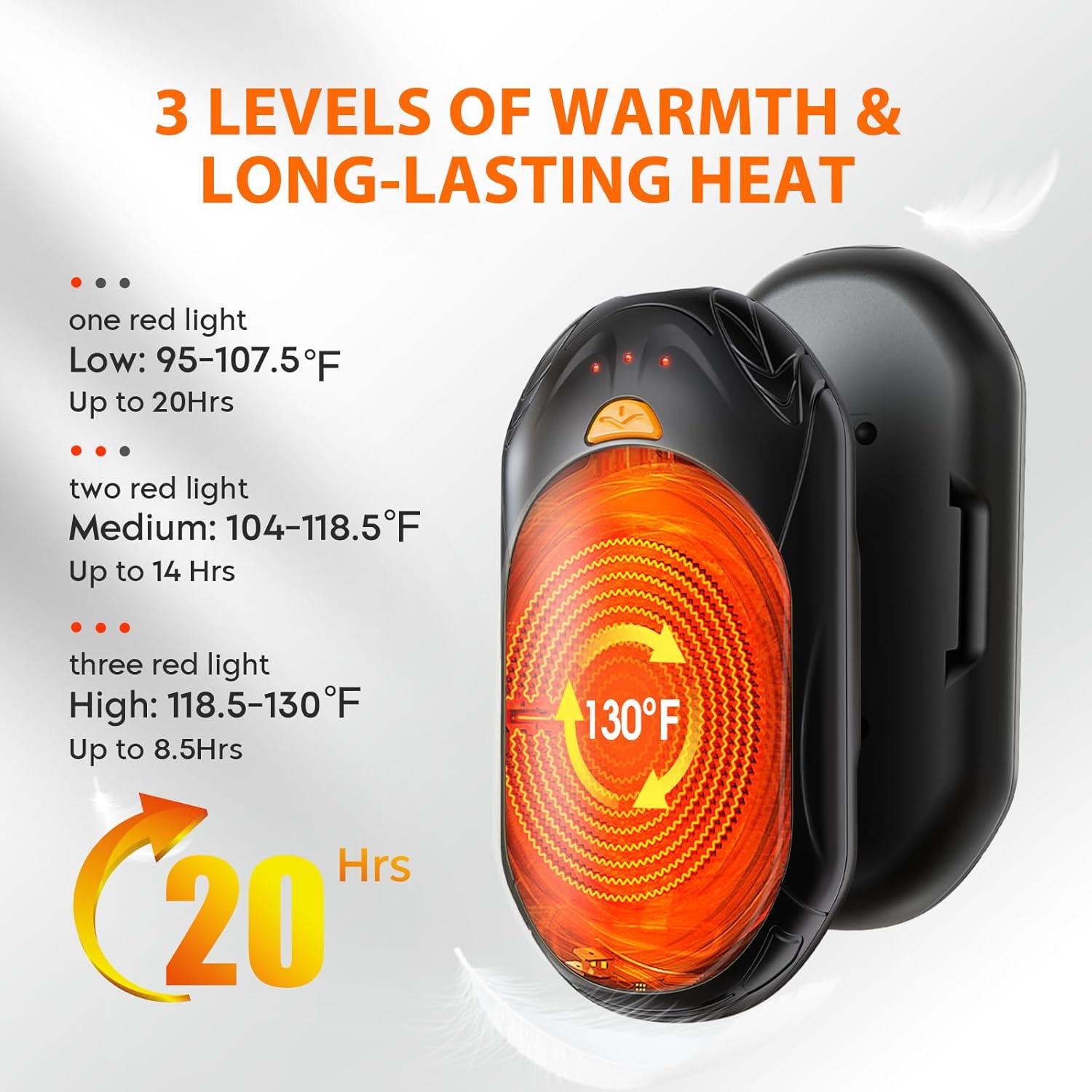
Image: This graphic illustrates the three distinct heat settings of the hand warmers, showing the temperature ranges and approximate duration for each level.
2. Battery Level Indicator
While the device is on, double-press the orange button to check the remaining battery life. Blue indicator lights will illuminate:
- 1 Blue Light: Battery below 35%
- 2 Blue Lights: Battery 35%-70%
- 3 Blue Lights: Battery 70%-100%

Image: A visual guide to the indicator lights, showing red lights for heat levels and blue lights for battery status.
Maintenance
1. Cleaning
To clean your hand warmers, wipe them with a soft, dry cloth. Do not use abrasive cleaners or immerse the units in water. Ensure the charging ports are free of dust and debris.
2. Storage
When not in use for extended periods, store the hand warmers in a cool, dry place. It is advisable to charge them periodically (e.g., every 3-6 months) to maintain battery health.
Troubleshooting
- Device Not Turning On: Ensure the battery is charged. Connect to a power source and check if the blue indicator lights appear.
- Not Heating Properly: Check the heat setting. If on a low setting, increase it by short pressing the orange button. Ensure the units are not obstructed. The AI smart chip continuously monitors temperature for optimal and safe heating.
- Not Charging: Verify that the Type-C cable is securely connected to both the hand warmer and the power source. Try a different USB port or power adapter.
- Overheating: The UNIHAND hand warmers are equipped with an AI smart chip for precise temperature control and safety features including over-heating protection. If you experience unusual heat, power off the device immediately and allow it to cool.
Specifications
| Feature | Detail |
|---|---|
| Model Name | AOY-766 |
| Brand | UNIHAND |
| Color | Black |
| Material | Aluminum |
| Battery Capacity | 3000 mAh per unit (6000 mAh total for 2-pack) |
| Charging Time | Approx. 4 hours |
| Temperature Range | 95°F - 130°F (3 levels) |
| Max Warmth Duration | Up to 20 hours (on lowest setting) |
| Dimensions (each unit) | 3.94 x 3.15 x 2.36 inches |
| Weight (each unit) | 50 Grams |
| Included Components | 2x Hand Warmers, 1x Type-C Charging Cable |
| Safety Certifications | CE, FCC |
Warranty Information
The UNIHAND AI Smart Rechargeable Hand Warmers come with a 2-year warranty. Please retain your proof of purchase for any warranty claims. For further details or to initiate a claim, please refer to the contact information provided in the support section.
Support
For any questions, technical assistance, or support regarding your UNIHAND AI Smart Rechargeable Hand Warmers, please contact our customer service team. Refer to the product packaging or the retailer's website for the most up-to-date contact information.