
1. Product Overview
The Mibro 2 True Wireless Bluetooth Earbuds with SinglePoint technology and an IPX5 rating offer a seamless and durable audio experience. The elegant white design ensures a sleek look, while the SinglePoint feature enhances connectivity. With an IPX5 rating, these earbuds are splash-resistant, making them suitable for various activities.
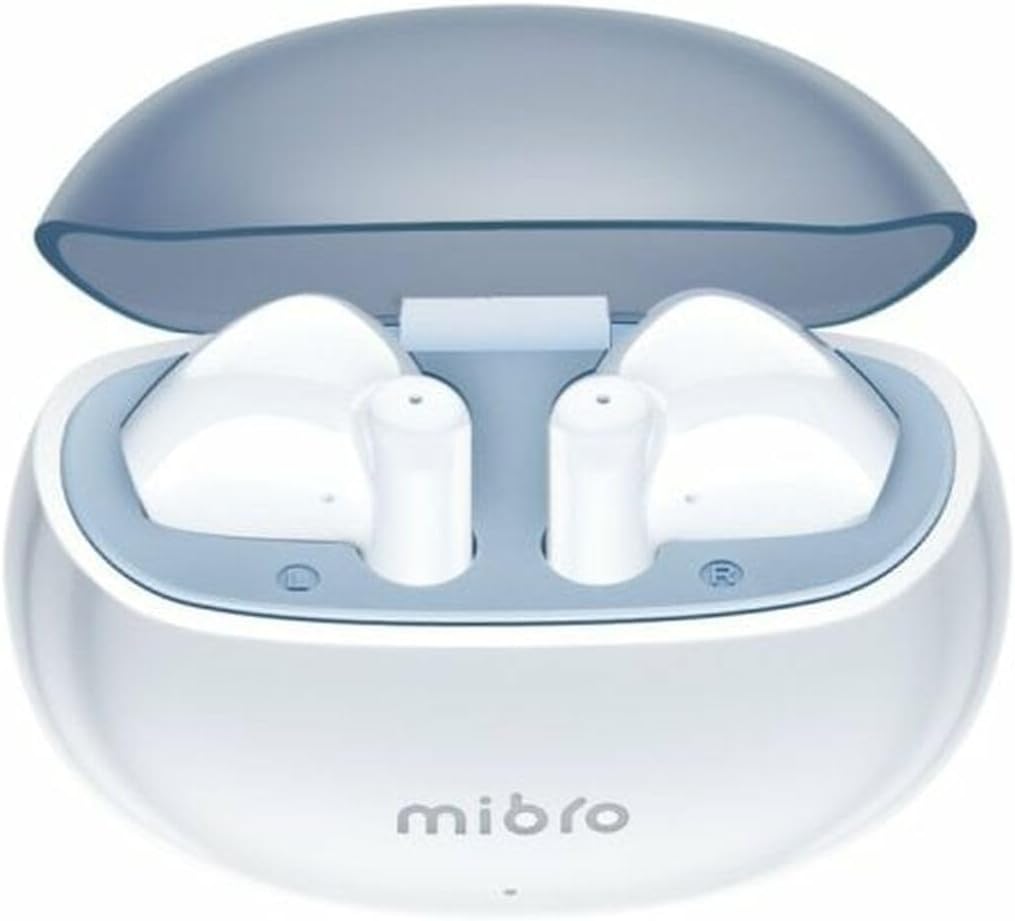
Figure 1.1: Mibro 2 Earbuds in their charging case, showcasing the sleek white design.
2. Key Features
- Seamless and durable audio experience
- SinglePoint technology enhances connectivity
- Elegant white design for a modern look
- Ideal for various activities with a stylish appearance
- Ensures a sleek and reliable audio solution

Figure 2.1: The Mibro 2 Earbuds and charging case, highlighting their compact and modern design.
3. Initial Setup
3.1. Charging the Earbuds and Case
Before first use, fully charge the earbuds and the charging case. Place the earbuds into the charging case. Connect the charging case to a power source using a compatible USB cable (not included). The indicator light on the case will show charging status.
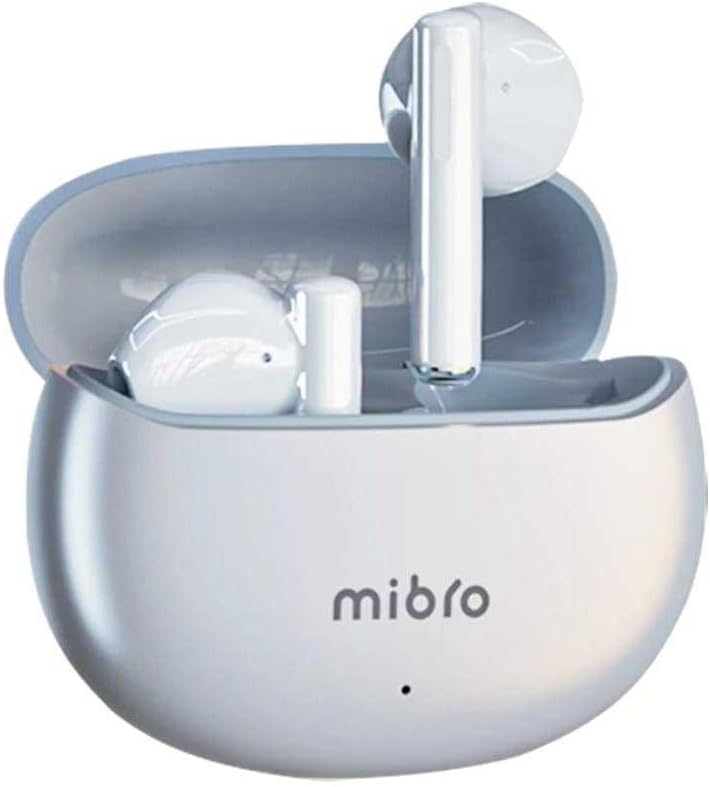
Figure 3.1: Mibro 2 Earbuds in their closed charging case, ready for charging.
3.2. Pairing with a Device
- Ensure the earbuds are charged.
- Open the charging case. The earbuds will automatically enter pairing mode.
- On your mobile phone or Bluetooth-enabled device, go to the Bluetooth settings.
- Search for available devices and select "Mibro 2 Earbuds" from the list.
- Once connected, a confirmation sound will play, and the earbuds will be ready for use.

Figure 3.2: Pairing the Mibro 2 Earbuds with a mobile device.
4. Operation Guide
4.1. Power On/Off
- Power On: Open the charging case, and the earbuds will automatically power on.
- Power Off: Place the earbuds back into the charging case and close the lid. They will automatically disconnect and power off.
4.2. Touch Controls
The Mibro 2 Earbuds feature intuitive touch controls for various functions:
- Play/Pause: Single tap on either earbud.
- Next Track: Double tap on the right earbud.
- Previous Track: Double tap on the left earbud.
- Answer/End Call: Single tap on either earbud during an incoming call.
- Reject Call: Press and hold either earbud for 2 seconds during an incoming call.
- Activate Voice Assistant: Triple tap on either earbud.

Figure 4.1: Demonstrating the touch control on the Mibro 2 Earbuds.
5. Care and Maintenance
- Cleaning: Regularly clean the earbuds and charging case with a soft, dry, lint-free cloth. Do not use harsh chemicals or abrasive materials.
- Water Resistance: The earbuds are IPX5 splash-resistant. Avoid submerging them in water or exposing them to heavy rain. Dry them thoroughly if they get wet.
- Storage: Store the earbuds in their charging case when not in use to protect them and keep them charged. Avoid extreme temperatures.
- Battery Care: To prolong battery life, avoid fully discharging the earbuds frequently. Charge them regularly, even if not used for extended periods.
6. Troubleshooting
- Earbuds not pairing: Ensure earbuds are charged and within range of your device. Turn off and on your device's Bluetooth. Try resetting the earbuds (refer to manufacturer's specific reset instructions if available).
- No sound from one earbud: Place both earbuds back into the charging case, close the lid, wait a few seconds, then open it again. This often re-syncs them.
- Low volume: Adjust the volume on both your connected device and the earbuds. Ensure eartips are properly sealed in your ear canal.
- Charging issues: Check the charging cable and power adapter. Ensure the charging contacts on the earbuds and inside the case are clean and free of debris.
7. Technical Specifications
| Feature | Specification |
|---|---|
| Brand | Mibro |
| Model Name | 2 Earbuds |
| Item Model Number | sol-me2 |
| Connectivity Technology | Wireless Bluetooth |
| Control Method | Touch |
| Form Factor | In-Ear |
| Color | White |
| Material | Plastic |
| Item Weight | 100 Grams |
| Water Resistance Level | IPX5 Splash-resistant |
| Rechargeable Battery | Yes |
| Special Features | Lightweight |
| Compatible Devices | Mobile Phone |
| Included Components | Eartip |
8. Warranty and Support
8.1. Warranty Information
Specific warranty information for the Mibro 2 True Wireless Bluetooth Earbuds is not available in the provided product data. Please refer to the product packaging or the official Mibro website for detailed warranty terms and conditions.
8.2. Customer Support
Customer support contact details are not available in the provided product data. For assistance, please visit the official Mibro website or contact the retailer where the product was purchased.