
Intex 66616E
Intex Quickfill USB150 Air Pump Instruction Manual
Model: 66616E
1. Introduction
This manual provides essential instructions for the safe and efficient operation of your Intex Quickfill USB150 Air Pump. Please read this manual thoroughly before use and retain it for future reference.
The Intex Quickfill USB150 Air Pump is a compact and portable device designed for inflating and deflating various inflatable items such as pool floats, air mattresses, and camping mats. It features a USB-A power input for convenient use with a variety of power sources.
2. Safety Information
WARNING: To reduce the risk of electric shock, fire, or injury, read and follow all instructions carefully.
- Do not operate the air pump near water or in wet conditions.
- This appliance is not intended for use by persons (including children) with reduced physical, sensory, or mental capabilities, or lack of experience and knowledge, unless they have been given supervision or instruction concerning use of the appliance by a person responsible for their safety.
- Children should be supervised to ensure that they do not play with the appliance.
- Do not block air openings. Keep free of debris.
- Do not use the pump for more than 10 minutes continuously to prevent overheating. Allow it to cool down for 20 minutes before resuming use.
- Do not point the inflation/deflation port at your face or body when operating.
- Use only the provided nozzles or compatible accessories.
- Ensure the power source is 5V USB-A rated 2A or higher.
- Do not attempt to service or modify the pump. Contact authorized service personnel for repairs.
3. Package Contents
Verify that all items are present in the package:
- Intex Quickfill USB150 Air Pump
- USB-A to USB-C Charging Cable
- 2 Interconnecting Nozzles

Image: The Intex Quickfill USB150 Air Pump shown with its included USB-A to USB-C cable and two interconnecting nozzles.
4. Product Features
- USB-A Powered: Operates with a 5V USB-A power source rated 2A and higher.
- High Air Flow: Delivers 150 liters per minute for quick inflation/deflation.
- Dual Functionality: Capable of both inflating and deflating.
- Versatile Use: Suitable for both outdoor and indoor applications.
- Portable Design: Lightweight and compact for easy transport.
- Multiple Nozzles: Includes two interconnecting nozzles for various valve sizes.
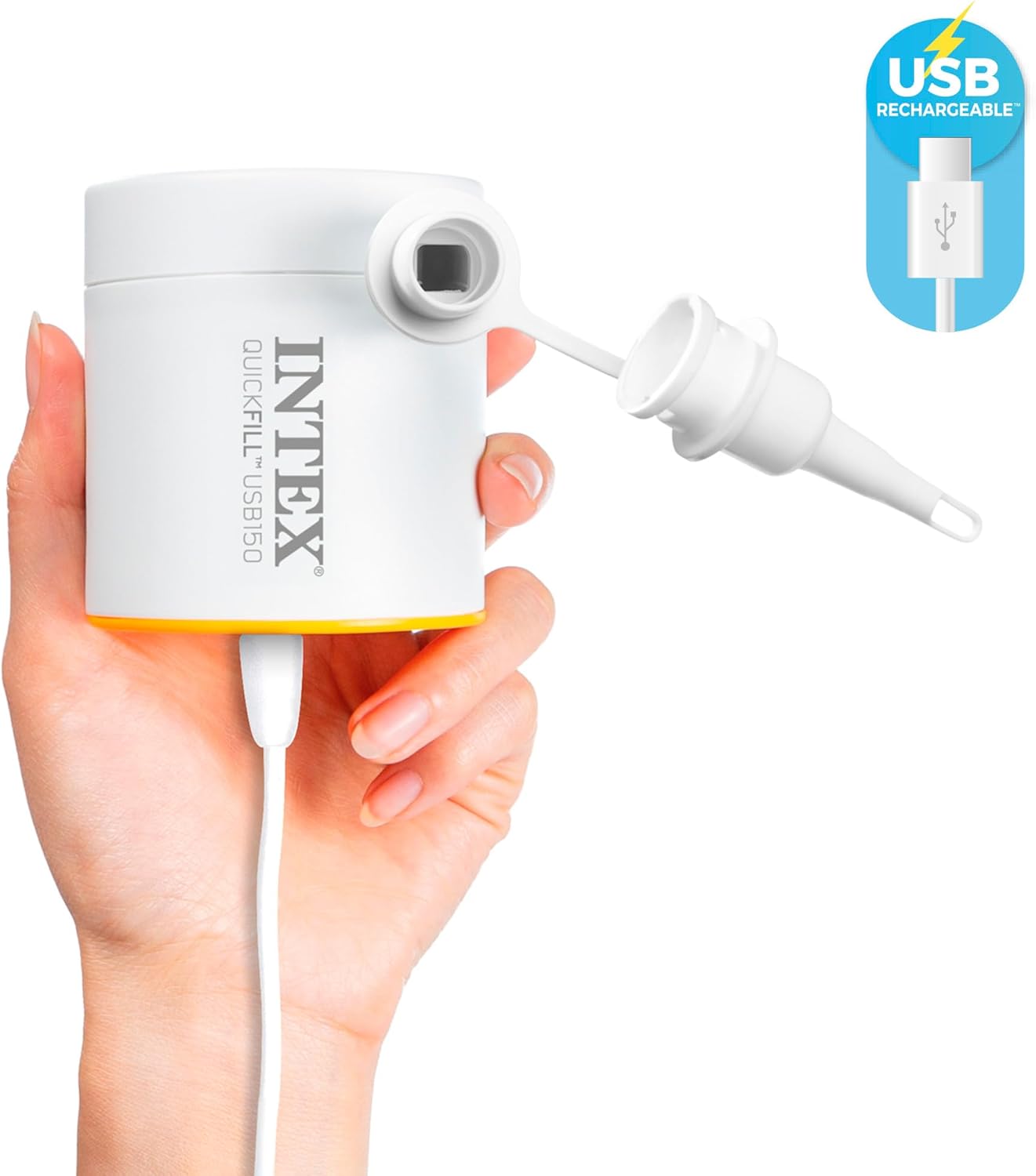
Image: A hand holding the Intex Quickfill USB150 Air Pump, highlighting its compact size and the USB-C charging port.
5. Specifications
| Brand | Intex |
| Model Number | 66616E |
| Product Dimensions | 3.15"L x 2.76"W x 2.76"H (8cm x 7cm x 7cm) |
| Item Weight | 0.2 Kilograms (7 ounces) |
| Material | Plastic |
| Power Source | 5V USB-A (2A or higher recommended) |
| Air Flow Capacity | 150 Liters Per Minute |
| Maximum Pressure | 0.43 PSI |
| Operation Mode | Automatic |
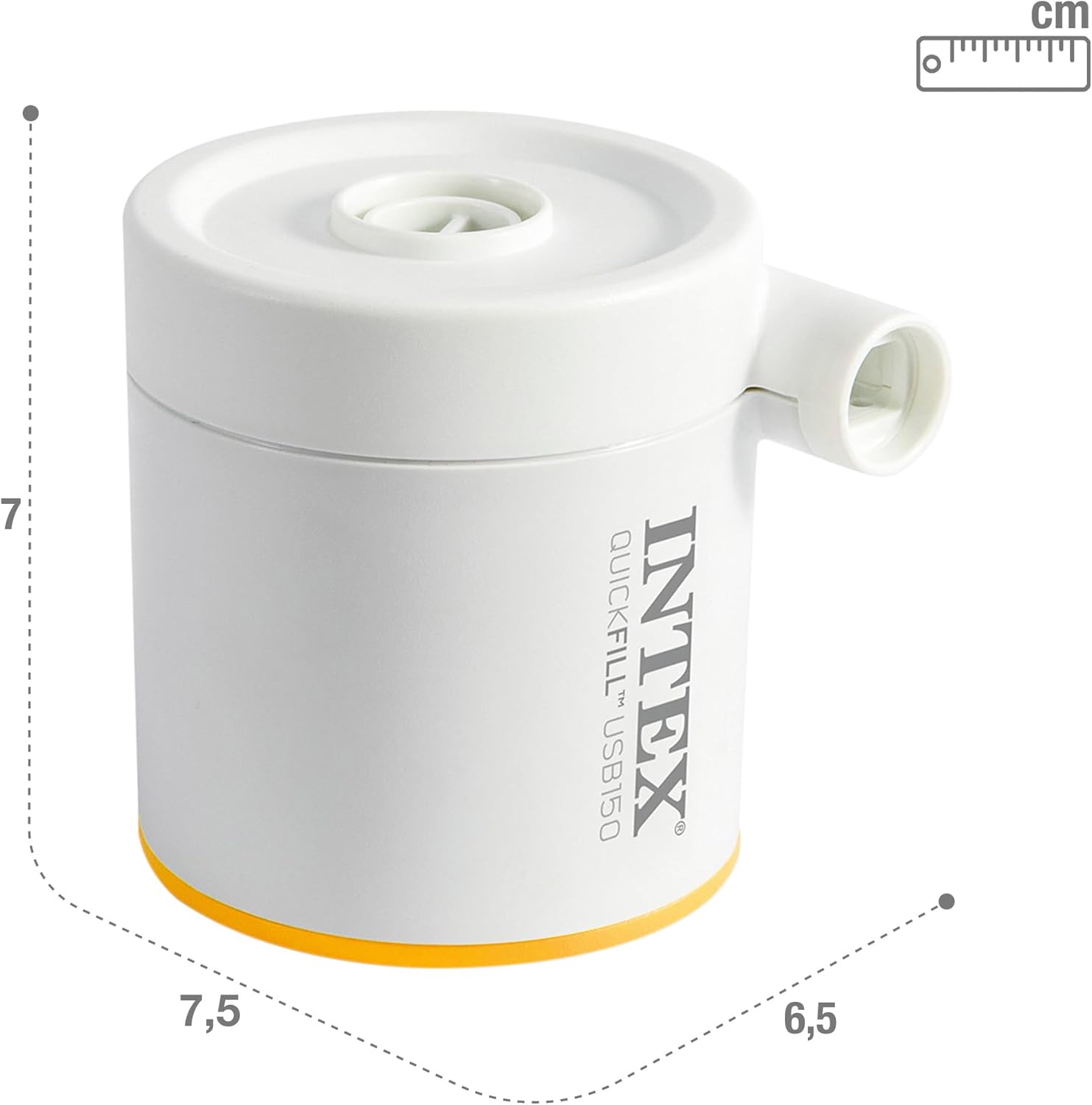
Image: A diagram illustrating the compact dimensions of the Intex Quickfill USB150 Air Pump.
6. Setup
- Connect Power: Plug the included USB-A to USB-C cable into the pump's USB-C port and connect the USB-A end to a compatible 5V USB-A power source (e.g., power bank, wall adapter, car charger) rated 2A or higher.
- Select Nozzle: Choose the appropriate nozzle from the two interconnecting nozzles provided that best fits the valve of the item you intend to inflate or deflate.
- Attach Nozzle: Firmly attach the selected nozzle to the desired port on the pump.
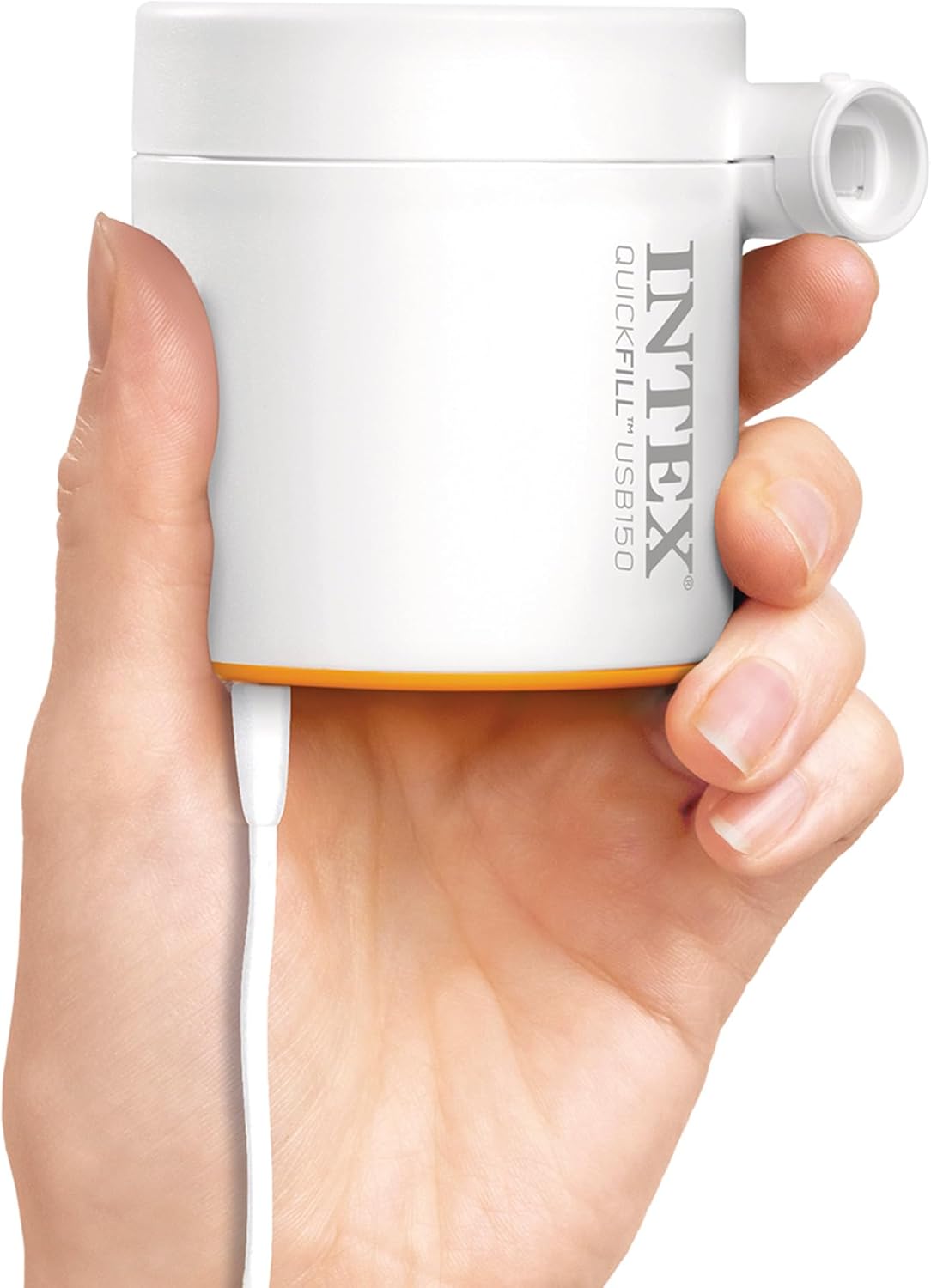
Image: A hand connecting the USB cable to the Intex Quickfill USB150 Air Pump, demonstrating the power connection.
7. Operating Instructions
7.1. Inflation
- Ensure the pump is connected to a power source.
- Attach the appropriate nozzle to the inflation port (the port where air exits).
- Insert the nozzle firmly into the valve of the item to be inflated.
- Press the power button located on the bottom of the pump to start inflation.
- Monitor the inflation process. Once the item is firm or reaches the desired inflation level, press the power button again to turn off the pump.
- Remove the nozzle from the item's valve.
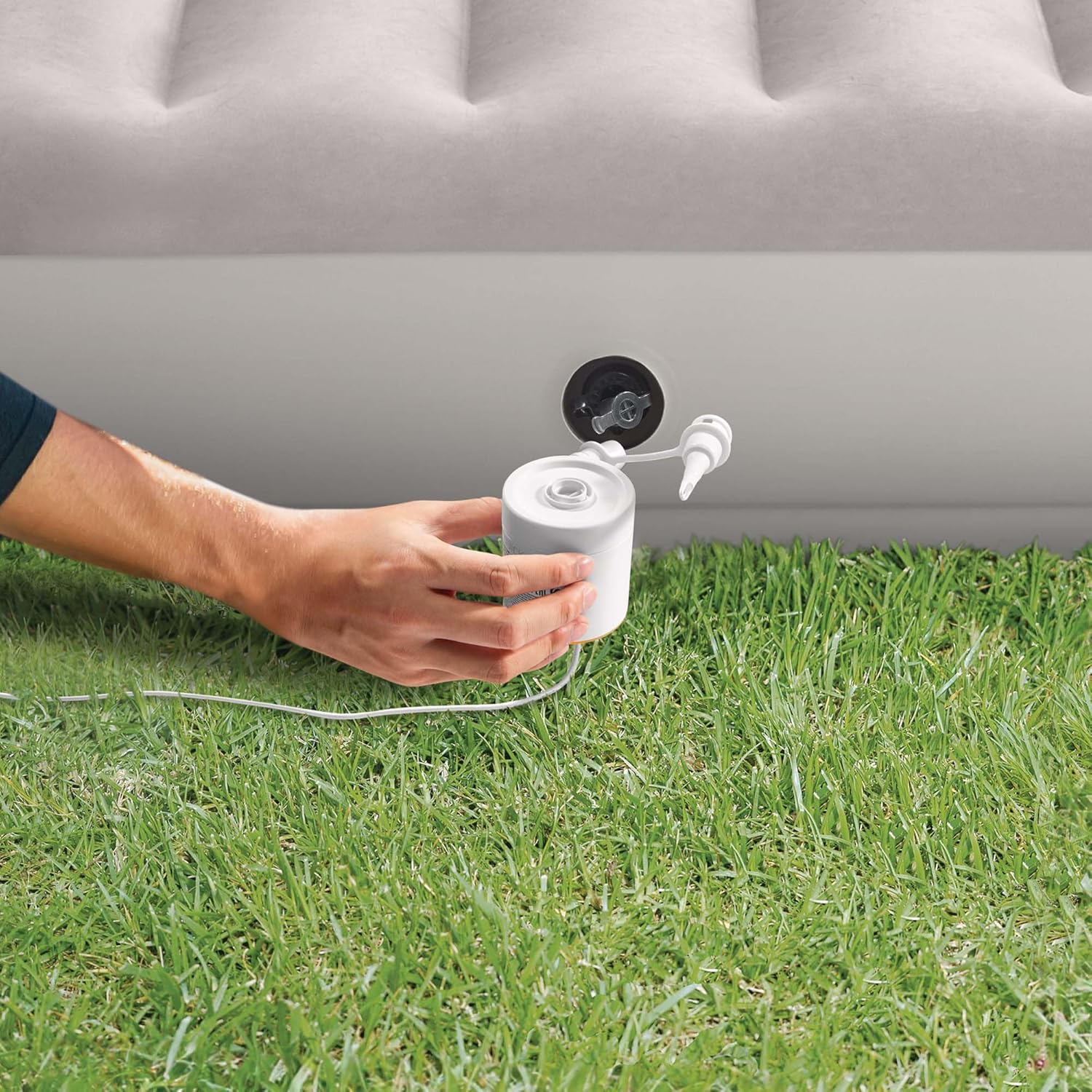
Image: A person using the Intex Quickfill USB150 Air Pump to inflate an air mattress, demonstrating the inflation process.
7.2. Deflation
- Ensure the pump is connected to a power source.
- Attach the appropriate nozzle to the deflation port (the port where air is drawn in).
- Insert the nozzle firmly into the valve of the item to be deflated.
- Press the power button located on the bottom of the pump to start deflation.
- Allow the pump to extract air until the item is fully deflated.
- Press the power button again to turn off the pump.
- Remove the nozzle from the item's valve.
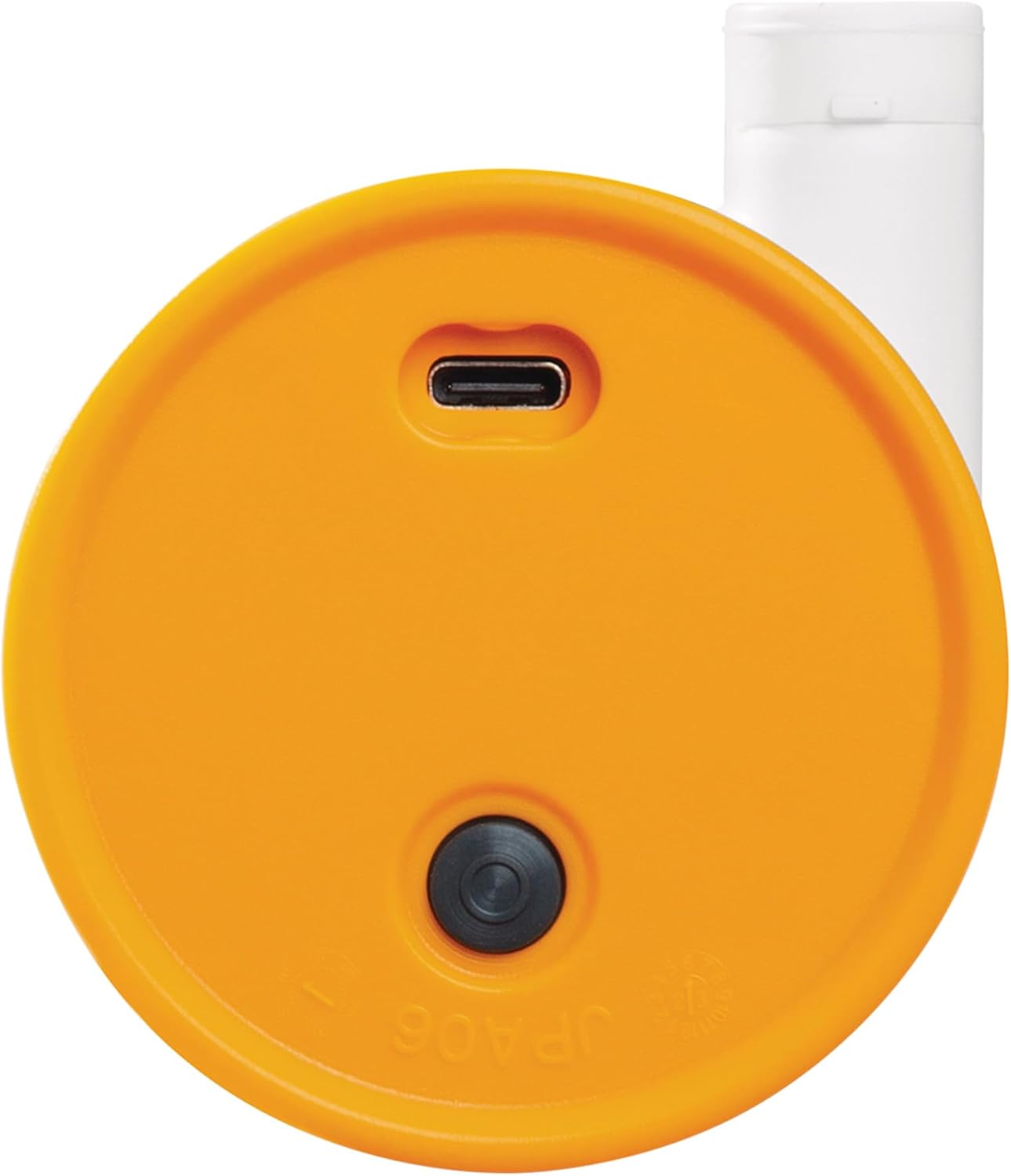
Image: A close-up view of the bottom of the Intex Quickfill USB150 Air Pump, showing the USB-C power input and the circular power button.
8. Maintenance
- Cleaning: Wipe the pump's exterior with a soft, dry cloth. Do not use abrasive cleaners or immerse the pump in water.
- Storage: Store the pump and its accessories in a cool, dry place, away from direct sunlight and extreme temperatures.
- Inspection: Periodically inspect the pump, cable, and nozzles for any signs of damage. Do not use if damaged.
9. Troubleshooting
| Problem | Possible Cause | Solution |
|---|---|---|
| Pump does not turn on. | No power or insufficient power. | Ensure USB cable is securely connected to a 5V USB-A power source rated 2A or higher. Try a different power source. |
| Low air flow. | Blocked air intake/exhaust or incorrect nozzle. | Check for obstructions in the air ports. Ensure the correct nozzle is used and securely attached. |
| Pump overheats. | Continuous operation for too long. | Turn off the pump and allow it to cool down for at least 20 minutes before resuming use. Avoid continuous operation exceeding 10 minutes. |
10. Warranty and Support
For warranty information or technical support, please refer to the warranty card included with your product or visit the official Intex website. Keep your purchase receipt as proof of purchase.
For further assistance, you may contact Intex customer service through their official channels.
Ask a question about this manual
Ask about setup, troubleshooting, compatibility, parts, safety, or missing instructions. Manuals+ will review the question and use this page’s manual context to help answer it.