
1. Introduction
The TIMBOOTECH Wireless HDMI Transmitter (TX) and Receiver (RX) system is designed to provide a seamless, high-definition wireless connection for video and audio. This device allows you to transmit 1080P@60Hz content wirelessly from various HDMI-enabled source devices to a display, projector, or TV, eliminating the need for long HDMI cables. With its 5G transmission technology, foldable external antennas, and adjustable channels, it ensures stable and low-latency streaming for both professional and entertainment purposes.
2. Package Contents
Please verify that all items listed below are included in your package:
- 1 x HDMI Transmitter (TX)
- 1 x HDMI Receiver (RX)
- 2 x USB-C Power Cables
- 2 x HDMI Extension Cables
- 1 x User Manual (multi-language)

3. Product Overview
The TIMBOOTECH Wireless HDMI system consists of two main components: the Transmitter (TX) and the Receiver (RX). Both units are compact and feature foldable external antennas for optimal signal strength. Each unit is equipped with an HDMI connector for video/audio input/output and a USB-C port for power supply.

4. Setup Instructions
The TIMBOOTECH Wireless HDMI system is designed for plug-and-play operation, requiring no software installation.
4.1 Initial Connection
- Connect the Receiver (RX): Plug the RX unit into an available HDMI input port on your display device (TV, monitor, or projector). Connect a USB-C power cable from the RX unit to a USB power source (e.g., TV's USB port, USB wall adapter). Power on your display device.
- Connect the Transmitter (TX): Plug the TX unit into the HDMI output port of your source device (laptop, PC, camera, Blu-ray player, etc.). Connect a USB-C power cable from the TX unit to a USB power source (e.g., laptop's USB port, USB wall adapter).
- Automatic Pairing: The TX and RX units will automatically pair within approximately 5 seconds. The indicator lights on both units will show a stable connection once paired.
Important: Ensure both the TX and RX units are powered correctly for optimal performance.
5. Operating Instructions
5.1 Display Modes
The system supports two primary display modes, depending on your source device's settings:
- Mirror Mode: Duplicates your source device's screen onto the connected display.
- Extend Mode: Expands your desktop across both screens, allowing for multitasking.
You can typically switch between these modes through your computer's display settings (e.g., Windows Display Settings or macOS System Preferences).
5.2 Low Latency Streaming
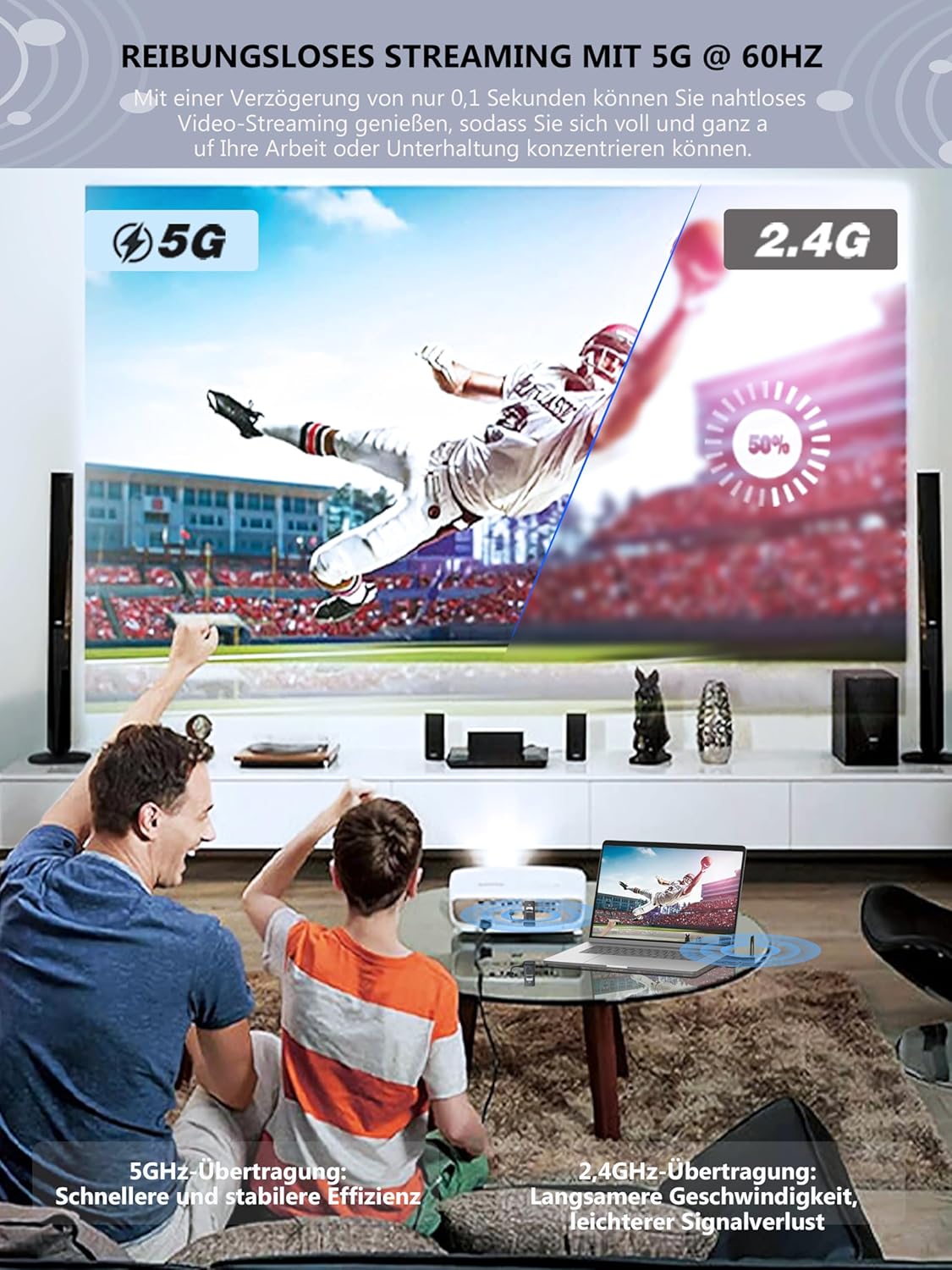
The TIMBOOTECH system utilizes advanced 5G technology to achieve ultra-low latency of approximately 0.1 seconds, ensuring a smooth and synchronized video and audio experience.

6. Advanced Features
6.1 Multiple Transmitters to One Receiver
One Receiver (RX) unit can be paired with up to eight Transmitter (TX) units. This feature is ideal for presentations or collaborative environments where multiple users need to share their screens on a single display. To switch between active TX units, simply press the button on the desired TX unit.
Additional Transmitter (TX) units can be purchased separately. Search for AISN: B0CF22CM3K on Amazon.

6.2 Adjustable Wireless Channels
The TIMBOOTECH system allows for customization of the wireless channel. This feature helps to avoid interference from other wireless devices in crowded environments, ensuring a more stable and reliable connection.
6.3 Long-Range Transmission
The system supports wireless transmission up to 165 feet (50 meters) in a direct line of sight. For environments with obstructions such as walls or floors, the effective range is approximately 32 feet (10 meters).

6.4 Enhanced Design
The TIMBOOTECH Wireless HDMI units feature external foldable antennas for stronger signal reception and improved heat dissipation design to prevent overheating and ensure uninterrupted streaming, distinguishing them from models with internal antennas or less efficient cooling.

7. Maintenance
To ensure the longevity and optimal performance of your TIMBOOTECH Wireless HDMI system, follow these maintenance guidelines:
- Cleaning: Use a soft, dry cloth to clean the units. Avoid using liquid cleaners or abrasive materials.
- Storage: When not in use, store the units in a cool, dry place away from direct sunlight and extreme temperatures.
- Handling: Handle the units with care. Avoid dropping them or subjecting them to strong impacts.
- Power: Always use the provided USB-C power cables and ensure a stable power supply.
8. Troubleshooting
If you encounter issues with your Wireless HDMI system, please refer to the following troubleshooting steps:
| Problem | Possible Cause | Solution |
|---|---|---|
| No signal on display | TX/RX not powered, incorrect HDMI connection, pairing issue, display input not selected. | Ensure both TX and RX are powered. Check HDMI cables are securely connected. Select the correct HDMI input on your display. Re-power both units to re-initiate pairing. |
| Intermittent signal or poor quality | Interference from other wireless devices, too far from RX, obstructions, low power. | Reduce distance between TX and RX. Ensure line of sight. Try adjusting the wireless channel (refer to advanced features). Ensure stable power supply to both units. Avoid placing near strong Wi-Fi routers or microwaves. |
| No audio or distorted audio | Audio settings on source device, display audio settings, connection issue. | Check audio output settings on your source device. Ensure your display's audio is not muted or set to a very low volume. Verify all connections are secure. |
| Units fail to pair | Power issue, units too far apart, interference. | Ensure both TX and RX are powered correctly. Bring units closer together during initial pairing. Try restarting both units. |
| Not compatible with phone/tablet | Product limitation. | This device is designed for HDMI output devices such as laptops, PCs, cameras, etc., and does not support direct connection to phones or tablets. |
If the problem persists after trying these solutions, please contact customer support.
9. Specifications
| Feature | Detail |
|---|---|
| Model Number | TXRX |
| Brand | TIMBOOTECH |
| Connectivity Technology | HDMI, USB, Wi-Fi (5G) |
| Special Feature | Wireless HDMI Transmission, Adjustable Channel, External Antennas |
| Video Resolution | Up to 1080P @ 60 Hz |
| Video Encoding | H.264, H.265/HEVC |
| Audio Output Mode | Stereo, supports up to 5.1 channel audio pass-through |
| Transmission Range (Line of Sight) | Up to 165 feet (50 meters) |
| Transmission Range (Through Walls) | Up to 32 feet (10 meters) |
| Latency | Approximately 0.1 seconds |
| Compatible Devices | Laptops, PCs, Blu-ray players, cameras, DVDs, DSLRs, set-top boxes, cable/satellite boxes, and other HDMI output devices. (Not compatible with phones or tablets.) |
| Color | Black |
| Item Weight | 130 Grams |
10. Warranty and Support
10.1 Product Warranty
The TIMBOOTECH Wireless HDMI Transmitter and Receiver comes with a one-year warranty from the date of purchase. This warranty covers manufacturing defects and ensures customer satisfaction.
10.2 Customer Support
If you have any questions, require technical assistance, or experience issues not covered in this manual, please do not hesitate to contact TIMBOOTECH customer support. Refer to the contact information provided in your product packaging or on the official TIMBOOTECH website for assistance.


