
1. Introduction and Overview
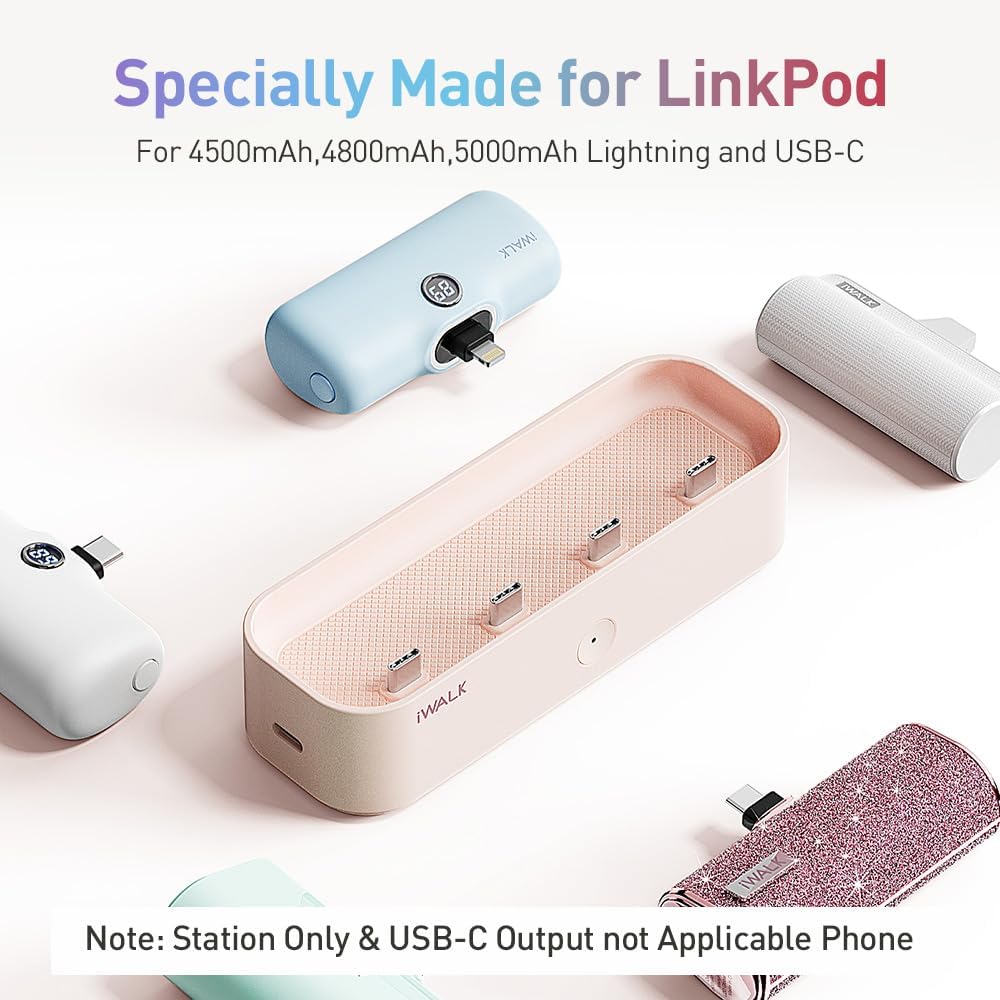
The iWALK LinkPod Station is a dedicated charging and storage solution designed for iWALK LinkPod portable chargers. This station provides a centralized and organized way to keep your portable chargers ready for use, ensuring you always have power on the go. It supports simultaneous charging of multiple LinkPod units and offers additional charging capabilities for other devices.
Key features include compatibility with various LinkPod capacities (3500mAh, 4500mAh, 4800mAh, 5000mAh), efficient multi-device charging, and built-in safety mechanisms to prevent overcharging.
2. Product Contents
Upon unboxing your iWALK LinkPod Station, please verify that all the following items are included:
- iWALK LinkPod Station (1 unit)
- USB-C to USB-C Cable (1 unit)
- User Manual (1 unit)
Note: Portable chargers are sold separately. For optimal charging speed, it is recommended to use a genuine USB-C wall charger. If using a USB-A wall charger, ensure its output power is 5V 2A or above.
3. Setup
To set up your iWALK LinkPod Station:
- Place the LinkPod Station on a stable, flat surface near a power outlet.
- Connect one end of the provided USB-C to USB-C cable to the USB-C input port on the back of the LinkPod Station.
- Connect the other end of the USB-C cable to a compatible USB-C wall charger (not included) and plug the wall charger into a power outlet.
- The indicator light on the front of the station will illuminate, indicating it is powered on and ready for use.

4. Operating Instructions
4.1 Charging LinkPod Portable Chargers
The LinkPod Station features four dedicated USB-C output ports for charging your iWALK LinkPod portable chargers. It is compatible with 3500mAh, 4500mAh, 4800mAh, and 5000mAh LinkPod models.
- Ensure the LinkPod Station is powered on (green indicator light).
- Insert your iWALK LinkPod portable chargers into the available USB-C output ports on the station. Ensure they are firmly seated.
- The LinkPods will begin charging automatically. A single portable charger can be fully charged in approximately 2 hours. The station can charge up to four LinkPods simultaneously without significantly slowing down the charging process.

4.2 Charging Other Devices (USB-A Output)
In addition to charging LinkPod portable chargers, the station also features a USB-A output port on the side, allowing you to charge another device, such as a smartphone or tablet, simultaneously.
- Connect your device's USB-A charging cable (not included) to the USB-A output port on the side of the LinkPod Station.
- Connect the other end of the cable to your device. Your device will begin charging.

4.3 Power Control Switch
The iWALK LinkPod Station is equipped with a charging/disconnecting switch (the circular button on the front) for safe use. Pressing this button will turn off the charging function, preventing overcharging and allowing the station to serve as a convenient storage dock without actively charging.
4.4 Official Product Video
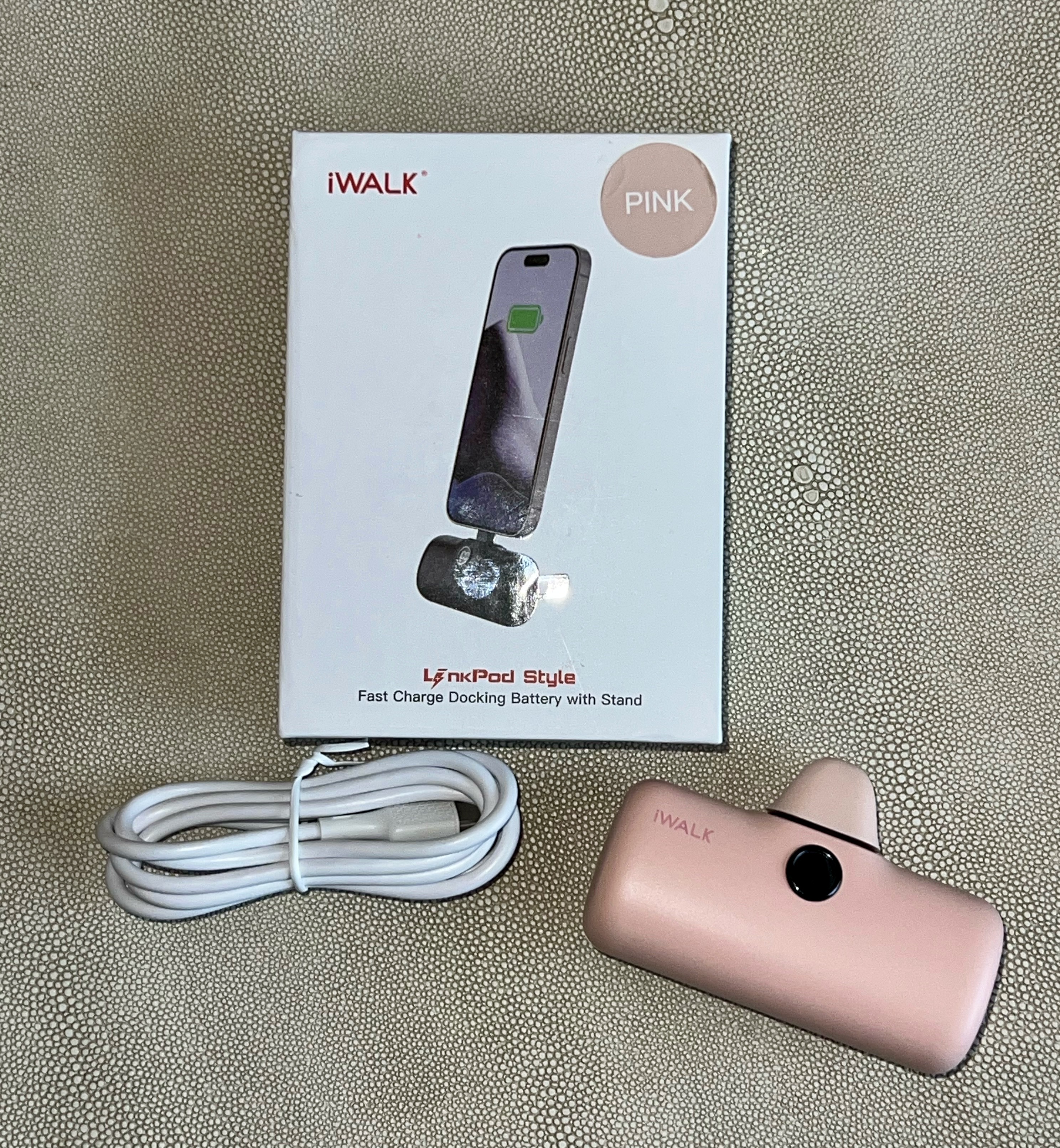
Watch this official video from iWALK Direct for a demonstration on how to use the iWALK Charger Station for Portable Chargers:
5. Maintenance
To ensure the longevity and optimal performance of your iWALK LinkPod Station, follow these maintenance guidelines:
- Cleaning: Use a soft, dry cloth to wipe down the exterior of the station. Avoid using abrasive cleaners or solvents. Ensure the charging ports are free of dust and debris.
- Storage: When not in use, store the station in a cool, dry place away from direct sunlight and extreme temperatures. The station is designed to store your LinkPod portable chargers neatly, keeping them organized and fully charged in a designated location.
- Handling: Handle the station with care. Avoid dropping it or subjecting it to strong impacts.
6. Troubleshooting
If you encounter any issues with your iWALK LinkPod Station, please refer to the following common troubleshooting steps:
| Problem | Possible Cause | Solution |
|---|---|---|
| Station not powering on. | No power connection or faulty cable/adapter. | Ensure the USB-C cable is securely connected to both the station and the wall charger. Try a different power outlet or a different compatible USB-C cable/wall charger. |
| LinkPods not charging. | LinkPods not properly seated, power control switch off, or station not powered. | Ensure LinkPods are firmly inserted into the USB-C output ports. Press the power control button on the front of the station to ensure it's active (green light). Verify the station is powered on. |
| Slow charging speed. | Inadequate wall charger output. | Use a genuine USB-C wall charger. If using a USB-A wall charger, ensure its output is 5V 2A or higher. |
| USB-A output not working. | Cable issue or device incompatibility. | Try a different USB-A cable. Ensure the device you are trying to charge is compatible with standard USB-A charging. |
If the problem persists after attempting these solutions, please contact iWALK customer support for further assistance.
7. Specifications
| Feature | Specification |
|---|---|
| Product Dimensions | 10 x 5 x 5 inches |
| Item Weight | 5.6 ounces |
| Model Number | LPE002 |
| Manufacturer | U2O GLOBAL CO.,LTD |
| Connector Type (Input) | USB Type C |
| Connector Type (Output) | USB Type C (4 ports for LinkPods), USB Type A (1 port for other devices) |
| Special Features | Auto Shut-Off, Over Charging Protection |
8. Warranty and Support
For warranty information and customer support, please refer to the documentation included with your product or visit the official iWALK website. You may also contact iWALK Direct, the seller, for assistance.
Contact information for iWALK Direct can typically be found on your purchase receipt or the product listing page.


