
1. Product Overview
This manual provides instructions for the Big Button 2G Senior Cell Phone, designed for ease of use with large buttons and a clear display. It supports essential communication features and includes an SOS emergency function.

Figure 1: Big Button 2G Senior Cell Phone
2. Key Features
- High Definition Screen: 2.4-inch full HD screen with bright colors and large fonts for clear readability.
- Large Buttons and Keyboard: Designed with oversized keys for comfortable and easy pressing.
- SOS Emergency Function: One-touch SOS button to send emergency signals and dial pre-set contacts. Supports up to 9 home numbers and 9 emergency contacts.
- Dual SIM Card Support: Compatible with two 2G GSM SIM cards (850, 900, 1800, 1900MHz bands). Note: Does not support 3G or 4G networks.
- Long-lasting Battery: Equipped with a 2400mAh large capacity lithium battery for extended daily use.
- Durable Design: Features a fall-proof, three-proof structure design with an alloy frame for shock absorption.
- Enhanced Audio: Includes speakers for loud and clear sound quality.
- Additional Functions: Supports audio and video playback, FM radio, Bluetooth, camera, e-book reader, flashlight, video recorder, voice recorder, calendar, alarm clock, and calculator.

Figure 2: Key Features of the Senior Cell Phone

Figure 3: High Definition Screen and Durability
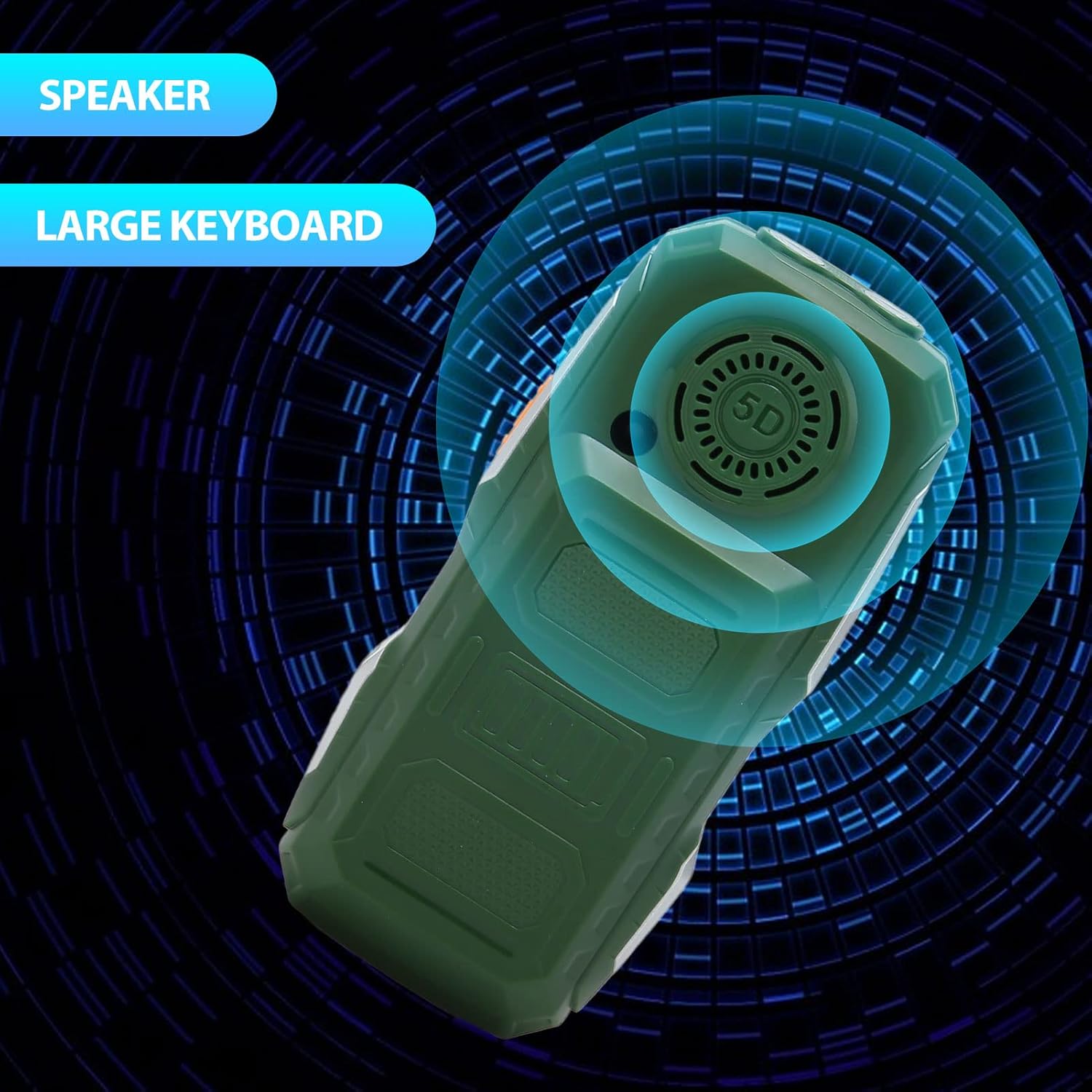
Figure 4: Speaker and Large Keyboard Design

Figure 5: 2400mAh Battery Capacity

Figure 6: Durable Construction
3. Package Contents
Verify that all items are present in the package:
- 1 x Big Button Senior Cell Phone
- 1 x Charger (US Plug)
- 1 x Specification Manual

Figure 7: Phone and Included Charger
4. Setup Guide
4.1. Charging the Battery
Before initial use, fully charge the phone's battery. Connect the provided charger to the phone's charging port and plug it into a standard US power outlet. The phone is ready for use after charging.
4.2. Installing SIM Cards and Memory Card
The phone supports two SIM card slots and one memory card slot. Locate the card slots, typically under the battery cover. Insert your 2G GSM SIM cards and an optional memory card (up to 16GB, not included) into their respective slots. Ensure correct orientation as indicated on the phone or in the specification manual.
5. Operating Instructions
5.1. Making and Receiving Calls
To make a call, dial the number using the large keypad and press the green call button. To answer an incoming call, press the green call button. To end a call, press the red end call button.

Figure 8: Call and Announcement Features
5.2. Using the SOS Emergency Function
The SOS button is located on the phone for quick access during emergencies. Press and hold the SOS button to activate the emergency function. The phone will send an emergency signal and automatically dial pre-set emergency contact numbers sequentially until a connection is made. You can configure up to 9 emergency contacts and 9 home numbers in the phone settings.

Figure 9: SOS Button and Contact Settings
5.3. Accessing Other Features
Navigate through the phone's menu to access various functions such as:
- Audio and Video Player
- FM Radio
- Bluetooth Connectivity
- Camera (0.3MP)
- E-book Reader
- Flashlight
- Video Recorder and Voice Recorder
- Calendar, Alarm Clock, Calculator
- Basic Web Browser for social software
Refer to the on-screen menu for detailed navigation and usage of each feature.
6. Product Specifications
| Feature | Detail |
|---|---|
| Model Number | For W2019 / Vikyegg309rmuda-12 |
| Main Screen Size | 2.4 Inch Color Screen |
| Material | Zinc Alloy, PC |
| Product Dimensions | Approx. 130x60x28mm / 5.1x2.4x1.1in |
| Weight | Approx. 253g / 8.9oz |
| Battery Capacity | 2400mAh Lithium Battery |
| SIM Card Slots | Two (Dual SIM) |
| Memory Card Slot | One (Supports up to 16GB, not included) |
| Frequency Band | 2G GSM 800, 850, 900, 1800, 1900MHz |
| Network Type | 2G GSM (Does not support 3G, 4G, etc.) |
| Camera | 0.3MP |
| Bluetooth | 4.0 |
| Supported Languages | English, Arabic, French, Portuguese, Russian, Spanish, Thai, Vietnamese, German |
7. Troubleshooting
This section addresses common issues you might encounter with your Big Button Senior Cell Phone.
7.1. No Network Signal
- Ensure your SIM card is correctly inserted.
- Verify that your mobile carrier supports 2G GSM networks in your area. This phone operates exclusively on 2G GSM (850, 900, 1800, 1900MHz) and is not compatible with 3G, 4G, or 5G networks.
- Move to an area with better network coverage.
7.2. Phone Not Turning On
- Ensure the battery is charged. Connect the charger and wait a few minutes before attempting to power on.
- Check if the battery is properly seated in its compartment.
7.3. SOS Function Not Working
- Verify that emergency contact numbers are correctly saved in the phone's settings.
- Ensure there is sufficient network signal for calls to be placed.
8. Warranty and Support
Information regarding product warranty is typically provided at the point of purchase or within separate documentation included with the product. For technical support or service inquiries, please refer to the contact information provided by your retailer or the manufacturer, Vikye.
For returns or replacements, please consult the return policy of your seller. The typical return policy allows for refunds or replacements within 30 days of purchase.