
1. Introduction
This manual provides comprehensive instructions for the assembly, operation, and maintenance of your JUMMICO Height-Adjustable Desk. This electric ergonomic standing desk is designed to allow seamless transitions between sitting and standing positions, promoting a healthier work environment.
The desk features a 120 x 60 cm tabletop, integrated USB socket, cable tray, and wheels for mobility. Its robust construction supports a load capacity of up to 70 kg.
2. Safety Information
- Always ensure the desk is properly assembled and stable before use.
- Do not exceed the maximum weight limit of 70 kg (154 lbs) to prevent accidents or damage.
- Keep the desk away from direct heat sources and liquids to maintain its longevity and ensure safe operation.
- Ensure there are no obstructions in the desk's path during height adjustment to prevent damage or injury. The desk is equipped with an anti-collision feature.
- Keep children and pets away from the desk during operation.
3. Package Contents
Please verify that all components are present before beginning assembly. A detailed installation guide is included in the product packaging.
- Tabletop (multi-section)
- Desk Frame (legs and crossbars)
- Control Panel with LED display
- Power Adapter and Cable
- Cable Tray
- Wheels (4 units)
- Headphone Hooks (2 units)
- Assembly Hardware (screws, tools)
4. Setup and Assembly
The JUMMICO desk is designed for straightforward assembly, typically completed within 30 minutes. All necessary tools and detailed instructions are provided in the package. The tabletop sections feature pre-drilled holes for easy alignment.

Figure 4.1: Exploded diagram showing the main components of the JUMMICO desk, highlighting that assembly is designed to be completed in approximately 30 minutes with pre-drilled holes and included tools.
Assembly Steps:
- Unpack all components and verify against the package contents list.
- Assemble the desk frame according to the detailed instructions provided.
- Attach the tabletop sections to the assembled frame, ensuring all screws are securely fastened.
- Install the control panel in the designated slot on the tabletop.
- Attach the cable tray, wheels, and headphone hooks as desired.
- Connect the power adapter to the control panel and a suitable power outlet.
5. Operating Instructions
The JUMMICO desk offers intuitive controls for height adjustment and additional features.
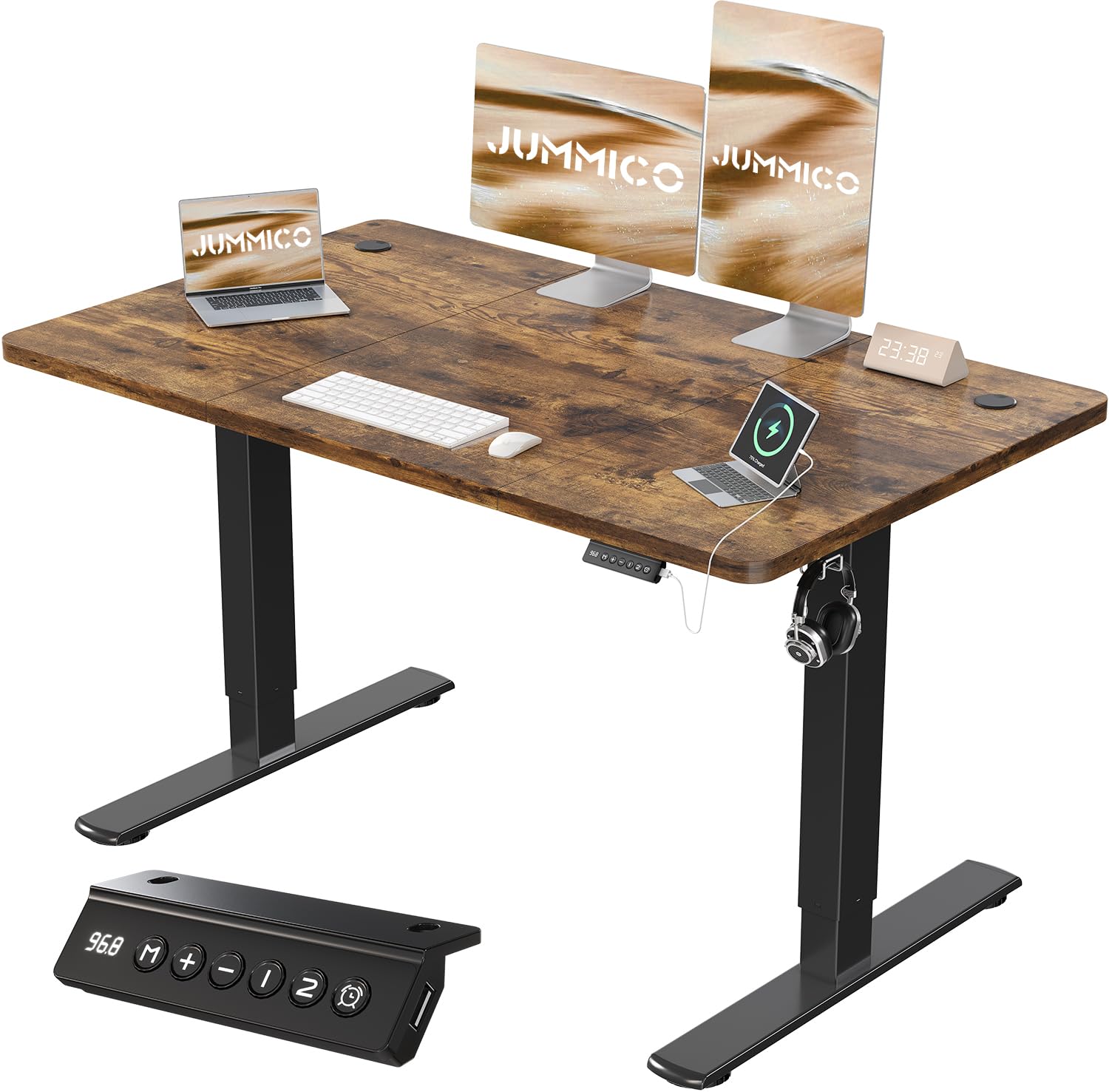
Figure 5.1: This image illustrates the JUMMICO height-adjustable desk in both sitting (minimum 73cm) and standing (maximum 118cm) positions, demonstrating its adaptability for various user heights and work preferences.
Control Panel Functions:

Figure 5.2: This image focuses on the intelligent control panel, featuring an LED screen, buttons for height adjustment, two memory preset buttons, a USB charging port, and an activity reminder function.
- LED Screen: Displays the current desk height in centimeters.
- Up/Down Buttons: Press and hold to adjust the desk height continuously between 72 cm and 116 cm.
- Memory Presets (1, 2): Press 'M' then a number (1 or 2) to save the current height. To recall a saved height, simply press the corresponding number button.
- USB Charging Port: Located on the control panel, allows direct charging of various devices.
- Activity Reminder: Set reminder alarms for 0.5, 1, or 2 hours to prompt you to switch between sitting and standing positions.
Anti-Collision Protection:
The desk is equipped with an intelligent anti-collision system. If the desk encounters an obstruction during height adjustment, it will automatically stop and slightly reverse its movement to prevent damage or injury.

Figure 5.3: A visual representation demonstrating the ultra-quiet operation of the JUMMICO desk's motor, producing less than 55dB, significantly quieter than typical motors and normal conversation levels. The image also references intelligent rebound in case of obstruction.
6. Features and Design Elements
Robust Construction:
The JUMMICO electric desk is supported by a sturdy T-shaped metal frame, constructed from industrial steel, combined with a durable laminate tabletop. This design ensures a load capacity of 70 kg. The stability of the frame and the durability of the motor have been tested over 20,000 cycles.

Figure 6.1: This image details key design elements such as the robust reinforced steel frame, integrated cable management grommets for an organized workspace, and convenient hooks for headphones or bags.
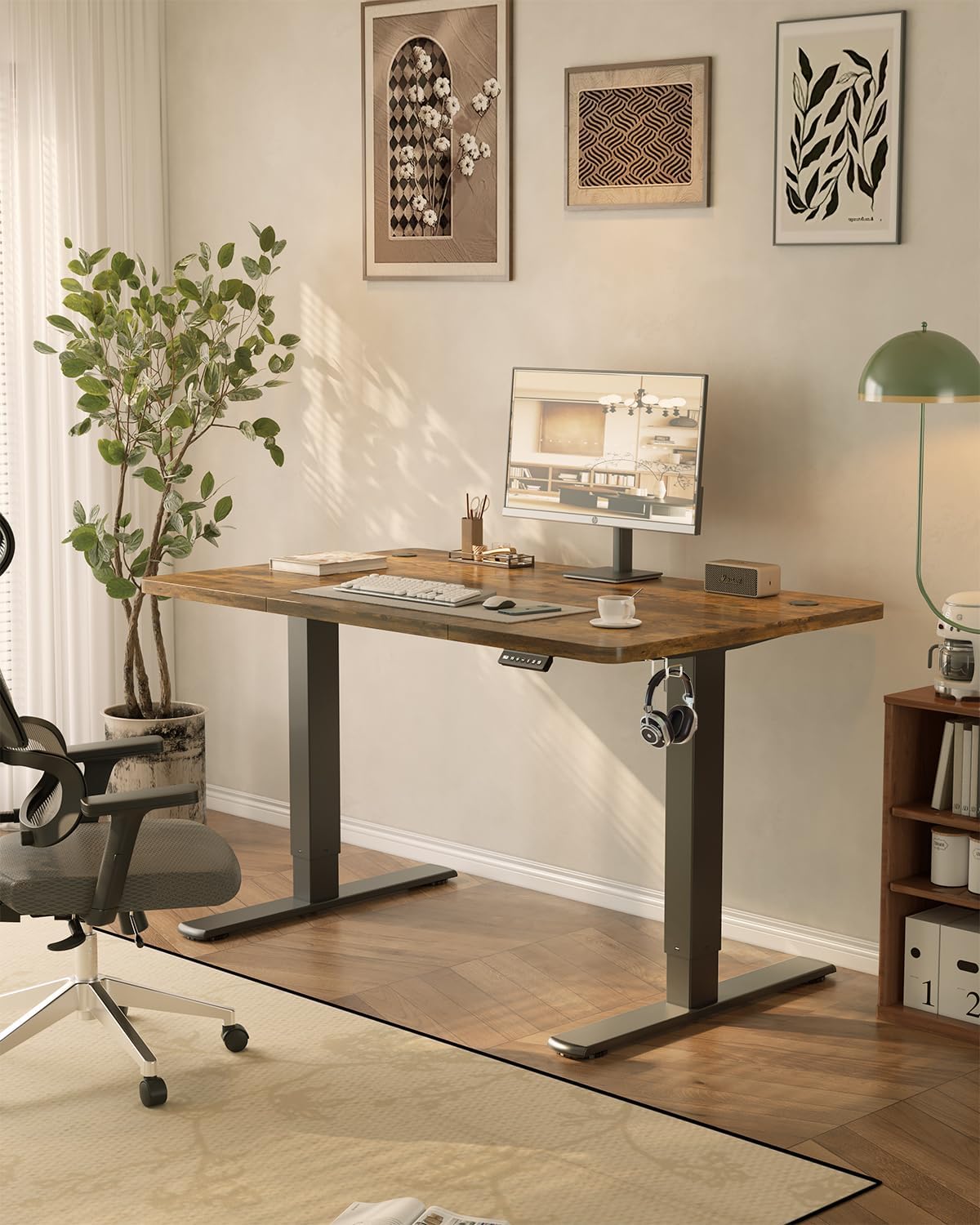
Figure 6.2: A visual test showing the JUMMICO desk's exceptional stability, even at its maximum height, by demonstrating that dominoes placed on the surface remain standing during height adjustments, unlike other desks.
Thoughtful Design:
- Cable Tray: An integrated cable tray helps manage and conceal cables, maintaining a tidy workspace.
- Wheels: Four included wheels allow for easy repositioning of the desk.
- Headphone Hooks: Two hooks are provided for convenient storage of headphones or bags.
7. Maintenance and Care
- Regularly inspect all screws and connections to ensure they remain tight.
- Clean the desk surface with a soft, damp cloth. Avoid abrasive cleaners or harsh chemicals.
- Keep the motor and electrical components free from dust and moisture.
- Do not place hot items directly on the tabletop without protection.
- Ensure the power cable is not pinched or damaged.
8. Troubleshooting
If you encounter any issues with your JUMMICO desk, please refer to the following common solutions:
- Desk Not Moving: Check if the power cable is securely connected to both the desk and the power outlet. Ensure the outlet is functional.
- Uneven Movement: Ensure the desk is placed on a level surface. Check for any obstructions beneath the desk.
- Error Code on Display: Refer to the detailed installation guide for specific error code meanings and troubleshooting steps. Often, unplugging the desk for 30 seconds and plugging it back in can reset the system.
- Anti-Collision Triggered Frequently: Ensure there are no items or walls too close to the desk's moving parts.
If problems persist, please contact customer support.
9. Specifications

Figure 9.1: This diagram provides precise measurements of the JUMMICO desk, including the 120cm x 60cm tabletop, height range from 73cm to 118cm, and base dimensions, crucial for planning your workspace.
| Feature | Detail |
|---|---|
| Brand | JUMMICO |
| Model Number | 0403 |
| Desk Design | Computer Desk |
| Product Dimensions (D x W x H) | 23.62"D x 47.24"W x 28.35"H (60cm x 120cm x 72-116cm) |
| Color | Vintage Brown |
| Style | Modern |
| Base Material | Alloy Steel |
| Top Material Type | Wood (Laminate Finish) |
| Special Feature | Adjustable Height, USB Port, Cable Tray, Wheels, Anti-Collision |
| Recommended Uses | Office, Writing, Gaming |
| Item Weight | 18.2 Kilograms (40.12 lbs) |
| Tabletop Thickness | 1.5 Centimeters |
| Minimum Height | 72 Centimeters (28.35 inches) |
| Maximum Height | 116 Centimeters (45.67 inches) |
| Maximum Weight Recommendation | 70 Kilograms (154 lbs) |
| Required Assembly | Yes |
| UPC | 788418915818 |
10. Warranty Information
JUMMICO offers a 3-year warranty on the motor and a 5-year warranty on the table frame, effective from the date of purchase. This warranty covers manufacturing defects and ensures the quality and durability of your product.
11. Customer Support
For any installation problems, repair inquiries, or spare parts requests, please contact JUMMICO customer service. Our support team is committed to responding within 24 hours, including weekends.
Please refer to your purchase documentation for specific contact details or visit the official JUMMICO website.


