
Dripex FEL-V2-18
Dripex L Shaped Standing Desk User Manual
Model: FEL-V2-18 | Brand: Dripex
Introduction
This manual provides comprehensive instructions for the assembly, operation, maintenance, and troubleshooting of your new Dripex L Shaped Standing Desk. Designed for a healthy and productive work environment, this desk features a robust 4-leg dual-motor system for smooth height adjustments and exceptional stability. Please read this manual thoroughly before beginning assembly or operation to ensure safe and efficient use.

The Dripex L Shaped Standing Desk, a stylish and functional addition to any home office.

The spacious L-shaped design accommodates various setups, including gaming stations.
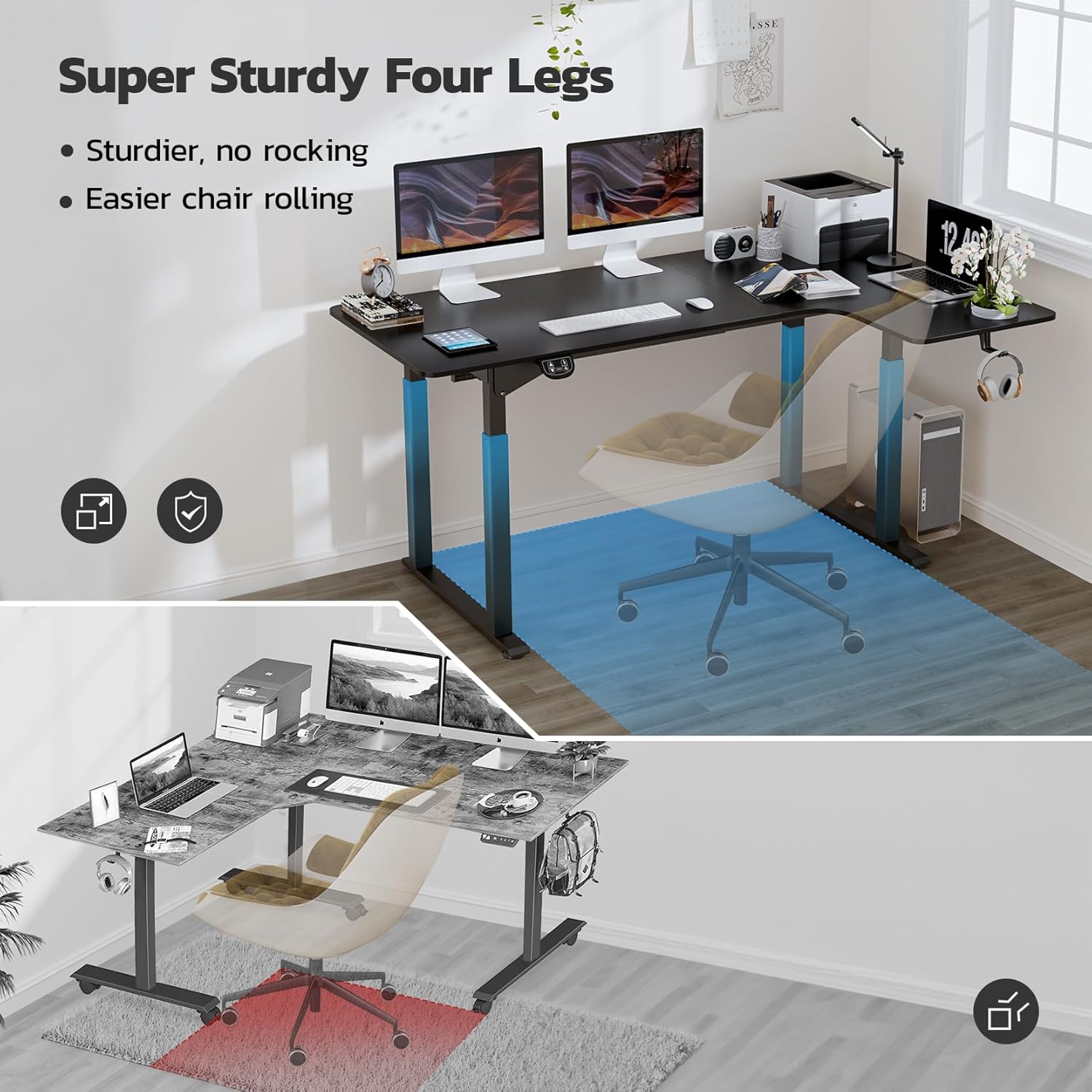
The innovative 4-leg design provides exceptional stability and ample legroom.
Setup and Assembly
Your Dripex L Shaped Standing Desk is designed for straightforward assembly, with many parts pre-assembled to simplify the process. For the 71-inch model, please note that components may arrive in two separate boxes. It is recommended to have two people for assembly to ensure ease and safety.
Assembly Video Guide
Official assembly guide for the Dripex L Shaped Standing Desk. This video provides a visual walkthrough of each step, from unboxing to final setup.
Step-by-Step Assembly Instructions
- Unpack Components: Carefully unpack all parts and lay them out on a clean, flat surface. Verify all components are present against the packing list.
- Assemble Crossbars: Attach the two main crossbars to the leg frames using the provided screws and Allen wrench. Ensure they are securely fastened.
- Install Motors and Control Box: Secure the dual motors and control box to the designated points on the desk frame. Connect all necessary cables as per the diagram.
- Attach Side Brackets: Fasten the side brackets to the leg frames, providing additional stability.
- Connect Tabletop Sections: If your desk comes in two tabletop sections, align them carefully and secure them together using the metal plates and screws.
- Mount Tabletop to Frame: Carefully place the assembled tabletop onto the desk frame. Align the pre-drilled holes and secure the tabletop to the frame using the provided screws.
- Install Leveling Feet: Screw the adjustable leveling feet into the bottom of each leg. These can be adjusted to ensure the desk is stable on uneven surfaces.
- Cable Management: Use the included cable ties or clips to neatly organize and secure all power and control cables to prevent tangling and ensure safety.
- Initial Power-Up: Plug the desk into a power outlet. The control panel should light up. Perform an initial reset if instructed in the control panel section.
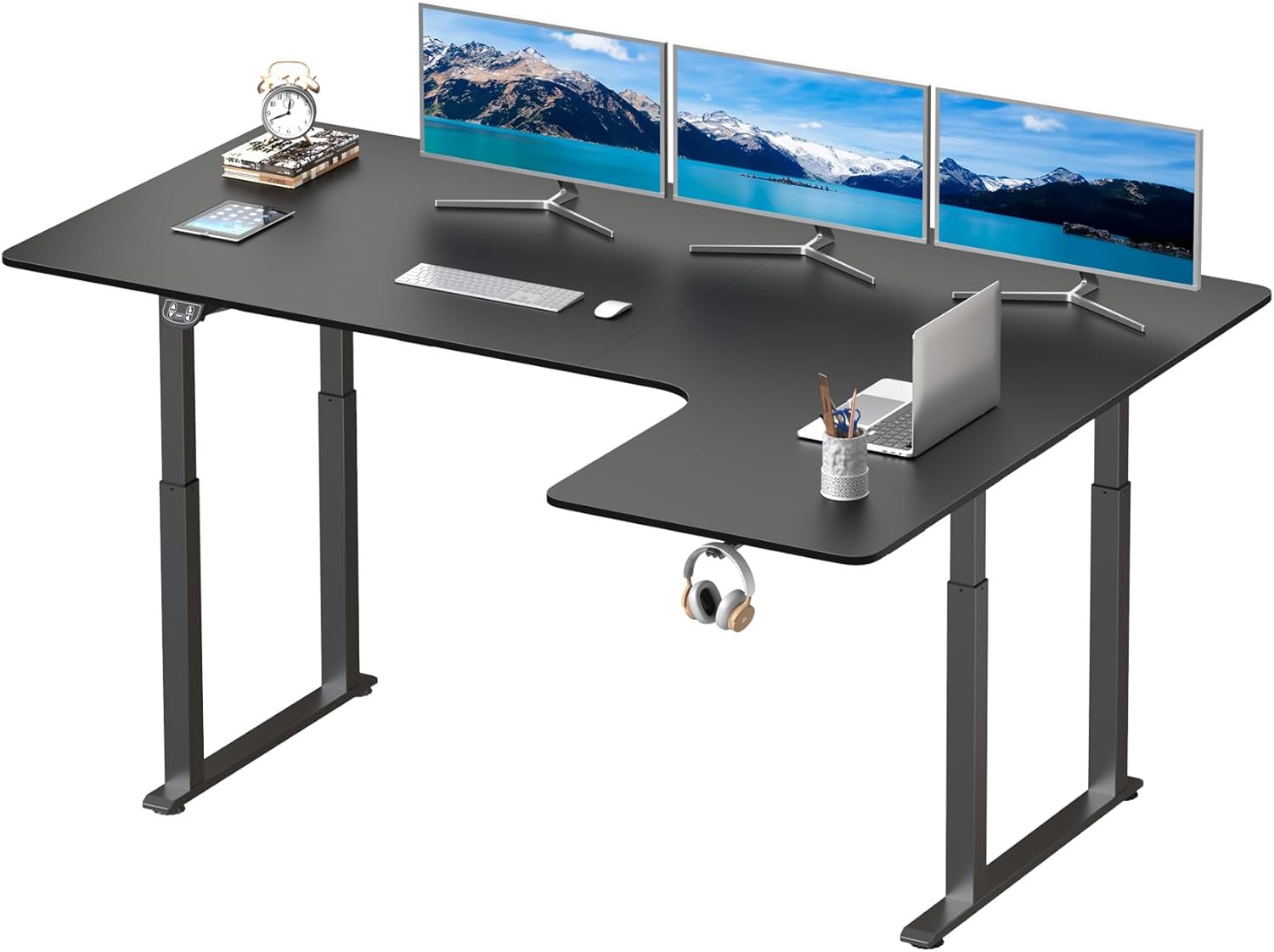
Ensure all parts are present before beginning assembly.

Refer to the desk parameters for proper orientation during assembly.
Operating Instructions
The Dripex L Shaped Standing Desk features an intuitive control panel for easy height adjustment and memory settings.
Control Panel Overview

The control panel allows for precise height adjustments and saving preferred positions.
- Up/Down Arrows: Press and hold to continuously raise or lower the desk. Release to stop at the desired height.
- Height Range: The desk can be adjusted from 28 inches (seated height) to 46 inches (standing height).
- Memory Presets: The control panel features two preset memory buttons.
- To save a height: Adjust the desk to your desired height, then press and hold one of the memory buttons (e.g., "1" or "2") until the display flashes or beeps, indicating the height is saved.
- To recall a height: Simply press the corresponding memory button once, and the desk will automatically move to the saved position.
- Anti-Collision Technology: The desk is equipped with an anti-collision system. If the desk encounters an obstacle during adjustment, it will automatically stop and reverse slightly to prevent damage.
- Reset Function: If the desk is not functioning correctly or needs to be recalibrated, press and hold the "RESET" button until the desk moves to its lowest position and then slightly up, indicating a successful reset.
- Quiet Operation: The dual motor system is designed for quiet and smooth operation.
- Integrated Headphone Hook: A convenient hook is integrated under the desk for storing headphones or other accessories.
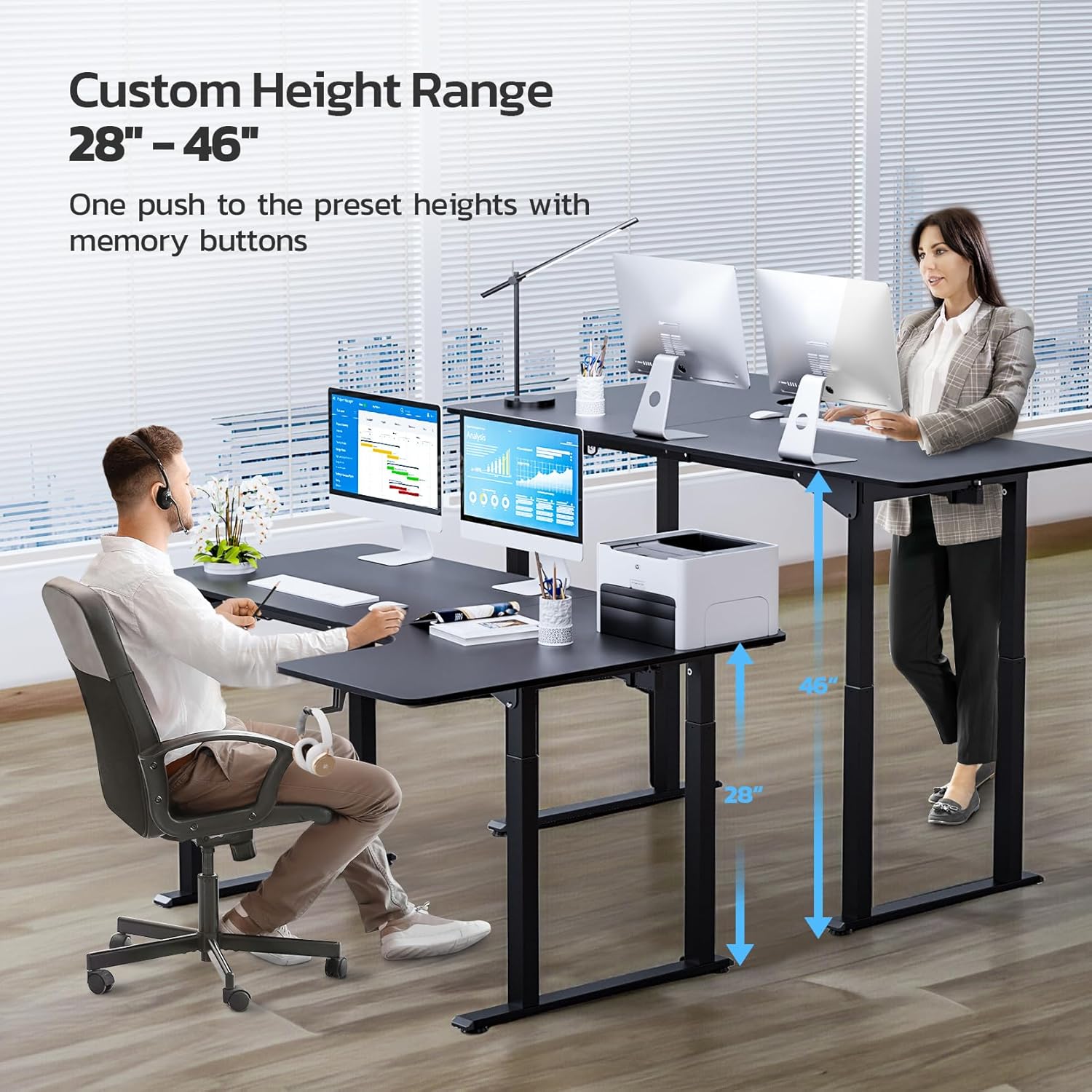
Easily switch between sitting and standing positions with the adjustable height feature.

Enjoy a quiet working environment with the desk's low-noise motor.

Keep your headphones within reach with the built-in hook.
Maintenance
Regular maintenance ensures the longevity and optimal performance of your Dripex L Shaped Standing Desk.
- Cleaning: Wipe the desk surface and frame with a soft, damp cloth. Avoid abrasive cleaners or harsh chemicals that could damage the finish.
- Cable Management: Periodically check all cables to ensure they are securely connected and not pinched or tangled. Re-secure with cable ties if necessary.
- Weight Limit: Do not exceed the maximum recommended weight limit of 176 pounds (80 kg) to prevent damage or injury. Distribute weight evenly across the desk surface.
- Stability Check: Occasionally check all screws and bolts to ensure they are tight. Retighten if any looseness is detected.
Troubleshooting
If you encounter any issues with your Dripex L Shaped Standing Desk, refer to the following common problems and solutions:
| Problem | Possible Cause | Solution |
|---|---|---|
| Desk does not move or respond to controls. | Power cable disconnected, control box issue, or system error. | Check all power connections. Perform a system reset by holding the "RESET" button until the desk cycles to its lowest point and back up. |
| Desk moves unevenly or makes unusual noises. | Loose connections, uneven weight distribution, or obstruction. | Ensure all screws are tightened. Redistribute weight evenly. Check for any obstructions under or around the desk. Perform a reset. |
| Anti-collision feature triggers too often. | Sensitivity setting or actual obstruction. | Ensure there are no actual obstructions. Refer to the control panel manual (if provided separately) for adjusting anti-collision sensitivity, if applicable. |
| Desk stops mid-movement. | Overload protection or prolonged operation. | Reduce the weight on the desk. Allow the motor to cool down for 20-30 minutes if it has been operated continuously for an extended period. |
Specifications
| Feature | Detail |
|---|---|
| Brand | Dripex |
| Model Number | FEL-V2-18 |
| Product Dimensions | 43"D x 71"W x 46"H |
| Color | Black |
| Style | Higher End, Modern |
| Base Material | Alloy Steel |
| Top Material Type | Alloy Steel |
| Finish Type | Polished |
| Special Features | 4-leg Stability, Adjustable Height, Electric, Ergonomic, Dual Motor |
| Height Adjustment Range | 28 inches to 46 inches |
| Maximum Weight Recommendation | 176 Pounds (80 kg) |
| Required Assembly | Yes |
| Recommended Number of People for Assembly | 2 |
| Included Components | Cup Holder |
Warranty and Support
The Dripex L Shaped Standing Desk comes with a Limited Warranty. For specific terms and conditions of your warranty, please refer to the documentation included with your purchase or visit the official Dripex website.
For technical support, replacement parts, or any inquiries regarding your product, please contact Dripex customer service through their official channels. Provide your model number (FEL-V2-18) and purchase details for faster assistance.
You can visit the official Dripex Store for more information: Dripex Store
Ask a question about this manual
Ask about setup, troubleshooting, compatibility, parts, safety, or missing instructions. Manuals+ will review the question and use this page’s manual context to help answer it.