
Introduction
Thank you for choosing the SURFOU Wireless Doorbell Model N9. This system is designed to provide a reliable and convenient way to be alerted to visitors at your door. Featuring an IP55 waterproof transmitter, a long wireless range of up to 300 meters, 55 selectable chimes, and 5 adjustable volume levels, this doorbell ensures you never miss a visitor. This manual will guide you through the installation, operation, and maintenance of your new doorbell system.
Package Contents
Please check the package to ensure all items are present:
- 1 x Plug-in Receiver
- 1 x Battery-operated Transmitter
- 1 x 12V23A Battery (for transmitter)
- 1 x Screwdriver
- 2 Sets of Screws
- 2 x Double-sided Adhesive Tapes
- 1 x User Manual

Image: Contents of the SURFOU Wireless Doorbell package, including the receiver, transmitter, battery, screwdriver, screws, adhesive tapes, and user manual. The image also displays the dimensions of the receiver (7.2cm x 7.2cm) and transmitter (7.8cm x 3.8cm).
Product Overview
The SURFOU Wireless Doorbell system consists of two main components: the transmitter (push button) and the receiver (chime unit).
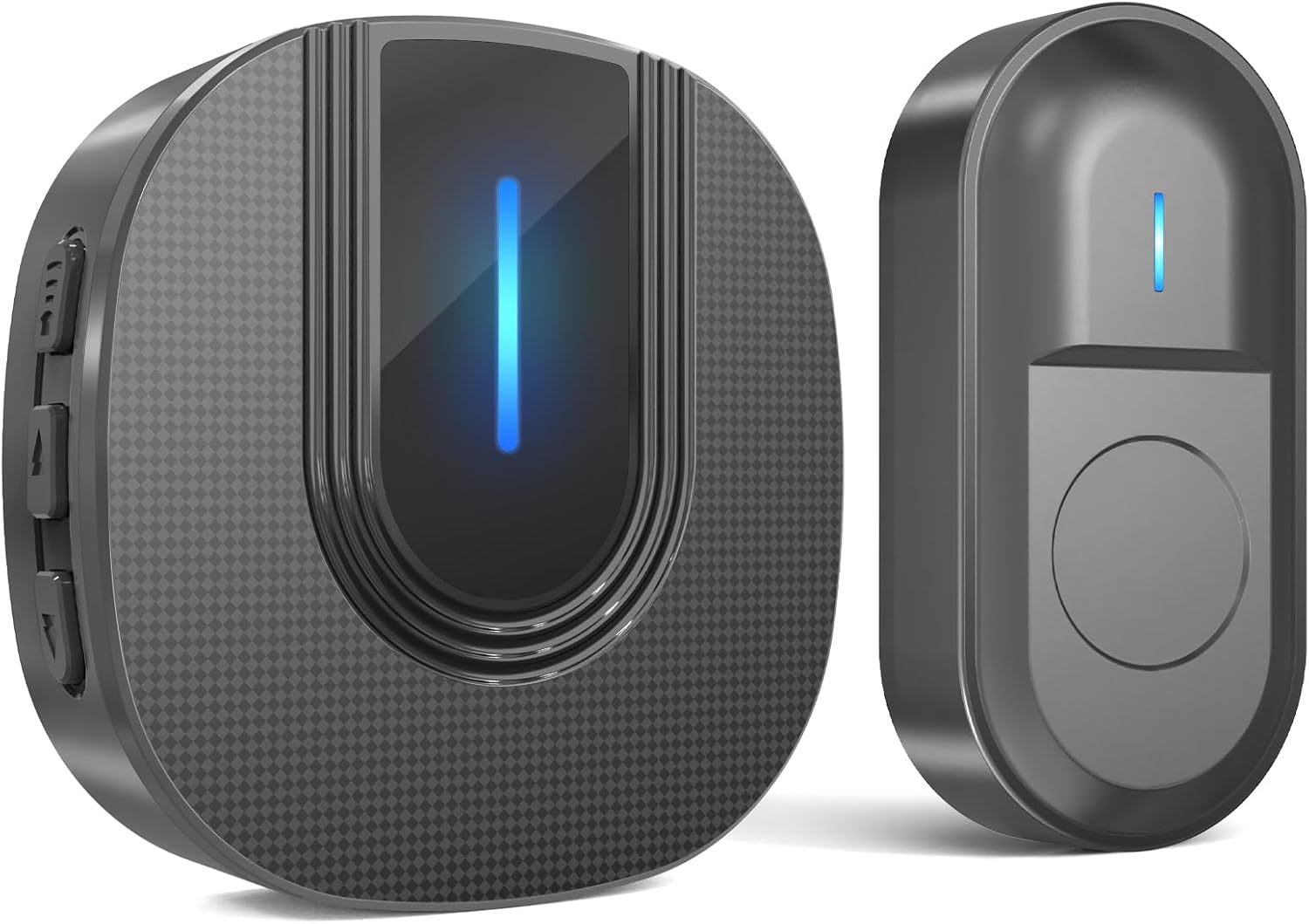
Image: A close-up view of the SURFOU Wireless Doorbell Model N9, showing both the plug-in receiver and the battery-operated transmitter. Both units are black with a textured finish and feature a blue LED indicator light.
Transmitter (Push Button)
- Push Button: Activates the doorbell chime.
- LED Indicator: Flashes when the button is pressed.
- Battery Compartment: Houses the 12V23A battery.
- Waterproof Design: IP55 rated for outdoor use.
Receiver (Chime Unit)
- Plug-in Design: Plugs directly into a standard wall outlet.
- Speaker: Emits the selected chime sound.
- LED Indicator: Flashes when the doorbell is pressed.
- Volume Button: Adjusts the volume level.
- Chime Selection Button: Cycles through the available melodies.
Setup
1. Install the Transmitter
- Choose a Location: Select a suitable location near your door for the transmitter. Ensure it is easily accessible to visitors.
- Open the Transmitter: Carefully open the transmitter casing to access the battery compartment.
- Insert Battery: Insert the provided 12V23A battery, ensuring correct polarity.
- Mounting Options:
- Adhesive Tape: Peel off one side of the double-sided adhesive tape and stick it to the back of the transmitter. Peel off the other side and firmly press the transmitter onto the desired surface.
- Screws: Use the provided screws and screwdriver to securely attach the transmitter to the wall or door frame.
- Close the Transmitter: Reassemble the transmitter casing.

Image: The SURFOU Wireless Doorbell transmitter is shown mounted on the exterior of a house, while the receiver is depicted indoors, illustrating the 300-meter wireless range capability across different rooms and floors.
2. Install the Receiver
- Plug In: Plug the receiver into a standard electrical outlet in a central location within your home, or wherever you wish to hear the chime.
- Power On: The receiver will power on automatically.
The transmitter and receiver are pre-paired at the factory. If they do not connect, please refer to the "Troubleshooting" section for re-pairing instructions.
Operating Instructions
Adjusting Volume
Press the Volume Button on the side of the receiver to cycle through 5 different volume levels, from silent (0dB) to maximum (110dB). This allows customization for various environments and hearing needs.
Changing Chimes
Press the Chime Selection Button on the side of the receiver to cycle through the 55 available melodies. Stop pressing when you hear your preferred chime. The doorbell will remember your last selected chime even after a power outage.
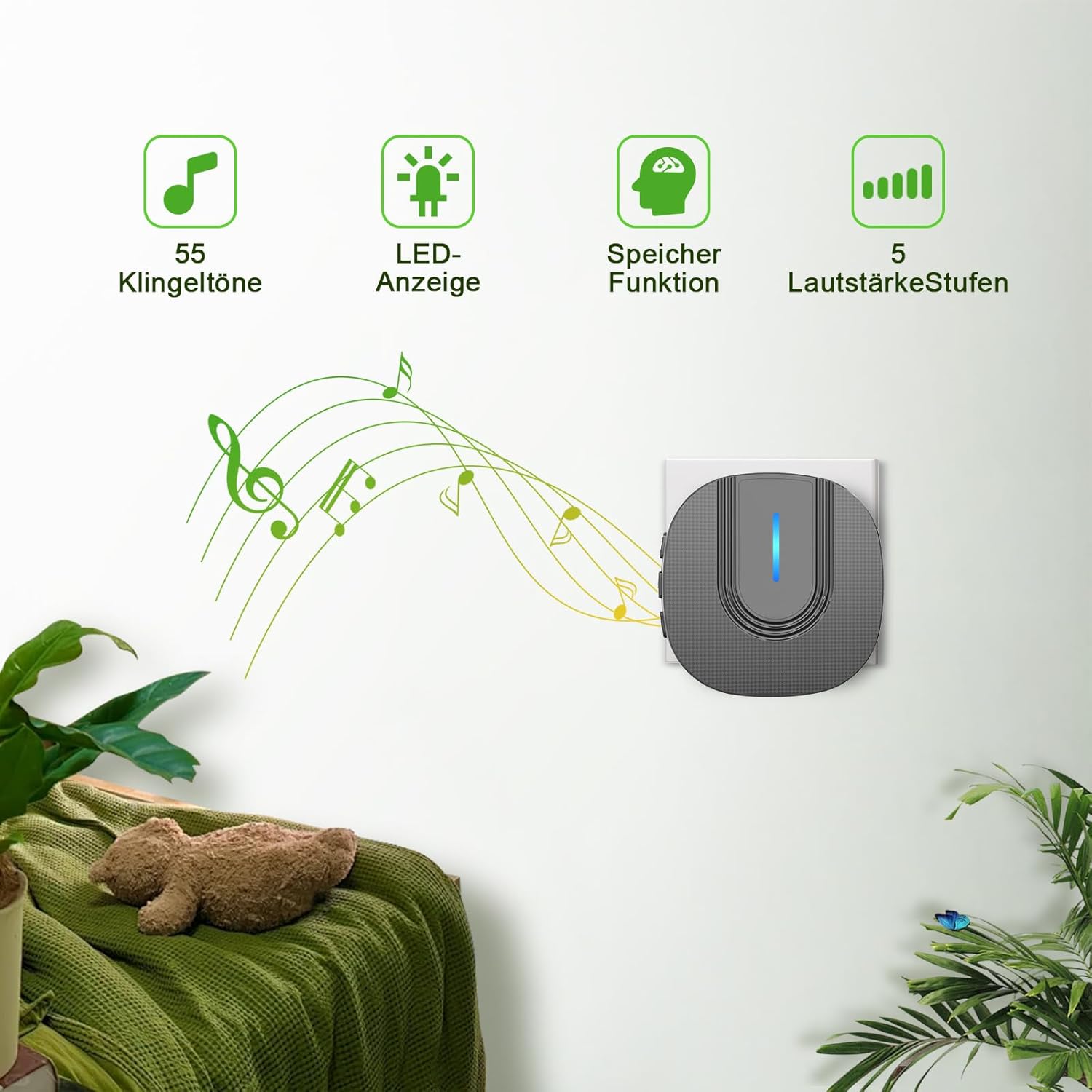
Image: The SURFOU Wireless Doorbell receiver plugged into a wall outlet, with icons indicating 55 chimes, an LED display, a memory function for settings, and 5 adjustable volume levels. Musical notes emanate from the receiver, suggesting sound output.
Mute Mode (LED Only)
To activate mute mode, cycle through the volume levels until the sound is off (0dB). In this mode, the receiver's LED indicator will still flash when the doorbell is pressed, providing a visual alert without sound. This feature is particularly useful for quiet times or for individuals with hearing impairments.
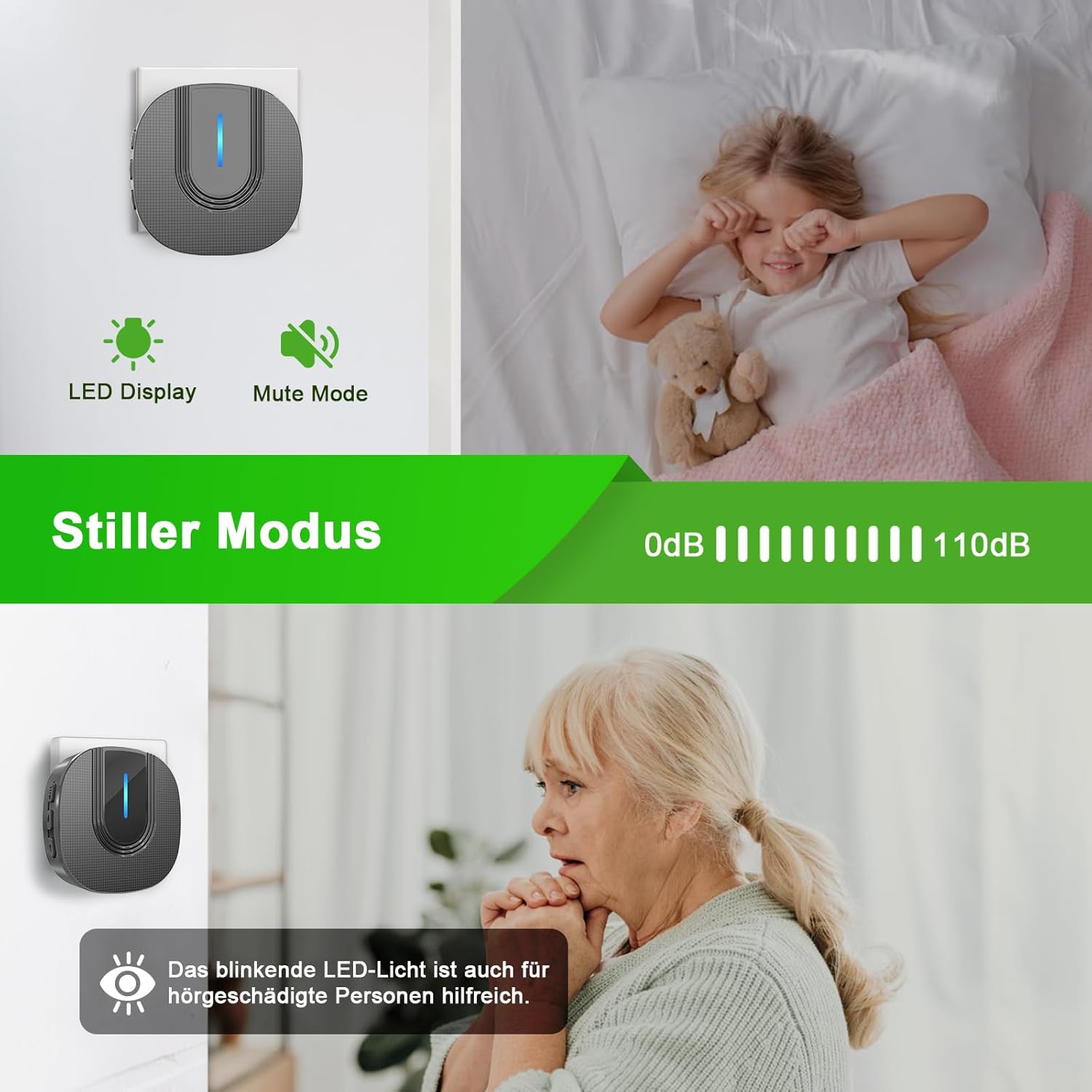
Image: The SURFOU Wireless Doorbell receiver is shown with its LED display active in mute mode. Below, an elderly person is depicted, highlighting how the blinking LED light can be helpful for individuals with hearing impairments.
Maintenance
Battery Replacement (Transmitter)
The transmitter is powered by a 12V23A battery, which typically lasts 1 to 3 years. When the transmitter's LED indicator no longer lights up or the range decreases significantly, it's time to replace the battery.
- Carefully open the transmitter casing using the provided screwdriver or a small flat-head screwdriver.
- Remove the old 12V23A battery.
- Insert a new 12V23A battery, ensuring the positive (+) and negative (-) terminals are correctly aligned.
- Close the transmitter casing securely.
Cleaning
Wipe the doorbell units with a soft, dry cloth. Do not use abrasive cleaners or solvents, as these may damage the surface.
Weather Resistance
The transmitter is IP55 dustproof and waterproof, designed to withstand various weather conditions. It operates reliably in temperatures ranging from -30°C to 70°C (-22°F to 158°F).

Image: The SURFOU Wireless Doorbell transmitter is depicted outdoors in both snowy and rainy weather, emphasizing its IP55 dustproof and waterproof rating. The image also displays its operational temperature range of -30°C to 70°C (-22°F to 158°F) and a battery life of 1-3 years.
Troubleshooting
| Problem | Possible Cause | Solution |
|---|---|---|
| Doorbell does not chime. |
|
|
| Short wireless range or intermittent signal. |
|
|
| Receiver LED flashes but no sound. | Receiver is in mute mode. | Press the volume button to increase the volume. |
Re-pairing Instructions
If your doorbell units lose connection or you wish to pair a new transmitter/receiver:
- Plug in the receiver.
- Press and hold the Chime Selection Button on the receiver for approximately 5 seconds until the LED indicator flashes rapidly. This indicates pairing mode.
- Immediately press the transmitter button once.
- The receiver will chime and its LED will flash slowly, indicating successful pairing.
- Test the doorbell to confirm functionality.
Specifications
- Model: N9
- Wireless Range: Up to 300 meters (open area)
- Chimes: 55 selectable melodies
- Volume Levels: 5 levels (0dB to 110dB)
- Transmitter Power: 1 x 12V23A Alkaline Battery
- Transmitter Battery Life: 1-3 years
- Receiver Power: AC 110-240V (Plug-in)
- Waterproof Rating (Transmitter): IP55
- Operating Temperature: -30°C to 70°C (-22°F to 158°F)
- Receiver Dimensions: 7.2 x 7.2 x 7.2 cm
- Transmitter Dimensions: 7.8 x 3.8 cm
- Material: Metal (as per product specifications, likely referring to internal components or finish)
- Color: Black
Warranty and Support
SURFOU is committed to providing reliable products and exceptional customer service. While specific warranty details are not provided in this manual, our customer support team is available 24/7 to assist you with any questions, concerns, or issues you may encounter with your SURFOU Wireless Doorbell Model N9.
Please refer to the contact information provided with your purchase or visit the official SURFOU website for support.


