
INIU BI-B64
INIU 140W 27000mAh Portable Charger User Manual
Model: BI-B64
Introduction
Thank you for choosing the INIU 140W 27000mAh Portable Charger. This high-capacity power bank is designed to provide fast and efficient charging for a wide range of devices, including laptops, smartphones, tablets, and more. With its advanced PD 3.1 technology and smart digital display, it offers a reliable power solution for your travel, work, and daily needs. Please read this manual carefully before use to ensure optimal performance and safety.
Safety Information
To ensure safe operation and prevent damage to the device or injury to yourself, please observe the following precautions:
- Do not expose the power bank to extreme temperatures, direct sunlight, or high humidity.
- Avoid dropping, hitting, or disassembling the device.
- Keep away from water and other liquids.
- Do not use if the device is damaged or swollen.
- Use only certified charging cables and adapters.
- Keep out of reach of children.
- Dispose of the product responsibly according to local regulations.
Package Contents
Please check the package for the following items:
- INIU 140W PD3.1 Power Bank (Model: BI-B64)
- USB-C to USB-C Cable
- Travel Pouch
- User Manual

Image: Contents of the INIU 140W Portable Charger package.
Product Overview
Familiarize yourself with the components of your INIU portable charger.

Image: Top-down view of the INIU 140W Portable Charger, highlighting the digital display and the three charging ports at the bottom: C1 (140W In/Out), C2 (45W Out), and A (18W Out).
Ports and Display:
- USB-C1 (IN/OUT): 140W Power Delivery 3.1 port for ultra-fast charging and recharging.
- USB-C2 (OUT): 45W Power Delivery port for fast charging.
- USB-A (OUT): 18W Quick Charge port for standard device charging.
- Smart LED Digital Display: Shows remaining battery percentage, input/output wattage, and estimated recharge time.

Image: Detailed view of the Smart LED Digital Display, illustrating both 'Pro Mode' (showing USB port, remaining battery, remaining recharge time, battery input, and fast-charging indicator) and 'EZ Mode' (showing only battery percentage).
Setup
Before first use, it is recommended to fully charge your INIU portable charger.
- Initial Charge: Connect the provided USB-C to USB-C cable to the USB-C1 port on the power bank and the other end to a compatible wall charger (80W or higher recommended for fastest recharge).
- The LED display will show the charging progress. The power bank is fully charged when the display shows 100%.

Image: Illustrates recharging the INIU power bank using a wall charger, showing the display indicating full charge.
Operating Instructions
The INIU portable charger can charge up to three devices simultaneously.
Charging Your Devices:
- Connect your device to one of the available output ports (USB-C1, USB-C2, or USB-A) using an appropriate charging cable.
- The power bank will automatically detect the connected device and begin charging. The LED display will show the output wattage and remaining battery.
- To switch between Pro Mode and EZ Mode on the display, briefly press the power button.

Image: The INIU power bank charging two laptops concurrently, showcasing its high power output capability.
Charging Capabilities:
- Single-Port Charging:
- USB-C1: Up to 140W (Input/Output)
- USB-C2: Up to 45W (Output)
- USB-A: Up to 18W (Output)
- Multi-Port Charging:
- USB-C1 + USB-C2: Up to 100W (C1) + 45W (C2)
- USB-C1 + USB-A: Up to 100W (C1) + 18W (A)
- USB-C1 + USB-C2 + USB-A: Up to 100W (C1) + 24W (C2+A combined)

Image: Diagram showing power output for single-port charging (C1: 140W, C2: 45W, A: 18W).

Image: Diagram showing power output for two-port charging (C1 + C2).

Image: Diagram showing power output for two-port charging (C1 + A).

Image: Diagram showing power output for three-port charging (C1 + C2 + A).
Airline Travel:
The 27,000mAh capacity is airline-approved for carry-on luggage. Always check with your specific airline's regulations before travel.
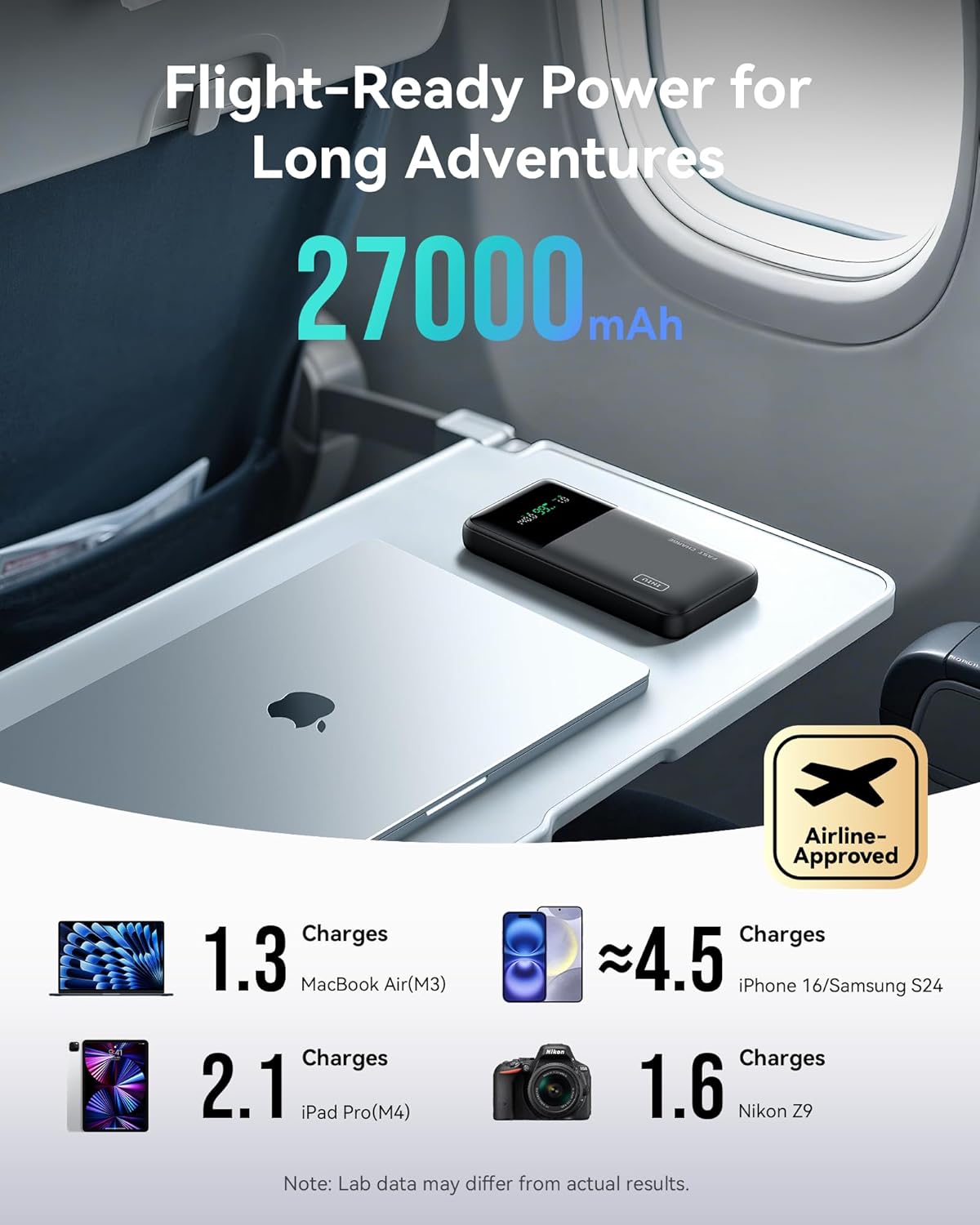
Image: The INIU power bank shown in an airplane setting, emphasizing its suitability for air travel due to its 27,000mAh capacity being airline-approved.
Maintenance
Proper care will extend the life of your power bank:
- Clean the device with a soft, dry cloth. Do not use harsh chemicals or abrasive materials.
- Store in a cool, dry place away from direct sunlight and extreme temperatures.
- If not used for extended periods, charge the power bank at least once every three months to maintain battery health.
- Use the included travel pouch to protect the power bank from scratches and minor impacts.
Troubleshooting
If you encounter issues with your INIU portable charger, refer to the following common problems and solutions:
| Problem | Possible Cause | Solution |
|---|---|---|
| Power bank not charging. | Cable or adapter issue; power bank fully discharged; faulty port. | Try a different cable and wall adapter. Ensure the wall adapter meets the power bank's input requirements. Allow a few minutes for the display to activate if fully discharged. |
| Device not charging from power bank. | Cable issue; device not compatible; power bank low on battery; faulty port. | Ensure the power bank has sufficient charge. Try a different charging cable. Try a different output port on the power bank. Confirm your device is compatible with USB charging. |
| Slow charging. | Cable not supporting fast charging; device not supporting fast charging; multiple devices connected. | Use a high-quality, fast-charging compatible cable. Ensure your device supports PD/QC fast charging. When multiple devices are connected, the total output power is shared, which may reduce individual port speeds. |
| LED display not working. | Device malfunction; extreme temperature. | Ensure the power bank is not exposed to extreme temperatures. If the issue persists, contact customer support. |
Specifications
| Feature | Detail |
|---|---|
| Model Number | BI-B64 |
| Battery Capacity | 27000mAh |
| Max Output Power | 140W (USB-C1) |
| Input Ports | USB Type C (C1) |
| Output Ports | USB Type C (C1, C2), USB Type A (A) |
| Product Dimensions | 21 x 10.8 x 3.8 cm |
| Weight | 700 g |
| Special Features | 140W Fast Charging, 27000mAh High Capacity, Smart Digital Display |
| Manufacturer | Shenzhen Topstar Industry Co., Ltd. |
| Country of Origin | China |
Warranty and Support
INIU provides comprehensive support for its products.
- Product Care: This product comes with a 3-year product care period.
- Lifetime Technical Support: INIU offers lifetime technical support for this product.
- For any quality issues or technical assistance, please contact INIU customer service. Refer to the contact information provided in the product packaging or on the official INIU website.

Image: INIU's commitment to product care and lifetime technical support.
Related documentsBI-B64


Ask a question about this manual
Ask about setup, troubleshooting, compatibility, parts, safety, or missing instructions. Manuals+ will review the question and use this page’s manual context to help answer it.