
soundcore Soundcore R50i
Anker Soundcore R50i True Wireless Earbuds User Manual
Model: Soundcore R50i
Product Overview
The Anker Soundcore R50i True Wireless in-Ear Earbuds offer a high-quality audio experience with advanced features designed for convenience and durability. These earbuds provide clear calls, high bass, and are IPX5 water-resistant, making them suitable for various activities. With extended playtime and customizable sound settings via the Soundcore Connect App, the R50i earbuds are engineered for immersive listening.

Image: Anker Soundcore R50i True Wireless Earbuds and their charging case, presented in black.
What's in the Box
Your Anker Soundcore R50i package includes the following components:
- TWS Bluetooth Ear Buds
- Ear Tips (3 Sizes: Small, Medium, Large)
- Wireless Charging Case
- Operating Manual

Image: The open charging case of the Soundcore R50i, showing the two earbuds securely placed within their charging slots.
Setup Guide
1. Charging Your Earbuds and Case
Before first use, fully charge both the earbuds and the charging case. The charging case provides additional power for on-the-go use, extending the total playtime significantly.
- Place the earbuds into the charging case.
- Connect the charging case to a power source using a USB cable.
- The LED indicators on the case will show the charging status.

Image: The Anker Soundcore R50i charging case with earbuds inserted, indicating the charging status via an illuminated LED.
The R50i earbuds offer an impressive 30 hours of total playtime with the charging case. A quick 10-minute charge can provide up to 2 hours of listening time.

Image: A visual representation of the fast charging feature, showing that a 10-minute charge yields 2 hours of battery life.
2. Pairing with Your Device
The Soundcore R50i earbuds utilize Bluetooth connectivity for seamless pairing.
- Open the charging case. The earbuds will automatically enter pairing mode.
- On your device (smartphone, tablet, etc.), enable Bluetooth.
- Search for "Soundcore R50i" in the list of available Bluetooth devices.
- Select "Soundcore R50i" to connect. Once connected, you will hear an audible confirmation.

Image: The Soundcore R50i earbuds and their charging case positioned beside a smartphone, which shows a successful Bluetooth connection notification.
Operating Instructions
Touch Controls
The Soundcore R50i earbuds feature intuitive touch controls for managing playback, calls, and voice assistants. The specific functions can often be customized via the Soundcore app.

Image: A detailed view of a single Soundcore R50i earbud, emphasizing the touch-sensitive surface for control inputs.
Sound Customization with Soundcore App
Enhance your listening experience by downloading the Soundcore Connect App. The app allows you to choose from 22 preset EQ settings, customize controls, and access features like Gaming Mode and White Noise.
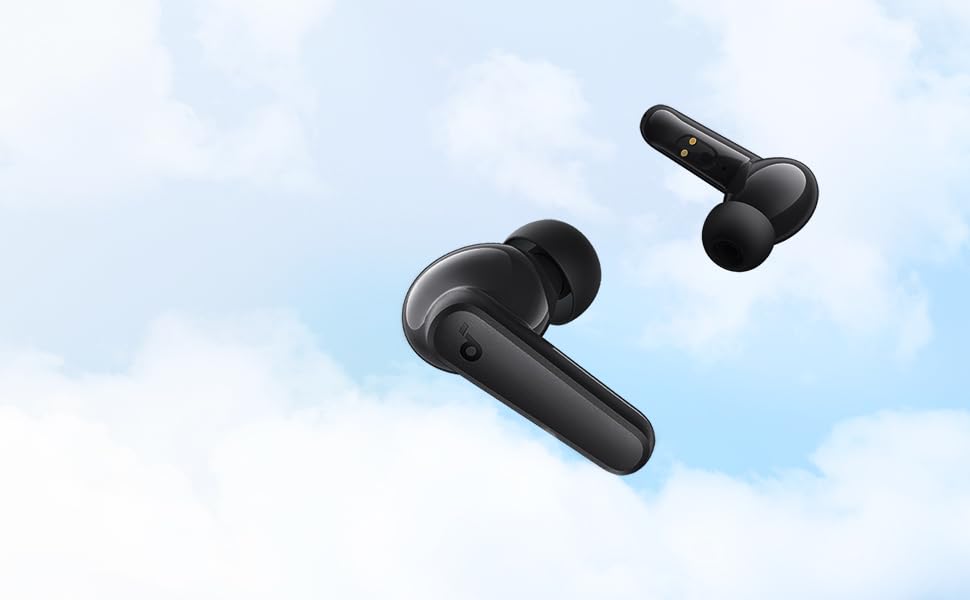
Image: A screenshot of the Soundcore application displaying a selection of equalizer presets, allowing users to tailor their audio experience.
Making Calls
The R50i earbuds are equipped with built-in microphones for clear call quality. Simply answer or end calls using the touch controls on the earbuds.

Image: A person wearing the Soundcore R50i earbuds, illustrating their comfortable and secure fit during use.
Maintenance
Cleaning
To ensure optimal performance and hygiene, regularly clean your earbuds and charging case. Use a soft, dry, lint-free cloth. Avoid using abrasive materials or harsh chemicals.
Water Resistance (IPX5)
The Soundcore R50i earbuds are IPX5 water-resistant, meaning they can withstand splashes of water and sweat. This makes them suitable for workouts and outdoor activities. However, they are not designed for submersion in water.

Image: The Soundcore R50i earbuds with water droplets on their surface, visually representing their IPX5 water resistance rating.
Troubleshooting
Common Issues and Solutions
- Earbuds not pairing: Ensure both earbuds are in the charging case, then open the lid to initiate pairing mode. Check your device's Bluetooth settings and try reconnecting. If issues persist, try resetting the earbuds (refer to the full operating manual for specific reset instructions).
- No sound from one earbud: Place both earbuds back into the charging case, close the lid, and then reopen it. Ensure both earbuds are charged.
- Poor sound quality: Check the ear tip size for a secure fit. Clean any debris from the earbud nozzles. Ensure your device's volume is appropriately set.
- Charging issues: Ensure the charging cable is securely connected to both the case and the power source. Clean the charging contacts on both the earbuds and the case.
For more detailed troubleshooting steps, please refer to the comprehensive guide available on the Soundcore support website.
Specifications
| Feature | Detail |
|---|---|
| Model Name | Soundcore R50i |
| Connectivity Technology | Wireless (Bluetooth) |
| Wireless Communication Technology | Bluetooth |
| Included Components | Ear Tips (3 Sizes), Operating Manual, TWS Bluetooth Ear Buds, Wireless Charging Case |
| Charging Time | 30 Hours (Total Playtime with Case) |
| Water Resistance Level | IPX5 Water Resistant |
| Control Type | Touch Control |
| Microphone Format | Built-In |
| Item Weight | 46.9 Grams |
| Product Dimensions | 1 x 3 x 5 cm |
| Audio Driver Type | Dynamic Driver |
| Earpiece Shape | Bud |
| Impedance | 10 Ohm |
Warranty and Support
The Anker Soundcore R50i earbuds typically come with an 18-month warranty, providing coverage against manufacturing defects. For warranty claims, technical support, or further assistance, please contact Soundcore customer service or visit their official support website.
You can find more information and support resources on the official Soundcore website: Soundcore Official Website