1. Product Overview
The Lamicall STRY01-JP-W is a waterproof phone case designed for use in wet environments such as bathrooms and showers. It features an IPX6 waterproof rating, a 360-degree rotatable design, and a secure mounting system, allowing you to safely use your smartphone for entertainment or communication without worrying about water damage. The case is compatible with most 4-7 inch smartphones.

Image 1.1: The Lamicall Waterproof Phone Case mounted on a shower wall, demonstrating its 360-degree rotation capability.
2. Safety Information
- Waterproof Integrity: Always ensure the case is properly sealed before exposing it to water. Check for any debris or damage to the seal.
- Submersion Warning: While the case is IPX6 rated for strong water jets, it is not designed for prolonged submersion. Do not intentionally submerge the case or use it underwater.
- Temperature Limits: Avoid exposing the case to extreme temperatures, such as very hot water, as this may compromise the waterproof seal or damage your device.
- Adhesive Mount: Ensure the mounting surface is clean, dry, and smooth before applying the adhesive. Allow sufficient time for the adhesive to cure as per instructions to ensure maximum hold.
- Device Compatibility: Only use smartphones within the recommended size range (4-7 inches) to ensure a proper fit and seal.
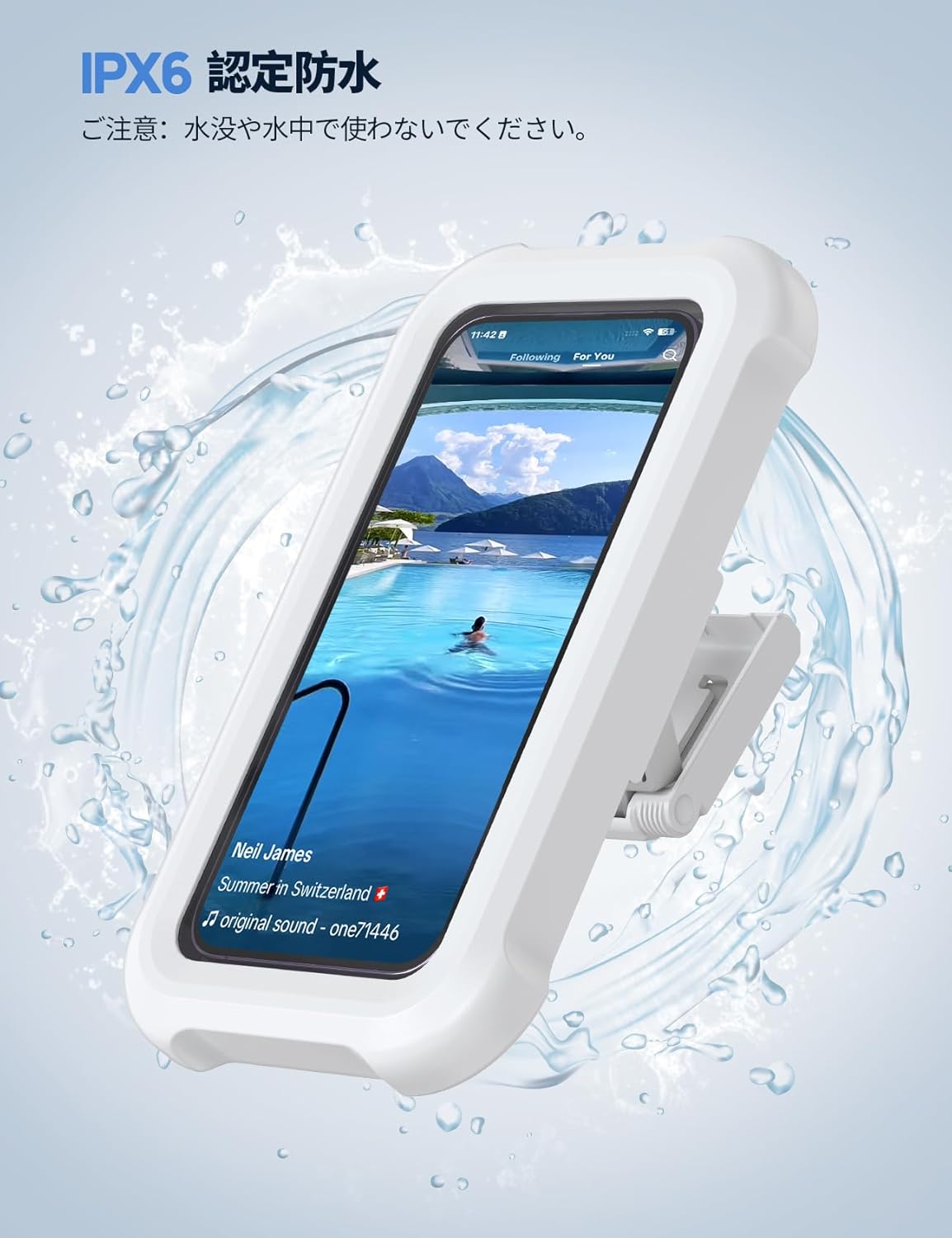
Image 2.1: The case demonstrating its IPX6 waterproof rating against splashing water. Note: Do not use underwater.
3. Package Contents
Please verify that all items are present in the package:
- Lamicall Waterproof Phone Case (x1)
- Adhesive Wall Mounts (x3)
- Instruction Manual (x1)
4. Setup & Installation
4.1 Wall Mounting Installation
- Step 1: Prepare the Surface. Before attaching, clean the wall surface thoroughly to remove any water stains or dirt. Ensure the surface is completely dry and smooth for optimal adhesion.
- Step 2: Attach the Mount. Peel off the protective film from the adhesive wall mount. Press the mount firmly onto the desired clean, dry, and smooth wall surface. Apply pressure for at least 30 seconds. For best results, wait 24 hours before attaching the phone case to allow the adhesive to fully cure.
- Step 3: Attach the Phone Case. Slide the phone case downwards onto the wall mount until it clicks securely into place.
- Step 4: Insert Smartphone. Open the case lid. Carefully place your 4-7 inch smartphone inside the case. Ensure the phone is centered and the waterproof silicone seal is clear of any obstructions.
- Step 5: Close and Secure. Close the case lid firmly until it latches securely. Ensure the seal is tight to maintain waterproof integrity.

Image 4.1: Visual guide for wall mount installation, showing steps from surface preparation to securing the phone case.
4.2 Smartphone Compatibility and Insertion
The Lamicall Waterproof Phone Case is designed to accommodate smartphones ranging from approximately 4 to 7 inches in screen size. When inserting your phone, ensure it fits snugly without excessive force and that the internal sponge pads hold it securely in place.
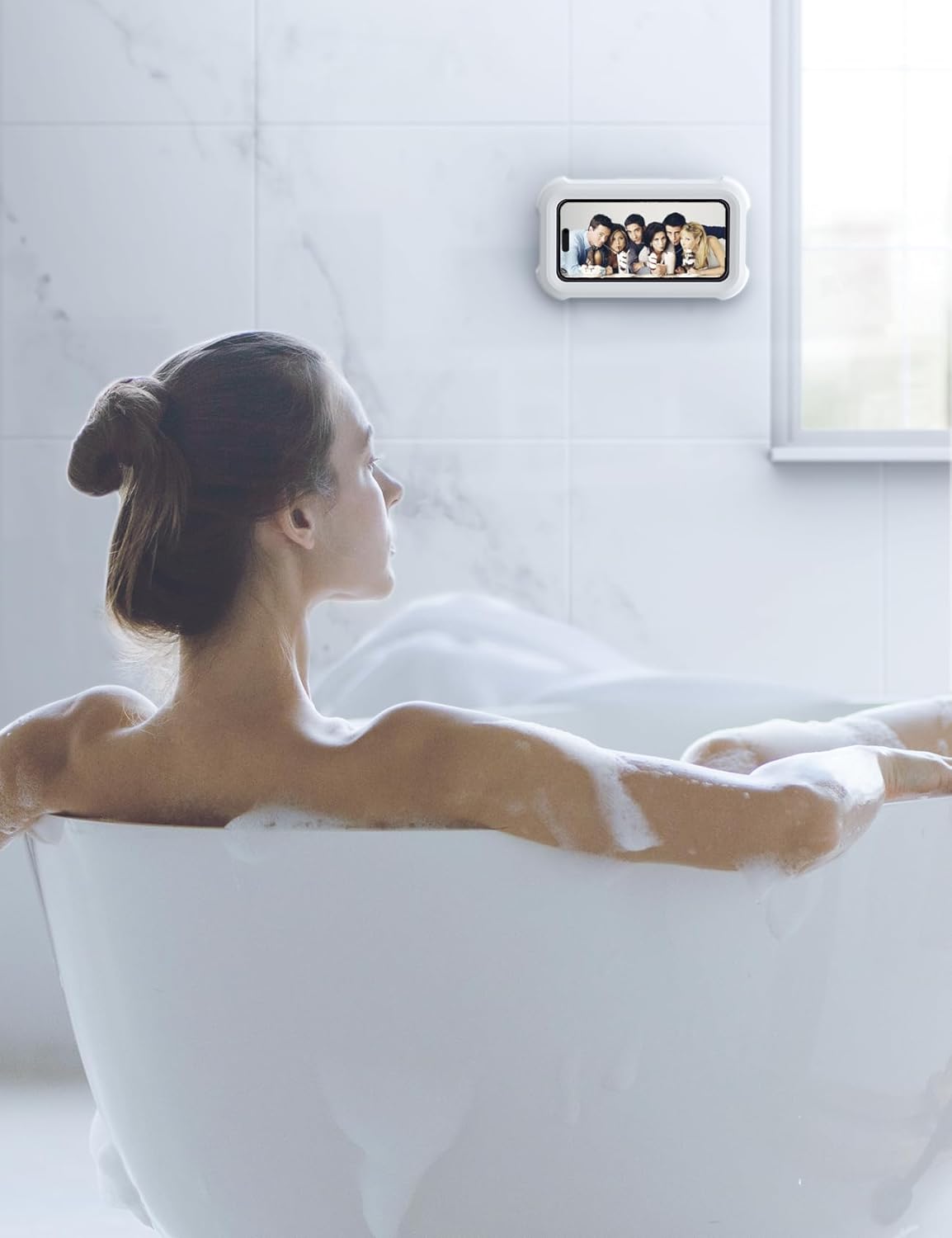
Image 4.2: The case demonstrating compatibility with various smartphone models, suitable for 4-7 inch devices.
4.3 Desktop Use
The case also features a built-in stand for desktop use. Simply pull out the integrated stand on the back of the case to prop it up on any flat surface, such as a bath tray or table.

Image 4.3: The phone case positioned on a bath tray, demonstrating its versatility for desktop use.
5. Operating Instructions
5.1 Using the Touch Screen
The case is designed with a sensitive front film that allows for touch screen operation while your phone is inside. You can navigate, type, and interact with your phone as usual. For optimal touch response, ensure there are no air bubbles between your phone screen and the case's front film.
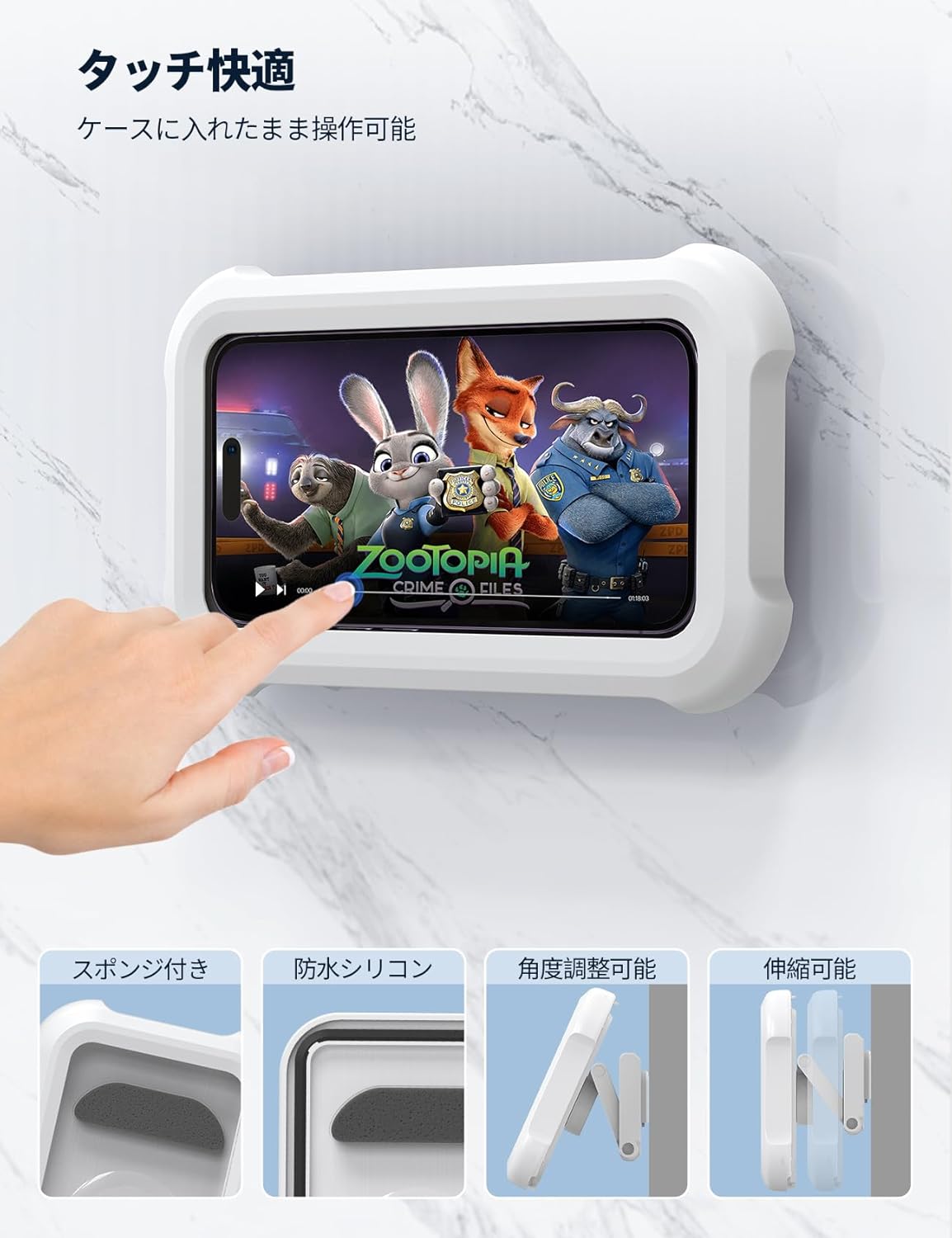
Image 5.1: Operating the smartphone touch screen through the waterproof case.
5.2 360-Degree Rotation
The case can be rotated 360 degrees on its mount, allowing you to switch between portrait and landscape viewing modes effortlessly. Simply grasp the case and rotate it to your desired orientation.

Image 5.2: The case rotating 360 degrees on its mount for flexible viewing angles.
5.3 Angle and Height Adjustment
The wall mount features an adjustable arm that allows you to modify the viewing angle and height of the phone case. Extend or retract the arm and pivot the case to achieve your preferred viewing position.

Image 5.3: Detail of the adjustable arm for angle and height customization.
6. Maintenance
- Cleaning: Wipe the case with a soft, damp cloth. Do not use abrasive cleaners or solvents, as these may damage the waterproof coating or material.
- Seal Inspection: Regularly inspect the waterproof silicone seal around the case opening for any signs of wear, tears, or debris. A damaged seal can compromise the waterproof integrity.
- Adhesive Mount: If the adhesive mount loses its stickiness, it may be due to dirt or oil. Clean the surface and the adhesive pad with rubbing alcohol and allow it to dry completely. If the issue persists, replace the adhesive mount with one of the included spares.
- Storage: When not in use, store the case in a clean, dry place away from direct sunlight and extreme temperatures.
7. Troubleshooting
| Problem | Possible Cause | Solution |
|---|---|---|
| Touch screen unresponsive or sluggish. |
|
|
| Case not adhering to the wall. |
|
|
| Water inside the case. |
|
|
8. Specifications
| Model Number | STRY01-JP-W |
| Brand | Lamicall |
| Color | White |
| Material | Acrylonitrile Butadiene Styrene (ABS) |
| Waterproof Rating | IPX6 (Resistant to high-pressure, heavy sprays of water) |
| Rotation | 360-degree rotatable |
| Mounting Type | Wall-mounted & Desktop stand |
| Compatible Phone Size | Approximately 4-7 inch smartphones |
| Product Dimensions | 20.8 x 12.3 x 4.2 cm (Package Size) |
| Product Weight | 0.21 kg |
9. Warranty & Support
Lamicall products are designed for durability and performance. For warranty information, product support, or to contact customer service, please visit the official Lamicall store on Amazon or their official website. Please have your model number (STRY01-JP-W) and purchase details ready when contacting support.
Lamicall Amazon Store: Visit Store


