
1. Introduction
Welcome to your new VTech CS1500 DECT Cordless Phone. This manual provides detailed instructions to help you set up, operate, and maintain your phone, ensuring you get the most out of its features. The VTech CS1500 is designed for clear communication and convenience, featuring a call blocker, caller ID, hands-free speakerphone, and an innovative dual-charging design.

2. Package Contents
Before you begin, please ensure all items are present in your package:
- VTech CS1500 Handset
- Charging Base
- Power Adapter for Charging Base
- Telephone Line Cord
- Rechargeable NiMH Batteries (4 product-specific batteries included)
- User Manual (this document)
3. Setup
3.1. Battery Installation and Charging
- Open the battery compartment cover on the back of the handset.
- Insert the supplied NiMH rechargeable batteries, observing the correct polarity (+ and -).
- Close the battery compartment cover.
- Connect the small end of the power adapter to the charging base and the other end to a wall outlet.
- Place the handset on the charging base. The handset features an innovative dual-charging design, allowing it to be charged face down or face up. Charging face up allows for easy screen viewing, while face down provides a compact placement.

Allow the handset to charge for at least 16 hours before initial use to ensure optimal battery performance.
3.2. Connecting the Telephone Line
- Connect one end of the telephone line cord to the telephone line jack on the charging base.
- Connect the other end of the telephone line cord to a telephone wall jack.
4. Operating Instructions
4.1. Making and Receiving Calls
- To Make a Call: Press the Talk button (green receiver icon), then dial the number.
- To Receive a Call: When the phone rings, press the Talk button.
- To End a Call: Press the End button (red power icon) or place the handset back on the charging base.
4.2. Hands-Free Speakerphone
To activate the hands-free speakerphone during a call, press the Speakerphone button (speaker icon). Press it again to switch back to handset mode.

4.3. Phonebook (Directory)
The phonebook can store up to 60 names and numbers for quick dialing.
- To Add an Entry: Navigate to the phonebook menu, select 'Add New Entry', enter the name and number, then save.
- To Dial from Phonebook: Press the Directory button, scroll to the desired entry, and press Talk.

4.4. Caller ID and Call Waiting
The phone stores up to 20 caller ID records. When a call comes in, the caller's name, number, time, and date will be displayed (requires subscription to caller ID service from your telephone provider).

4.5. Nuisance Call Blocker
Block unwanted calls by adding up to 60 numbers to the blacklist. Calls from blocked numbers will not ring through.
- To Block a Number: Access the call blocker menu, select 'Add Number', and enter the number you wish to block.

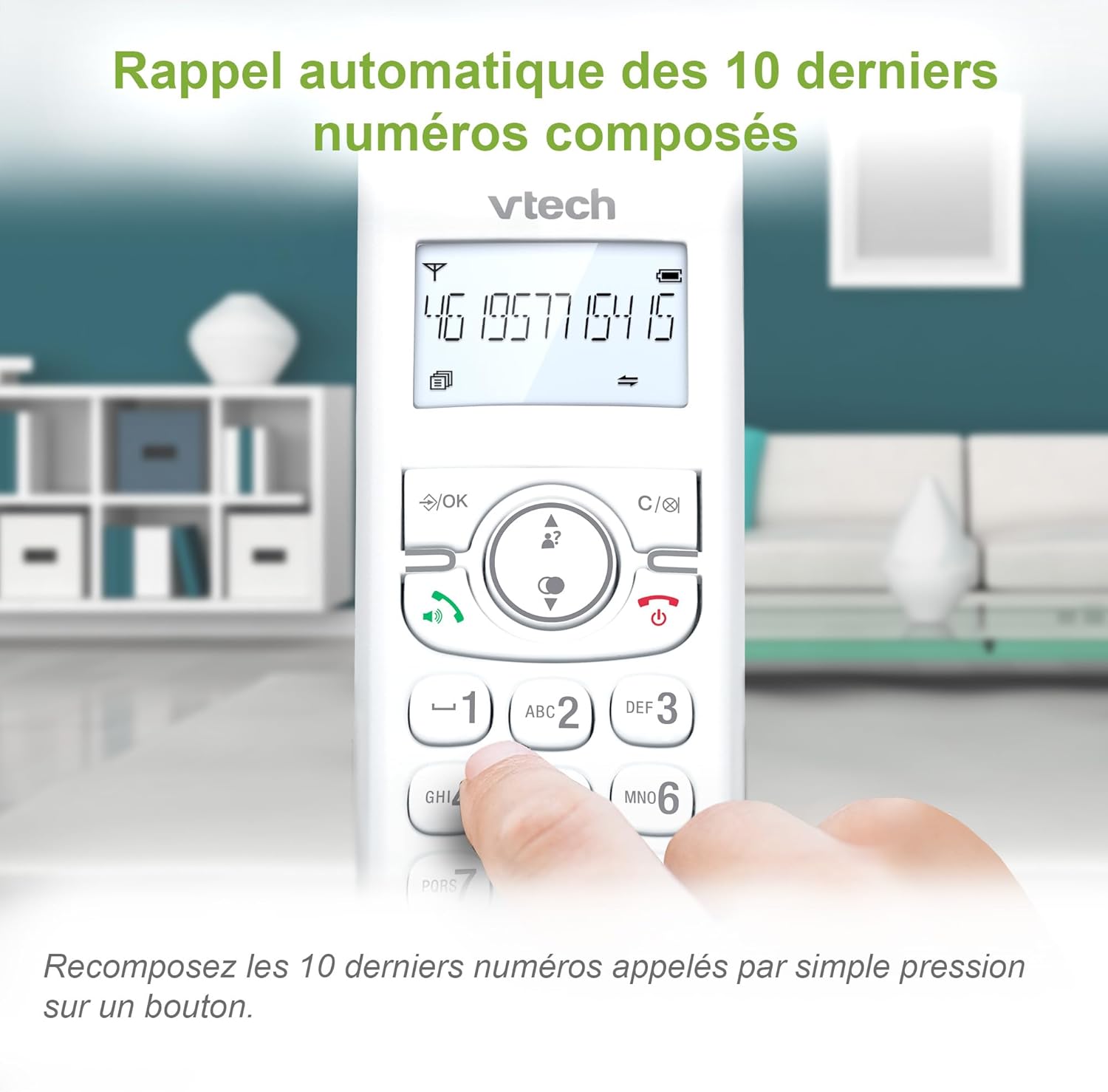
4.6. Redial Last 10 Numbers
Quickly redial any of the last 10 numbers called by pressing the Redial button and selecting from the list.
4.7. Other Features
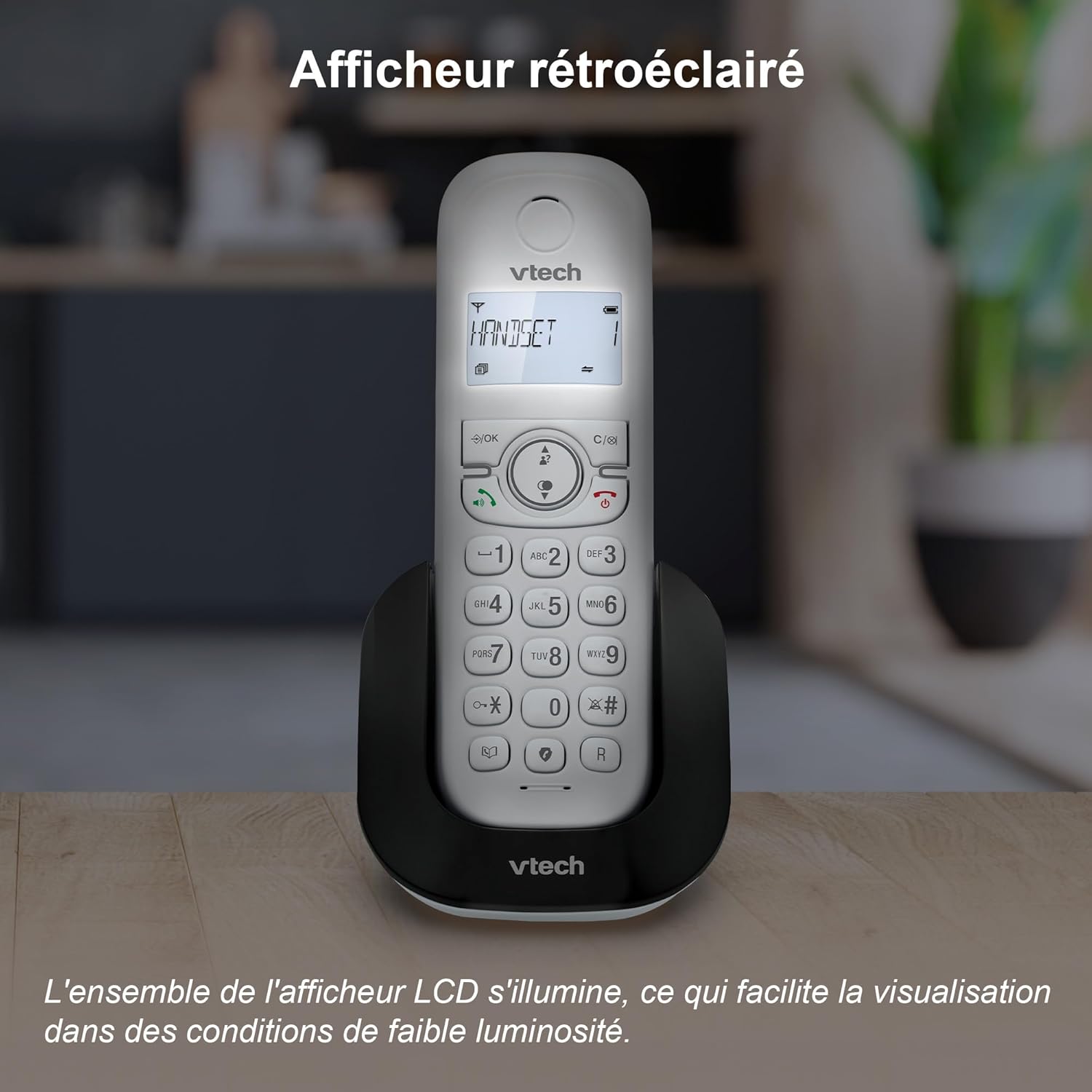
- Backlit LCD: The backlit display ensures clear visibility even in low-light conditions.
- ECO Mode: The handset automatically adjusts and reduces radio frequency power based on its distance from the base unit, conserving energy.
- Adjustable Ring Volume and Melodies: Customize your phone's ringtone and volume settings.
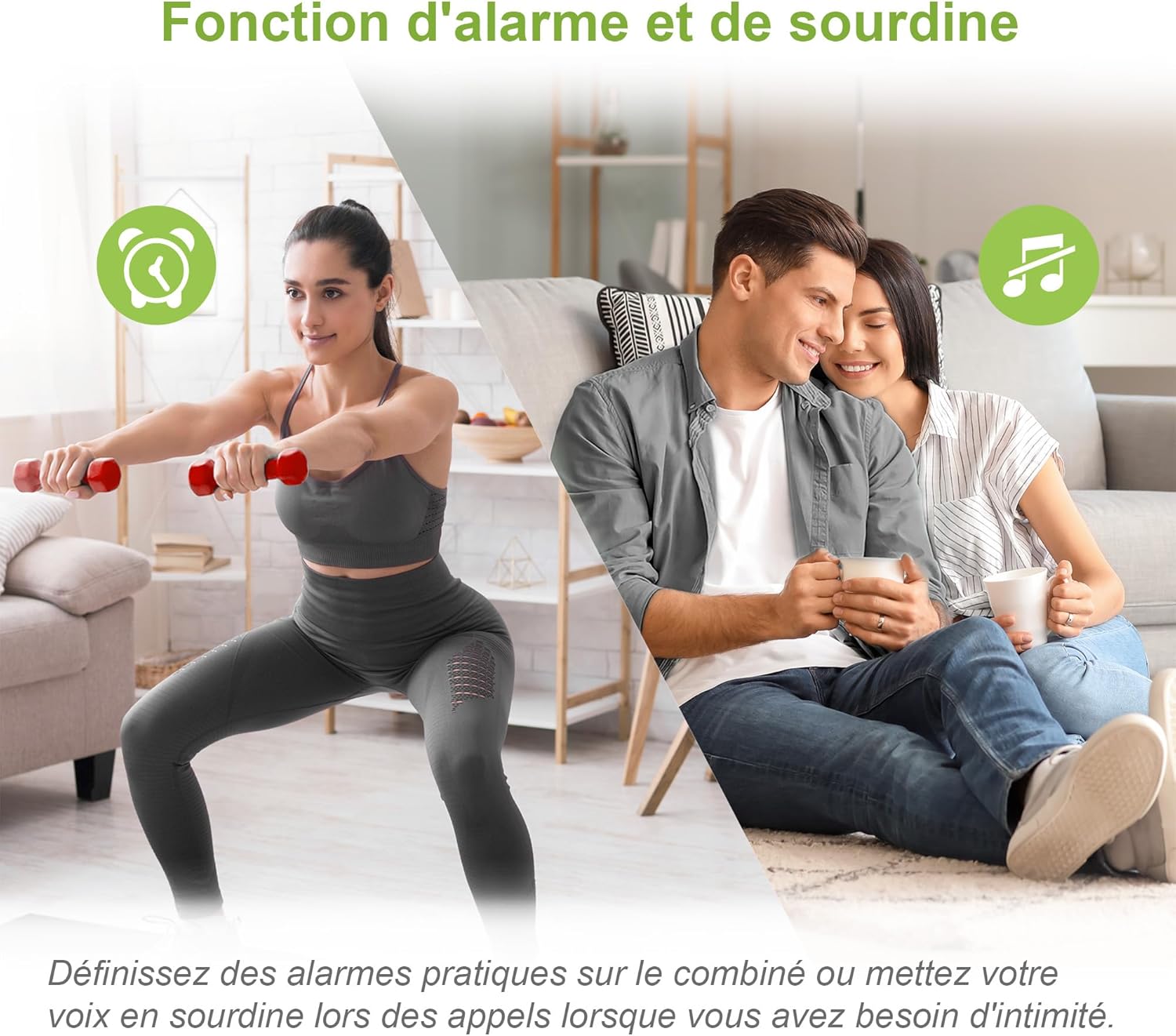
- Alarm Function: Set alarms directly from the handset.
- Mute Function: Mute your microphone during a call for privacy.
- Long Battery Life: Enjoy up to 13 hours of talk time and 200 hours of standby time.



5. Maintenance
To ensure the longevity and optimal performance of your VTech CS1500 DECT Cordless Phone, follow these maintenance guidelines:
- Cleaning: Wipe the handset and base with a soft, damp cloth. Do not use cleaning sprays or harsh chemicals.
- Battery Care: Use only the specified rechargeable NiMH batteries. If the phone will not be used for an extended period, remove the batteries.
- Environmental Conditions: Avoid exposing the phone to extreme temperatures, direct sunlight, or moisture.
- Storage: Store the phone in a cool, dry place when not in use.
6. Troubleshooting
If you encounter any issues with your VTech CS1500, please refer to the following common problems and solutions:
| Problem | Solution |
|---|---|
| No dial tone | Ensure the telephone line cord is securely connected to both the base and the wall jack. Check if the power adapter is properly connected. |
| Handset not charging | Verify the handset is correctly placed on the charging base. Check the power adapter connection. Ensure batteries are installed correctly. |
| Poor call quality / Static | Move the handset closer to the base unit. Avoid placing the base near other electronic devices that may cause interference. |
| Display is blank | Ensure the handset is charged. If the issue persists, try resetting the phone by disconnecting the power from the base for a few minutes, then reconnecting. |
| Cannot block calls | Ensure you have correctly added the number to the call blocker list as per section 4.5. |
If the problem persists after trying these solutions, please contact VTech customer support.
7. Specifications
- Model: CS1500
- Brand: VTech
- Color: White
- Material: Plastic
- Weight: 275 Grams
- Battery Type: NiMH (4 product-specific batteries included)
- Talk Time: Up to 13 hours
- Standby Time: Up to 200 hours
- Compatible Devices: PSTN, possibly ISDN
- Phonebook Capacity: 60 names and numbers
- Caller ID Memory: 20 records
- Call Blocker Capacity: 60 numbers
8. Warranty and Support
For warranty information and technical support, please refer to the warranty card included with your product or visit the official VTech website. Keep your purchase receipt as proof of purchase.
VTech Customer Support: For assistance, please visit the VTech support page or contact their customer service hotline, details of which can typically be found on the VTech official website or in the product packaging.


