Introduction
This manual provides essential information for the safe and efficient operation of your Samsung RF59C70TES9/ES Four-Door AI Refrigerator. Please read these instructions thoroughly before using the appliance and retain them for future reference.
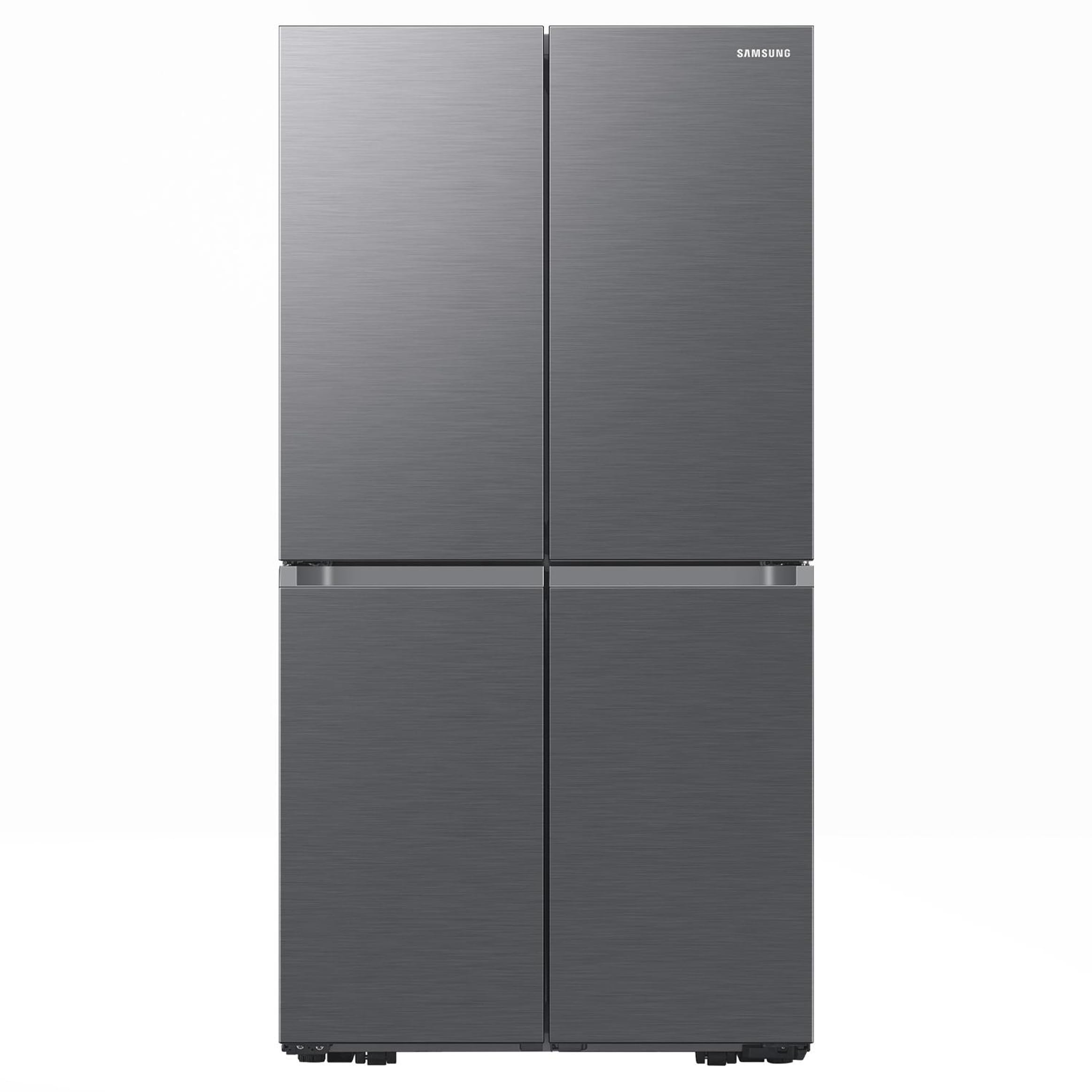
Image: Front view of the Samsung RF59C70TES9/ES Four-Door AI Refrigerator in Metal Inox finish.
Safety Information
To reduce the risk of fire, electric shock, or injury when using your refrigerator, follow these basic precautions:
- Ensure the refrigerator is properly grounded.
- Do not use electrical appliances inside the food storage compartments unless they are of the type recommended by the manufacturer.
- Keep ventilation openings clear of obstruction.
- Do not damage the refrigerant circuit.
- Do not store explosive substances such as aerosol cans with a flammable propellant in this appliance.
- Unplug the appliance before cleaning or performing maintenance.
- This appliance is not intended for use by persons (including children) with reduced physical, sensory or mental capabilities, or lack of experience and knowledge, unless they have been given supervision or instruction concerning use of the appliance by a person responsible for their safety.
Setup
Unpacking and Placement
Carefully remove all packaging materials. Ensure no parts are missing or damaged. Place the refrigerator on a flat, stable surface, away from direct sunlight and heat sources. Allow adequate space around the appliance for proper ventilation (at least 5 cm on sides and back, 10 cm on top).

Image: Interior view of the refrigerator compartments, showing various food items.
Electrical Connection
Connect the power cord to a dedicated, grounded electrical outlet. Do not use extension cords or adapters. The refrigerator requires a 220 Volt power supply.
Water Connection (for Ice Maker/Water Dispenser)
If your model includes an automatic ice maker or water dispenser, connect the refrigerator to a potable water supply using the provided water line kit. Refer to the detailed installation guide for specific steps to prevent water leakage.
Operating Instructions
Control Panel and Temperature Settings
The refrigerator features an Easy Access Control with an internal LED display. Use the control panel to adjust the temperature for the refrigerator and freezer compartments. Recommended temperatures are 3°C (37°F) for the refrigerator and -18°C (0°F) for the freezer.

Image: A smartphone displaying the SmartThings Energy app, showing energy consumption data for the refrigerator.
Special Functions
- Power Cool: Quickly cools the refrigerator compartment. Useful for rapidly chilling newly added items.
- Power Freeze: Rapidly lowers the freezer temperature to freeze food quickly. Ideal for preserving freshness of newly frozen items.
- Holiday Mode: Sets the refrigerator to an energy-saving mode when you are away for an extended period. The freezer continues to operate normally.
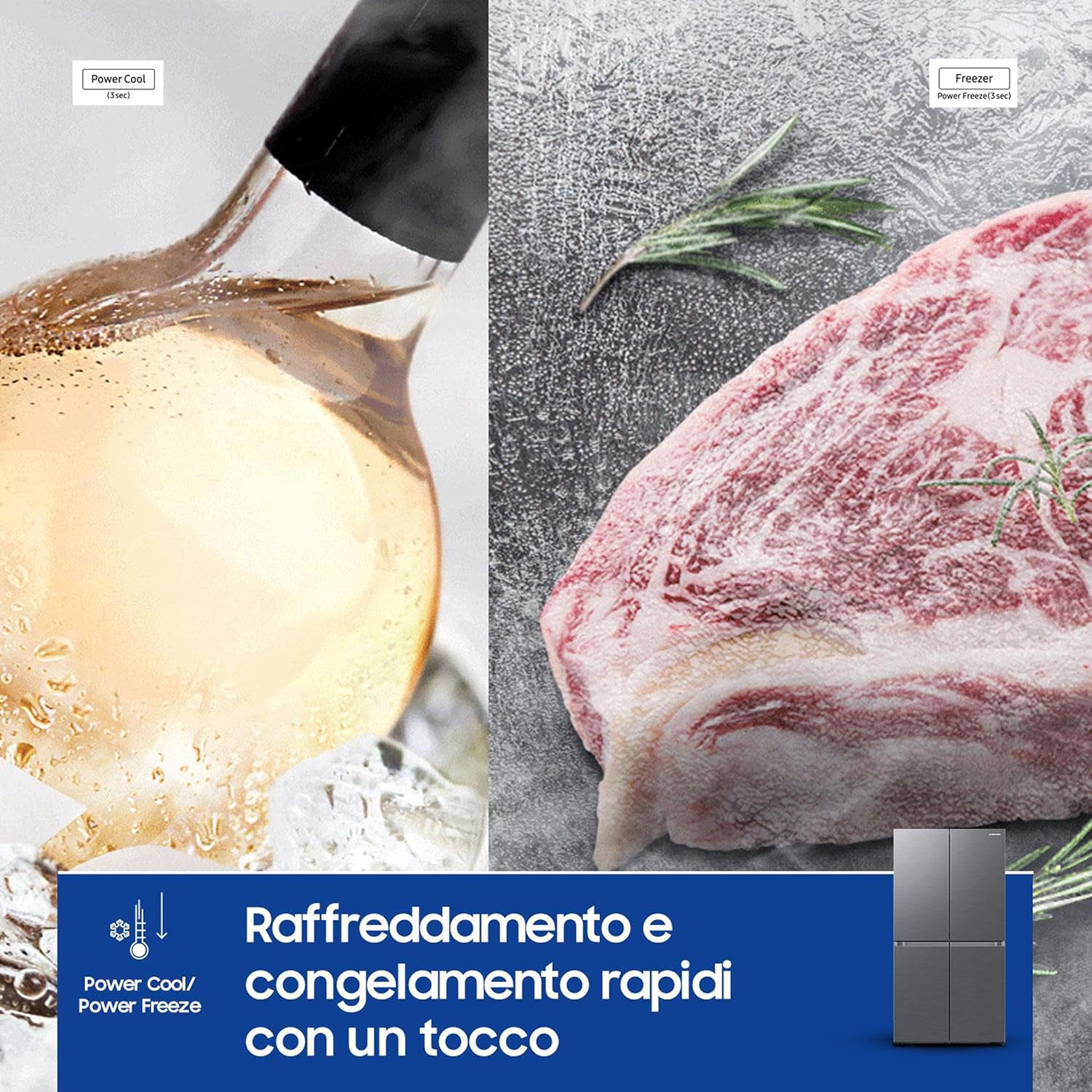
Image: Visual representation of Power Cool (chilling a drink) and Power Freeze (freezing meat) functions.
AI Energy Mode (SmartThings App)
Activate the AI Energy Mode via the SmartThings app to monitor and reduce your refrigerator's energy consumption by up to 15%. This feature optimizes compressor operation based on usage patterns.
Video: An official Samsung video demonstrating the AI Vision Inside feature, which helps manage food and suggests recipes.
Storage Compartments
- Flex Crisper: Ideal for storing meat and fish, maintaining optimal conditions for freshness.
- Crisper+: Designed for fruits and vegetables, providing a controlled humidity environment to extend their shelf life.
- All Around Cooling: Ensures uniform cold air distribution to every shelf, maintaining consistent temperatures throughout the refrigerator.

Image: Close-up view of the Flex Crisper drawer with meat and Crisper+ drawer with fruits and vegetables.

Image: Diagram illustrating the All Around Cooling system, showing cold air circulating evenly throughout the refrigerator compartments.
Twist Ice Maker
The integrated Twist Ice Maker allows for convenient production of ice cubes. Simply fill the water tray, allow it to freeze, and twist the knob to release ice into the storage bin.
Maintenance
Cleaning
- Interior: Clean regularly with a mild detergent and warm water. Wipe dry with a soft cloth. Remove shelves and drawers for thorough cleaning.
- Exterior: Wipe surfaces with a soft, damp cloth. For stainless steel finishes, use a specialized stainless steel cleaner.
- Door Gaskets: Clean door gaskets regularly to ensure a tight seal and prevent energy loss.
Total No Frost
The Total No Frost technology prevents ice buildup in both the refrigerator and freezer compartments, eliminating the need for manual defrosting. This system maintains optimal cooling performance and food freshness.
Digital Inverter Compressor
Your refrigerator is equipped with a Digital Inverter Compressor, designed for quiet operation, energy efficiency, and long-lasting performance. This compressor comes with a 20-year warranty, ensuring reliability.

Image: A badge indicating a 20-year warranty on the Digital Inverter Compressor.
Troubleshooting
If you encounter issues with your refrigerator, consult the following common solutions before contacting service:
- Refrigerator not cooling: Check power supply, temperature settings, and ensure doors are properly closed.
- Excessive noise: Ensure the refrigerator is level and not touching walls or cabinets. Check for loose items inside.
- Water leakage: Verify water line connections are secure and the drain pan is not overflowing.
- Ice buildup: While Total No Frost minimizes ice, ensure door seals are intact and not obstructed.
For more detailed troubleshooting, refer to the full product manual available on the Samsung support website.
Specifications
| Feature | Detail |
|---|---|
| Brand | Samsung |
| Model Number | RF59C70TES9/ES |
| Type | Four-Door AI Refrigerator |
| Capacity (Total) | 649 Liters |
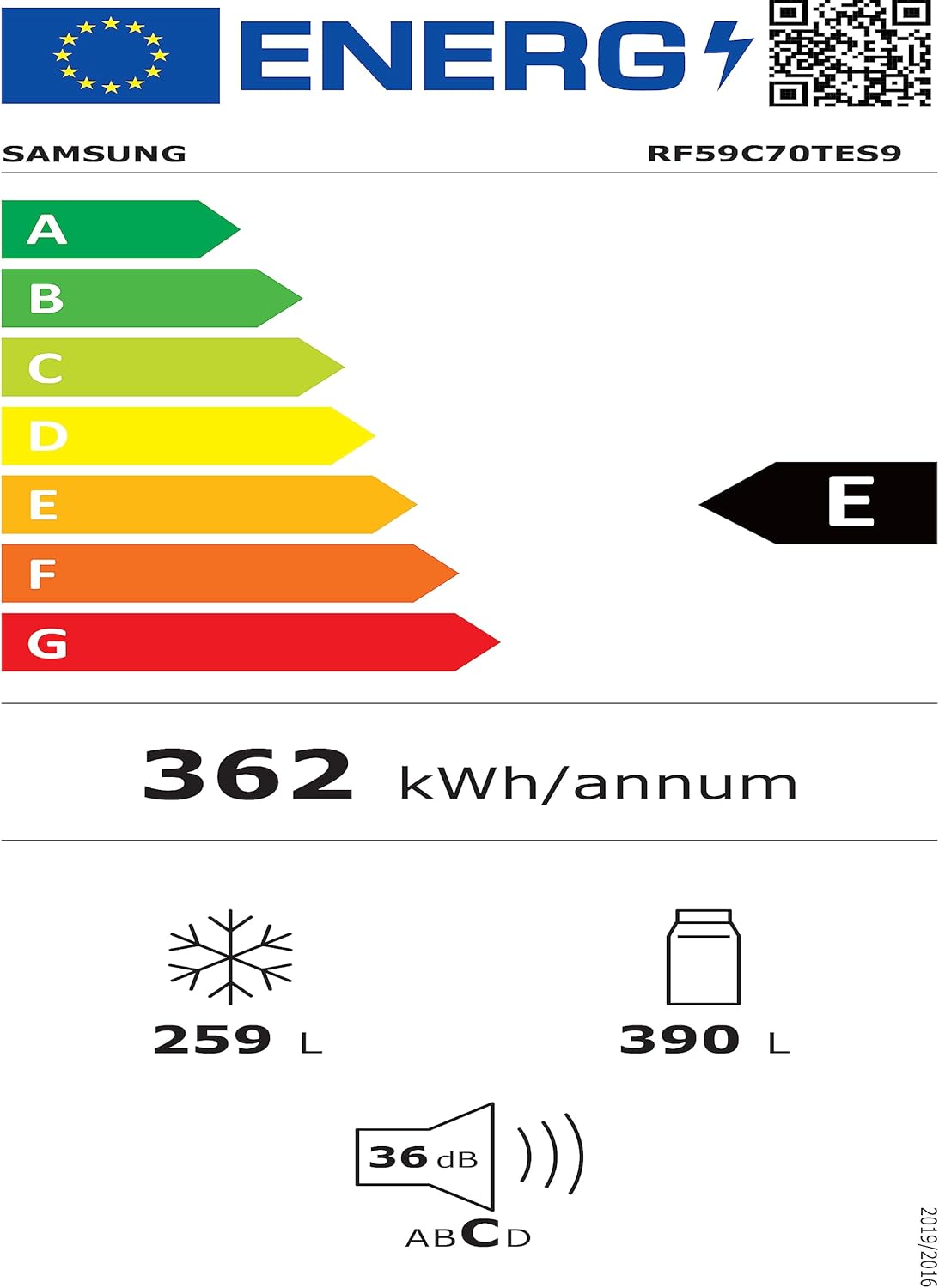
| Refrigerator Capacity | 390 Liters |
| Dimensions (WxDxH) | 91.2 x 72.3 x 177.9 cm |
| Weight | 180 kg |
| Color | Metal Inox |
| Cooling Technology | Total No Frost, All Around Cooling |
| Compressor | Digital Inverter (20-year warranty) |
| Smart Features | AI Energy Mode (via SmartThings App), WiFi |
| Energy Efficiency Class | E |
| Annual Energy Consumption | 362 kWh/annum |
| Noise Level | 36 dB |
| Defrosting Type | Automatic |
Image: Energy label for the Samsung RF59C70TES9/ES refrigerator, showing energy class E and annual consumption.
For detailed product information, refer to the official EU EPREL database: https://eprel.ec.europa.eu/qr/1509405
Warranty and Support
Your Samsung RF59C70TES9/ES Refrigerator comes with a standard manufacturer's warranty. The Digital Inverter Compressor is covered by a separate 20-year warranty. For warranty details, service requests, or technical support, please visit the official Samsung website or contact Samsung customer service in your region.
Online resources and FAQs are available at the Samsung Store on Amazon or the main Samsung support portal.


